
DVD Player - FREE offers a convenient solution for playing DVDs and various video formats on your Windows PC. This review delves into its features, performance, limitations, and alternatives, providing a comprehensive overview to help you decide if it’s the right DVD player for your needs.
Key Features and Functionality
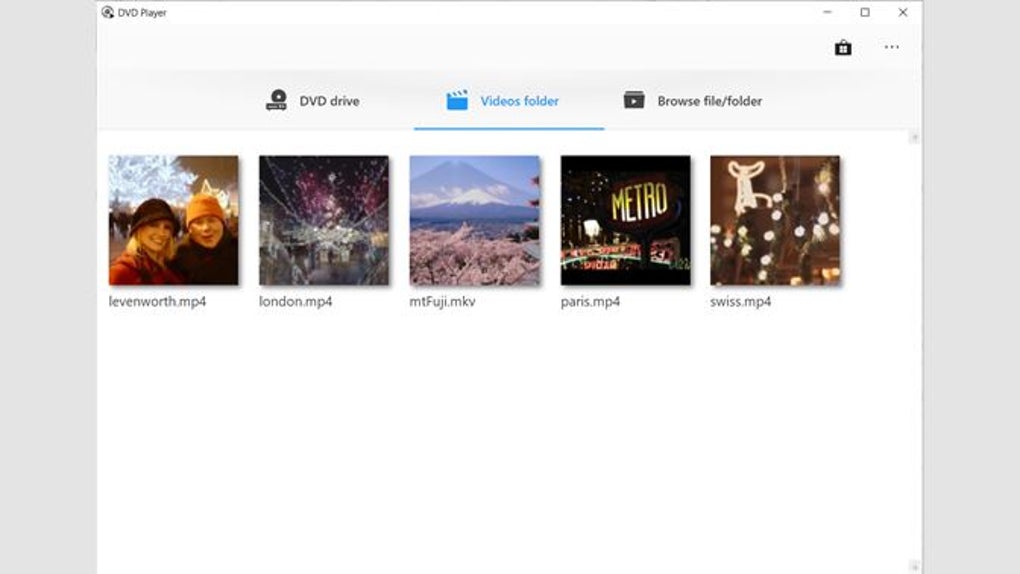
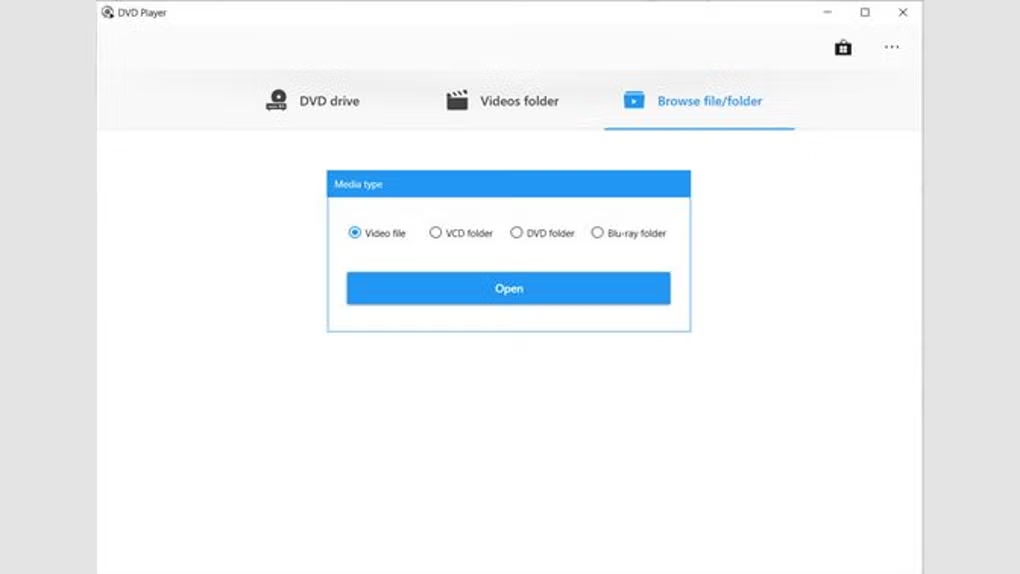
DVD Player - FREE boasts a straightforward approach to DVD playback, focusing on ease of use and compatibility. Its primary function is to play DVD discs, but its capabilities extend beyond this basic function. The software supports common video file formats such as ISO image files and folders, eliminating the need for multiple media players. This simplifies your media management by centralizing your DVD and video playback in a single application.
One of its standout features is broad codec support. Unlike some players that require additional codec packs, DVD Player - FREE incorporates support for MPEG-1, MPEG-2, and H.264 codecs, ensuring compatibility with a vast array of video content without the hassle of installing extra software. This streamlined approach simplifies the user experience, making it ideal for users who prefer a simple, hassle-free solution.
Furthermore, the program offers convenient features to enhance the viewing experience. Subtitle synchronization allows you to precisely align subtitles with the video, crucial for those who watch movies with subtitles. Video filters provide options for adjusting the picture quality, allowing users to fine-tune the visuals to their preferences. Support for subtitle encoding allows for broader language support and accessibility.
The user interface is designed for simplicity and ease of navigation. The clean, uncluttered design prioritizes ease of use, even for those unfamiliar with media player software. This intuitive design makes it easy to quickly locate and play your desired movies, avoiding the complexity often found in more feature-rich players.
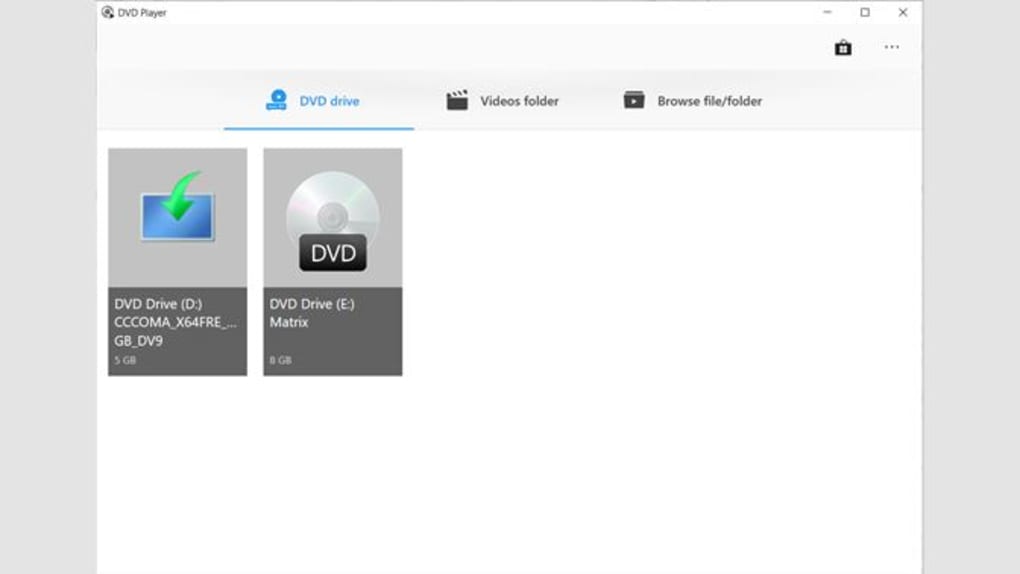
The software’s compatibility extends to various file formats, including VOB files, a common format for DVD video content. This wide range of compatibility ensures you can play various video files without needing additional software, streamlining your multimedia experience.
DVD Player - FREE aims to minimize system resource usage. This light footprint ensures your system remains responsive even while playing DVDs or other video files, preventing performance lags that can interrupt your viewing pleasure. This makes it an excellent option for users with older or less powerful computers, ensuring a smooth viewing experience.
Performance and System Requirements
The performance of DVD Player - FREE is generally positive, with smooth playback reported for most users. The software efficiently handles DVD playback, and its efficient resource usage contributes to a responsive system even during extended use. However, performance might vary based on the hardware specifications of the user’s computer and the complexity of the video being played. Users with older or lower-powered systems might experience occasional minor lag, especially with high-definition video content.
The specific system requirements for DVD Player - FREE are not explicitly detailed in readily available information. However, based on its overall performance and reported usage, it is likely to be compatible with most modern Windows systems and requires a reasonably up-to-date system to perform optimally. Users with older systems should anticipate potential performance limitations, especially for high-resolution video formats.
Limitations and Alternatives
Despite its advantages, DVD Player - FREE has limitations. The most significant drawback is the limited availability of the free version. While the free version is initially available, its usage is restricted to a three-month trial period after which the user must purchase a license for continued use. This time-limited free version might not be suitable for users seeking a long-term free solution. The software is not available on all platforms; it is currently only available for Windows and Mac OS, and there are no plans to release a Linux version.
Several alternative DVD player software applications provide comparable or enhanced functionality. One prominent alternative is PotPlayer, a popular free and open-source media player known for its extensive codec support and advanced features. It offers a wider range of customization options and is suitable for users who need more control over their viewing experience. Other alternatives, such as VLC media player, offer cross-platform compatibility and support for a broader range of video and audio formats, making them suitable for those seeking versatile media players for multiple operating systems.
The selection of an alternative often depends on specific needs and preferences. Users prioritizing a simple, easy-to-use interface might find DVD Player - FREE suitable during its free trial period. Users desiring more advanced features, broader format support, or cross-platform compatibility might prefer alternatives like PotPlayer or VLC.
Pricing and Availability
DVD Player - FREE offers a free trial version with limited usage, which is a significant advantage for users wanting to test the software before committing to a purchase. After the three-month trial expires, a paid license is required for continued use. The pricing details for the full version are not readily accessible on the application’s website or in promotional materials. To obtain pricing and purchasing options, users will likely need to access the full version or contact the software developer directly.
The availability of the software is limited to Windows and Mac OS platforms. Currently, there are no plans for a Linux version of the software, which may exclude a segment of users.
User Reviews and Feedback
User reviews and feedback on DVD Player - FREE are limited. Due to the relative novelty of the software, there is limited online presence. This lack of feedback makes it challenging to gauge the wider user experience. This lack of readily accessible user reviews makes it imperative for prospective users to critically evaluate their needs and weigh this limitation before deciding on using the software.
Conclusion
DVD Player - FREE presents a basic yet functional solution for playing DVDs and various video formats on Windows PCs. Its ease of use and simple interface are appealing, especially for users who need a straightforward solution without excessive complexity. However, the limited availability of the free version and the lack of broader platform support restrict its appeal. Users considering this software should carefully weigh the three-month trial limitation and compare it to alternatives that offer more features, broader compatibility, and ongoing free access. Consider the software’s limitations and explore alternative options such as PotPlayer or VLC, which provide potentially more robust features and wider compatibility, before making a decision.
File Information
- License: “Free”
- Version: “1.0”
- Latest update: “January 31, 2023”
- Platform: “Windows”
- OS: “Windows 11”
- Language: “English”
- Downloads: “2.9K”


