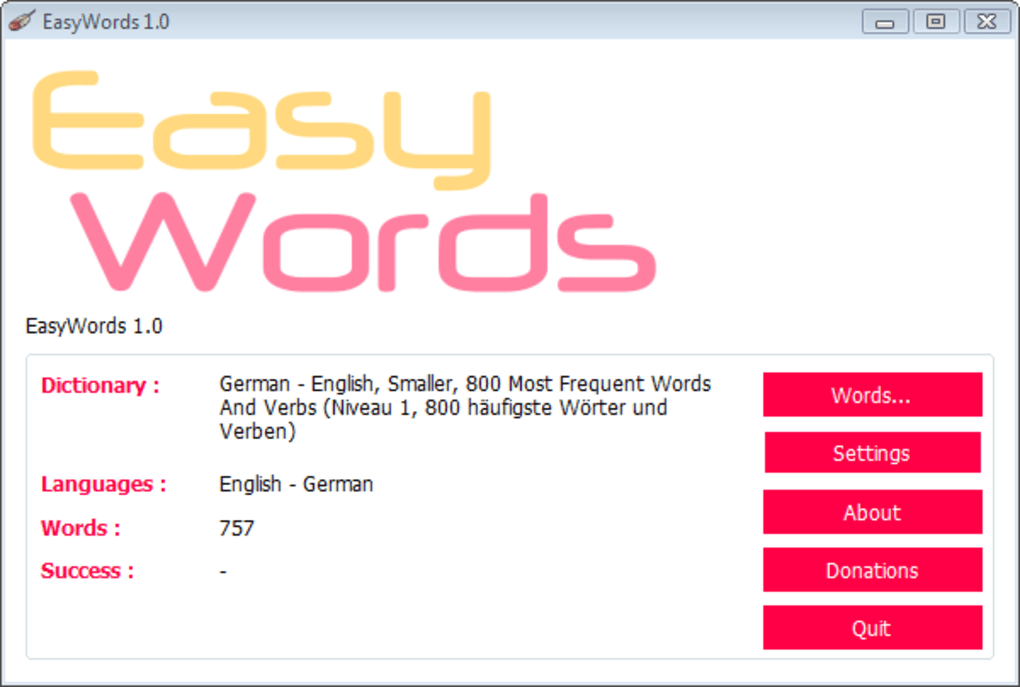
EasyWords is a lightweight Windows application designed to assist language learners in reinforcing their vocabulary through frequent, randomized quizzes. Its core functionality revolves around presenting users with vocabulary words from a chosen dictionary, prompting them for translations. This straightforward approach, combined with customizable settings and clever algorithms, makes EasyWords a potentially effective tool for supplementing traditional language learning methods.
How EasyWords Works
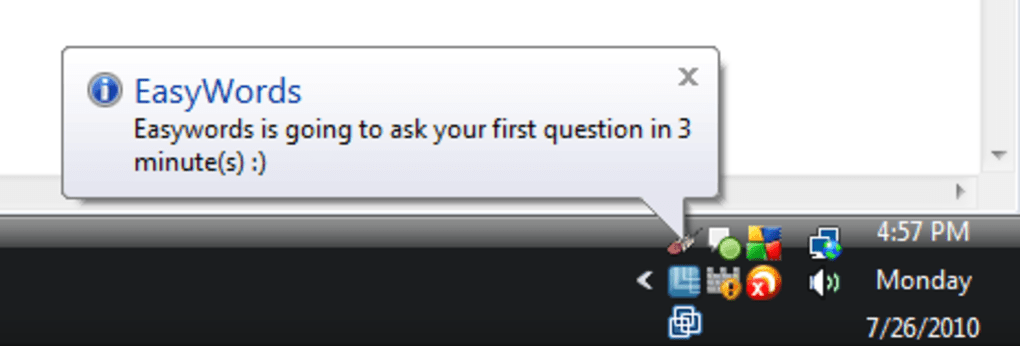
The program operates on a simple yet effective principle: a pop-up window randomly appears on the user’s screen, presenting a word from the selected dictionary and requesting its translation. This interruption-based method aims to integrate vocabulary practice seamlessly into the user’s daily computer activities, promoting consistent engagement and spaced repetition. The frequency of these pop-up quizzes is fully customizable, allowing users to adjust the intensity of their practice sessions to suit their individual learning styles and schedules. This flexible approach caters to different learning paces and preferences, preventing overwhelming the user with constant interruptions.
Beyond simple recall, EasyWords offers two different question types: multiple-choice and written response. The multiple-choice option provides a safety net for learners who may struggle with immediate recall, offering a range of potential answers to choose from. The written response mode, however, fosters a more active and engaged learning experience, encouraging users to actively retrieve the translated word from memory. This selection allows for progressive difficulty, starting with multiple-choice to build confidence, before transitioning to the more challenging written responses.
One of the key features of EasyWords is its adaptive learning algorithm. For multiple-choice questions, incorrect answers trigger increased repetition of the problematic word. This dynamic approach prioritizes reinforcing weak areas, focusing the learning process on the most challenging vocabulary items. Further enhancing the challenge, the program utilizes the SoundEx algorithm to generate incorrect answer choices. This algorithm identifies words phonetically similar to the correct answer, creating a more cognitively demanding experience and forcing learners to differentiate between subtly different-sounding words. This approach moves beyond simple memorization and encourages a deeper understanding of phonetic relationships within the target language.
Language Support and Dictionary Integration
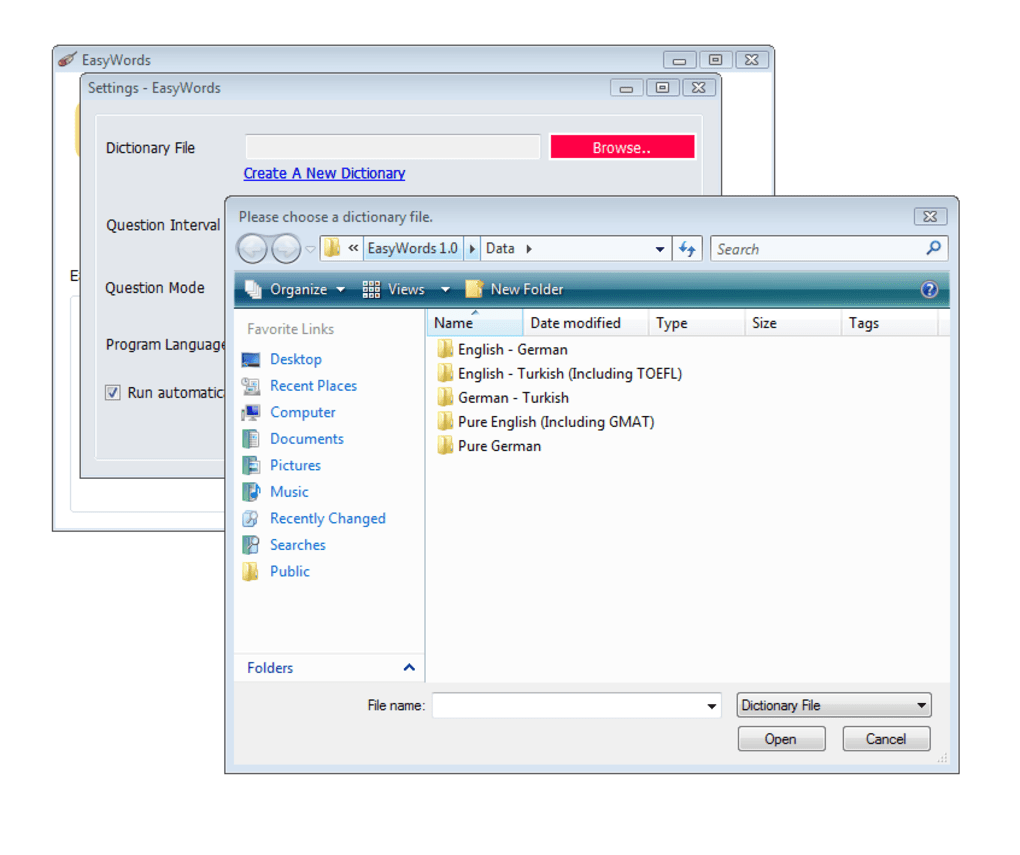
While EasyWords comes pre-loaded with dictionaries for English, German, and Turkish, its versatility extends far beyond these three languages. Users can incorporate their own dictionaries, provided they are in a compatible format. This flexibility makes EasyWords highly adaptable to various language learning needs, accommodating a wide range of languages and learning materials. This open-source nature fosters user contributions and ensures that the program’s usefulness is not confined to a pre-determined set of languages.
The ability to upload custom dictionaries is a crucial aspect of the program’s usability. This feature allows users to tailor their learning experience to their specific curriculum or focus on specialized vocabulary. It eliminates the limitations of pre-packaged content, allowing for personalized learning paths based on individual needs and goals. This freedom enhances the program’s overall usefulness, making it suitable for a broader range of learners, from students preparing for language exams to professionals needing to learn industry-specific terminology.
Strengths and Weaknesses of EasyWords
EasyWords possesses several compelling strengths, particularly its theoretical foundation and adaptable features. The program is built on the sound principles of spaced repetition and adaptive learning, proven strategies for effective vocabulary acquisition. Its customizable quiz frequency and question type provide a degree of flexibility essential for personalized learning. The inclusion of three pre-loaded languages and the ability to integrate custom dictionaries significantly enhance its accessibility and utility across various language learning scenarios.
However, some limitations exist. The most notable is the requirement for users to manually download and upload dictionaries for languages beyond the initial three. This additional step might deter some users, especially those unfamiliar with language data files or less tech-savvy individuals. Furthermore, it’s crucial to recognize that EasyWords is primarily a vocabulary reinforcement tool, not a comprehensive language learning program. It’s designed to assist in practicing already-learned words, not to teach new ones. Users need a pre-existing base of vocabulary before they can effectively use the application.
EasyWords in the Context of Language Learning Software
EasyWords occupies a specific niche within the broader landscape of language learning software. While many applications offer comprehensive courses, interactive exercises, and multimedia content, EasyWords focuses on a targeted approach to vocabulary retention. This niche focus allows for a streamlined, less complex application, prioritizing simplicity and efficient vocabulary practice. This simplicity, however, comes at the cost of a less comprehensive learning experience. EasyWords shouldn’t be considered a replacement for structured language courses but rather a valuable supplement to bolster vocabulary acquisition.
Compared to other vocabulary learning software, EasyWords distinguishes itself through its unique, interruption-based approach. While many programs require users to actively engage with the application, EasyWords integrates itself into the user’s workflow, prompting them during other tasks. This passive learning element potentially improves long-term vocabulary retention by reinforcing words within the context of daily computer use. However, this approach might also be disruptive for some users, depending on their individual workflow and preferences.
Conclusion
EasyWords offers a straightforward, customizable approach to vocabulary reinforcement. Its adaptive learning algorithms and flexible settings cater to individual learning styles and needs. While not a complete language learning solution, its unique interruption-based method and ability to integrate custom dictionaries make it a potentially valuable supplement to other language learning resources. Its simplicity might appeal to those who prefer a less complex, focused approach to vocabulary practice. However, the need to manually manage dictionaries and its focus on reinforcement rather than initial learning are significant considerations. Ultimately, the effectiveness of EasyWords depends on the user’s existing vocabulary base and their ability to integrate its interruption-based learning style into their daily routine. It’s a useful tool for those who already have a foundation in the target language and seek a simple, yet effective method to reinforce their vocabulary.
File Information
- License: “Free”
- Version: “1.7”
- Latest update: “February 13, 2019”
- Platform: “Windows”
- OS: “Windows 8”
- Language: “English”
- Downloads: “21.5K”
- Size: “3.27 MB”