
Eclipse, a free and open-source integrated development environment (IDE), has established itself as a powerful and versatile tool for software development. Originally developed by IBM and now maintained by the Eclipse Foundation, it caters to a broad range of programmers, boasting robust features and extensive community support. This article provides a comprehensive overview of Eclipse, exploring its functionalities, strengths, weaknesses, and suitability for different users.
Eclipse’s Core Functionalities and Uses
At its heart, Eclipse is a Java IDE, meaning its tools are finely tuned for developing Java applications. This optimization manifests in several key features:
-
Incremental Compiler: This built-in feature allows for real-time error detection as code is written, significantly reducing debugging time and improving developer efficiency. Errors are flagged immediately, preventing them from propagating throughout the project.
-
Syntax Highlighting and Code Completion: Eclipse intelligently highlights syntax elements, making code easier to read and understand. Furthermore, its code completion capabilities suggest possible completions as you type, speeding up the coding process and reducing the risk of typos.
-
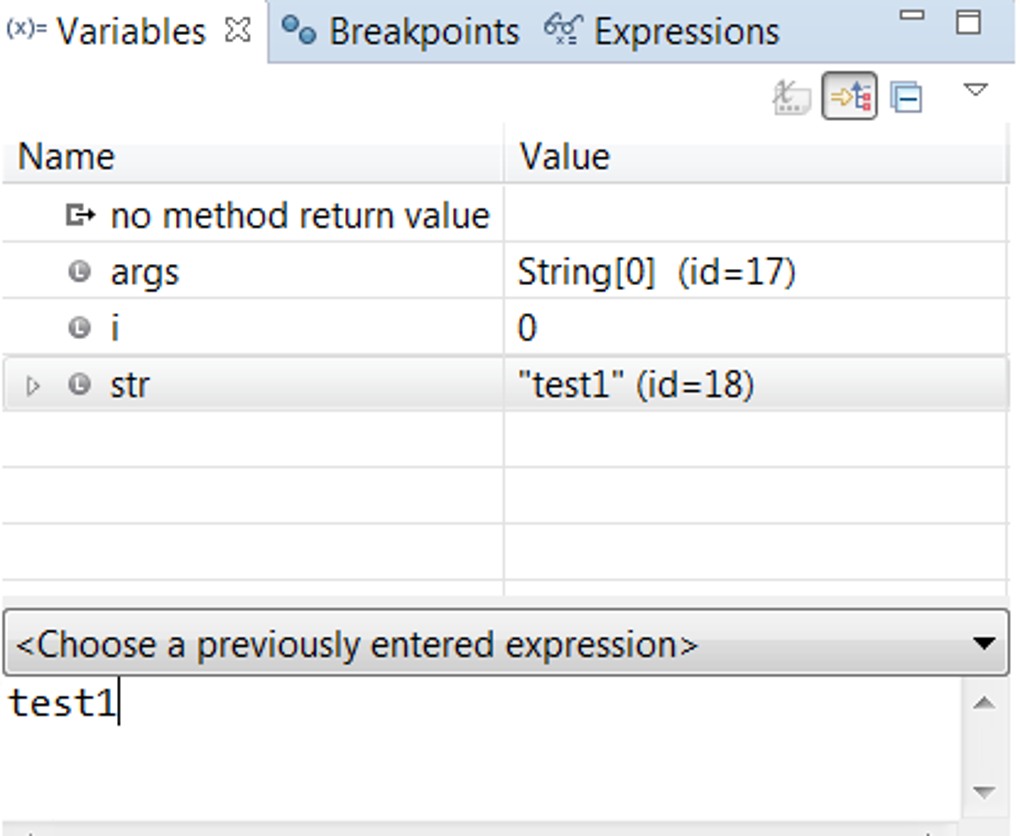
Refactoring and Debugging: Eclipse simplifies code refactoring, allowing developers to restructure their code without altering its functionality. This is crucial for maintaining code quality and readability over time. Its debugging tools are comprehensive, supporting both local and remote debugging, enabling developers to track down and fix issues effectively.
-
Multitasking and Filtering: Eclipse handles multitasking efficiently, enabling developers to work on multiple projects concurrently without performance degradation. Robust filtering options facilitate efficient code navigation and management within large projects.
While primarily a Java IDE, Eclipse’s extensibility through plugins allows it to support a wide array of other programming languages and frameworks. This versatility extends its utility to developers working with languages such as C, C++, PHP, Ruby, and more. The sheer number of available plugins transforms Eclipse into a highly adaptable platform capable of accommodating diverse development needs.
Furthermore, Eclipse extends its capabilities to server-side development, particularly with Java servers. Its tools streamline the process of building, deploying, and managing server-side applications. This complete ecosystem within a single IDE significantly enhances developer productivity.
The extensive online documentation and active community support significantly ease the learning curve. However, it’s worth noting that the sheer volume of information and the complexity of some tutorials might initially overwhelm beginners. The good news is that the core functionality of Eclipse bears similarities to other popular IDEs, making the transition easier for experienced developers.
Eclipse’s Strengths and Weaknesses
Eclipse’s popularity stems from a combination of compelling strengths:
- Free and Open Source: The core IDE is free to use and distribute, making it accessible to a large community of developers, regardless of their budget. The open-source nature encourages community contributions, leading to constant improvement and innovation.
-
Versatility and Extensibility: The ability to extend functionality through plugins is a significant advantage. Developers can tailor Eclipse to suit their specific needs and workflows, accessing a vast library of plugins that provide support for various languages, frameworks, and tools.
-
Robust Feature Set: The built-in features, such as the incremental compiler, syntax highlighting, code completion, refactoring, and debugging tools, contribute to a highly productive development environment.
Despite its strengths, Eclipse also presents some drawbacks:
-
Plugin Management Complexity: While plugins add versatility, managing them can be complex. Different plugins may require specific versions of other plugins, leading to compatibility issues and potentially frustrating installation processes. This complexity increases with the number of plugins installed.
-
Resource Intensive: Eclipse, especially with numerous plugins installed, can consume significant system resources, potentially impacting performance, particularly on less powerful machines. This resource intensity might make it less suitable for users with limited system resources or those seeking a lightweight IDE.
-
Steep Learning Curve (Initially): While the core functionality is relatively intuitive, mastering the full range of features and effectively managing plugins can present a steep learning curve for beginners. The abundance of documentation, while helpful, can also feel overwhelming initially.
Is Eclipse the Right IDE for You?
Whether Eclipse is the right IDE for you depends on your specific needs and preferences. If you’re a Java developer seeking a powerful, feature-rich, and free IDE, Eclipse is an excellent choice. Its extensibility through plugins makes it suitable for a wide range of development tasks beyond Java.
However, if you prioritize a lightweight IDE that consumes minimal system resources, Eclipse might not be the best option. Users with limited system resources or those who prefer a simpler, less resource-intensive development environment might find other IDEs more suitable. Similarly, beginners who prioritize ease of use and a gentle learning curve might want to explore other alternatives initially, before tackling the complexity of Eclipse and its plugin ecosystem.
Eclipse’s Place in the IDE Landscape
Eclipse occupies a significant position in the crowded field of IDEs. Its longevity, robust feature set, and strong community support have solidified its standing as a leading choice for many developers. While competing IDEs like IntelliJ IDEA and NetBeans offer similar features and functionalities, Eclipse’s free and open-source nature, coupled with its extensive plugin ecosystem, distinguishes it in the market. This makes it a compelling option for both individual developers and large organizations. However, the resource intensity and plugin management complexities should be carefully considered before choosing Eclipse as your primary development environment. The decision ultimately hinges on weighing the benefits of its powerful feature set and extensibility against its resource consumption and learning curve. A thorough assessment of individual needs and preferences will ultimately determine if Eclipse’s advantages outweigh its potential drawbacks.
File Information
- License: “Free”
- Latest update: “May 24, 2023”
- Platform: “Windows”
- OS: “Windows NT”
- Language: “English”
- Downloads: “545.4K”
- Size: “118.25 MB”


