
Editra is a free, open-source programming editor designed for flexibility and ease of use. Its strength lies in its support for over 60 programming languages and its highly extensible architecture based on plugins. While still in the alpha stage of development, Editra offers a compelling alternative for programmers who require a customizable and versatile coding environment. This comprehensive review explores its features, strengths, weaknesses, and potential.
Feature Overview: A Multi-Lingual Coding Haven
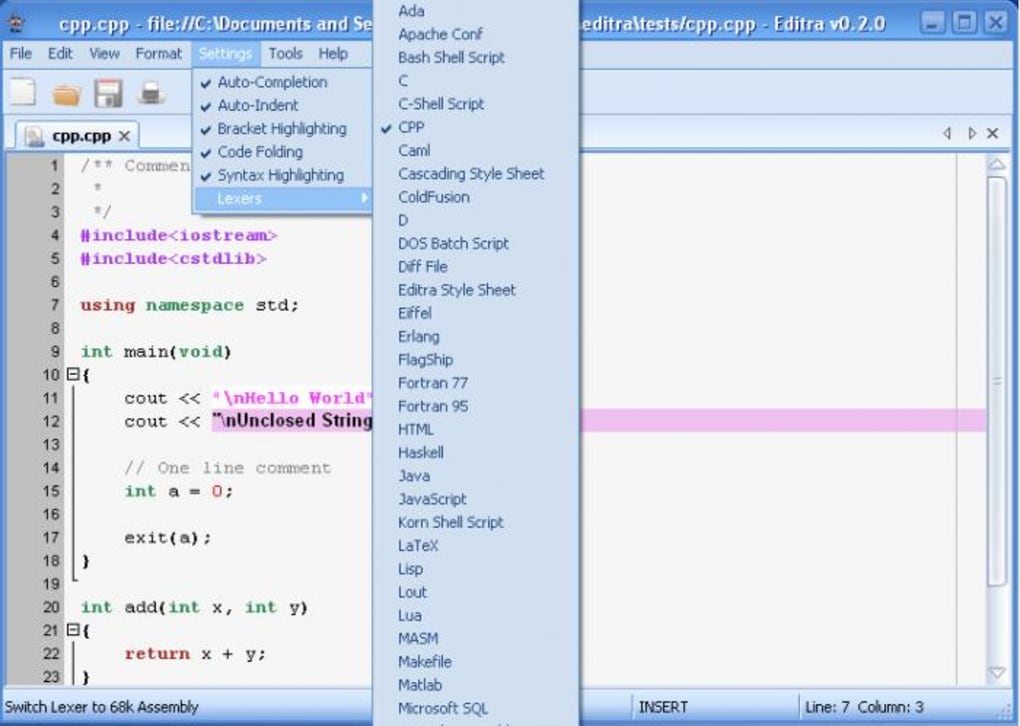
At its core, Editra provides a robust text editing experience tailored for programmers. Its standout feature is its extensive language support, encompassing over 60 programming languages. This broad compatibility eliminates the need for multiple editors, streamlining the workflow for developers working across diverse projects and languages. The editor seamlessly integrates syntax highlighting for each supported language, significantly enhancing code readability and making error detection simpler.
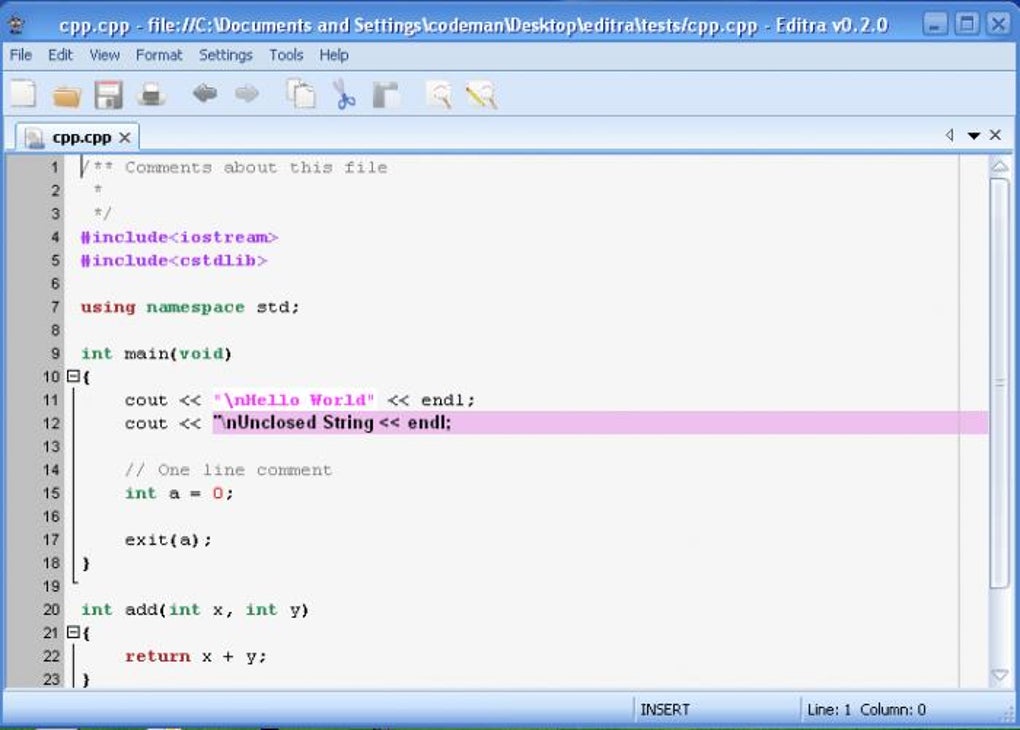
Beyond basic syntax highlighting, Editra incorporates several productivity-enhancing features. These include code completion, which suggests possible code completions as you type, speeding up the development process. Furthermore, the editor offers features like code folding, allowing users to collapse sections of code to improve screen clarity and focus on specific parts of a program. This is particularly beneficial when working with large or complex codebases. The integrated search functionality allows for quick and efficient navigation through files, enabling developers to locate specific code segments rapidly.
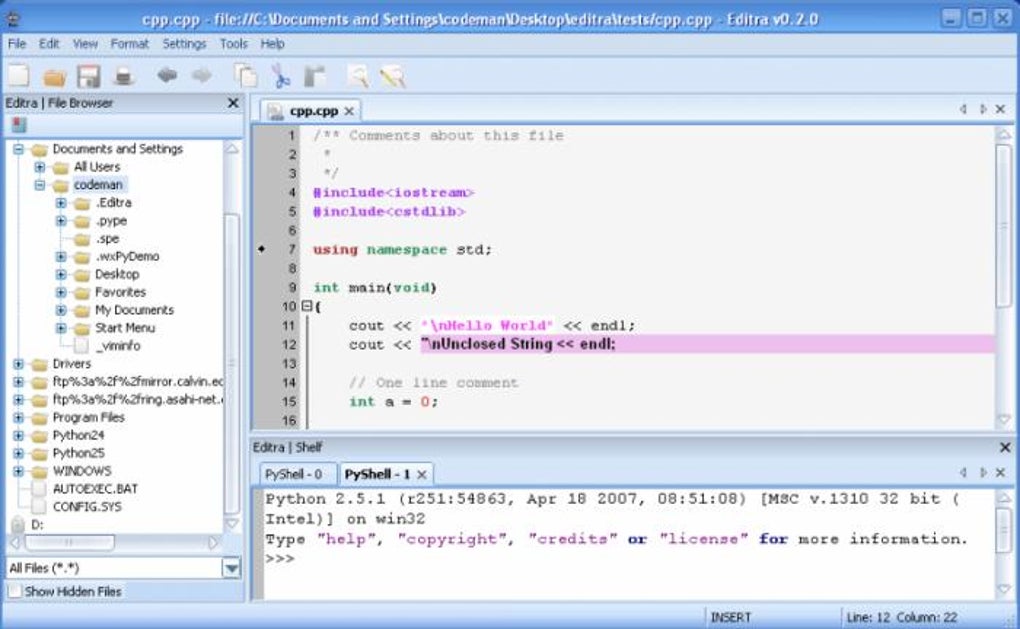
One of Editra’s most powerful aspects is its plugin architecture. This extensibility allows users to significantly customize the editor to fit their individual needs and preferences. Plugins can add new functionalities, ranging from support for additional programming languages to entirely new features such as advanced debugging tools or version control integration. This modular design makes Editra highly adaptable, allowing users to tailor their development environment to their specific requirements.
The plugin system is based on Python, a widely-used and versatile scripting language. This choice allows for a broad range of plugin development possibilities. However, it’s crucial to ensure compatibility between the installed Python version and the chosen plugins. To simplify this process, Editra includes a built-in plugin downloader that automatically manages compatibility, ensuring a seamless installation experience. The drag-and-drop functionality further simplifies plugin management, providing a user-friendly interface for plugin installation and removal.
Extensibility and Customization: The Power of Plugins
Editra’s plugin architecture mirrors the approach taken by popular web browsers like Firefox, allowing users to extend functionality significantly beyond the core features. This makes the editor remarkably adaptive to different programming needs and workflows. The ability to add plugins allows users to tailor the editor precisely to the languages and technologies they frequently use. For example, a developer predominantly working with JavaScript could install plugins that provide enhanced JavaScript support, including tools for linting, debugging, or integration with JavaScript frameworks.
The availability of community-created plugins further extends Editra’s capabilities. A thriving community contributes to the plugin ecosystem, offering a wide array of tools and extensions. This community support ensures that the editor remains up-to-date and caters to a wide range of programming needs. The community also provides valuable support and troubleshooting assistance for users encountering issues.
While the flexibility offered by plugins is a major advantage, it’s important to note that choosing compatible plugins is essential. Using plugins that don’t match the installed Python version can lead to instability or crashes. Editra’s built-in plugin downloader helps alleviate this concern by ensuring compatibility before installation, significantly reducing the risk of conflicts.
User Interface and Experience: Streamlined Simplicity
Editra boasts a sleek and intuitive user interface. Its clean design prioritizes ease of use, making it accessible to both experienced programmers and beginners. The editor’s layout is straightforward and uncluttered, minimizing distractions and allowing users to focus on their code.
The interface is highly customizable, allowing users to personalize the appearance and behavior of the editor. This includes options for customizing the color schemes, font types, and keyboard shortcuts. This flexibility ensures that the editor aligns with individual preferences and enhances coding efficiency.
The user experience is further enhanced by the editor’s responsiveness and speed. Navigating through large code files is smooth and efficient, minimizing any delays that could hamper productivity. The overall design emphasizes simplicity and ease of use, making Editra an excellent choice for programmers who value a clean and efficient workspace.
Stability and Development Status: A Work in Progress
It’s important to acknowledge that Editra is currently in the alpha stage of development. This implies that users might encounter occasional instability or crashes. While the development team actively addresses these issues, occasional bugs are expected.
The alpha status does not diminish the editor’s potential. The active development process, coupled with a vibrant community providing feedback and support, continually improves stability and adds new features. The ongoing development ensures that the editor remains a relevant and viable option for programmers.
The active community involvement is a key aspect of Editra’s development. The developers actively engage with users, addressing issues and incorporating suggestions. This collaborative approach ensures that the editor evolves to meet the needs of its user base. Feedback from the community directly contributes to the improvement of the software, creating a cycle of continuous enhancement.
Regular updates address bugs and introduce new features, consistently enhancing the overall user experience and stability. This ongoing development demonstrates the developers’ commitment to improving Editra and making it a robust and reliable coding tool.
Conclusion: A Promising Editor for the Future
Editra offers a compelling combination of features, flexibility, and extensibility. Its broad language support, intuitive interface, and powerful plugin system make it an attractive option for programmers of all levels. While the alpha stage signifies potential instability, the active development process and engaged community suggest a bright future for this promising editor. Its emphasis on customization and extensibility, coupled with its growing list of supported languages, positions Editra as a strong contender in the ever-evolving landscape of programming editors. Programmers seeking a highly customizable and versatile coding environment will find Editra a worthwhile exploration. The editor’s potential is clear, and with continued development and community support, it is poised to become a leading choice for programmers worldwide.
File Information
- License: “Free”
- Latest update: “May 24, 2023”
- Platform: “Windows”
- OS: “Windows 2000”
- Language: “English”
- Downloads: “15.5K”
- Size: “16.43 MB”


