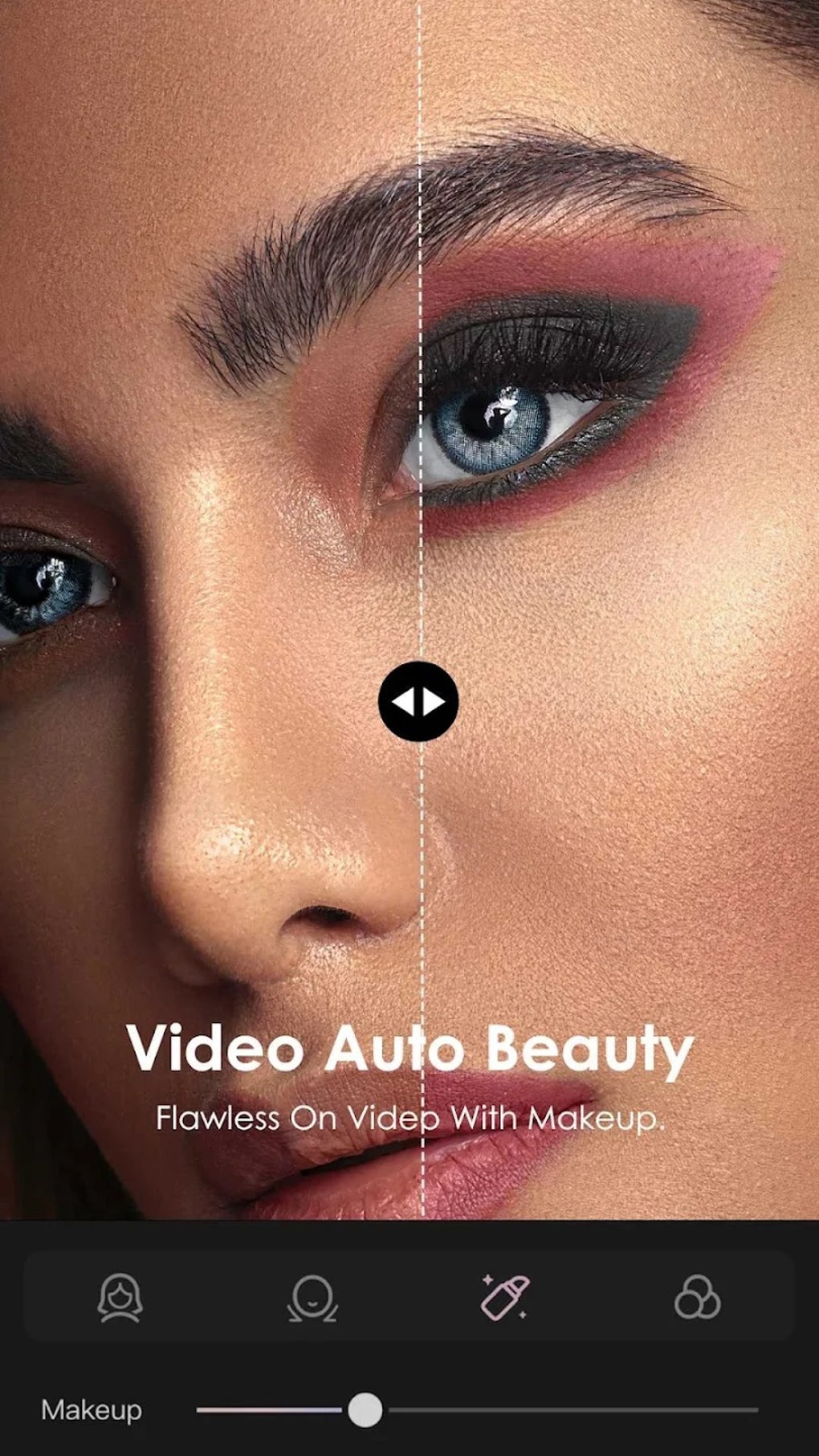
Edits is a free video editing application developed by Instagram, designed to simplify and enhance the video creation process for all users. This comprehensive tool offers a blend of powerful editing features, AI-powered functionalities, and direct Instagram integration, making it a compelling option for creators focused on the platform. This in-depth review explores the app’s capabilities, strengths, and limitations, providing a clear understanding of its suitability for various user needs.
Powerful Editing Tools for Enhanced Creativity
Edits boasts a robust suite of editing tools designed to empower users to create high-quality videos with ease. The app facilitates the creation of videos up to 10 minutes long, offering users ample time to craft detailed narratives or showcase extended footage. A notable feature is the ability to export videos without watermarks, ensuring a clean and professional finish. This is a significant advantage over many free video editing apps that often impose watermarks on exported content.
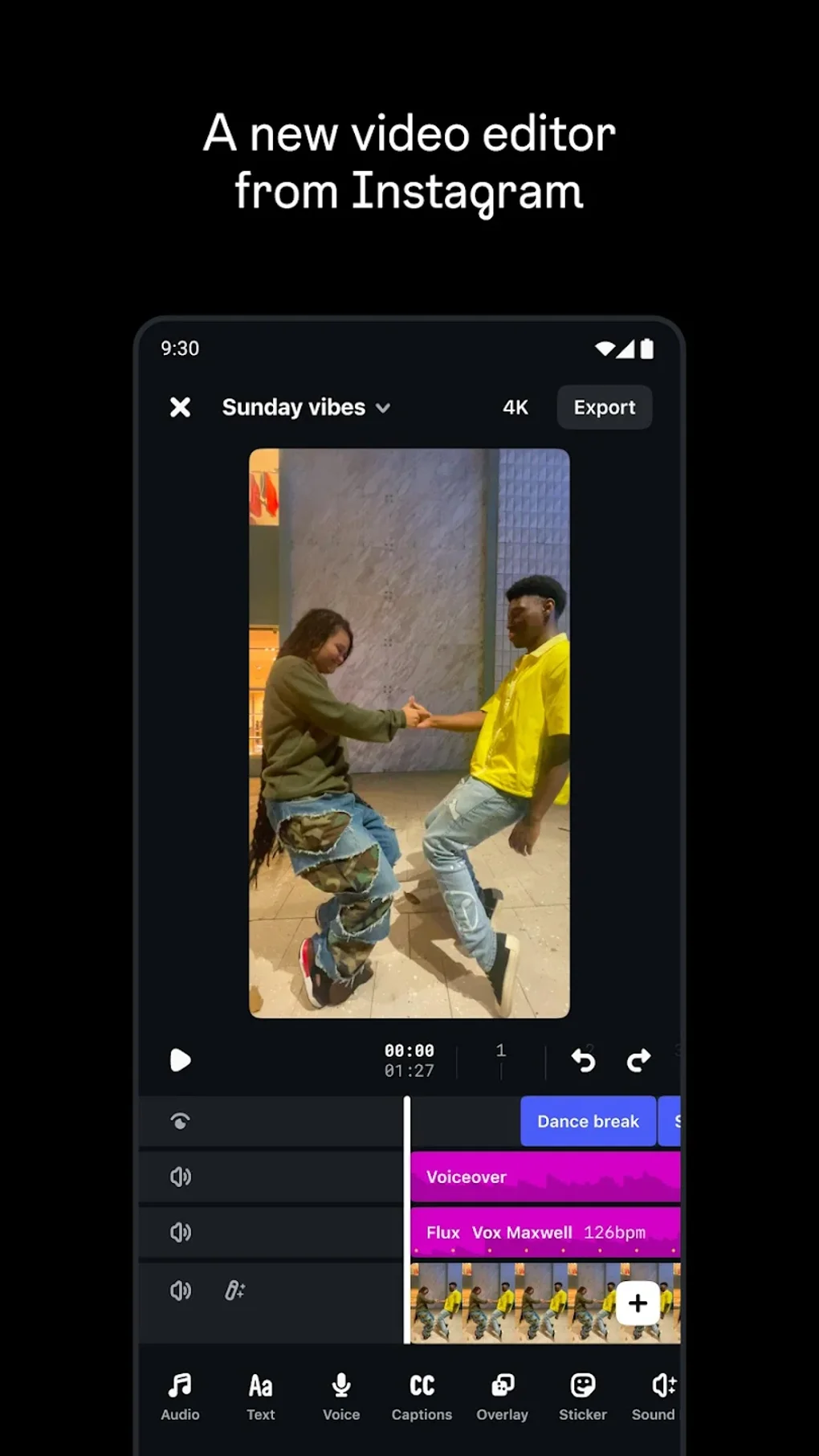
The app’s precision editing capabilities are also noteworthy. The inclusion of single-frame precision allows for meticulous control over every aspect of the video, enabling users to make minute adjustments and fine-tune their projects to perfection. This level of granular control is typically found in more advanced desktop editing software, making Edits a surprisingly powerful tool for mobile users.
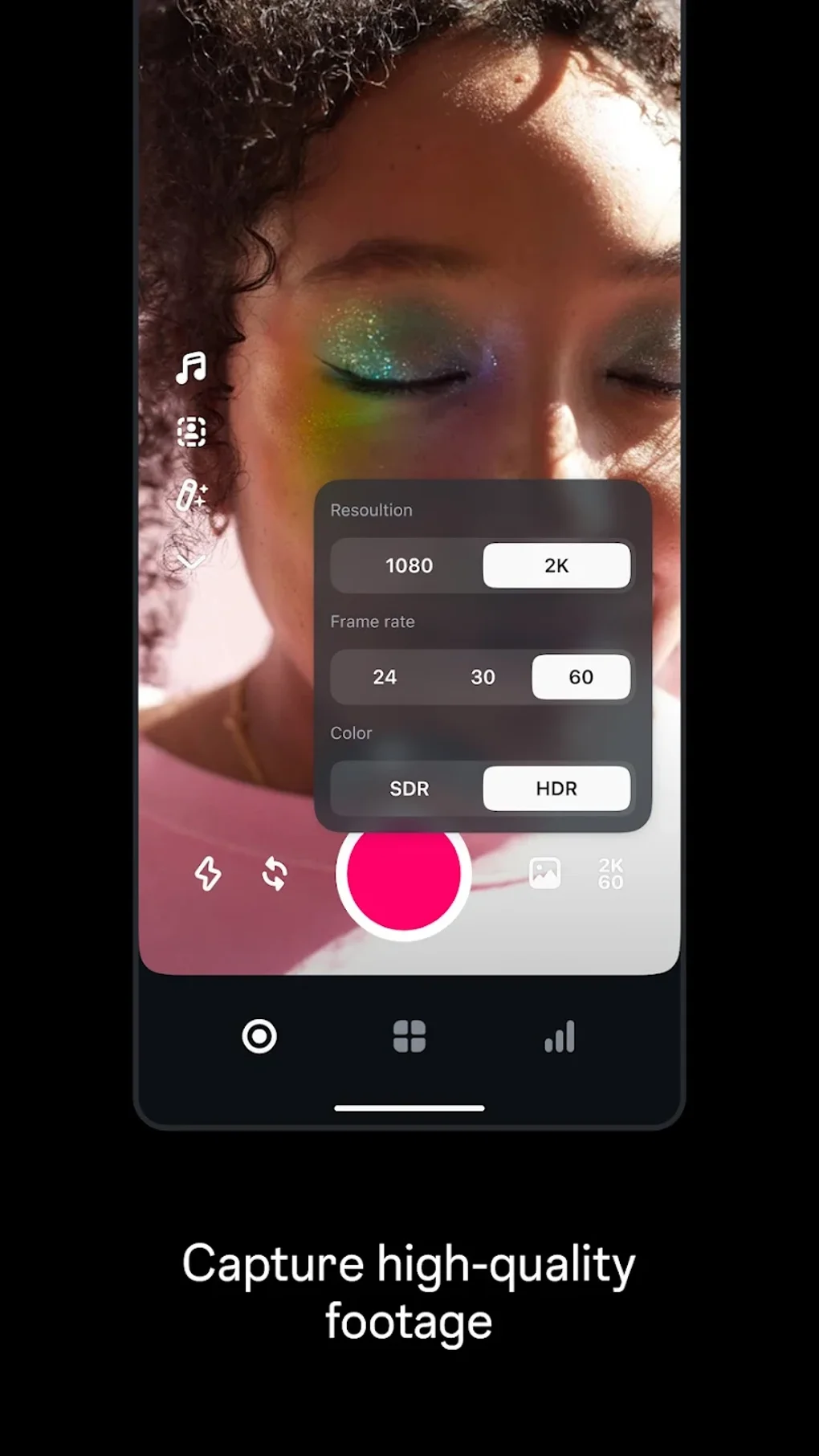
Furthermore, Edits incorporates a range of creative effects, including green-screen capabilities for compositing video layers and AI-powered animations to add dynamic visual elements. These advanced features, usually exclusive to professional software, are readily accessible within Edits’ intuitive interface, opening up new creative avenues for users of all skill levels. The addition of AI-powered animation options greatly expands creative possibilities, allowing users to inject visual dynamism without requiring extensive animation expertise.
Seamless Instagram Integration and Real-Time Analytics
One of Edits’ key strengths is its seamless integration with Instagram. This integration extends beyond simple sharing capabilities; the app is designed to optimize the video creation workflow for Instagram users. The close integration streamlines the process of creating content directly for the platform, maximizing efficiency for those primarily using Instagram for content distribution.
Beyond convenience, Edits also provides creators with invaluable real-time analytics through its live insights dashboard. This feature allows users to monitor their video performance in real time, tracking engagement metrics such as views, likes, and comments. This data provides crucial feedback, allowing creators to understand what resonates with their audience and to optimize their future content strategy. The ability to monitor performance in real time enables immediate adjustments to content strategy, leading to more effective engagement with followers. This level of immediate feedback is a powerful tool for creators seeking to refine their content and maximize their reach.
User-Friendly Interface and Draft Management
The app’s success lies not only in its powerful features, but also in its user-friendly design. Edits presents a clean and intuitive interface, making it accessible to users of all technical skill levels. The straightforward design ensures that users can quickly grasp the app’s functionality, regardless of their prior video editing experience. This makes Edits exceptionally accessible to a broad user base, including casual users who may lack in-depth video editing expertise.
The integration of draft management capabilities further enhances the user experience. This allows users to save their work-in-progress and return to it at a later time, eliminating the worry of losing unsaved progress. The draft management function provides the flexibility to work on projects in stages, allowing users to revisit and revise their content as needed, and fostering a less stressful creative process. The ability to easily manage drafts contributes significantly to a smooth and efficient workflow.
Strengths and Weaknesses: A Balanced Perspective
While Edits offers a wealth of features and capabilities, it’s important to acknowledge its limitations. Its primary strength lies in its integration with Instagram and its focus on providing tools optimized for Instagram content creation. This targeted approach, however, also represents its main weakness. Users who primarily share their videos on platforms other than Instagram may find the app’s focus on Instagram integration less appealing. The lack of broader platform compatibility might discourage creators who utilize a diverse range of social media platforms for content distribution.
The app’s strength lies in its ease of use and AI-powered features that accelerate the video creation process. Its streamlined interface and advanced capabilities make it an ideal solution for creators who wish to quickly and efficiently produce high-quality videos optimized for Instagram. However, users accustomed to the more intricate control offered by desktop editing software may find Edits’ features somewhat limited in comparison to their preferred professional-grade tools. The app is not designed to replace professional-level video editing software, but rather to complement it or provide a user-friendly alternative for casual users.

Comparison with Other Video Editing Apps
Compared to other mobile video editing applications, Edits holds its own with its powerful feature set and intuitive interface. While many mobile apps offer basic editing tools, Edits distinguishes itself through its AI-powered animations, single-frame precision, and real-time analytics dashboard. However, apps like CapCut or InShot offer broader platform integration and perhaps a wider range of effects and filters, catering to a more diverse range of video styles. The choice between these applications ultimately depends on the user’s specific needs and preferences, prioritizing either Instagram optimization or broader platform compatibility.
Conclusion: A Powerful Tool for Instagram Creators
Edits presents a compelling solution for users seeking a straightforward yet powerful video editing app specifically designed for Instagram. Its seamless integration, real-time analytics, and user-friendly interface make it an ideal tool for creating and optimizing Instagram videos. While its primary focus on Instagram may limit its appeal to creators with multi-platform distribution strategies, for those focused on Instagram, Edits offers a streamlined and efficient solution for producing high-quality, engaging video content. The app’s blend of accessibility and advanced features makes it a valuable asset for both novice and experienced Instagram creators. The combination of ease of use and sophisticated functionality makes Edits a strong contender in the crowded mobile video editing app market, particularly for those prioritizing Instagram content creation.
File Information
- License: “Free”
- Latest update: “August 9, 2025”
- Platform: “Android”
- OS: “Android 15.0”
- Language: “English”
- Downloads: “41.9K”
- Size: “92.25 MB”
- Download Options: “APK, Google Play”
- Filename: “com.instagram.basel_392.1.0.60.106.apk”