
Enhancer for YouTube™ is a free and highly-rated Google Chrome extension developed by Maxime RF. Designed to significantly enhance the YouTube viewing experience, it offers a diverse range of features catering to a wide spectrum of user needs and preferences. From sophisticated ad management tools to advanced playback controls and automation capabilities, Enhancer for YouTube™ empowers users to take complete control over their YouTube interactions. This detailed guide delves into the extension’s functionalities, highlighting its key features, benefits, and overall impact on the user experience. Unlike many other extensions, it prioritizes user privacy by refraining from collecting any personal data. This commitment to privacy further solidifies its position as a reliable and trustworthy tool for enhancing your YouTube sessions.
Core Features: Tailoring Your YouTube Experience
Enhancer for YouTube™ goes beyond basic functionality, providing a robust suite of tools to customize your YouTube experience. Its core features can be broadly categorized as follows:
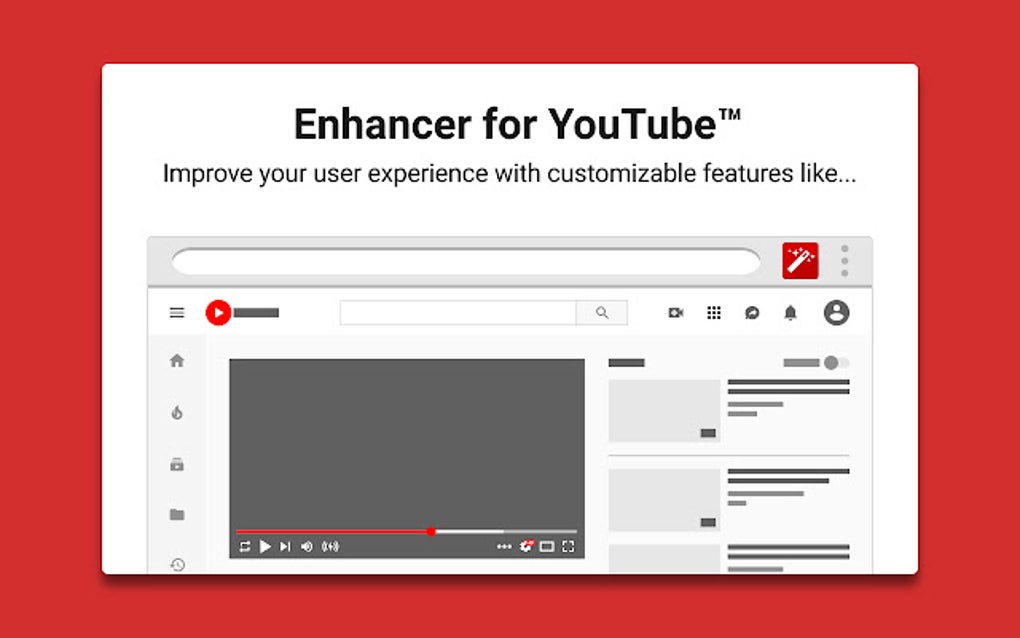
1. Advanced Ad Management: The extension offers robust ad-blocking capabilities, allowing users to effectively circumvent intrusive advertising. This feature is particularly beneficial for users who find advertisements disruptive to their viewing experience. Options may include blocking specific ad types or even disabling all ads entirely, creating an uninterrupted viewing environment. The level of control afforded to the user is exceptional, allowing for fine-grained customization of ad blocking behavior based on individual preferences.
2. Precision Playback Control: Beyond basic playback controls, Enhancer for YouTube™ introduces several sophisticated options for managing video playback. Users can easily adjust playback speed using the mouse wheel, allowing for a seamless transition between different speeds without interrupting the viewing process. This feature is especially useful for users who need to adjust the pace of videos for comprehension or personal preference. Additional controls might include options to loop videos, enabling focused review of specific sections, or advanced playback speed adjustments, allowing for even finer control over the video’s pace.
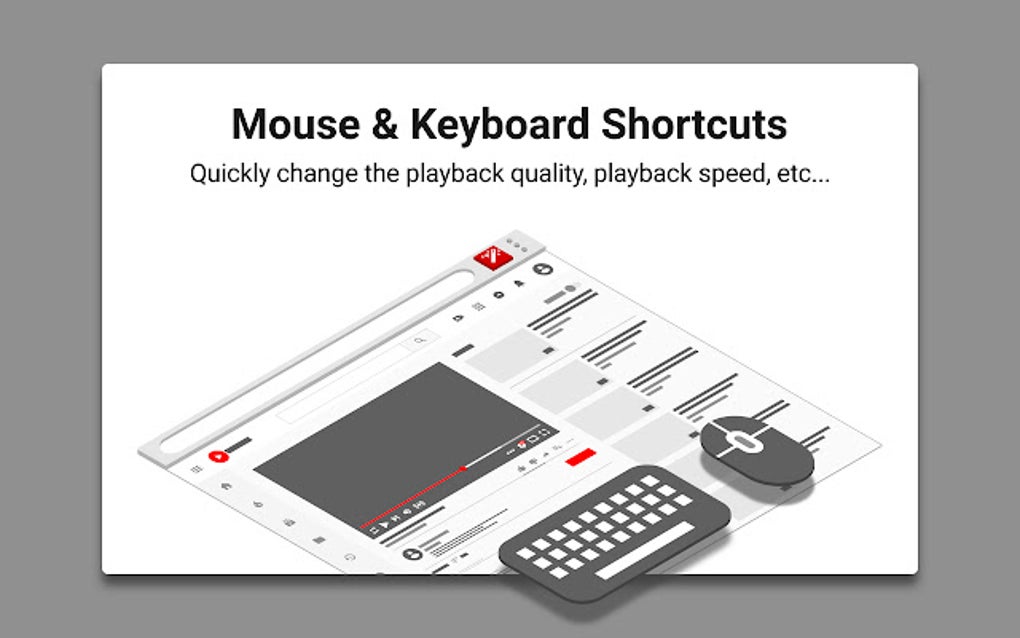
3. Automation of Repetitive Tasks: Many repetitive tasks associated with YouTube viewing can be automated using Enhancer for YouTube™. For example, the extension might automatically select the optimal playback quality based on the user’s internet connection speed, ensuring a smooth and consistent viewing experience without manual intervention. This eliminates the need for users to repeatedly select the preferred playback quality, saving time and effort. Further automation could extend to features such as automatically applying subtitles or closed captions or even automatically adjusting volume levels based on the user’s environment.
4. Customizable Keyboard Shortcuts: Enhancer for YouTube™ allows users to configure dozens of keyboard shortcuts, transforming the way they interact with YouTube. This feature provides a streamlined and efficient method of controlling YouTube functionalities, enhancing productivity and improving overall usability. Users can assign shortcuts to a wide variety of actions, from playing/pausing videos to adjusting volume or playback speed. This level of customization promotes a highly personalized and efficient viewing workflow. This allows for rapid navigation and control of YouTube functionalities, minimizing distractions and maximizing user efficiency.
Privacy and Security: A User-Centric Approach
One of the defining characteristics of Enhancer for YouTube™ is its unwavering commitment to user privacy. Unlike many other extensions, it refrains from collecting any personal data, ensuring user information remains confidential. This is a critical aspect of the extension’s design, fostering trust and reinforcing its position as a reliable tool for enhancing the YouTube experience. The absence of data collection eliminates concerns about potential misuse of user information, providing peace of mind for users who are conscious of their digital footprint.
Ease of Use and Installation: Seamless Integration with YouTube
Enhancer for YouTube™ is designed for ease of use, with a simple and intuitive interface. Installation is straightforward, typically involving a few simple clicks within the Chrome Web Store. After installation, the extension seamlessly integrates into the YouTube platform, requiring minimal user interaction. The extension’s configuration options are clearly presented, and the overall design is minimalist, ensuring a clutter-free user experience. The extension’s impact on system performance is generally negligible, reflecting efficient coding and design. The unobtrusive nature of the extension ensures the focus remains on the YouTube content itself, rather than the extension’s interface.
Community and Support: A Thriving Ecosystem
The open-source nature of Enhancer for YouTube™ fosters a supportive community of users and developers. This collaborative environment facilitates continuous improvement and ensures the extension remains relevant and responsive to user needs. Regular updates ensure compatibility with the latest versions of YouTube and address any identified bugs or issues. User feedback is highly valued, contributing to the evolution and refinement of the extension’s features and functionality. The developer’s active involvement in the community further strengthens this collaborative ecosystem, providing a reliable avenue for resolving issues and suggesting improvements.
Beyond the Basics: Advanced Features and Customization
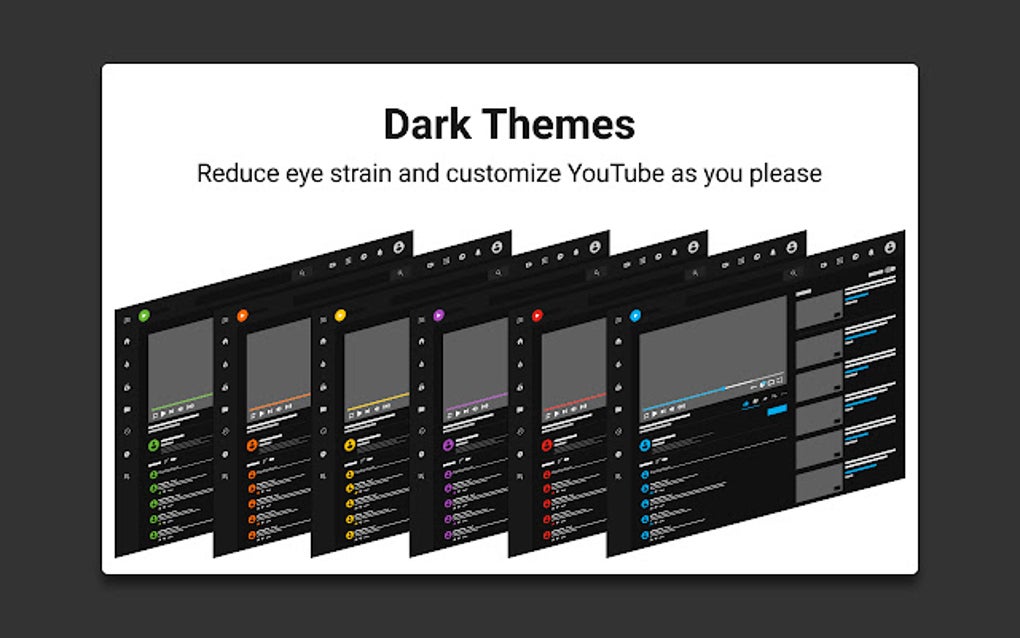
While the core features of Enhancer for YouTube™ offer a significant improvement over the standard YouTube experience, the extension also provides several advanced features that allow for highly personalized customization. These features extend beyond basic controls, catering to specific user needs and preferences. For instance, the extension might offer advanced options for handling subtitles and closed captions, allowing users to customize their appearance and functionality. Other advanced features could include the ability to control the quality of video streaming based on network conditions, or options for integrating the extension with other productivity tools. This extensive level of customization enables users to finely tune their YouTube experience, reflecting their unique preferences and viewing habits. The openness to user suggestions and the active development community promise continuous enhancements and added features.
Enhancer for YouTube™ Compared to Alternatives
Numerous Chrome extensions aim to enhance the YouTube experience, but Enhancer for YouTube™ distinguishes itself through its comprehensive feature set, robust ad-blocking capabilities, unwavering commitment to user privacy, and active community support. While other extensions might offer some overlapping functionalities, few match the breadth and depth of features provided by Enhancer for YouTube™. The balance between powerful features and user-friendly design is a significant advantage. The focus on user privacy further solidifies its position as a trustworthy and reliable choice for enhancing your YouTube experience. While many alternatives might offer a subset of its features, Enhancer for YouTube™ provides a complete package, optimizing virtually every aspect of the YouTube viewing experience.
Conclusion: A Must-Have for YouTube Enthusiasts
Enhancer for YouTube™ is more than just an extension; it’s a comprehensive tool that elevates the YouTube experience to new heights. Its powerful features, commitment to user privacy, and seamless integration make it a valuable addition for any YouTube user. Whether you’re a casual viewer or a dedicated content enthusiast, Enhancer for YouTube™ empowers you to take control of your viewing experience and optimize it to meet your specific needs. Its ease of use, combined with its rich functionalities, ensures a smooth and enjoyable experience. With its ongoing development and active community support, Enhancer for YouTube™ continues to adapt and evolve, securing its place as a leading extension for enhancing the YouTube platform. For users seeking a truly personalized and optimized YouTube experience, Enhancer for YouTube™ is an indispensable tool.
File Information
- License: “Free”
- Version: “3.0.10”
- Latest update: “August 5, 2025”
- Platform: “chrome”
- Language: “English”
- Downloads: “6.4K”


