
Eudora, once a dominant force in the email client landscape, holds a nostalgic place in the hearts of many long-time users. While its active development may have ceased, its legacy continues to spark discussion and interest amongst those seeking a powerful, feature-rich alternative to modern email platforms. This review delves into the capabilities and limitations of Eudora, exploring its strengths and weaknesses in the context of contemporary email management.
Eudora’s Feature Set: A Powerful Yet Potentially Overwhelming Arsenal
Eudora was never just an email client; it was a comprehensive suite of tools designed to streamline communication and information management. Its feature set, while impressive, could prove overwhelming for novice users, making it more suitable for experienced individuals or businesses requiring sophisticated email handling.
One of Eudora’s key strengths was its extensive customization options. Users could tailor their experience to a significant degree, configuring numerous settings to optimize workflow and personal preferences. This involved adjusting toolbar layouts, adding or removing function keys, implementing enhanced filters for sorting and organizing mail, and applying color labeling for visual categorization. The ability to create multiple “personalities,” each with a distinct email address and settings, was particularly valuable for users needing to separate personal and professional communications.
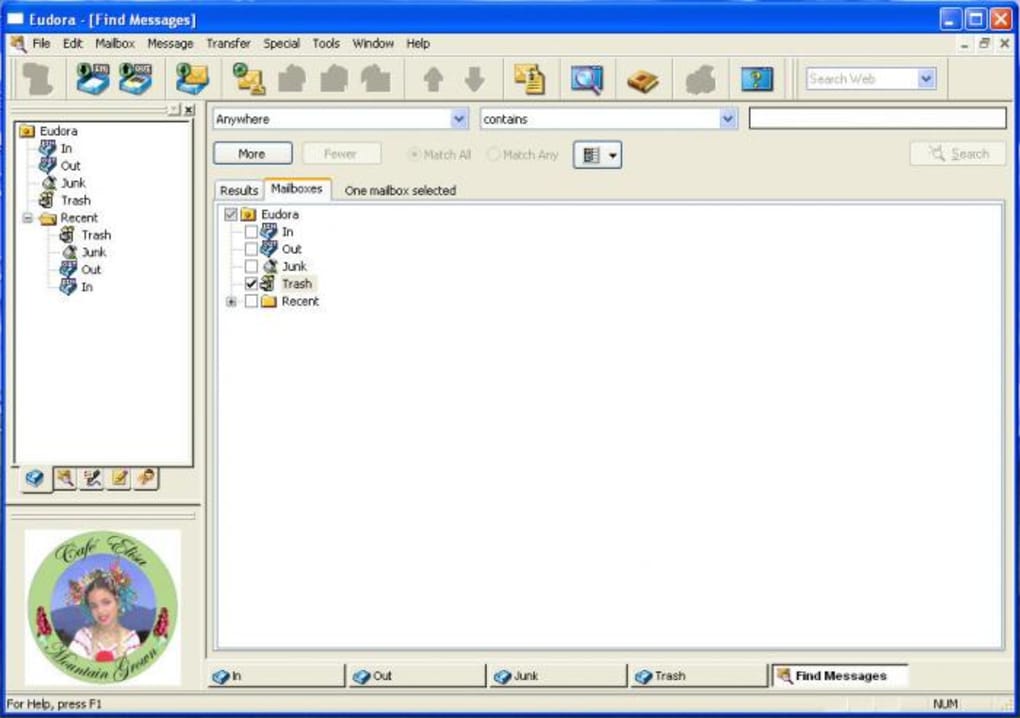
Beyond basic email functions, Eudora incorporated advanced features designed to boost productivity and enhance security. The integrated address book facilitated automatic email address completion, saving time and minimizing errors. The drag-and-drop functionality for attachments simplified file management, allowing for seamless transfer between emails and the desktop. Powerful search capabilities enabled rapid retrieval of specific messages from extensive archives, utilizing multiple search criteria for highly targeted searches. Built-in spell checking with inline highlighting ensured the accuracy of outgoing communications, while the text formatting tools provided granular control over message appearance.
Security was a primary consideration in Eudora’s design. Features like ScamWatch actively detected and warned against phishing attempts by comparing URLs within links to the host name, flagging potentially malicious connections. OpenSSL encryption provided state-of-the-art security for email communications, protecting sensitive information from unauthorized access. Furthermore, Eudora’s virus protection mechanisms prevented the automatic execution of potentially harmful code within email attachments, significantly mitigating security risks. SpamWatch, a powerful anti-spam tool, helped to filter out unsolicited emails, keeping inboxes clean and preventing distractions.
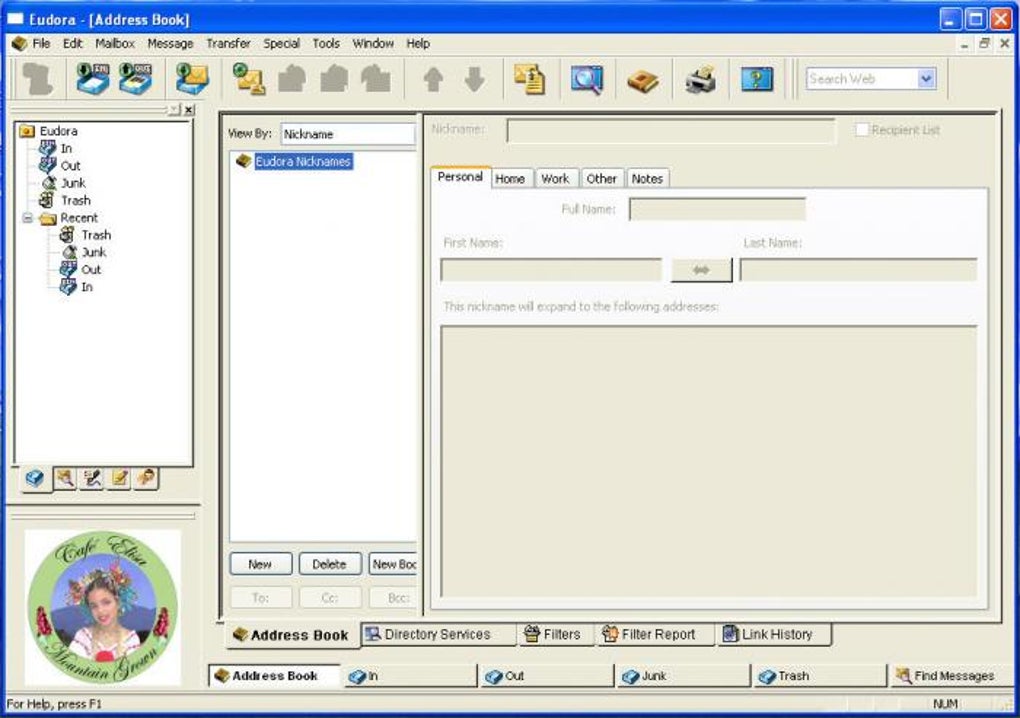
The incorporation of IMAP support allowed for seamless synchronization and access to emails from multiple computers and locations, fostering consistency and accessibility regardless of the device used. Support for LDAP directory services provided efficient contact lookups, further simplifying email management. Advanced features like contextual filing, allowing users to file emails based on keywords within the message, showcased Eudora’s commitment to efficient organization.
Eudora also catered to users with accessibility needs. The inclusion of a speech option enabled visually impaired users to have their emails read aloud, a function that could also prove beneficial in business settings. Furthermore, the ability to display animated GIFs and HTML messages enhanced the visual appeal and content richness of email communications. The Eudora Sharing Protocol (ESP) allowed users to automatically synchronize and share files, eliminating the need for separate servers or resending large attachments. This function fostered collaboration and simplified file sharing among colleagues, family, and friends. MoodWatch, a unique feature, provided insights into the emotional tone of incoming and outgoing emails, potentially aiding in conflict resolution or identifying potentially problematic communications. Finally, the Email Usage Stats feature provided a personal overview of daily email activity and patterns, offering valuable self-awareness into communication habits.
Limitations and Challenges of Eudora
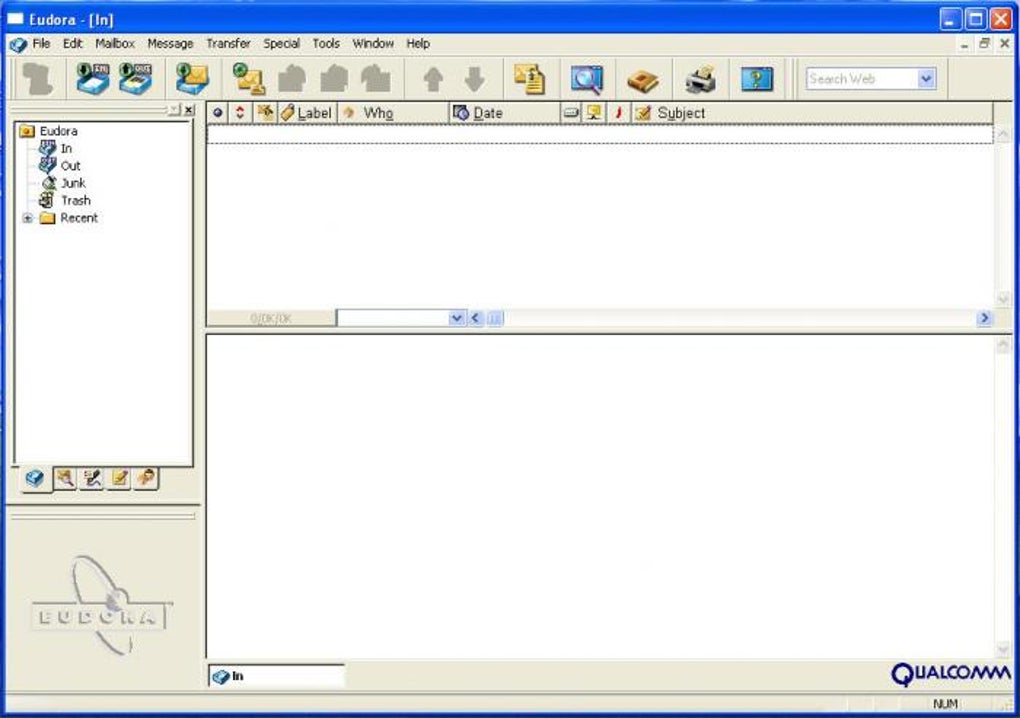
Despite its impressive feature set, Eudora’s complexity presented challenges for some users. The abundance of features and settings could prove overwhelming for less technically inclined individuals, resulting in a steep learning curve. This abundance could make finding specific functionalities more difficult compared to more intuitive modern email clients with streamlined interfaces. The lack of continued development and updates has led to compatibility issues with newer operating systems and email providers, making Eudora less practical for many contemporary users. The lack of support for modern protocols and security standards may create vulnerabilities in its protection against malicious actors.
The discontinuation of official support also means a lack of readily available troubleshooting assistance, making resolving technical issues more challenging. This absence of updates leaves Eudora vulnerable to security exploits and potentially incompatible with evolving email infrastructure. The limited community support available online compared to modern platforms might present difficulty for troubleshooting. Finally, reliance on older technologies renders Eudora’s interface less visually appealing and functional compared to modern clients with more streamlined and intuitive designs.
Eudora’s Impact and Legacy
Despite its limitations, Eudora’s influence on the development of email clients is undeniable. Its focus on advanced features, customization options, and security protocols helped shape the expectations of email management. Its user-friendly interface, for its time, set a standard for intuitive email management. The legacy of Eudora serves as a testament to its advanced feature set and its lasting impact on the evolution of email clients.
Alternatives to Eudora
Given Eudora’s limitations stemming from the lack of modern development and updates, several alternative email clients offer comparable functionality with improved compatibility and ongoing support. These include widely used options such as:
-
Mozilla Thunderbird: A free, open-source email client with a robust feature set, excellent extensibility, and a strong community supporting it.
-
Microsoft Outlook: A popular, powerful email client integrated into the Microsoft Office suite, offering a wide range of features for both personal and professional use. However, it’s a paid application.
- Foxmail: A highly popular alternative known for its user-friendly interface and efficient performance.
These alternatives provide similar, if not superior, functionality while offering the benefits of ongoing development, enhanced security updates, and wider community support. They address many of Eudora’s compatibility and support shortcomings.
Conclusion
Eudora represents a significant chapter in the history of email clients, renowned for its powerful feature set and advanced capabilities. However, its discontinued development and compatibility issues limit its practical use for most contemporary users. While its legacy remains influential, users seeking a robust and reliable email client are better served by exploring the many well-maintained alternatives available today, offering similar functionalities with improved compatibility, security, and ongoing support. The choice ultimately depends on individual needs and technical proficiency, weighing the allure of a powerful, albeit outdated, system against the convenience and security of modern alternatives.
File Information
- License: “Trial version”
- Latest update: “July 11, 2023”
- Platform: “Windows”
- OS: “Windows 2000”
- Language: “English”
- Downloads: “83.5K”
- Size: “9.95 MB”


