
ExcelFIX Excel File Recovery is a software utility designed to rescue damaged or corrupt Microsoft Excel files. It’s a valuable tool for both personal and professional use, offering a potential lifeline when crucial spreadsheet data is at risk. This guide will explore the capabilities, features, and limitations of ExcelFIX, providing a thorough understanding of its functionality and suitability for various users.
Understanding Excel File Corruption and Recovery
Microsoft Excel files, like any digital document, can become corrupted due to various factors. These factors can range from software glitches and hardware failures to simple human error, such as improper file closing or accidental deletion. Symptoms of corruption can manifest in several ways, including:
- Inability to open the file: The file may refuse to open, displaying an error message indicating corruption.
- Data inconsistencies: Parts of the spreadsheet might be missing, incorrect, or jumbled. Formulas may return errors, and formatting might be disrupted.
- File size changes: An unexpectedly large or small file size can signal underlying corruption.
- Slow performance: The file may open slowly or become unresponsive during use.
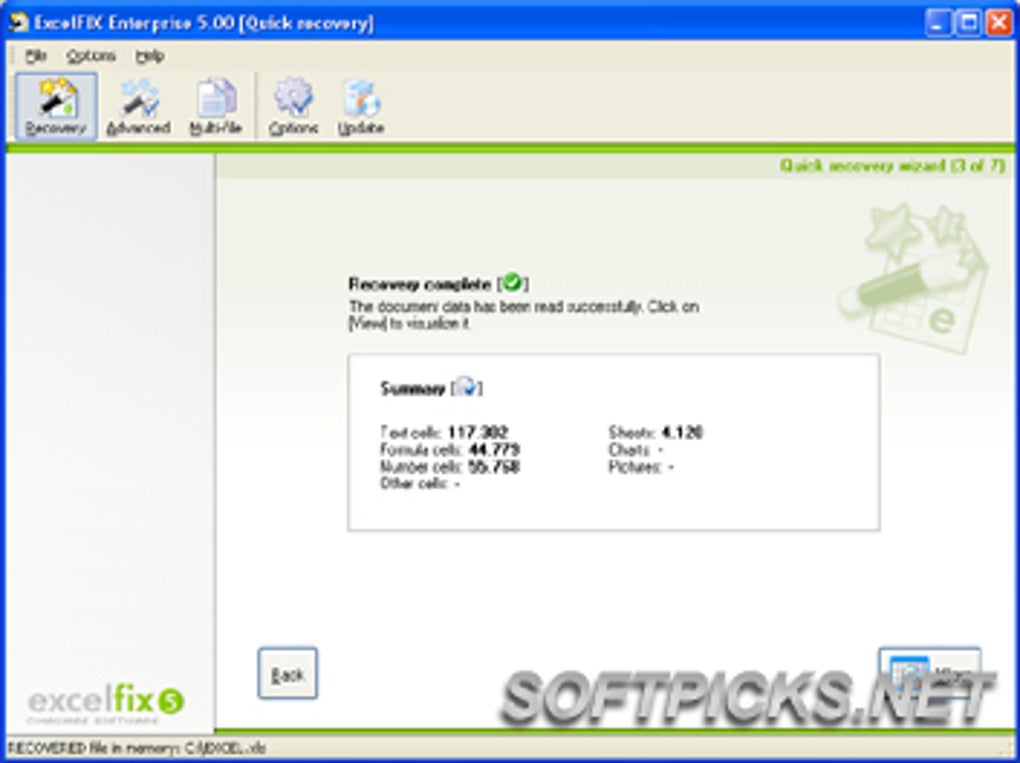
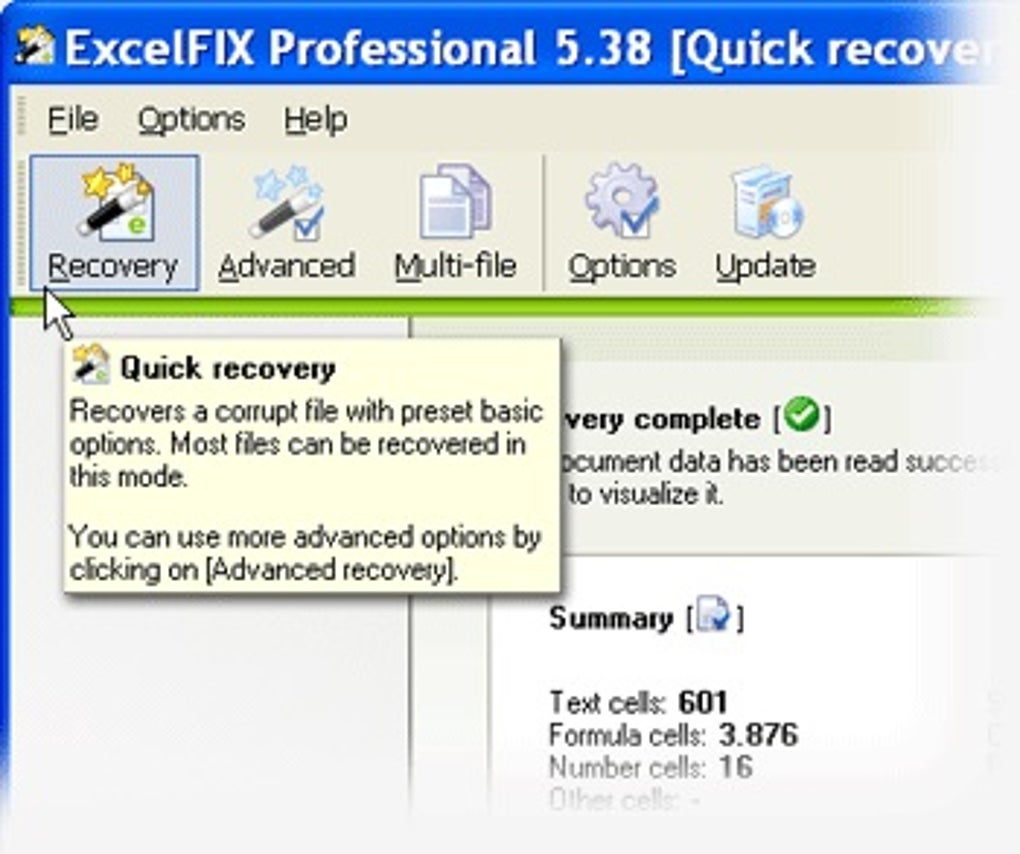
ExcelFIX aims to address these problems by employing advanced data recovery techniques to salvage the information contained within the damaged file. It achieves this by carefully extracting usable data and reconstructing it into a new, healthy Excel file.
ExcelFIX’s Capabilities and Features
ExcelFIX boasts broad compatibility, supporting a wide range of Microsoft Excel versions, including 95, 97, 2000, 2002 (XP), 2003, 2007, and later iterations. This compatibility is a significant advantage, ensuring that the software can handle files created across multiple decades of Excel’s history. Its recovery capabilities extend to several key aspects of Excel files:
- Text and Numbers: ExcelFIX successfully recovers textual data, numerical values, and formulas, preserving the essential information within the spreadsheet.
- Formulas and Calculations: The software strives to maintain the integrity of formulas, ensuring that calculations remain accurate in the recovered file. While complex formulas may occasionally require manual verification, ExcelFIX makes a concerted effort to preserve their functionality.
- Formatting: Formatting elements, such as cell styles, fonts, colors, and alignment, are also targeted for recovery. This ensures that the recovered file retains the visual appeal and organization of the original document.
- Images and Embedded Objects: ExcelFIX is capable of recovering images and other embedded objects (e.g., charts, graphs, links) that are often integral to the spreadsheet’s content. This feature is crucial for retaining the richness and detail of complex documents.
- Lost String Corruption: The software explicitly addresses the issue of lost string corruption, a common type of damage that can render significant portions of the file unusable. By focusing on these issues, ExcelFIX aims to provide the most comprehensive recovery possible.
A particularly helpful feature is the availability of a free demo version. This allows users to test the software’s capabilities on a damaged file before committing to a purchase. This demo version provides a preview of the recovered data, enabling users to assess the success of the recovery process without risking the loss of potentially unrecoverable information. The demo’s ability to preview recovered data is a crucial risk-mitigation tool.
User Interface and Ease of Use
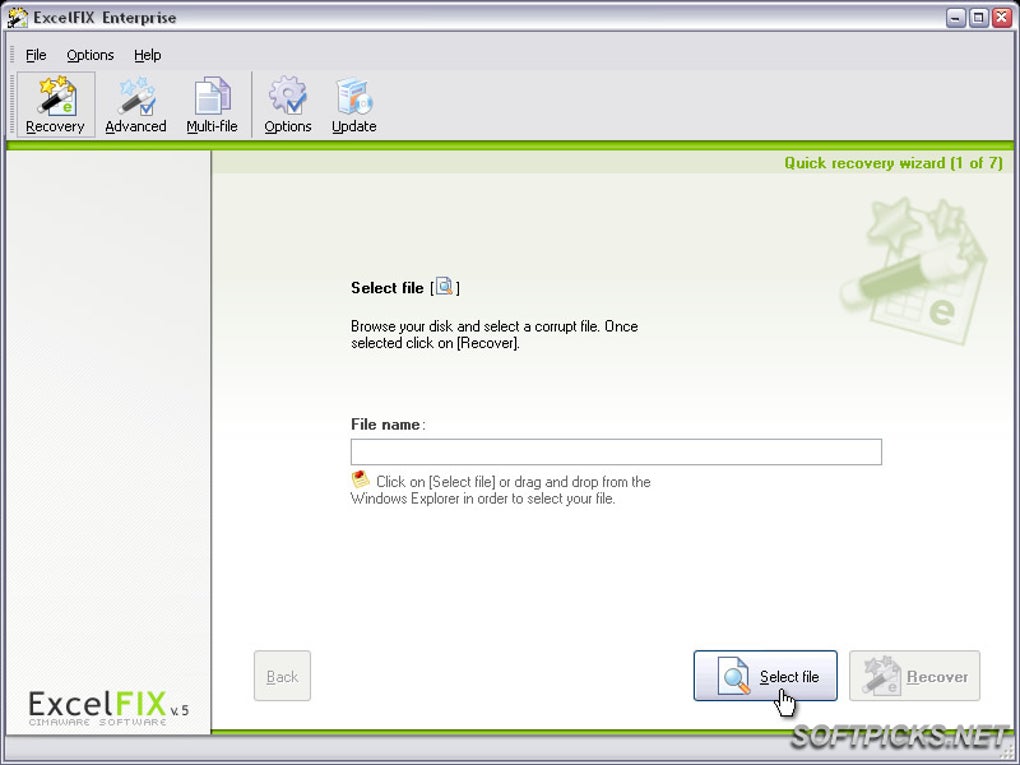
ExcelFIX is praised for its intuitive and straightforward user interface. This design makes the process of spreadsheet repair accessible even to users with minimal technical expertise. The simplified interface eliminates the need for complex settings or technical knowledge, enabling a quick and efficient recovery process. This focus on ease of use significantly broadens the accessibility of the software.
System Requirements and Limitations
While ExcelFIX’s wide compatibility spans various Excel versions, it’s important to note that it’s currently only available for Windows operating systems. Mac and Linux users will need to seek alternative solutions. Furthermore, the recovery process can sometimes be time-consuming, depending on the severity of the file corruption and the file’s size. In instances of extensive damage, recovery might take a considerable amount of time.
ExcelFIX Compared to Other Excel Recovery Software
The market offers several alternative Excel file recovery programs. While ExcelFIX holds its own in terms of features and ease of use, its performance may vary compared to other specialized tools. Some competitors may offer more advanced features or handle specific types of corruption more effectively. Consider comparing features and user reviews before choosing a specific program.
Addressing Specific Issues and Recent Updates
ExcelFIX’s developers actively address user feedback and bugs. A notable example is the recent fix for an issue affecting XLSX files with ampersands (&) in sheet names. This update highlights the ongoing efforts to improve the software’s reliability and compatibility. These iterative improvements enhance the software’s stability and functionality over time.
Who Can Benefit from ExcelFIX?
ExcelFIX caters to a diverse user base, spanning individuals and businesses of all sizes. Its simplicity makes it beneficial for individual users recovering personal spreadsheets. Meanwhile, its robust recovery capabilities cater to businesses needing to restore critical financial or operational data. The software’s broad application makes it a worthwhile investment for anyone who relies heavily on Microsoft Excel.
Conclusion: ExcelFIX – A Practical Solution for Excel File Recovery
ExcelFIX Excel File Recovery stands as a reliable and user-friendly option for recovering damaged or corrupt Excel files. Its broad compatibility, straightforward interface, and ability to recover various data types make it an effective tool for both novice and experienced users. While it may not be the perfect solution for every scenario, particularly extremely severe corruption or non-Windows environments, ExcelFIX’s strong points in ease of use, a range of features, and regular updates make it a strong contender in the field of Excel file recovery software. The free demo version allows users to test its capabilities before committing to a purchase, mitigating risk and ensuring a valuable tool for preventing potential data loss.
File Information
- License: “Trial version”
- Latest update: “January 18, 2024”
- Platform: “Windows”
- OS: “Windows 2000”
- Language: “English”
- Downloads: “22K”
- Size: “6.14 MB”


