
Express Burn Free CD Burning Software is a free, user-friendly application designed for burning audio, MP3, and data CDs and DVDs on Windows operating systems. Its straightforward interface and fast burning speeds make it an appealing option for both novice and experienced users. This review delves into the software’s features, performance, pros and cons, and compares it to other available options.
Ease of Use and Interface Design
One of Express Burn’s key strengths lies in its intuitive interface. The software boasts a clean, uncluttered design, making it remarkably easy to navigate, even for users with limited technical expertise. The process of burning a disc is streamlined; users simply drag and drop files into the designated area and click “burn.” This simplicity eliminates the steep learning curve often associated with other burning software. The program provides clear visual cues and straightforward options, making the entire burning process exceptionally user-friendly. There’s no need to wade through complex menus or confusing settings—everything is readily accessible and easily understood. This ease of use contributes significantly to its popularity among users who prioritize simplicity and efficiency.
Burning Capabilities and Supported Formats
Express Burn supports a wide range of disc types, including CDs, DVDs, and Blu-ray discs (in the paid version). It handles various file formats seamlessly, including audio files (MP3, WAV, WMA, etc.), video files (various formats), and data files. The software automatically converts many audio formats during the burning process, ensuring compatibility with standard CD players. For audio CDs, Express Burn offers direct digital recording, resulting in near-perfect audio quality. For movie discs, the software re-encodes video files to maintain optimal quality and compatibility. This versatility makes it a suitable tool for various burning tasks, from creating music compilations and backup discs to archiving important data files. The ability to create ISO/Joliet, Hybrid, and UDF image files adds another layer of flexibility, particularly useful for creating backup discs with advanced formatting options.
Performance and Speed
Express Burn is consistently praised for its fast burning speeds. It leverages efficient algorithms and optimizations to minimize burning time, making it a significantly quicker option compared to some competing software. This speed enhancement is particularly valuable when burning large data files or numerous audio tracks. The rapid burning process saves users valuable time without compromising the quality of the resulting discs. The software’s performance remains consistent across various file types and disc sizes, ensuring a reliable and efficient burning experience regardless of the project’s scope.
Advanced Features and Options
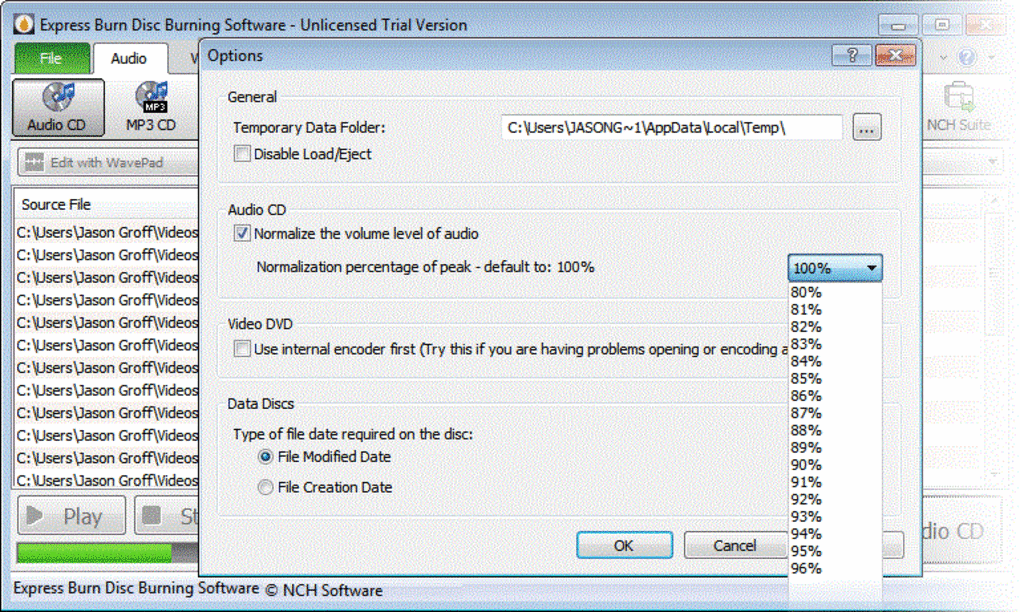
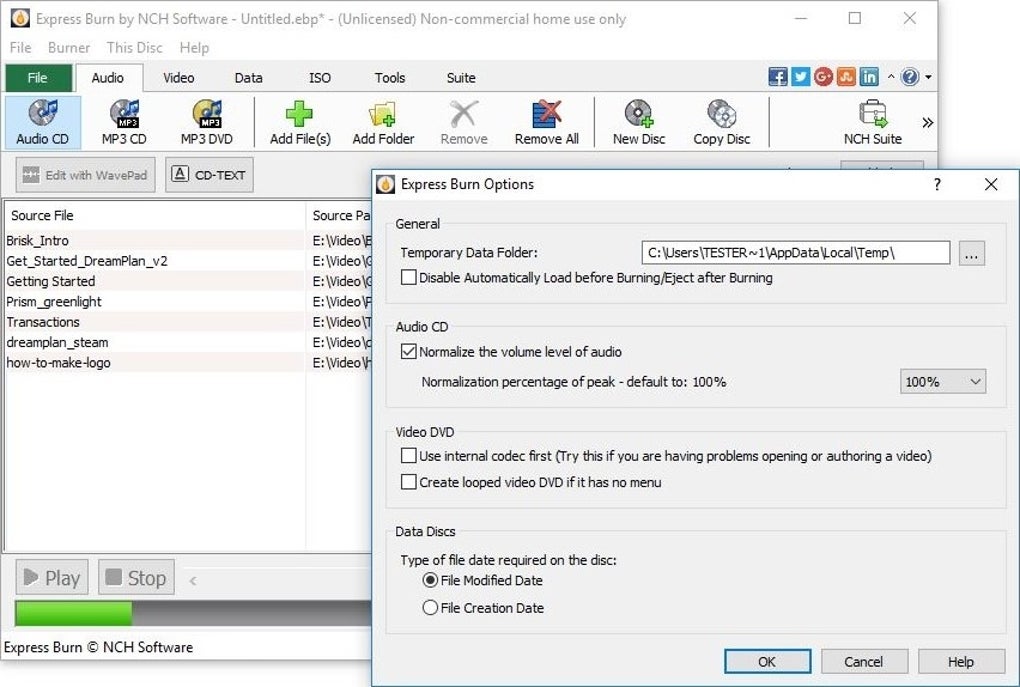
While Express Burn’s user-friendly interface is its primary appeal, it also offers several advanced features for more experienced users. These include the ability to customize various settings to fine-tune the burning process. For instance, users can adjust buffer size, writing speed, and other parameters to optimize performance for specific hardware configurations. The software also provides options for creating bootable discs, a functionality useful for system recovery or software installation. Although not explicitly detailed in the provided text, the paid version likely offers additional features like DVD and Blu-ray burning, enhanced data compression, and more advanced image creation and manipulation capabilities. These advanced options cater to users seeking greater control over the burning process and who require specialized functionality beyond basic CD creation. The availability of these features makes Express Burn a suitable tool for a wider range of users, accommodating both simple tasks and more complex projects.
Comparison to Other Burning Software
Express Burn stands out against its competitors due to its exceptional blend of speed, ease of use, and feature-rich functionality. Compared to other free CD burning software, Express Burn’s fast burning times and user-friendly interface make it a clear winner. While some alternatives offer a more comprehensive range of features (often in paid versions), they often lack the intuitive simplicity and speed of Express Burn. Paid alternatives like Nero Burning ROM offer significantly more features and advanced capabilities, but come at a considerable cost. Free options often lack the speed and efficiency that Express Burn provides. Software like ImgBurn, for instance, is powerful but has a steeper learning curve. CDBurnerXP is another free alternative, but it may not be as efficient as Express Burn. Therefore, Express Burn occupies a unique niche by combining user-friendliness with robust functionality and exceptional burning speed, which is ideal for users who value both ease of use and performance. This balance of accessibility and capability makes it a standout choice among CD burning software.
Pros and Cons
Pros:
- Fast Burning Speeds: Express Burn consistently delivers superior burning speeds compared to many of its competitors.
- User-Friendly Interface: Its straightforward design and intuitive navigation make it easily accessible to all users, regardless of technical expertise.
- Wide Format Support: It supports a broad range of audio, video, and data file formats.
- Direct Digital Recording: Ensures near-perfect audio quality for audio CDs.
- Free for CD Burning: The core CD burning functionality is entirely free for non-commercial use.
- Multiple Disc Formats: Supports CDs, DVDs, and Blu-ray discs (paid version).
- ISO/Joliet/Hybrid/UDF Support: Offers flexible file system options for creating backup discs.
Cons:
- Limited Preview Function: The lack of a preview function before burning could be considered a drawback.
- No Track Reordering (Free Version): The free version likely lacks the ability to rearrange tracks on an audio CD, a feature typically found in paid versions.
- Paid Version for Advanced Features: Access to advanced features like DVD and Blu-ray burning requires purchasing the paid version.
Conclusion
Express Burn Free CD Burning Software presents a compelling solution for anyone needing a fast, reliable, and easy-to-use CD burning application. Its strengths lie in its speed, straightforward interface, and broad format support. While the lack of a preview function and certain features in the free version might be minor drawbacks for some users, the overall performance and ease of use make it an excellent choice for burning CDs and, with the paid version, DVDs and Blu-ray discs. Users prioritizing speed and simplicity will find Express Burn to be an efficient and highly satisfying tool. Its user-friendly design significantly lowers the barrier to entry for those new to disc burning, while its advanced options provide sufficient flexibility for more experienced users. For users primarily focused on CD burning, the free version remains a powerful and efficient option. For those who require advanced features or DVD/Blu-ray support, the paid version provides a cost-effective upgrade with enhanced capabilities.
File Information
- License: “Free”
- Latest update: “February 5, 2025”
- Platform: “Windows”
- OS: “Windows 8.1”
- Language: “English”
- Downloads: “78.7K”
- Size: “1.01 MB”


