
The world of mobile communication is increasingly visual. Gone are the days when text alone sufficed; now, emojis, GIFs, and stickers are integral parts of how we express ourselves online. This is where a keyboard like Facemoji Keyboard steps in, offering a vibrant and customizable typing experience tailored for Xiaomi devices, brimming with cute emoji themes and a wealth of expressive content. This detailed review explores the features, strengths, and weaknesses of Facemoji Keyboard, providing a comprehensive overview for potential users.
A Diverse Emoji and GIF Collection
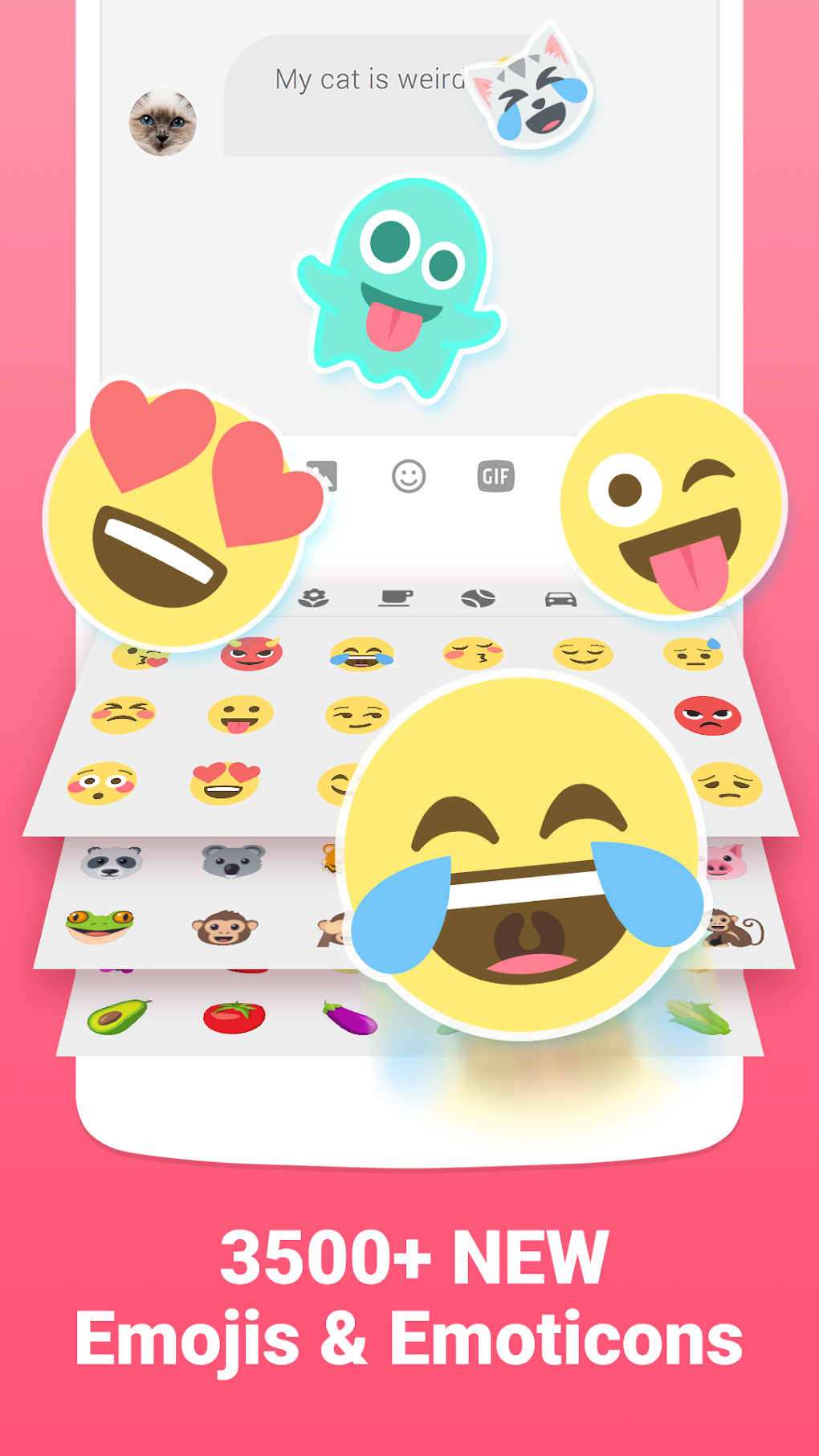
Facemoji Keyboard boasts an extensive library of over 3,600 emojis, emoticons, GIFs, and stickers. This vast collection ensures users have a readily available response for virtually any situation, emotion, or conversation topic. Beyond the sheer quantity, the quality of the emojis is noteworthy. They’re designed to be visually appealing, featuring a cute and often playful style that differentiates this keyboard from others. This focus on “cute” aesthetic is a defining characteristic, making it a particularly attractive option for users who appreciate this design language. The inclusion of GIFs adds another layer of expressive potential, allowing users to react with short animated clips instead of static images, bringing more dynamism to their chats.
The search functionality within the GIF section is a significant advantage, streamlining the process of locating the perfect reaction. Instead of endlessly scrolling through hundreds of GIFs, users can simply type keywords related to their desired emotion or topic, significantly improving efficiency. This feature is particularly useful when time is of the essence, enabling quick and effective communication.
Customizable Themes and Personalization Options
Beyond the core emoji library, Facemoji Keyboard provides a significant level of customization. The app offers thousands of free keyboard themes, allowing users to personalize their typing experience to match their style and preferences. This broad range of themes ensures there’s an option for everyone, regardless of their aesthetic tastes. Whether users prefer minimalist designs, vibrant colors, or intricate patterns, Facemoji Keyboard has a theme to suit their needs.
The ability to personalize the keyboard extends beyond themes. The app also supports over 100 languages, making it an accessible tool for a global audience. This multilingual support ensures users can comfortably type in their native language while still enjoying the benefits of the extensive emoji and GIF library. This level of inclusivity significantly enhances the keyboard’s appeal and makes it a viable option for users worldwide.
Enhanced Typing Features for Efficiency
Facemoji Keyboard isn’t just about aesthetics; it also enhances the practical aspects of typing. The inclusion of swipe typing allows for fast and fluid text input, particularly beneficial for those who frequently send long messages or prefer a quicker typing method. This feature is smoothly integrated, making the transition from traditional typing seamless and intuitive.
Furthermore, the voice input functionality offers a hands-free alternative for typing, proving especially useful in situations where typing is inconvenient or impossible. This feature is particularly convenient for users who prefer voice-to-text conversion or who have mobility limitations.
The app also features smart autocorrect and next-word suggestion functionalities. These features leverage machine learning to predict the user’s input, correcting errors and speeding up the typing process. While such features are common, their efficacy in Facemoji Keyboard seems noteworthy, reducing errors and enhancing the overall typing experience.
Addressing the Drawbacks: Advertisements and Potential Improvements
While Facemoji Keyboard offers a wealth of features and content, it’s not without its shortcomings. The most prominent drawback is the presence of a significant number of advertisements. While the app is free, users must contend with frequent ads that can disrupt the typing flow and, at times, prove intrusive. This is a common trade-off with free apps, but the frequency of ads in Facemoji Keyboard might be considered excessive by some users. This could be mitigated by offering a paid, ad-free version for users who prioritize an uninterrupted experience.
Another potential area for improvement lies in the occasional inconsistencies reported by some users regarding the emoji prediction feature. While generally reliable, it might not always accurately predict the intended emoji, leading to minor frustrations. Regular updates and ongoing refinement of the predictive algorithm could address this issue and further enhance the user experience.
Despite these minor drawbacks, the overall user experience is largely positive, with the extensive emoji and GIF library and customization options outweighing the inconveniences for many users.
Comparison with Other Popular Keyboard Apps
Facemoji Keyboard sits alongside a plethora of other keyboard apps vying for user attention. Compared to popular alternatives like SwiftKey or Gboard, Facemoji Keyboard stands out due to its unique focus on a “cute” aesthetic and its expansive emoji and GIF collection. While SwiftKey and Gboard excel in predictive text and language learning capabilities, Facemoji Keyboard prioritizes visual communication and customization. This distinction makes it a unique and attractive option for users seeking a keyboard that prioritizes expressive content and a visually pleasing interface.
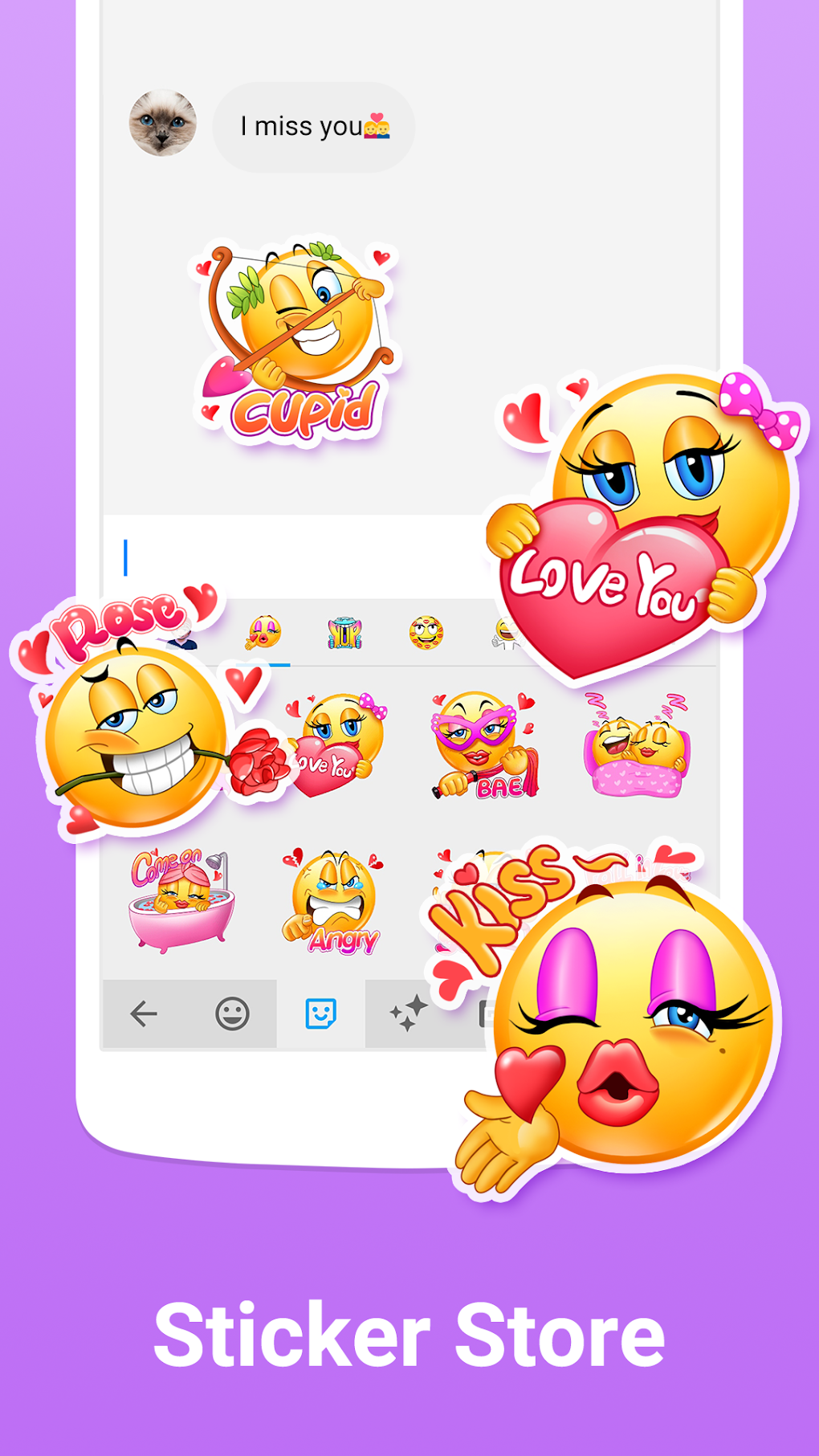
The sheer volume of free themes available in Facemoji Keyboard sets it apart from competitors that might offer fewer themes or require in-app purchases to unlock additional options. This commitment to providing a fully customizable and free experience is a strong selling point.
However, the higher frequency of advertisements in comparison to some paid alternatives or other free apps with less intrusive advertising strategies is a key differentiator. Users must carefully weigh the advantages of the extensive content library against the potential disruption caused by ads.
Conclusion: A Strong Contender in the Keyboard Market
Facemoji Keyboard for Xiaomi offers a compelling package for users who value a wide selection of cute emojis, GIFs, stickers, and customizable themes. Its extensive library, coupled with convenient swipe typing and voice input, enhances both the visual and practical aspects of mobile communication. While the presence of ads might be a drawback for some, the sheer volume of free content and the overall fun and expressive nature of the app make it a strong contender in the crowded keyboard app market. It’s a particularly excellent choice for users who prioritize visual communication and appreciate a customizable and visually appealing keyboard experience. The developers should, however, consider addressing the concerns about advertisement frequency and further refining the emoji prediction algorithm to ensure an even smoother and more satisfying user experience.
File Information
- License: “Free”
- Latest update: “June 1, 2025”
- Platform: “Android”
- OS: “Android 13.0”
- Language: “English”
- Downloads: “134.8K”
- Download Options: “Google Play”


