
FancyKey Keyboard - Emoji, GIF is a free Android keyboard application that offers a highly customizable typing experience. Beyond simply inputting text, FancyKey transforms your keyboard into a personalized expression of your style, incorporating a wide range of features designed to enhance both functionality and visual appeal. This comprehensive review delves into the app’s features, performance, and overall user experience.
A Customizable Keyboard Experience
At its core, FancyKey is a keyboard replacement app, meaning it replaces your default Android keyboard. This allows for complete control over the look and feel of your typing interface. The app boasts a vast library of themes, allowing users to tailor the keyboard’s background to their preferences. These themes range from simple color changes to intricate animated images and even the option to use a personal photo as a background. This flexibility ensures that the keyboard seamlessly integrates with the user’s personal aesthetic and device customization.
Beyond visual customization, FancyKey provides extensive font options. Users can select from a diverse collection of fonts, altering both the typeface and size to create a comfortable and visually appealing typing experience. The ability to adjust font color further enhances personalization, allowing for precise control over every aspect of the on-screen keyboard.
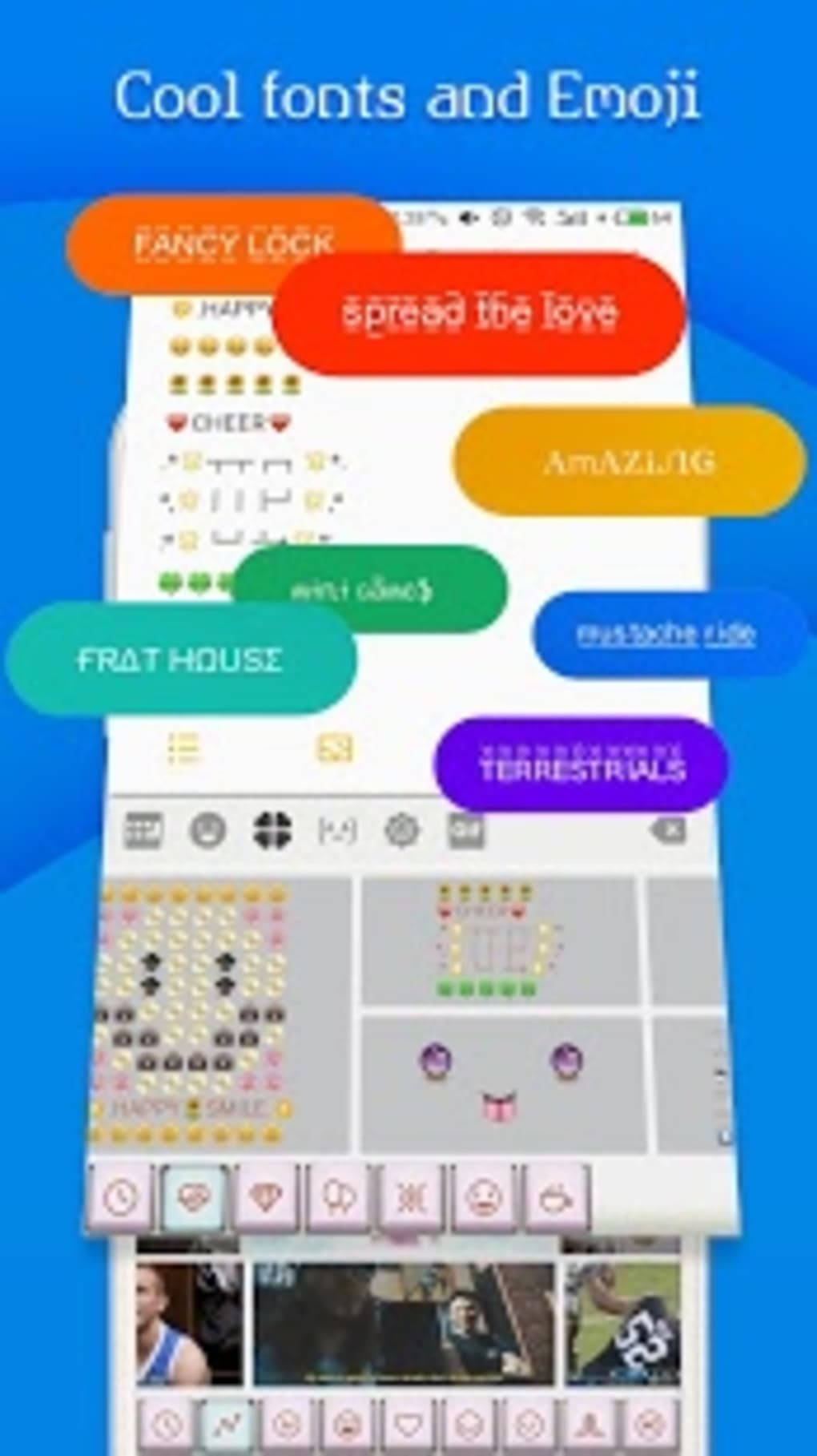
The app excels in its provision of diverse input methods. Its extensive emoji and GIF library stands out as a significant advantage. With access to thousands of emojis and GIFs, users can effortlessly inject emotion and humor into their messages, significantly enhancing communication. The seamless integration of these elements directly within the keyboard streamlines the process, eliminating the need for cumbersome switching between applications.
The ease of access to this extensive media library is a key element of FancyKey’s design. The app’s intuitive interface allows for quick and simple browsing and selection of emojis and GIFs, avoiding any unnecessary complexities. The intuitive nature of the app ensures a seamless typing experience, even for users who are not familiar with heavily customized keyboards.
Beyond the Basics: Advanced Features
FancyKey extends beyond basic customization, integrating features designed to improve efficiency and accessibility. One notable feature is the text-to-speech functionality. This allows users to have their typed text read aloud, a helpful tool for those with visual impairments or those who prefer an auditory confirmation of their input. The choice of different voices adds another layer of personalization, letting users select a voice that best suits their preferences.
The application also offers additional functionalities such as the ability to create custom word shortcuts. This feature enables users to create personalized shortcuts for frequently used phrases, significantly speeding up the typing process. The convenience of this feature is particularly valuable for those who frequently type long or repetitive phrases. The customization of shortcuts enhances user efficiency and streamlines communication, offering a practical advantage for frequent users.
The inclusion of a vast sticker library complements the already impressive collection of emojis and GIFs. With over 4,000 stickers available, users have a wide array of choices to express themselves creatively. This expands the range of communication options beyond simple text, allowing for richer and more engaging interactions.

Performance and User Experience
FancyKey’s performance is generally smooth and responsive. Even with the extensive features and customization options, the app maintains a stable and efficient operation on a variety of Android devices. The responsiveness of the keyboard is crucial for a positive typing experience, and FancyKey delivers in this respect. The smooth input and quick access to features contribute to a positive and efficient user experience.
The app’s intuitive design enhances its user-friendliness. Even users unfamiliar with highly customizable keyboards should find the interface easy to navigate and understand. The clear layout and easy-to-access settings make the customization process straightforward and enjoyable. The app’s seamless integration with the Android operating system ensures a familiar and comfortable typing experience.
App Size and System Requirements
FancyKey maintains a relatively small download size, minimizing the storage space required on the user’s device. This is a crucial factor for users with limited storage capacity on their smartphones. The app’s efficient design ensures a manageable file size without compromising on the vast array of features offered. The app’s compatibility with various Android versions demonstrates its commitment to accessibility and broad user support.
Comparison with Alternative Keyboards
Compared to other Android keyboard applications, FancyKey stands out for its comprehensive feature set and high level of customization. While many alternative keyboards offer similar basic functionalities like theme customization and emoji support, FancyKey’s extensive GIF library, text-to-speech capabilities, and sticker collection distinguish it from the competition. The combination of these features creates a unique and compelling offering in the crowded market of Android keyboard apps. The breadth of options and features caters to a wider range of user needs and preferences than many of its competitors.
Some alternative keyboards may focus on specific niche features, such as enhanced predictive text or specialized input methods for certain languages. FancyKey, however, achieves a balance, providing a robust collection of features while maintaining a user-friendly interface. This balance is a significant advantage, ensuring a positive experience for a broad spectrum of users.
The combination of visual customization, input method diversity, and advanced features establishes FancyKey as a strong competitor within the Android keyboard market. Its strong suit lies in its ability to offer a comprehensive and customizable typing experience without sacrificing ease of use or performance.
Conclusion
FancyKey Keyboard - Emoji, GIF provides a compelling and comprehensive keyboard experience for Android users. Its blend of extensive customization options, a vast media library, and advanced features such as text-to-speech, sets it apart from many competing keyboards. The intuitive interface and smooth performance further enhance its appeal, ensuring a positive user experience for individuals seeking a highly customizable and feature-rich typing solution. The app’s balanced approach to functionality and usability makes it a highly recommended option for those seeking to personalize their mobile typing experience beyond the basic functionalities provided by standard Android keyboards. Whether you prioritize visual customization, efficient input methods, or simply wish to inject personality into your typed communications, FancyKey offers a valuable and highly customizable solution.
File Information
- License: “Free”
- Version: “2.1”
- Latest update: “July 12, 2023”
- Platform: “Android”
- OS: “Android 7.0”
- Language: “English”
- Downloads: “6.4K”
- Size: “19.44 MB”
- Download Options: “APK, Google Play”
- Filename: “FancyKey_Keyboard_Emoji_GIF_v2.1.apk”


