
Filelinked is a mobile utility application designed to simplify the process of downloading multiple files onto Android devices. Its core functionality revolves around converting lengthy download links into easily shareable numeric codes, thus streamlining the download process and eliminating the need for users to manually input multiple URLs. However, understanding Filelinked requires a nuanced perspective, considering both its convenience and its potential drawbacks. This guide will provide a detailed overview of Filelinked’s features, functionality, usage, safety considerations, and viable alternatives.
Understanding Filelinked’s Functionality
At its heart, Filelinked acts as a centralized hub for managing and distributing files. Instead of directly sharing lengthy download URLs, users create “lists” containing various files, each associated with a unique numeric code. This code, when entered into the Filelinked mobile app, initiates the download process for all files included in that specific list. This system offers several advantages:
-
Simplified Sharing: Long, complex URLs are replaced with easily remembered and shared numeric codes. This makes sharing large collections of files significantly easier, particularly amongst groups or within a specific community.
-
Bulk Downloading: Filelinked enables the simultaneous download of multiple files, considerably reducing the time required compared to downloading each file individually. This is especially beneficial when dealing with large numbers of files or files of considerable size.
-
No Central File Storage: A key aspect of Filelinked’s design is that it doesn’t directly host or store the files themselves. Users provide the direct links to publicly accessible files, meaning Filelinked acts purely as a code-generation and download management tool, not a file repository.
Creating and Sharing Filelinked Codes
The process of creating and sharing a Filelinked code involves several steps:
-
Account Creation (Optional): While not strictly mandatory for basic usage, creating a Filelinked account offers enhanced organizational capabilities and potentially more control over shared lists.
-
List Creation: Users create lists, providing the file name, URL, and optionally, a logo for each file they wish to include in the list. Each file within the list must have a publicly accessible URL.
-
Code Generation: Upon saving a list, Filelinked generates a unique numeric code associated with that list. This code serves as the key to accessing and downloading all the files contained within.
-
Code Sharing: The generated code can be shared with others who can then use it within the Filelinked mobile application to initiate the download of the entire list. The responsibility for maintaining and distributing these codes lies solely with the user who created the list.
-
Download Initiation: When a user enters a code into the Filelinked app, the app retrieves the list of files associated with that code and initiates the download process for each file.
Filelinked and Content Ownership: Legal and Ethical Considerations
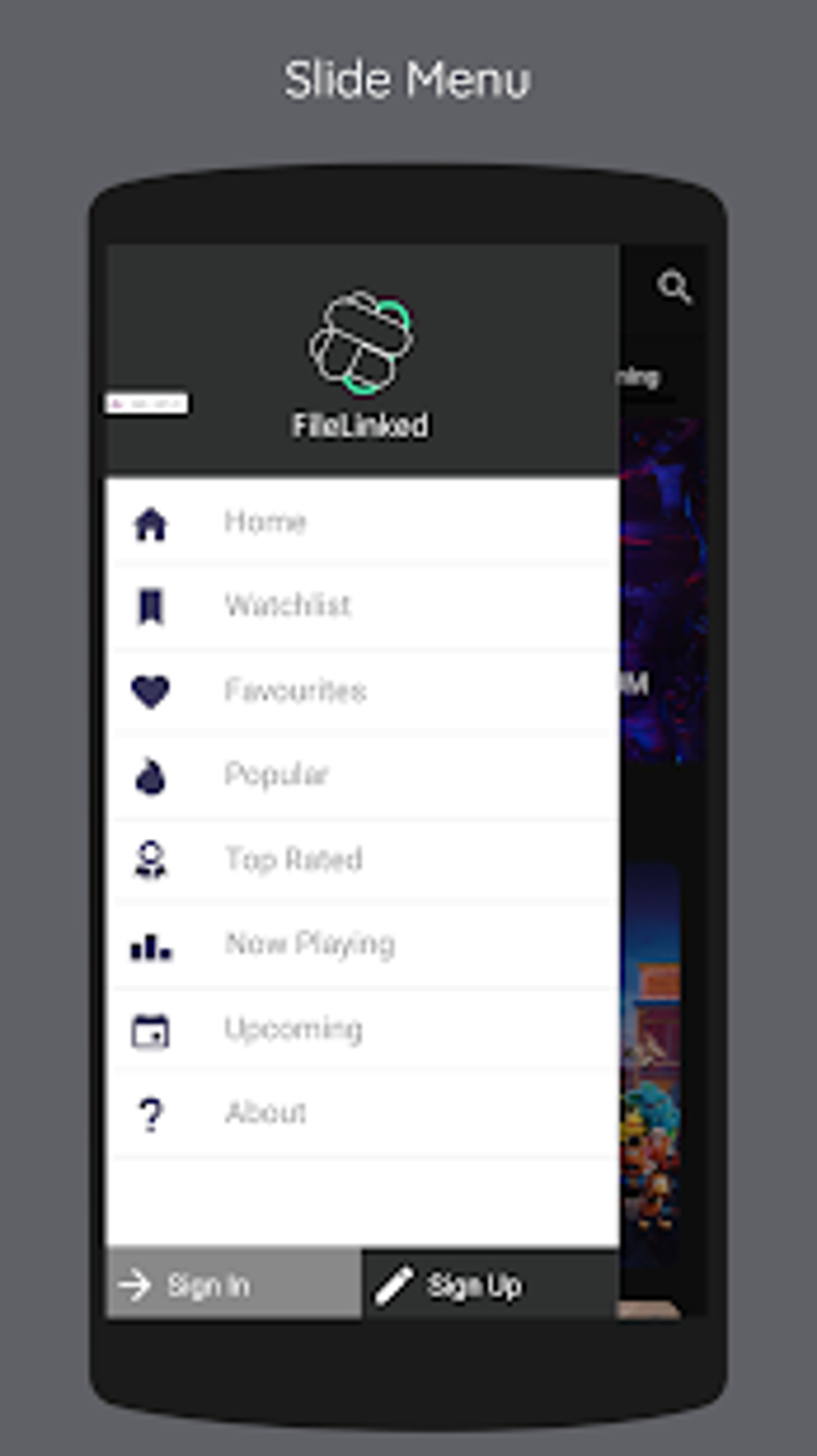
While Filelinked simplifies file sharing, it’s crucial to understand the implications concerning the content shared through the platform. Filelinked explicitly states that by posting, downloading, displaying, using, transmitting, or distributing data through their service, users grant them a license to use that content. This means Filelinked reserves the right to:
- Copy: Duplicate the uploaded files.
- Distribute: Share the uploaded files with others.
- Transfer: Move or transmit the uploaded files.
- Edit: Modify the uploaded files.
- Translate: Translate the content of the uploaded files.
- Reformat: Change the file format or presentation.
- Post Publicly: Make the uploaded files publicly available (although this is not necessarily directly visible to the general public through their interface; it’s more about the potential for internal use or re-purposing).
This license agreement is a significant consideration. Users should only upload content for which they hold the necessary rights and understand the implications of granting Filelinked such broad usage rights. Sharing copyrighted material without permission constitutes copyright infringement and can lead to serious legal consequences. Furthermore, it is vital to be cautious about the nature of any files uploaded, as the implications of granting Filelinked usage rights extend to those contents.
Security and Privacy Concerns with Filelinked
While Filelinked doesn’t store the files themselves, it does store the user-created lists and associated codes. While they state that codes are not permanently stored, this does not eliminate potential security and privacy risks:
-
Data Breaches: The possibility of a data breach, although unlikely, remains a concern. Should a breach occur, user-created lists and associated codes could be compromised, potentially leading to unauthorized access to the files linked within those lists.
-
Content Exposure: Even without a breach, the act of uploading content grants Filelinked a license to use that content. The exact extent of this usage and how they might use your content isn’t fully transparent. While they do not explicitly state that they will redistribute your files publicly, the license grants them the right to do so. This lack of complete transparency should be carefully weighed against the convenience provided by the application.
-
Malware Risk: While Filelinked itself is generally safe, the files linked through its codes are not vetted. Downloading files from untrusted sources through Filelinked carries the risk of downloading malware. Users should always exercise caution and only download files from known and reputable sources.
Alternatives to Filelinked
Several alternative applications and methods offer similar functionalities to Filelinked, often with improved security and transparency:
-
Cloud Storage Services: Services like Google Drive, Dropbox, and OneDrive allow for the storage and sharing of files. These services typically offer better security features and greater user control over content ownership and sharing permissions.
-
Direct Download Links: If the files are publicly accessible, direct download links can be shared and utilized without using a third-party application. However, this lacks the bulk download capability of Filelinked.
-
Dedicated File Transfer Applications: Various applications specifically designed for transferring files between devices offer features akin to Filelinked, albeit with varying levels of security and functionality.
Conclusion
Filelinked offers a convenient method for bulk downloading files using simplified numeric codes. However, users must carefully weigh the convenience against the legal and ethical considerations related to content ownership and the potential security and privacy risks. The broad license granted to Filelinked regarding user-uploaded content necessitates caution and careful consideration of the files shared through the platform. Users should consider alternative methods, such as cloud storage services or direct download links, if greater control over content ownership and security is required. Always prioritize downloading files from trustworthy sources, regardless of the platform used. The use of Filelinked should be considered in light of this comprehensive understanding of its functionalities, and limitations.
File Information
- License: “Free”
- Latest update: “May 24, 2023”
- Platform: “Android”
- OS: “Android 4.2”
- Language: “English”
- Downloads: “202K”
- Size: “9.59 MB”
- Download Options: “APK, Google Play”
- Filename: “Filelinked_v1.5.3.apk”


