
FileMaker Pro is a powerful yet user-friendly database management system (DBMS) designed for both novice and experienced users. It offers a robust set of tools for creating, managing, and sharing custom databases without requiring extensive programming knowledge. While it doesn’t replace the need for expertise in languages like PHP and MySQL for complex applications, FileMaker Pro bridges the gap, providing a highly intuitive graphical user interface (GUI) that simplifies the process of database creation and administration. This comprehensive guide explores the features, capabilities, and benefits of FileMaker Pro, highlighting its strengths and limitations.
Ease of Use and Intuitive Interface
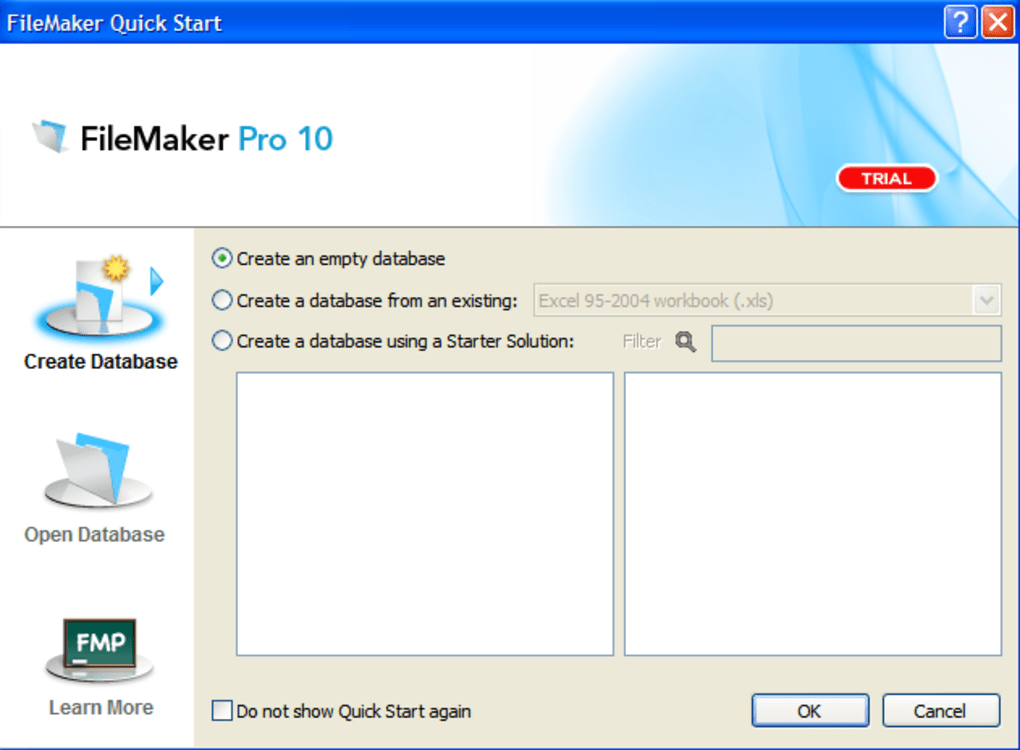
One of FileMaker Pro’s most significant advantages is its ease of use. The program boasts a streamlined interface, making it accessible to users with little to no prior database experience. The Quick Start Screen serves as a central hub, providing easy access to core functionalities, including creating new databases, opening existing ones, and accessing helpful tutorials. This intuitive design minimizes the learning curve, allowing users to quickly begin building their own tailored databases without navigating complex command-line interfaces or intricate coding structures.
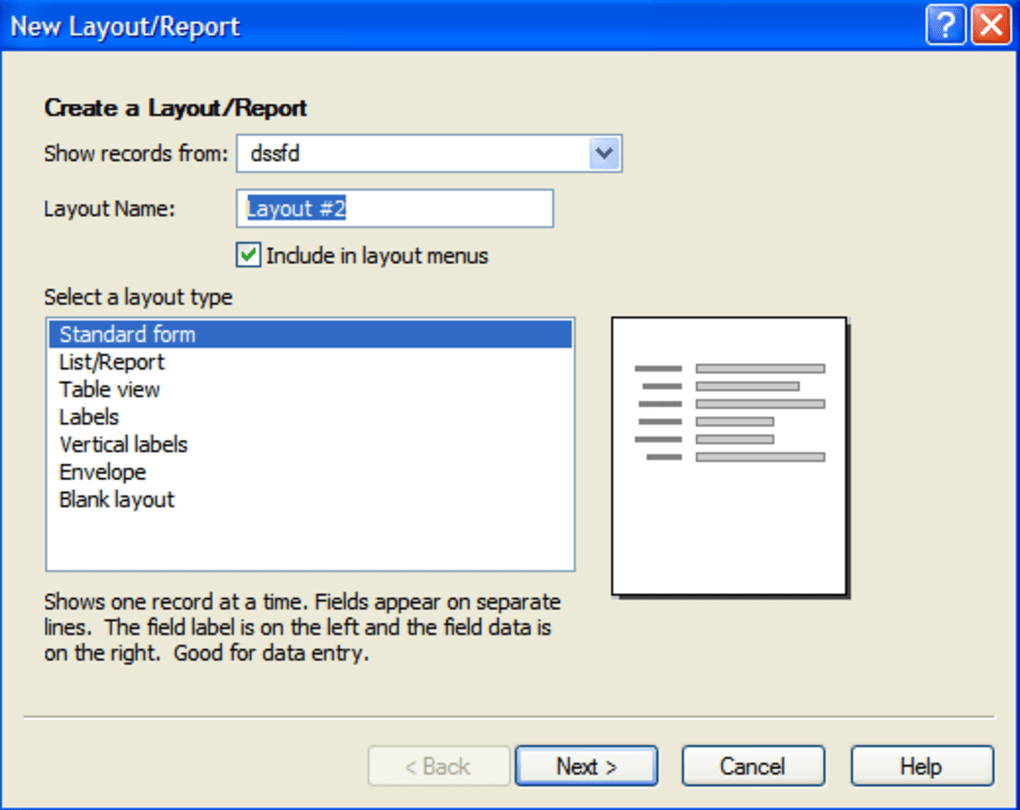
The user-friendly environment extends beyond the initial setup. FileMaker Pro simplifies database design through drag-and-drop functionality and pre-built templates. Users can effortlessly add fields, define relationships between tables, and customize the visual appearance of their databases. This ease of use empowers individuals and businesses to manage various types of data—from contact information and project management details to inventory tracking and sales data—without needing specialized IT support. The program also supports collaborative work, allowing multiple users to access and modify the same database concurrently, fostering teamwork and efficiency.
Powerful Database Creation and Management Capabilities
Beyond its simplicity, FileMaker Pro offers a comprehensive suite of tools for creating and managing sophisticated databases. Its robust features allow users to define complex data structures, establish relationships between tables, and implement sophisticated data validation rules to ensure data integrity. The program supports a wide range of data types, from simple text and numbers to dates, times, and multimedia files. This flexibility enables users to create databases capable of handling diverse data requirements.
FileMaker Pro’s capabilities extend beyond basic data management. The program includes built-in scripting capabilities, enabling users to automate tasks and enhance database functionality. Scripts can be used to automate data entry, generate reports, perform calculations, and trigger actions based on specific events. This automation significantly boosts efficiency and reduces manual effort. For example, a script could automatically send an email notification when a certain data threshold is reached or generate a custom report at the end of each month. While coding knowledge is not strictly necessary for basic use, familiarity with scripting can unlock more advanced functionalities and customize the software to suit specific business needs.
Enhanced Reporting and Data Visualization
FileMaker Pro’s reporting capabilities play a crucial role in extracting meaningful insights from stored data. The program includes tools to create a variety of reports, from simple lists to sophisticated summaries, allowing users to present their data in clear and informative ways. The introduction of FileMaker Charts allows for dynamic representation of data through various chart types, including bar charts, pie charts, and line graphs. These visualizations make it easy to identify trends, patterns, and outliers within the data, supporting better decision-making.
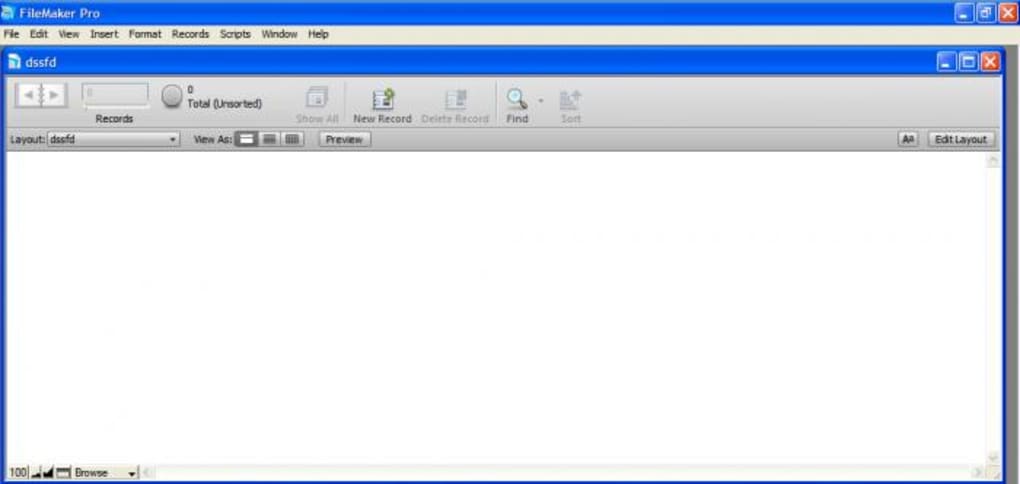
The integrated spreadsheet-style report creation further enhances the reporting features. Users can design custom reports with detailed formatting, calculations, and summaries, making it easy to present data in a professional and understandable manner. The ability to export reports in different formats, such as PDF or Excel, increases versatility and enables seamless integration with other applications. These combined reporting and visualization tools greatly empower users to transform raw data into actionable intelligence.
Cross-Platform Compatibility and Data Sharing
FileMaker Pro’s cross-platform compatibility is a key advantage. It’s available for both Windows and macOS operating systems, ensuring seamless integration into various work environments. This consistency means that users can access and manage their databases regardless of the operating system on their devices. The ability to easily share databases among multiple users, whether on the same network or remotely, is a significant feature for collaborative projects and business operations.
FileMaker Pro facilitates data sharing through several mechanisms. The “Send Link” feature allows users to create a hyperlink that directly opens a database, making it easy to share information with colleagues, clients, or other stakeholders. This method is particularly useful for sharing read-only access to specific data subsets. For more complex scenarios, FileMaker Pro supports advanced sharing options, including establishing secure connections and controlling user permissions, thereby safeguarding sensitive data and maintaining data integrity. This flexibility ensures that data can be shared securely and effectively, regardless of location or user permissions.
FileMaker Pro vs. Traditional Database Systems
While FileMaker Pro offers a user-friendly approach to database management, it’s essential to understand its position relative to traditional database systems like MySQL or PostgreSQL. FileMaker Pro excels in its ease of use and intuitive interface, making it ideal for individuals and businesses without extensive technical expertise. It shines in scenarios requiring relatively straightforward database designs and moderate data volumes. However, for highly complex applications demanding advanced database functionalities and massive datasets, traditional relational database management systems (RDBMS) like MySQL or PostgreSQL may be more appropriate.
Traditional RDBMS systems offer superior scalability, performance, and advanced features not readily available in FileMaker Pro. These systems are often preferred for large-scale applications requiring high transaction volumes and sophisticated data manipulation. While FileMaker Pro’s scripting capabilities offer some level of automation, they do not match the power and flexibility of SQL (Structured Query Language) used in RDBMS, which allows for highly complex data manipulation and querying. Therefore, the choice between FileMaker Pro and a traditional RDBMS depends on the specific needs of the project.
Conclusion
FileMaker Pro is a versatile and powerful database management system, especially suitable for users seeking an accessible and user-friendly approach to creating and managing databases. Its intuitive interface, powerful features, and cross-platform compatibility make it a strong choice for a wide range of applications. While not a replacement for traditional RDBMS systems in all scenarios, FileMaker Pro successfully bridges the gap between simplicity and functionality, empowering both novice and experienced users to effectively manage and leverage their data. Its strength lies in its ability to provide a robust yet accessible solution for individuals and businesses needing a user-friendly way to manage their information, without sacrificing significant power and flexibility. The program’s consistent updates and expanding features ensure its ongoing relevance and competitiveness within the database management landscape.
File Information
- License: “Trial version”
- Latest update: “June 11, 2025”
- Platform: “Windows”
- OS: “Windows 2003”
- Language: “English”
- Downloads: “52.8K”
- Size: “281.02 MB”


