
Finale Notepad is a music notation software designed to simplify the process of music composition, allowing users to focus on creativity rather than technical complexities. This review will delve into its features, pros and cons, and compare it to alternative software options. The software, while offering a free trial, ultimately requires a purchase for continued use after the trial period expires.
Intuitive Music Composition
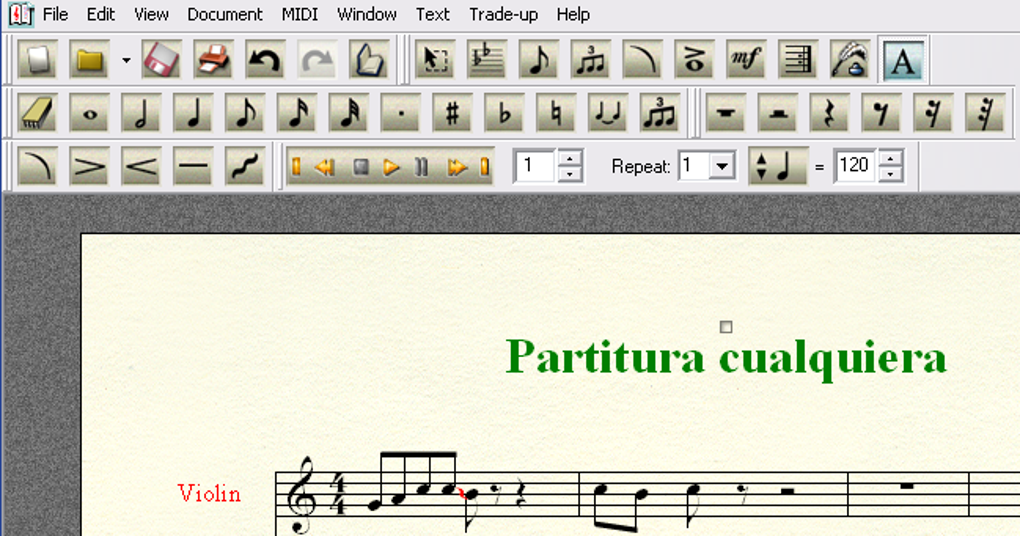
Finale Notepad streamlines the creation of sheet music, regardless of whether you’re incorporating lyrics. Its intuitive interface allows for quick and easy creation, making it accessible to both beginners and experienced composers. The process of adding lyrics is particularly straightforward, with the software automatically spacing the words appropriately for optimal readability and visual appeal within the musical score. This feature significantly reduces the time spent on formatting and allows for a more fluid creative workflow.
The software’s strength lies in its ability to handle multiple instrumental parts simultaneously, facilitating the arrangement and composition of complex musical pieces. This multi-track capability is essential for composers working on orchestral scores, chamber music, or any arrangement involving multiple instruments. Each part can be independently edited and refined, allowing for precise control over individual instrumental voices within the overall composition. The ease of adding dynamics and tempo markings further enhances the compositional control, allowing composers to shape the emotional impact and rhythmic flow of their music with precision.
Robust Playback and Real-time Feedback
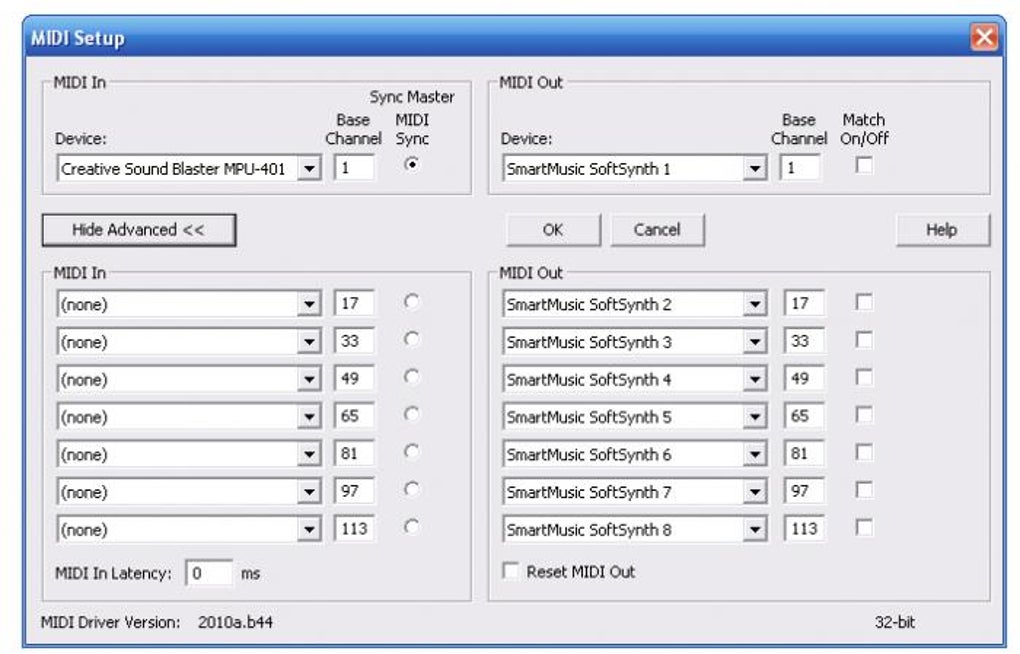
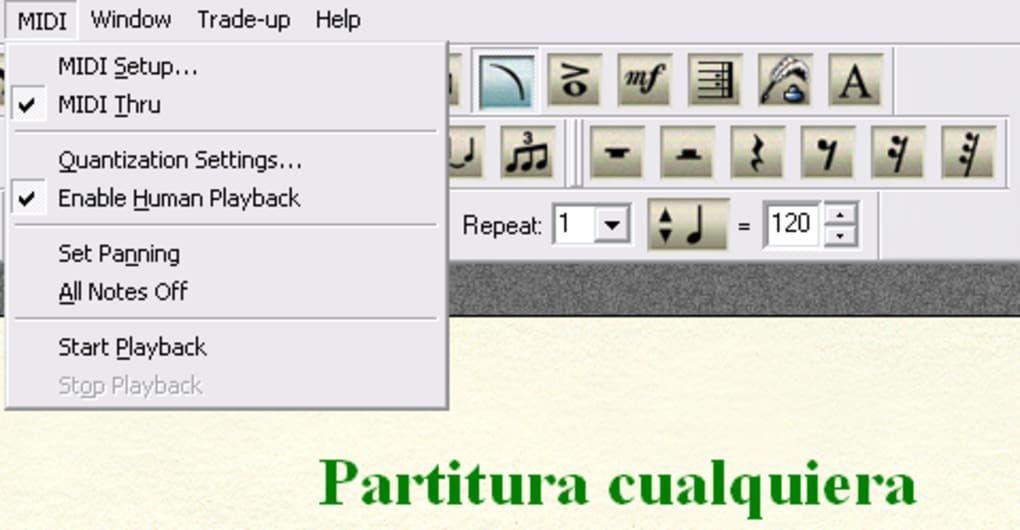
One of Finale Notepad’s most significant advantages is its sophisticated playback functionality. The software doesn’t merely play back a synthesized, robotic rendition of the composed music. Instead, it simulates human performance, incorporating nuanced inflections and realistic timing that provide a more accurate representation of how the composition will sound when performed by actual musicians. This realistic playback is invaluable for composers seeking immediate feedback on their work, enabling them to quickly identify and correct any inconsistencies or areas that require further refinement. The ability to instantly hear the results of compositional changes fosters a more iterative and experimental approach to music creation.
The simulated human performance feature in Finale Notepad offers several benefits. Firstly, it provides a more accurate preview of the final product compared to purely synthetic playback, giving composers a better understanding of the musical phrasing and emotional impact of their work. Secondly, it speeds up the composition process by eliminating the need to constantly switch between notation and a separate audio playback program. Finally, it allows composers to experiment with different instrumentation and arrangements without having to physically perform or record each iteration. This feature significantly improves efficiency and reduces the time spent on the iterative process of refining a composition.
Advantages and Disadvantages of Finale Notepad
Pros:
-
User-friendly interface: Finale Notepad boasts an intuitive and accessible interface, making it easy to learn and use for both beginners and experienced musicians. The streamlined design minimizes distractions and allows users to focus on the creative process rather than grappling with complex software settings. This ease of use extends to the addition of lyrics, dynamics, and tempo markings, streamlining the entire composition workflow.
-
Efficient music creation: The software’s features are designed to optimize the music creation process. The quick and easy addition of elements such as lyrics and dynamic markings reduces the time spent on tedious formatting tasks, leaving the composer free to focus on the artistic aspects of their work. The multi-track capability is also critical for efficient composition of complex pieces involving multiple instruments.
-
Realistic playback: The realistic playback feature, which simulates human performance, provides invaluable feedback to composers. This helps identify potential issues in the composition that might not be apparent through purely synthesized playback. The ability to hear the music as if played by a human gives composers a more accurate representation of their work, leading to improved quality and more polished compositions.
-
Versatility: Finale Notepad supports various input methods. Whether you prefer to input notes directly through the software’s interface or use a MIDI device for recording, the software offers flexibility to suit individual preferences and workflows. This adaptability caters to a wider range of users, accommodating diverse compositional styles and techniques.
Cons:
-
Trial version limitations: The software’s free trial is limited to a 30-day period, after which a purchase is required for continued use. This limitation can be a constraint for users unsure about committing to the software or those with limited budgets.
-
Cost: Compared to some free alternatives, Finale Notepad comes with a price tag. This cost factor should be considered by prospective users weighing up the cost-benefit trade-off against free or less expensive alternatives.
-
Limited advanced features: While Finale Notepad offers a robust set of core features, it may lack some of the advanced functionalities found in professional-grade music notation software. Composers requiring specialized tools for highly complex compositions might find the features insufficient for their needs. This constraint makes Finale Notepad more suitable for composers focusing on relatively less complex projects or those who value ease of use above highly specialized features.
Comparison with Alternative Software
Several alternative music notation software packages exist, each with its own strengths and weaknesses. Some notable examples include:
- MuseScore: A free, open-source alternative that offers a comprehensive range of features comparable to many commercial programs. However, it may have a steeper learning curve compared to Finale Notepad.
-
Sibelius: A professional-grade music notation software known for its powerful features and precise control. However, it comes with a significant price tag and has a more complex interface, making it less accessible to beginners.
-
Finale (full version): This is the full professional version of the software family that Finale Notepad belongs to. It offers significantly more advanced features and capabilities, but at a correspondingly higher price and with a steeper learning curve.
The choice between Finale Notepad and these alternatives depends on the user’s specific needs and priorities. If ease of use and realistic playback are paramount, Finale Notepad may be a strong choice. For users requiring a free option or demanding highly specialized features, MuseScore or Sibelius might be more suitable.
Conclusion
Finale Notepad provides a valuable tool for both aspiring and established composers. Its intuitive interface, realistic playback, and efficient workflow make it a user-friendly option for creating sheet music with or without lyrics. While the trial period limitation and associated cost are factors to consider, its strengths in ease of use and realistic audio output make it a compelling option for those seeking a balance between ease of use and powerful features. However, users should carefully weigh the software’s capabilities against those of alternative options to ensure it aligns with their individual needs and budget. The realistic playback, in particular, sets it apart from many other programs, offering a significant advantage for composers wanting immediate and accurate feedback on their work.
File Information
- License: “Free”
- Version: “2012”
- Latest update: “September 22, 2021”
- Platform: “Windows”
- OS: “Windows 7”
- Language: “English”
- Downloads: “95.6K”
- Size: “102.56 MB”


