
Fishbowl was a dedicated desktop application designed to provide a streamlined and visually appealing experience for interacting with Facebook, eliminating the need to constantly open a web browser. This review examines its features, pros, and cons, based on information available at the time of its release and operation.
A Dedicated Facebook Experience on Your Desktop
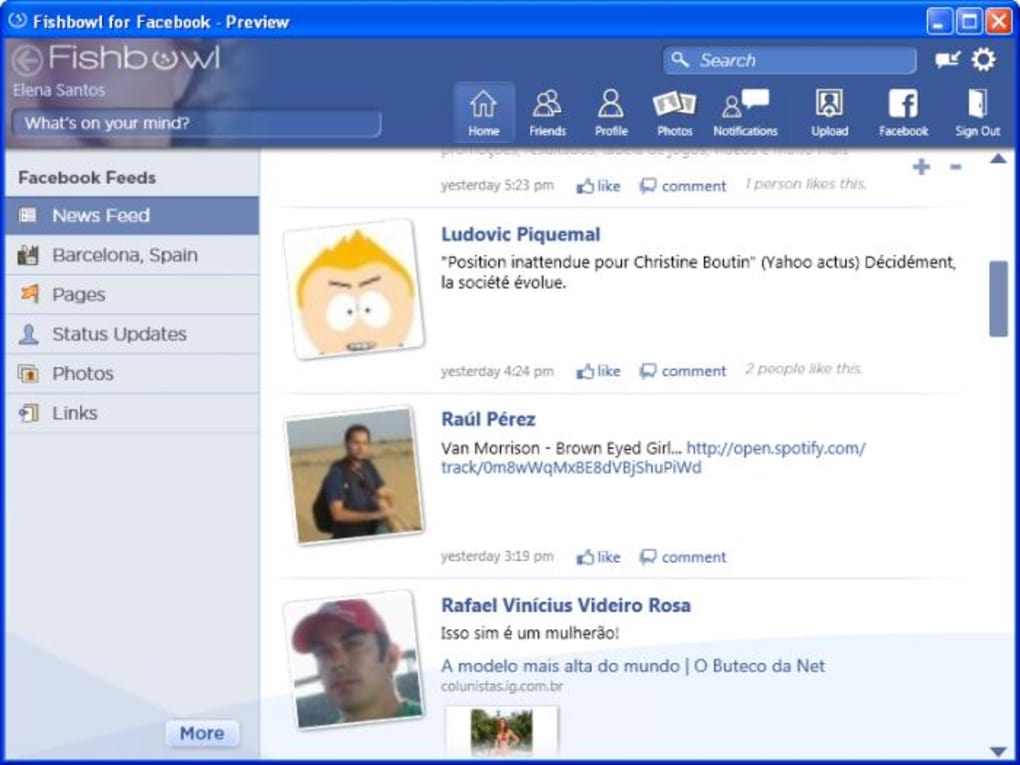
Fishbowl aimed to be more than just a web browser shortcut to Facebook. It offered a dedicated interface specifically tailored for accessing and engaging with Facebook’s core features. Instead of navigating through a web browser, users could access their news feed, profiles, photos, and notifications directly within the Fishbowl application. This design philosophy catered to users who frequently accessed Facebook and wanted a faster, more dedicated way to engage with the platform. The application’s emphasis on speed and convenience aimed to enhance the user experience by minimizing the steps required to check updates and interact with friends and groups.
The application’s functionality extended beyond simple access to the news feed. It included a built-in photo uploader, allowing users to share images directly from their computer without navigating to the Facebook website. This integration of core features simplified the workflow, allowing users to complete common tasks quickly and efficiently. The inclusion of a photo uploader, in particular, highlights Fishbowl’s ambition to provide a self-contained Facebook experience on the user’s desktop. Users could manage their Facebook presence effectively without the need to switch between multiple applications or platforms.
Interface and Design: A Clean and Customizable Approach
Fishbowl presented itself with a clean and well-structured design, utilizing Facebook’s familiar color scheme to create a visually consistent and intuitive experience. This design choice fostered immediate familiarity and ease of use for users already comfortable with the Facebook website’s look and feel. The intuitive design ensured a smooth transition from the web version of Facebook to the desktop application. The application’s layout was organized logically, making it easy for users to locate specific features and functionalities.
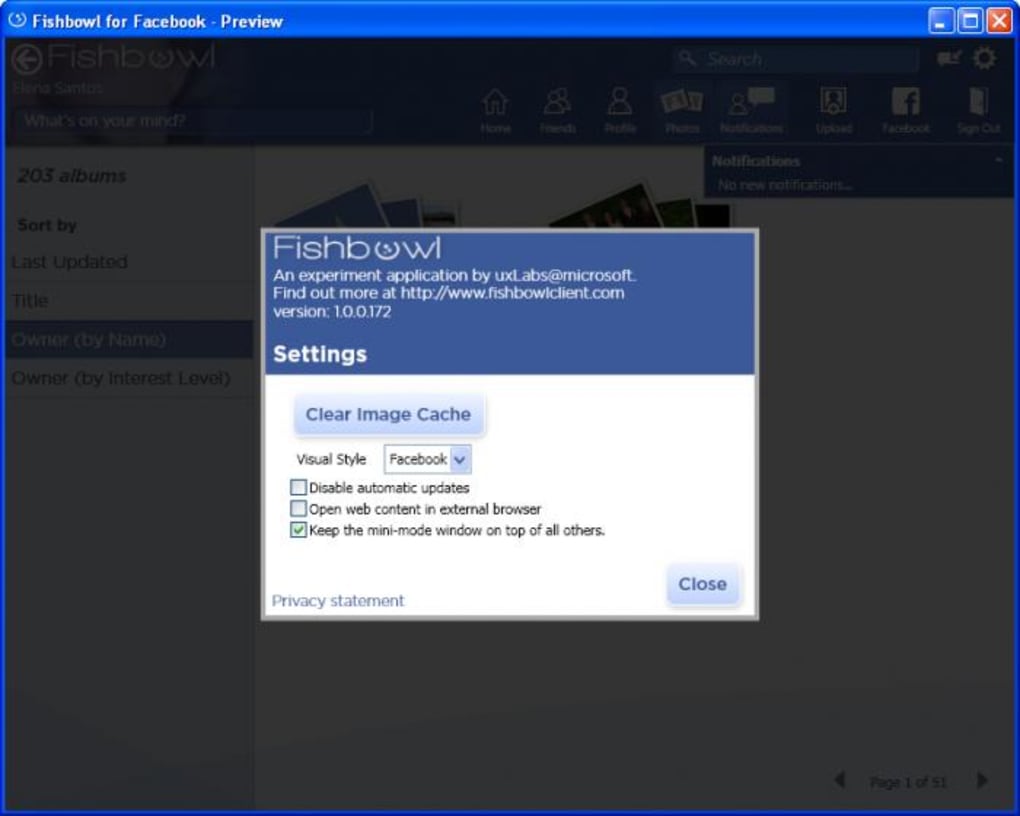
Beyond the default theme, Fishbowl offered users the ability to customize the application’s appearance using skins. This customization option allowed users to personalize the application’s aesthetic to match their individual preferences. This feature added a level of personalization that enhanced the user experience beyond mere functionality. Users could tailor the application’s appearance to complement their desktop environment or personal style.
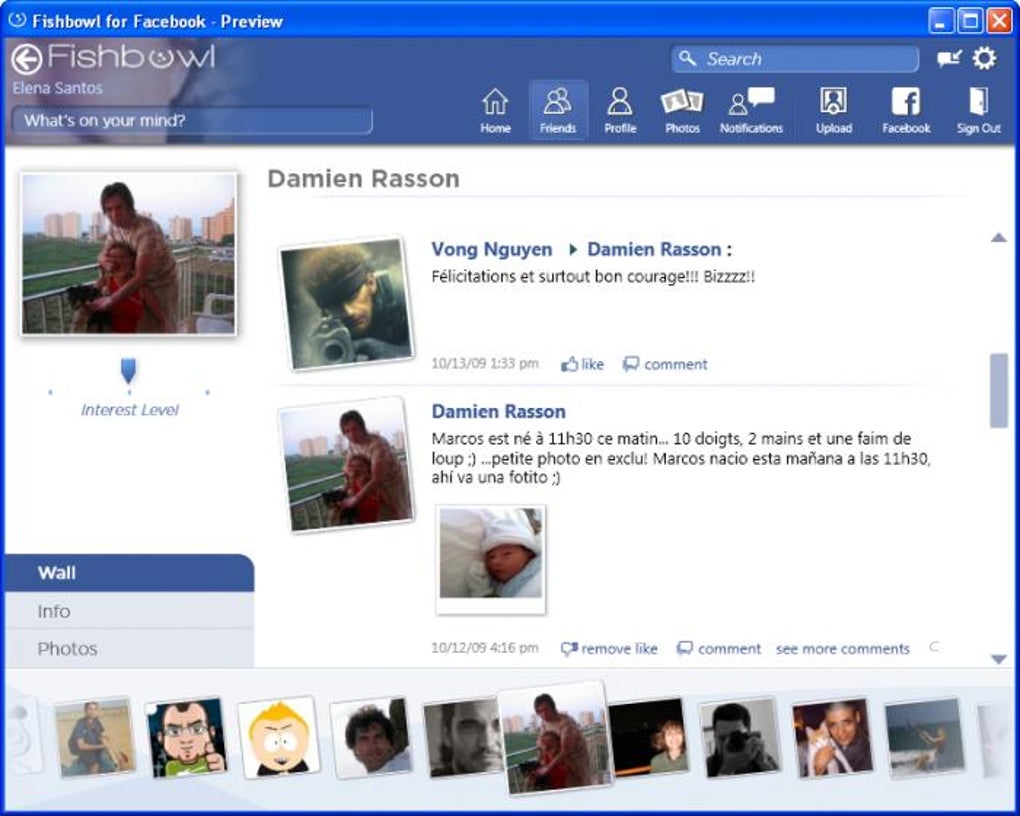
The different sections within Fishbowl were clearly identified through the use of icons placed on the top toolbar. These icons provided visual cues corresponding to various Facebook tools and services, further enhancing the application’s user-friendliness. This consistent visual language reduced the learning curve for users, allowing them to quickly identify and navigate different sections of the application. The intuitive organization of the interface aimed to minimize the time users spent searching for specific features.
Features and Functionality: A Streamlined Facebook Experience
While Fishbowl wasn’t intended to replicate every single aspect of the Facebook website, it provided a comprehensive suite of features designed to meet the needs of active Facebook users. It successfully focused on the essential functionalities that most users relied upon daily. This streamlined approach eliminated the distractions and complexities of the full Facebook website, resulting in a more efficient and user-friendly experience. The application focused on the core elements users most frequently accessed, enhancing the overall efficiency of their interaction with the platform.
The application’s mini-version interface was a particularly useful feature, allowing users to monitor their Facebook news feed in real-time without needing to fully launch the application. This functionality was designed to provide constant, unobtrusive updates, enabling users to remain aware of any new activity on their Facebook accounts. This small, yet significant feature aimed to deliver information concisely without demanding the user’s full attention. It represented a clever approach to integrating Facebook updates into the user’s existing workflow.
For Windows 7 users, Fishbowl further enhanced its accessibility through its integration with the operating system’s Jump List feature. This integration allowed users to quickly access frequently used functions directly from the application’s icon in the taskbar, further improving the application’s efficiency. This advanced feature highlighted the development team’s attention to platform integration and their commitment to providing a seamless user experience within the Windows 7 environment.
Advantages and Disadvantages: Weighing the Pros and Cons
Fishbowl boasted several key advantages. Its attractive interface, intuitive design, and ease of use made it a compelling alternative to using Facebook through a web browser. The built-in photo uploader simplified the process of sharing images, and the support for Windows 7 Jump Lists offered a significant convenience factor for users on that operating system.
However, Fishbowl also had some limitations. The most significant drawback was its inability to replicate every feature found on the Facebook website. Some advanced functionalities or less frequently used tools might have been absent from the application. Additionally, the application required authorization for every request, meaning that functionality would cease if the user didn’t grant the necessary access permissions. This dependency on user permissions could be perceived as inconvenient or even restrictive.
Conclusion: A Niche Tool for Dedicated Facebook Users
Fishbowl, in its time, represented a focused attempt to provide a dedicated and enhanced Facebook experience on the desktop. Its strengths lay in its streamlined design, easy-to-use interface, and helpful integrations. However, its limitations, namely its incomplete feature set and the mandatory authorization requirements for every request, constrained its appeal to a niche user base. Fishbowl’s value proposition clearly targeted users who preferred a faster, more visually appealing way to interact with Facebook’s core features, placing a higher value on convenience and speed than exhaustive functionality. The application served as a useful tool for those specific users, albeit a limited one compared to the complete experience available through the Facebook website itself. Its legacy underscores the ongoing effort to find efficient and engaging ways to access and interact with social media platforms, beyond simply using the standard web interface.
File Information
- License: “Free”
- Version: “1.0.0.172”
- Latest update: “November 27, 2009”
- Platform: “Windows”
- OS: “Windows 8”
- Language: “English”
- Downloads: “15.3K”
- Size: “338.22 KB”


