
The world of web browsing is constantly evolving, with new browsers emerging to cater to diverse user needs and preferences. Among these, Flash Browser presents itself as a solution specifically designed for accessing and enjoying Flash content, a technology that, while largely superseded, still holds relevance for accessing legacy websites and applications. This review delves into the features, capabilities, and limitations of Flash Browser, providing a comprehensive assessment of its suitability for modern users.
Flash Browser: Reviving Flash Content in the Modern Era
Flash Browser positions itself as a dedicated platform for accessing Flash content, a technology that once dominated online multimedia but has since been largely phased out by HTML5 and other modern web technologies. While major browsers like Chrome and Firefox have discontinued native support for Flash, Flash Browser aims to bridge this gap, allowing users to continue accessing websites and applications reliant on this aging technology. This is particularly relevant for accessing older games, animations, and interactive content that haven’t been updated to modern web standards.
The browser’s primary function is to provide a compatible environment for running Flash applications. This means that users can utilize Flash Browser to access websites and applications that rely on Flash Player to function correctly. However, it’s crucial to acknowledge the security risks associated with using outdated technologies like Flash. While Flash Browser may attempt to mitigate these risks, users should exercise caution and only access trusted sources when using the browser. Regular security updates from the developers are essential to address potential vulnerabilities.
Features and Functionality: A Closer Look
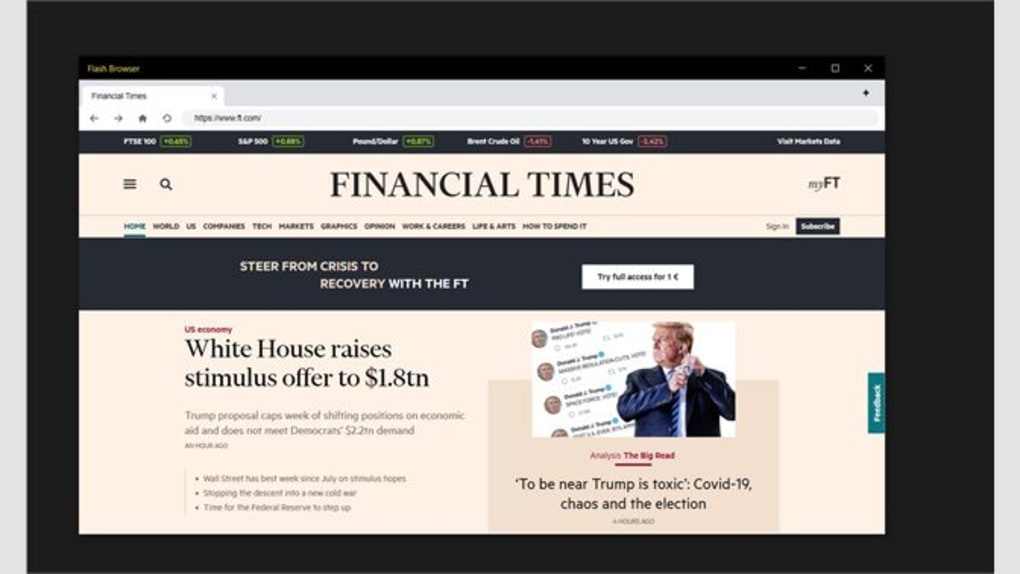
Flash Browser’s core strength lies in its simplicity and ease of use. Its interface is designed to be intuitive and straightforward, eliminating unnecessary complexities. Users can easily navigate to websites containing Flash content, and the browser handles the rendering of the Flash elements without requiring extensive configuration or technical expertise. This user-friendliness makes it an accessible option for individuals who may not be comfortable with more technically demanding browsers.
Beyond its primary function of displaying Flash content, Flash Browser may also include additional features such as:
- Full-screen Mode: Enabling immersive viewing of Flash games and animations. This feature enhances the overall user experience, particularly for gamers.
- Compatibility: While the specific level of compatibility varies, Flash Browser aims to support a wide range of websites and applications built using Flash technology. However, it’s important to note that not all Flash content may be compatible, due to various factors such as outdated plug-ins or broken links.
- Security: Security is a critical concern given the security vulnerabilities associated with Flash. The developers of Flash Browser should implement robust security measures to protect users from malware and other threats. These measures might include regular security updates, sandboxing of Flash content, and anti-malware features.
- Open-source Nature (If Applicable): If the browser is open-source, its code is publicly available, allowing for community scrutiny and contributions. This transparency can enhance security and reliability.
Security Considerations: Navigating the Risks
The use of Flash technology inevitably presents security risks. Flash Player has a history of vulnerabilities, making it a prime target for malicious actors. While Flash Browser might strive to mitigate these risks, it cannot entirely eliminate them. Users must exercise caution and prioritize security best practices:
- Source Verification: Only access Flash content from reputable and trusted websites. Avoid downloading Flash files or visiting websites with questionable security practices.
- Software Updates: Keep Flash Browser updated with the latest security patches. Regular updates address known vulnerabilities and enhance protection against new threats.
- Antivirus Software: Use a reliable antivirus program to further protect your system from potential malware hidden within Flash content.
- Limited Usage: Minimize your reliance on Flash content where possible. Migrate to websites and applications using modern, safer technologies whenever feasible.
Performance and User Experience: A Balanced Perspective
Flash Browser’s performance heavily depends on the hardware and software specifications of the user’s system. Older machines or systems with limited resources might experience slower loading times or performance issues when rendering complex Flash content. However, modern systems generally handle Flash content efficiently, ensuring a smooth user experience.
The user interface should be intuitive and easy to navigate, regardless of technical expertise. A clean, clutter-free design enhances usability, particularly for users unfamiliar with advanced browser features. The ease of access and functionality are crucial factors in determining the overall user experience.
However, it’s essential to acknowledge the limitations of relying on an older technology. Flash content can be resource-intensive, potentially impacting system performance, especially on lower-end hardware. Moreover, the fading relevance of Flash technology means that the long-term viability of Flash Browser itself is uncertain.
Alternatives and Comparisons: Weighing the Options
While Flash Browser addresses the niche need of accessing Flash content, several alternatives exist, each with its own set of advantages and disadvantages:
- Emulators: Flash emulators run within existing browsers, providing a more integrated approach to accessing Flash content. However, these emulators may also come with security risks.
- HTML5 Alternatives: Many websites have transitioned to HTML5, offering a more secure and modern alternative to Flash. Prioritizing HTML5-based content whenever possible is a recommended security practice.
- Dedicated Flash Players (If Applicable): Standalone Flash players, independent of a web browser, offer another avenue for accessing Flash content.
Conclusion: A Niche Solution with Cautions
Flash Browser provides a dedicated solution for users needing to access Flash content. Its simplicity and ease of use make it an accessible option for individuals unfamiliar with more advanced browsing technologies. However, the inherent security risks associated with Flash technology demand caution and proactive security measures. Users should carefully weigh the potential benefits against the risks and consider alternatives whenever possible. The long-term viability of the browser itself is also a factor to consider, given the continued decline of Flash technology. The browser serves a specific purpose but should be used judiciously and with a strong awareness of its security implications. Always prioritize using up-to-date and secure web technologies when available.
File Information
- License: “Free”
- Version: “1.0”
- Latest update: “February 16, 2024”
- Platform: “Windows”
- OS: “Windows 10”
- Language: “English”
- Downloads: “5.5K”


