The Flashlight Video Projector app promises to transform your Android smartphone into a portable projector, capable of displaying images, videos, and even your entire screen onto any available surface. This review delves into the app’s functionality, ease of use, and overall performance to determine if it lives up to its ambitious claims. We’ll explore both the positive aspects and the significant shortcomings of this free application.
Functionality and Features
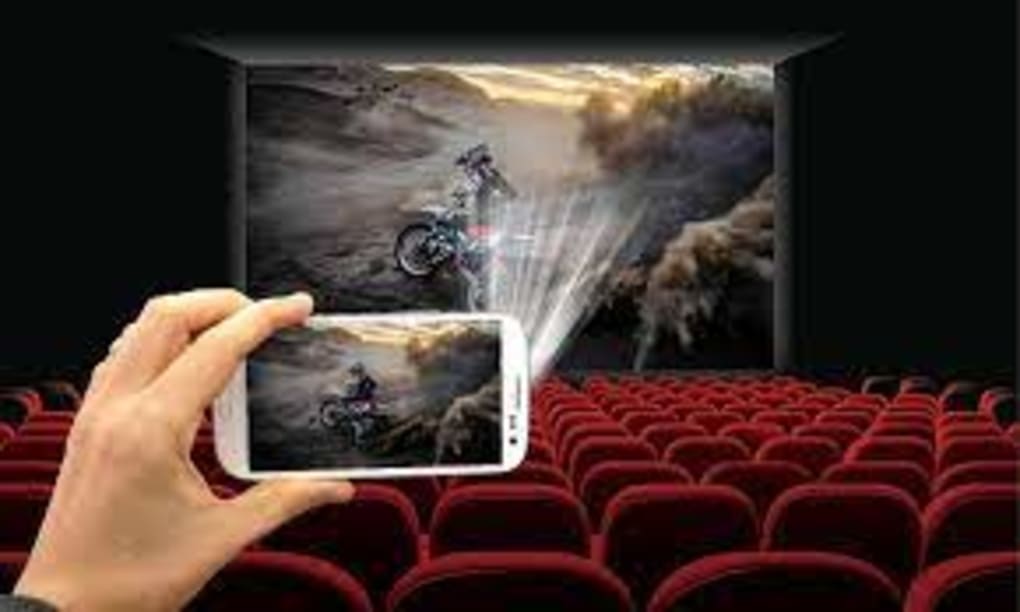
Flashlight Video Projector leverages the built-in camera and flashlight of your Android device to project content. The app’s core functionality revolves around three primary modes:
-
Image Projection: This mode allows users to select images from their device’s gallery and project them onto a wall or other flat surface. The app claims to utilize an “Android Photo Intensity Variable Motor,” suggesting an attempt at optimizing image brightness and clarity. However, the effectiveness of this technology is questionable, as detailed later in the review.
-
Video Projection: Similar to image projection, this mode enables users to select and project videos from their device’s gallery. The process involves choosing a video file from the gallery, and then the app attempts to project it using the phone’s flashlight. The projection quality, unfortunately, is severely hampered by limitations intrinsic to the technology.
-
Screen Mirroring/Projection: This is perhaps the most intriguing feature. It claims to mirror your phone’s screen in real-time, allowing you to project games, movies, presentations, or any other on-screen activity onto a larger display. This, in theory, could be incredibly useful, but in practice, it falls significantly short of expectations.
User Experience and Ease of Use
The app’s interface is undeniably simple and intuitive. The main screen presents the three core projection modes clearly and concisely, with large, easily tappable buttons. Navigating to your image or video gallery is straightforward, mirroring the standard Android gallery experience. There are no complex settings or confusing options to contend with, making the app accessible even to users unfamiliar with similar applications.
However, the simplicity masks the app’s inherent limitations. The ease of use is overshadowed by the unreliability of its core functionality. Even simple tasks, such as selecting an image and initiating projection, can be frustrating due to the frequently encountered failures.
Performance and Reliability: The Major Drawback
While the Flashlight Video Projector app boasts an enticing premise, its major shortcoming is its consistently poor performance and extreme unreliability. The most significant issues stem from the following:
- Frequent Failures: The most common complaint amongst users is the app’s frequent failure to project anything at all. Attempts to project images, videos, or the screen often result in a blank display, despite the flashlight being activated. The reasons for these failures are unclear, but they suggest underlying limitations in the app’s core functionality.
-
Excessive Projection Times: Even when the projection does initiate, the delay before the image or video appears on the surface is excessively long. Users report waiting for extended periods, sometimes several minutes, before any content is visible. This significant lag makes the app impractical for any situation demanding immediate projection.
-
Poor Image and Video Quality: The projected image and video quality is generally subpar. The resolution is severely limited, and the brightness is insufficient for adequate visibility in anything but extremely dark environments. This results in blurry, dim projections that are difficult to view, significantly diminishing the app’s usefulness.
-
Screen Mirroring Issues: The screen mirroring feature is particularly problematic. Not only does it suffer from the same latency issues and frequent failures as the image and video projection modes, but it also often displays a distorted or incomplete representation of the phone’s screen.
Alternatives and Comparisons
Several alternative applications offer similar functionality, albeit with significantly improved performance and reliability. While dedicated mini-projectors offer the best quality, several apps strive to provide similar functionality through the smartphone’s hardware. These alternatives often provide a more stable and efficient projection experience, albeit with potential limitations on image/video quality dependent on the device’s capabilities.
Before settling for the Flashlight Video Projector app, considering these alternatives is highly recommended. Users should carefully research and compare the features, performance, and user reviews of various projector apps before making a decision.
Conclusion: Is Flashlight Video Projector Worth It?
The Flashlight Video Projector app presents a tempting idea: a portable projector built into your phone. However, the execution falls dramatically short of expectations. The app’s frequent failures, excessive delays, poor projection quality, and overall unreliability significantly outweigh the simplicity of its user interface.
While its ease of use is commendable, the consistently poor performance renders it largely unusable. The promise of a convenient, portable projection solution is unfortunately undermined by significant technical shortcomings. Unless significant improvements are implemented, this app is not recommended. Users seeking a reliable portable projection solution should explore alternative applications or dedicated mini-projectors to achieve a satisfying user experience. The Flashlight Video Projector app, in its current state, simply does not provide the performance it advertises.
File Information
- License: “Free”
- Version: “1.2”
- Latest update: “July 25, 2022”
- Platform: “Android”
- OS: “Android 7.0”
- Language: “English”
- Downloads: “217K”
- Size: “20.14 MB”
- Download Options: “APK, Google Play”
- Filename: “Flashlight-projector-v1.2.apk”