
Fliqlo - Flip Clock - Clock is a free digital clock application designed by zwh.tec, offering a sleek and aesthetically pleasing alternative to standard digital clocks. Available for Android devices, Fliqlo stands out with its retro-inspired flip-clock design, large, easily readable numerals, and customizable themes. This review will delve into the app’s features, usability, pros and cons, and compare it to similar applications available on the market.
A Retro-Chic Interface Designed for Readability
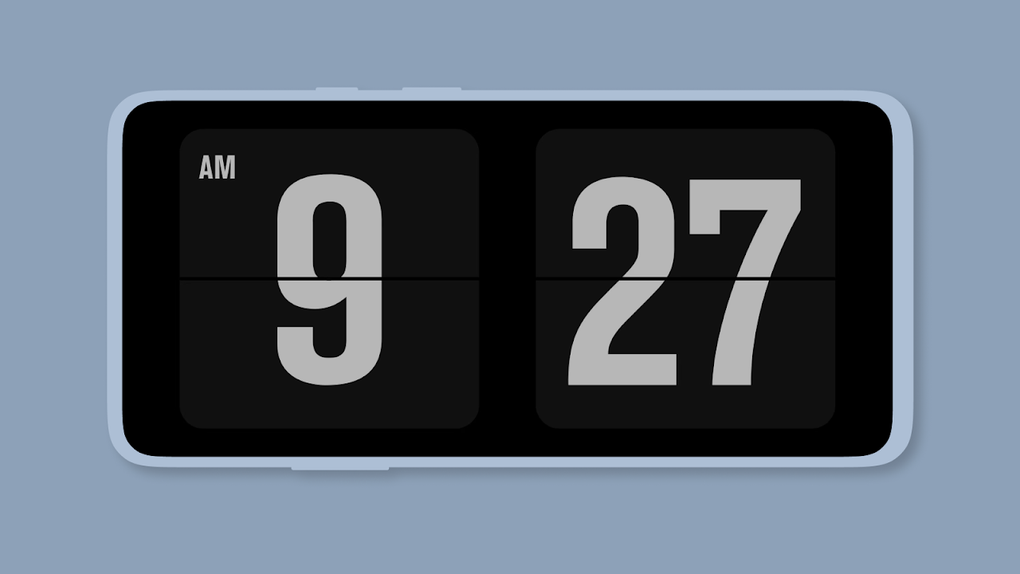
The app’s primary strength lies in its minimalist design and clear functionality. The flip-clock animation, while not overly complex, adds a satisfying visual element to the time display. The large font size ensures the time is easily visible from a distance, making it perfect for use as a nightstand clock, desktop clock, or even a simple, elegant time display on a tablet. The developers clearly prioritized readability, understanding that a clock’s primary purpose is to convey the time accurately and without fuss. This focus on simplicity is a welcome change from many overly cluttered clock apps that overload the user with unnecessary features. The color scheme is also carefully chosen; offering options that range from classic black and white to more vibrant hues, allowing users to customize the look to match their preferences and surroundings.
Customization Options and Theme Selection
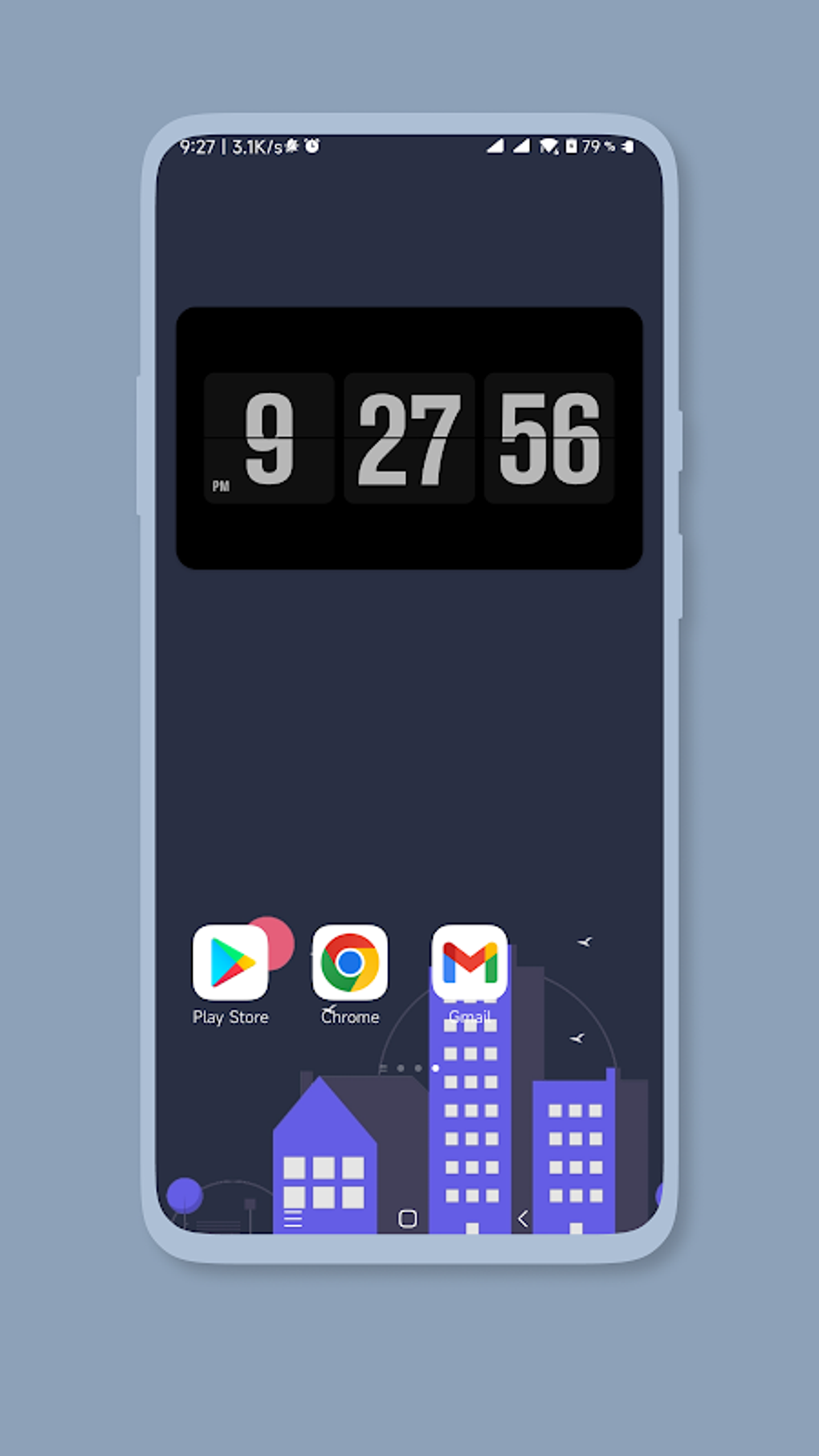
While Fliqlo doesn’t boast a vast array of features, the customization options it does provide are effective and well-implemented. Users can select from a range of themes, altering the color palette and overall aesthetic of the clock face. This allows for significant personalization, ensuring the clock blends seamlessly into different environments and complements various décor styles. The ability to adjust the theme is a significant plus, moving beyond the limitations of a simple, static clock face. This attention to detail enhances the app’s appeal and makes it suitable for a wider range of users. The simple yet effective theme selection process avoids overwhelming the user with unnecessary choices, maintaining the app’s core principle of simplicity and ease of use.
Functionality Beyond the Flip Clock
Fliqlo offers more than just a basic flip-clock display. The app can function as a screensaver, activating automatically when the device is idle. This conserves battery life, a crucial feature for any app intended for prolonged use. The screensaver mode minimizes resource consumption, ensuring that the app doesn’t significantly drain the battery even when left running continuously. Furthermore, Fliqlo provides an option to use the clock as a floating widget, allowing it to remain visible on top of other applications. This floating clock feature adds flexibility, allowing users to monitor the time without having to minimize their current application. While not as feature-rich as some competitor apps, the inclusion of these additional modes demonstrates that the developers aimed for practical functionality alongside the stylish design.
Performance and Battery Consumption
One of Fliqlo’s key selling points is its low battery consumption. The app is optimized for minimal resource use, especially in screensaver mode. This is a vital aspect, especially for users who intend to use Fliqlo as a continuous time display overnight or during extended periods of inactivity. The app’s developers have clearly prioritized efficiency, ensuring that the aesthetically pleasing design doesn’t come at the cost of battery life. During testing, the app showed no noticeable impact on device performance, even during prolonged usage. This consistent performance reinforces the app’s reputation for being both visually appealing and practical.
Comparison with Other Clock Applications
Compared to other clock applications available on the Android platform, Fliqlo’s main differentiator is its distinctive design and focus on minimalist aesthetics. Many clock applications offer a wide range of features, including alarms, world clocks, timers, and stopwatches. While Fliqlo lacks these extra functionalities, it excels in its simplicity and ease of use, appealing to users who prioritize a clean, uncluttered interface. Apps like Samsung’s Always On Display offer similar functionality in terms of constant time display, but often lack the customizable aesthetic options and retro charm of Fliqlo’s flip-clock design. Other apps might offer diverse clock faces and widgets, but they might sacrifice the clean visual design and battery efficiency that Fliqlo effectively delivers.
Pros and Cons of Fliqlo
Pros:
- Stylish and Elegant Design: Fliqlo’s retro flip-clock design is its most appealing feature, setting it apart from the plethora of standard digital clock applications.
- Excellent Readability: The large numerals ensure the time is easily visible from a distance, making it perfect for nightstand or desktop use.
- Low Battery Consumption: Optimized for minimal resource use, especially in screensaver mode.
- Customizable Themes: Offers several themes to suit various tastes and environments.
- Functional Modes: Works as a standalone clock, screensaver, and floating widget.
- Simple and Intuitive Interface: Easy to navigate and use, even for users unfamiliar with technology.
Cons:
- Limited Features: Unlike some competitor apps, Fliqlo lacks features like alarms, timers, and world clocks.
- Basic Customization: While themes are customizable, there are relatively few options compared to some feature-rich apps.
- No Widget Sizes: The floating widget doesn’t offer different size options, limiting its flexibility on different screen sizes.
Conclusion: A Niche App with Strong Appeal
Fliqlo - Flip Clock - Clock is not an all-encompassing clock application; it doesn’t aim to be. Instead, it occupies a specific niche, providing a stylish and functional digital clock with a retro aesthetic and a focus on clean design and battery efficiency. For users who prioritize a visually appealing and simple clock application that doesn’t drain their device’s battery, Fliqlo is an excellent choice. While those seeking a feature-packed app with alarms, timers, and multiple complications might find it lacking, Fliqlo successfully delivers on its core promise: a beautiful, functional, and easy-to-use digital flip clock for your Android device. Its strengths lie in its simplicity, elegant design, and careful consideration of resource management. This makes Fliqlo an attractive option for many users seeking a stylish and practical addition to their Android device’s home screen. The app’s clean design and focus on functionality make it an appealing alternative to the more complex and cluttered clock applications available on the market today.
File Information
- License: “Free”
- Latest update: “July 10, 2023”
- Platform: “Android”
- OS: “Android 9.0”
- Language: “English”
- Downloads: “39.7K”
- Size: “6.20 MB”
- Download Options: “APK, Google Play”
- Filename: “Fliqlo_v1.7.0.apk”


