
FluidSIM is a powerful and versatile software application designed for the creation, simulation, and analysis of various types of circuits. It caters to a broad audience, including students, hobbyists, and professionals working with digital, electronic, electro-hydraulic, and electro-pneumatic systems. Its intuitive interface and comprehensive features make it a valuable tool for learning and practical application in various engineering disciplines. This in-depth review explores the capabilities, advantages, and limitations of FluidSIM, examining its role in education and professional engineering workflows.
Understanding FluidSIM’s Functionality
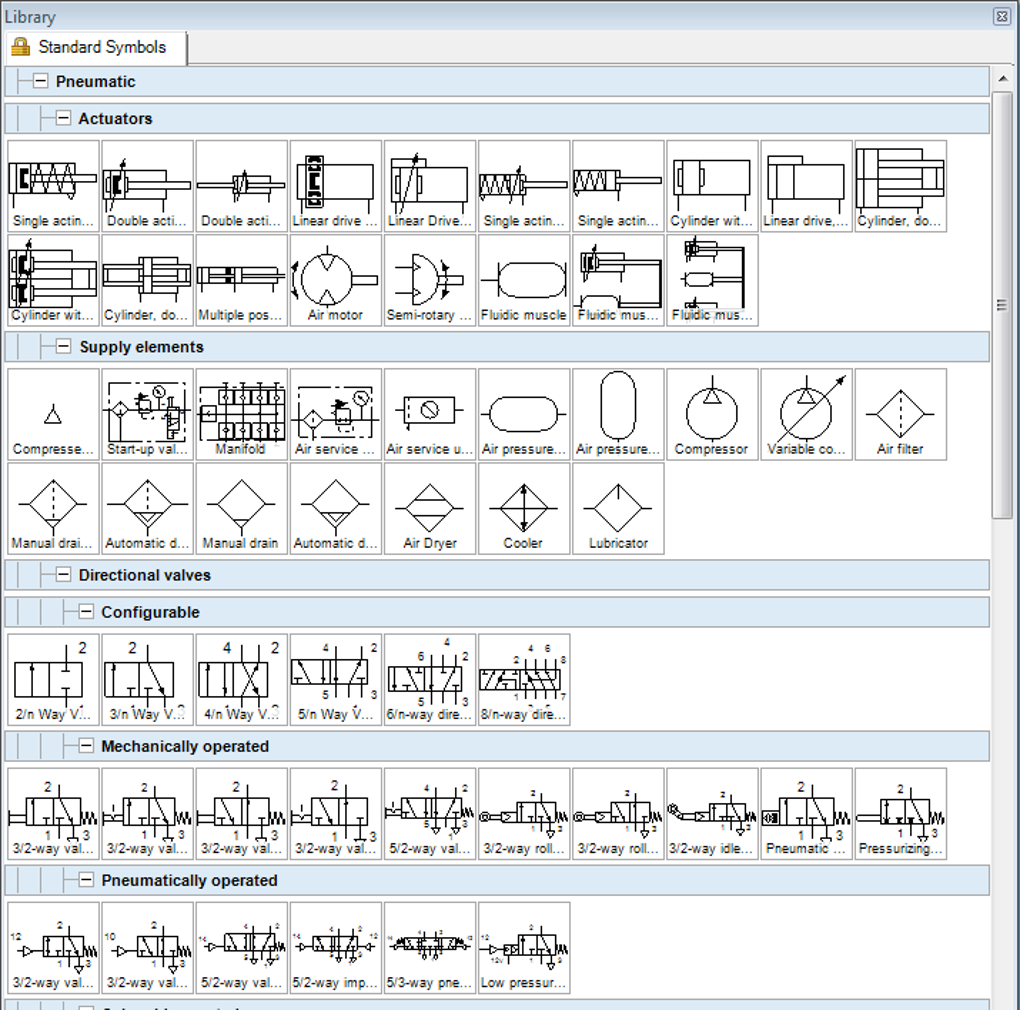
FluidSIM’s core strength lies in its ability to seamlessly integrate circuit design with interactive simulation. Users can build circuits by dragging and dropping components from a vast and continuously expanding library. This library includes a wide range of elements representing various technologies, ensuring its applicability across diverse engineering domains. The program goes beyond simple schematic representation; each component can be enriched with detailed descriptions, accompanying photos, animated visualizations, and even short explanatory videos. This multi-modal approach significantly enhances the learning experience, providing users with a richer understanding of the components and their functionality.
The drag-and-drop interface facilitates efficient circuit creation, allowing for quick experimentation and iterative design processes. Users can easily modify circuit configurations, adjusting parameters and observing the real-time effects on the simulation. This interactive approach makes FluidSIM an effective tool for both learning fundamental concepts and tackling complex design challenges.
Beyond the visual design aspect, FluidSIM possesses a sophisticated simulation engine. This engine processes the circuit model, employing mathematical procedures to accurately reflect the behavior of the designed system. The simulation capabilities are not limited to a single technology. FluidSIM can handle electro-hydraulic, electro-pneumatic, digital, and electronic circuits, making it suitable for diverse applications across multiple engineering fields.
FluidSIM’s versatility is further enhanced by its compatibility with industry-standard protocols such as Festo EasyPorts, OPC, and DDE. This interoperability allows for seamless integration with external applications and hardware, opening up possibilities for advanced simulations and control systems development.
Utilizing FluidSIM: A Step-by-Step Guide
Getting started with FluidSIM is remarkably straightforward. The program’s intuitive interface guides users through the circuit design process. The extensive component library, organized for ease of navigation, allows users to quickly locate and incorporate the desired elements into their designs. Default parameters are readily available for most components, streamlining the initial setup and enabling users to quickly begin experimenting with their designs.
The interactive simulation core forms the heart of FluidSIM’s functionality. Users can observe the state changes and component interactions in real-time as they manipulate circuit parameters. This dynamic feedback loop is crucial for understanding the behavior of complex systems and identifying potential issues early in the design process.
FluidSIM also provides sophisticated simulation controls, enabling users to interact with external hardware and software. This means signals can be transferred from other programs to FluidSIM, allowing for real-time analysis of interactions between different systems. This capability is invaluable for testing control strategies and verifying the design’s behavior in a more realistic environment.
A built-in diagnosis mechanism helps users identify potential problems within their designs. The software highlights defective models and indicates specific components that may be malfunctioning. This feature is particularly useful for educational purposes, allowing students to identify and correct errors in their work and understand the consequences of incorrect design choices. Furthermore, failed components can be password-protected, preventing unintended modifications to the learning exercise. This promotes a focused learning environment, ensuring that the educational objectives of the exercise are maintained.
Advantages and Limitations of FluidSIM
FluidSIM boasts several significant advantages that contribute to its widespread adoption. Its high-speed simulation core allows for the efficient processing of even complex circuits, enabling real-time feedback and quick iterative design processes. The simulation speed is particularly impressive, handling electrical signals up to 100 kHz without compromising the accuracy of the results. This enables efficient testing and analysis, saving valuable time and resources.
The inclusion of virtual measuring devices further enhances the program’s functionality. These virtual instruments, accessible via the diagnosis toolbar, allow users to measure various parameters, such as pressure, flow rate, voltage, and current, in their simulated circuits. These measurements are non-invasive, providing valuable insights into the circuit’s operation without interfering with the simulation process itself.
The comprehensive nature of FluidSIM is evident in its extensive component library and abundance of didactic materials. This wealth of resources caters to users of all skill levels, from beginners to experienced engineers. This holistic approach fosters a comprehensive learning experience, ensuring that users can effectively utilize the software’s capabilities.
One minor drawback of FluidSIM, as mentioned by some users, is a potential trade-off between simulation speed and absolute precision in certain cases. While the simulation remains within acceptable error margins, this aspect should be considered when working on projects requiring the utmost accuracy.
Support and Educational Resources
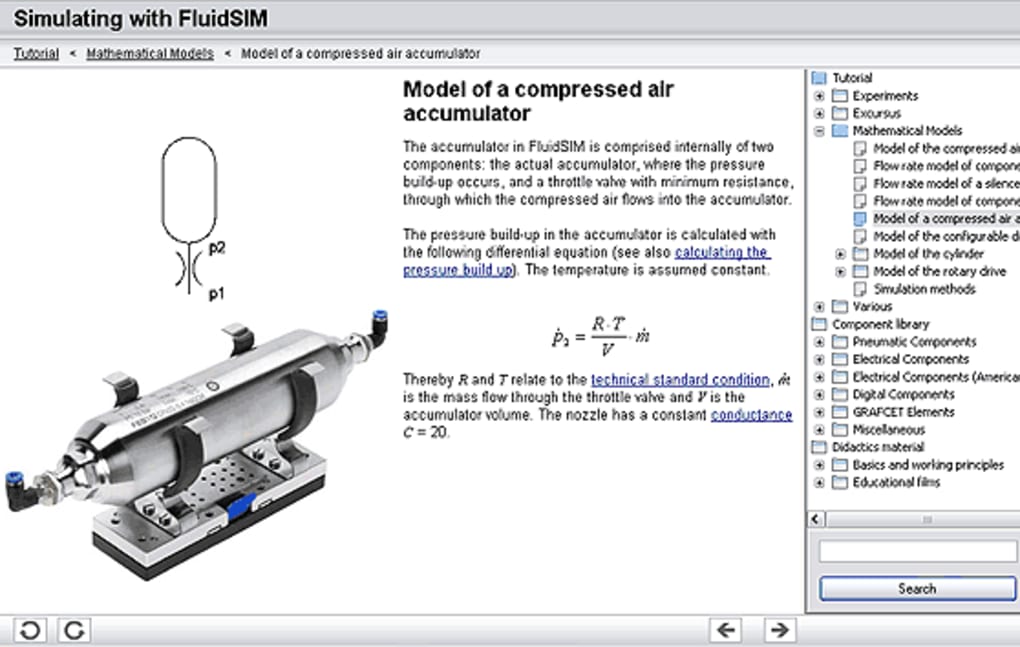
FluidSIM provides a robust support system, including an integrated tutorial titled “Simulating with FluidSIM.” This tutorial serves as an excellent introduction for beginners, guiding them through the basics of electrical engineering, hydraulics, and pneumatics. Furthermore, FluidSIM incorporates various educational videos that help users develop a deep understanding of components and circuit designs. This educational approach makes FluidSIM an incredibly effective learning tool.
Features of the Latest Version
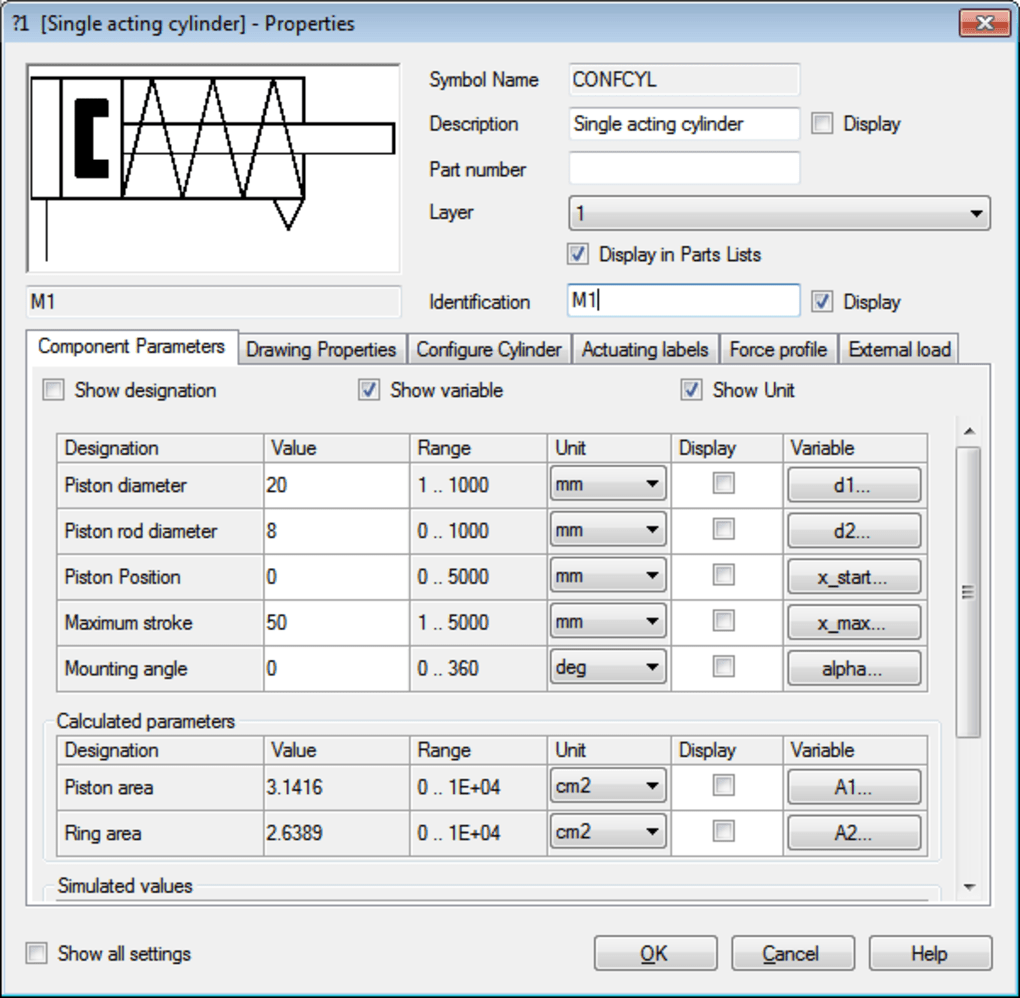
The latest version of FluidSIM offers significant enhancements, encompassing improvements in simulation capabilities and user experience. It functions as a professional CAD software, providing the tools for creating high-quality drawings, managing complex projects, and generating professional-quality printouts. High-definition simulations offer a visually rich experience, and joystick control enhances the precision and usability for various simulations including pneumatic (P), hydraulic (H), and electronic (E) systems. The updated library continues to expand, incorporating new components and features. The single-license multi-user functionality increases its usability in educational settings and collaborative workspaces.
Advantages of Using FluidSIM for Education and Professionals
FluidSIM offers distinct advantages for both educational and professional applications. Its visualization capabilities and simulations provide students with a rich learning environment, allowing them to experiment, understand cause-and-effect relationships, and correct their design mistakes in a safe and controlled setting. Professionals benefit from FluidSIM’s ability to streamline the design process, reduce prototyping costs, and allow for efficient testing of complex systems before physical implementation. This capability significantly minimizes risks and speeds up development cycles, resulting in cost savings and time efficiencies.
Should You Download FluidSIM?
If you’re seeking a user-friendly and comprehensive circuit design and simulation tool, FluidSIM warrants serious consideration. Its intuitive interface, extensive component library, powerful simulation engine, and rich educational resources make it ideal for students, hobbyists, and professionals alike. Its multi-platform compatibility enhances its accessibility and versatility, making it a worthwhile addition to the toolkits of individuals involved in electronic, electro-hydraulic, or electro-pneumatic systems design. While minor limitations concerning absolute precision exist, the advantages in terms of usability, speed, and educational resources make FluidSIM a strong contender in the field of circuit simulation software.
File Information
- License: “Free”
- Latest update: “July 22, 2025”
- Platform: “Windows”
- OS: “Windows XP”
- Language: “English”
- Downloads: “92.3K”
- Size: “623.26 MB”


