
Focus Booster is a lightweight, customizable timer application designed to enhance productivity by employing the Pomodoro Technique. This technique advocates for breaking down work into intervals of focused effort, typically 25 minutes long, separated by short breaks. Focus Booster simplifies this process, providing a visually appealing and easily manageable interface for tracking your work sessions and rest periods. While its core functionality is straightforward, its flexibility and ease of use make it a valuable tool for anyone struggling with time management and procrastination.
Understanding the Pomodoro Technique and Focus Booster’s Role
The Pomodoro Technique is a time management method that encourages focused work sessions interspersed with short breaks. This structured approach combats procrastination by breaking down large tasks into smaller, manageable chunks. The typical cycle consists of a 25-minute work period (a “pomodoro”), followed by a 5-minute break. After four pomodoros, a longer break of 15-20 minutes is recommended. This cyclical structure helps maintain concentration and prevents burnout.
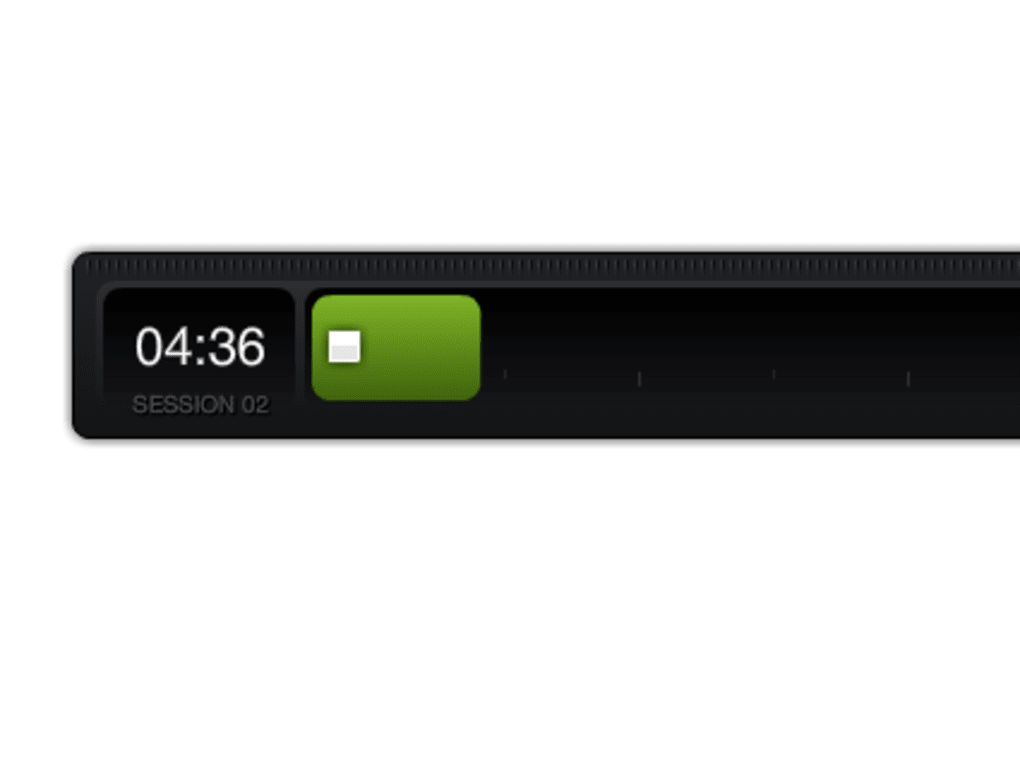
Focus Booster streamlines the implementation of the Pomodoro Technique by providing a visual timer that tracks the work and break periods. Its simple interface eliminates distractions, allowing users to focus solely on the task at hand. The visual representation of the timer’s progress acts as a constant reminder of the time remaining, promoting better time management and task completion.
Key Features and Customization Options
Focus Booster’s strength lies in its simplicity and customizability. While its core function is a timer, several features enhance its usefulness:
-
Customizable Work and Break Intervals: Users can adjust the length of both work and break periods to suit their individual needs and preferences. This flexibility allows for personalized workflows, accommodating different task complexities and personal rhythms. Some individuals might find longer work intervals more productive, while others may benefit from shorter, more frequent breaks.
-
Visual Timer: The timer’s design is clean and uncluttered, featuring a visually appealing progress bar that dynamically updates as time passes. This clear visual cue helps maintain focus and provides a tangible representation of progress. The minimalist design prevents visual clutter, ensuring that nothing detracts from the primary function of the timer.
-
Ticking Sound (Optional): A subtle ticking sound serves as an auditory cue, further enhancing awareness of the passing time. However, this feature can be disabled for users who find it distracting. This optional feature caters to individual preferences and work environments.
-
Lightweight and Resource-Friendly: Focus Booster is designed to be lightweight and doesn’t consume excessive system resources. This makes it suitable for use on a wide range of computers, even those with limited processing power or memory. Its minimal resource consumption ensures that it doesn’t negatively impact the performance of other applications.
-
Cross-Platform Availability: While initially designed for Windows, Focus Booster is also available for other operating systems like macOS, further expanding its accessibility and user base. This cross-platform compatibility makes it a versatile tool for users across different devices and operating systems.
Benefits and Drawbacks of Using Focus Booster
Focus Booster, like any productivity tool, offers certain advantages and disadvantages:
Benefits:
- Improved Focus and Concentration: The structured approach of the Pomodoro Technique, facilitated by Focus Booster, promotes focused work sessions, reducing distractions and improving overall concentration. The regular breaks prevent mental fatigue and maintain sustained productivity.
-
Enhanced Time Management: By visually tracking work and break periods, Focus Booster aids in better time management. Users gain a clearer understanding of how they spend their time, leading to more efficient task completion.
-
Reduced Procrastination: The structured intervals and visual cues help combat procrastination by breaking down tasks into manageable chunks and providing a sense of accomplishment with each completed pomodoro.
-
Increased Productivity: The combination of focused work and scheduled breaks leads to increased productivity and improved overall output. The structured approach promotes consistent work, preventing periods of inactivity and maximizing work efficiency.
-
Flexibility and Customization: The ability to adjust work and break durations allows for personalization, making it adaptable to diverse work styles and individual needs. This flexibility caters to various user preferences and work patterns.
Drawbacks:
-
Potential for Distraction: While designed to improve focus, the short breaks could potentially lead to distractions if not managed effectively. It’s crucial to utilize the breaks mindfully, engaging in brief, refreshing activities that don’t detract from overall productivity.
-
Not Suitable for All Tasks: The Pomodoro Technique, and therefore Focus Booster, may not be ideal for all types of tasks. Tasks requiring continuous, uninterrupted focus might be better suited to different time management strategies. Users should assess task suitability before applying the Pomodoro Technique.
-
Over-reliance on the App: Over-dependence on the application might hinder the development of inherent time management skills. The goal is to internalize the principles of the Pomodoro Technique and eventually manage time effectively without relying solely on the app.
- Limited Advanced Features: Compared to more complex time management software, Focus Booster offers a limited feature set. Users seeking advanced features such as task management or project tracking might need to explore alternative applications.
Focus Booster Compared to Alternative Applications
Several alternative applications offer similar functionalities or incorporate the Pomodoro Technique into their design. These include Pomodairo, Tomighty, and CrazyClock. However, Focus Booster distinguishes itself through its simplicity, lightweight design, and easily customizable interface. While other applications may offer more advanced features, Focus Booster prioritizes ease of use and minimizes distractions, making it a compelling option for those seeking a straightforward and effective Pomodoro timer.
Conclusion: Is Focus Booster Right for You?
Focus Booster is a valuable tool for individuals looking to improve their time management and productivity by leveraging the Pomodoro Technique. Its simplicity, customizability, and lightweight design make it an excellent choice for users seeking a straightforward and efficient timer. While it might not be the ideal solution for everyone, its effectiveness hinges on the user’s ability to embrace the core principles of the Pomodoro Technique and utilize the breaks productively. If you are struggling with procrastination or wish to enhance your focus, Focus Booster offers a simple yet effective way to achieve these goals. However, it is essential to remember that the application is merely a tool; success depends on consistent effort and mindful application of the technique.
File Information
- License: “Free”
- Version: “1.2”
- Latest update: “July 25, 2012”
- Platform: “Windows”
- OS: “Windows 7”
- Language: “English”
- Downloads: “18.9K”
- Size: “2.06 MB”


