
Folder Firewall Blocker (FFB) is a lightweight Windows application designed to enhance your system’s security by providing granular control over internet access for specific files and folders. Unlike traditional firewalls that operate at the network level, FFB works at the file level, allowing you to precisely manage which executables and other file types can communicate with the internet. This granular control offers a potent layer of defense against malicious software and unwanted network activity. This guide delves into the functionalities, benefits, and usage of FFB, providing a comprehensive understanding of this powerful security tool.
Understanding Folder Firewall Blocker’s Functionality
FFB’s core functionality revolves around creating custom rules within the Windows Firewall. It achieves this by directly interacting with the firewall’s settings, allowing users to block inbound and outbound internet connections for specified file types. This differs from many other firewall solutions that rely on broader network rules or application-level blocking. The specificity of FFB’s approach ensures that only designated files are impacted, leaving the rest of your system’s network activity unaffected.
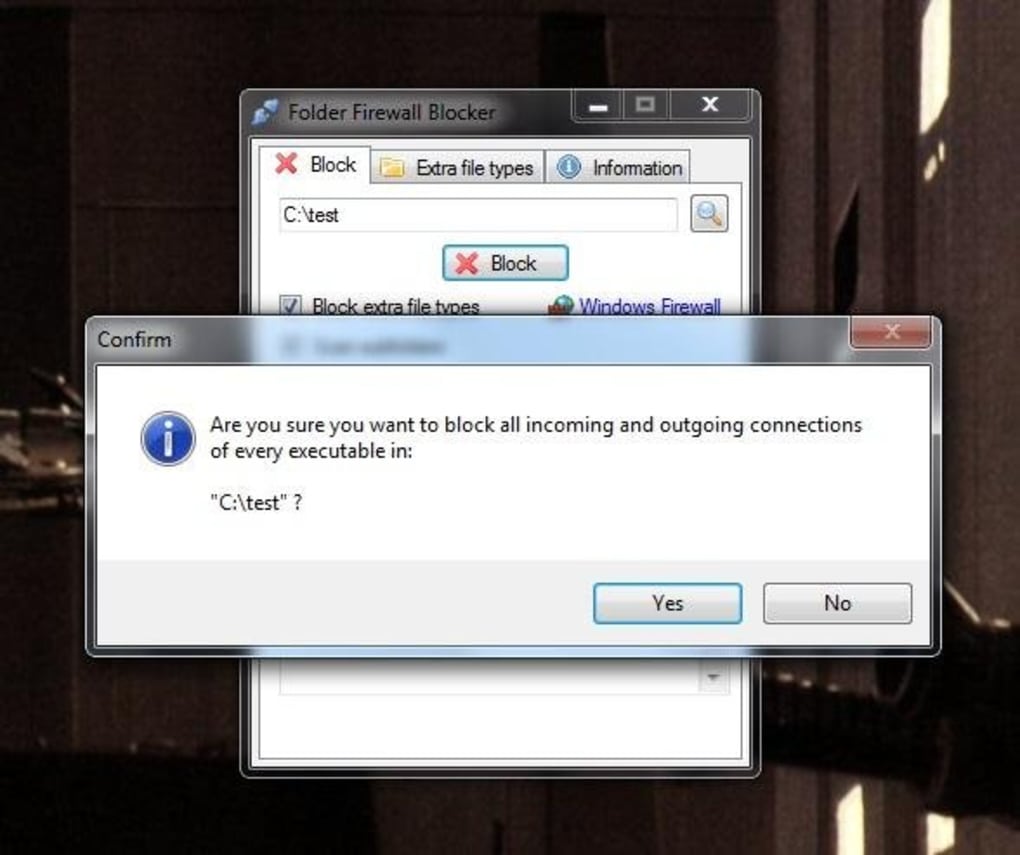
The process begins with selecting the target folders containing the files you want to control. FFB then recursively scans these folders, identifying all files matching the specified file types. For each identified file, FFB automatically creates new rules in the Windows Firewall, effectively isolating them from the internet. This automation streamlines the process, making it significantly easier than manually configuring numerous firewall rules.
Customizability and File Type Management
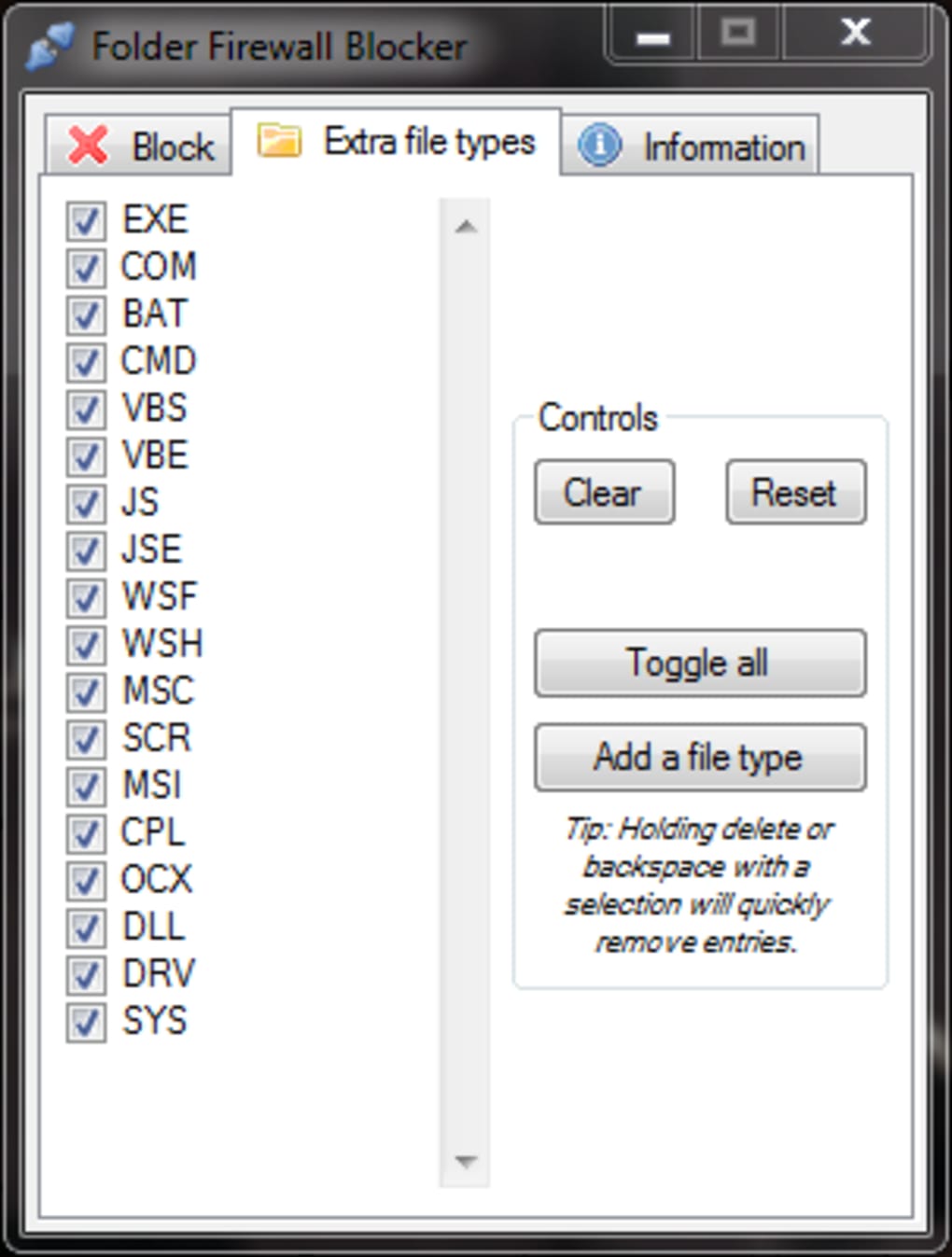
One of FFB’s key strengths lies in its customizability. Initially designed to block only .exe files (executable files), FFB has evolved to accommodate a wider range of file types. Users can now define a custom list of file extensions to be included in the scan and subsequent blocking process. This feature is invaluable for targeting specific types of files that may pose security risks, such as .dll (dynamic link libraries), .scr (screen savers), or other file types known to be associated with malware.
The ability to add, remove, and modify custom file types provides unparalleled control. Users can tailor the application’s scanning behavior to match their specific security needs and system configuration. This flexibility ensures that FFB can be adapted to diverse environments and threat profiles.
Recursive Scanning and Directory Management
FFB’s recursive scanning capability is another crucial feature that enhances its effectiveness. When you select a directory for scanning, FFB doesn’t just examine the files directly within that directory; it also explores all subfolders within the selected directory. This comprehensive approach ensures that no file within the designated area escapes the firewall’s scrutiny, greatly improving the security of the target directory. This recursive scan is essential for managing large, complex folder structures where malware might hide within nested subdirectories.
User Interface and Ease of Use
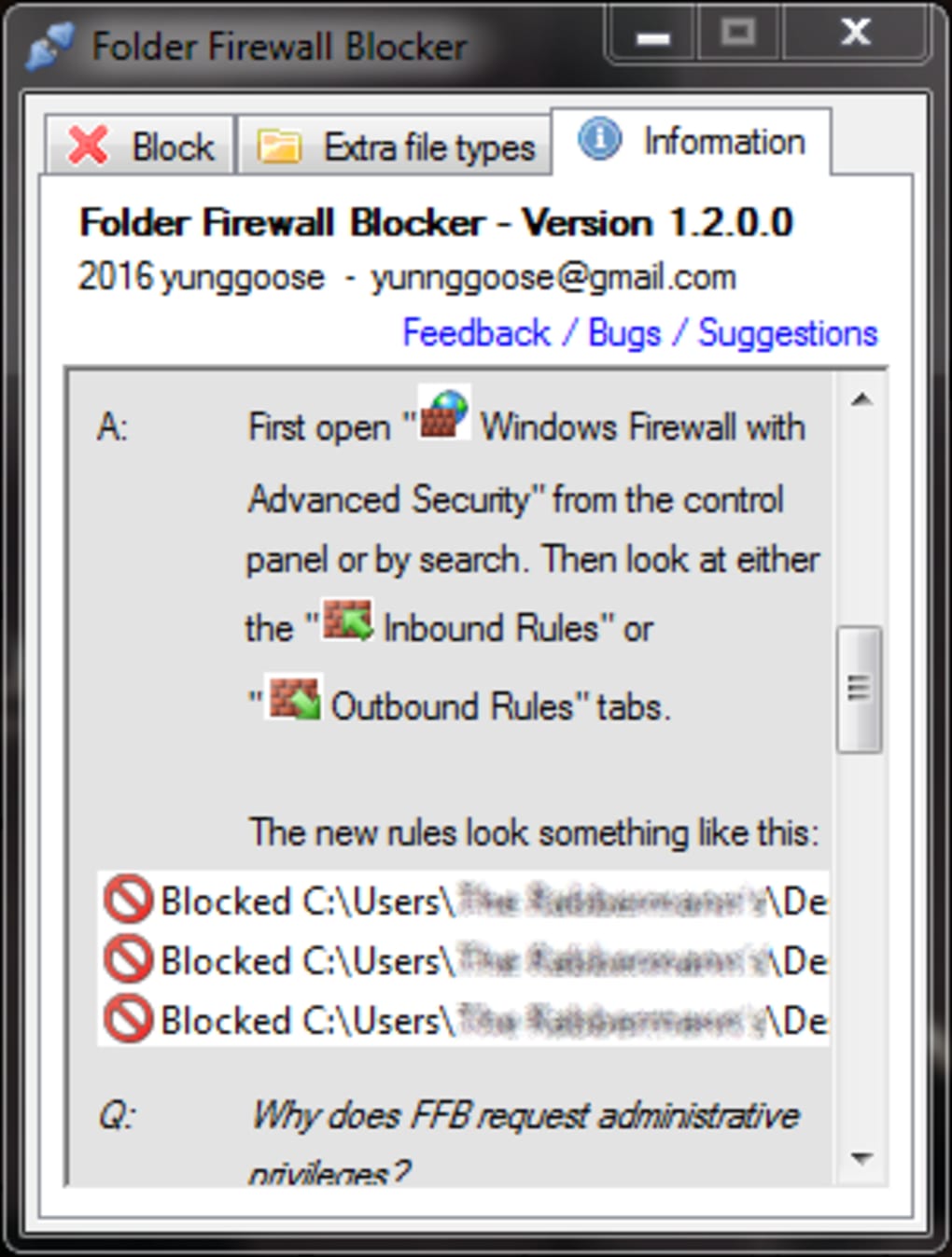
FFB prioritizes user-friendliness. Its single, lightweight application design avoids unnecessary complexity. The intuitive interface simplifies the process of selecting folders, adding custom file types, and managing firewall rules. The inclusion of an information tab and a FAQ section further demonstrates the developer’s commitment to providing a seamless user experience, even for users unfamiliar with firewall management. This focus on simplicity allows even less technically inclined users to effectively utilize FFB’s powerful features without a steep learning curve.
Comparison with Alternative Firewall Solutions
While many firewall solutions exist, FFB occupies a unique niche. Traditional firewalls primarily focus on network-level security, blocking or allowing connections based on IP addresses, ports, or protocols. Application-level firewalls offer more granular control, but often rely on pre-defined application profiles. FFB bridges the gap by offering file-level control, providing a level of granularity unavailable in many other security applications. This allows users to target specific files, rather than relying on broader blocking criteria that might unintentionally disrupt legitimate applications. This precision is particularly beneficial in environments where specific files are suspected of malicious behavior or where specific applications require strict access controls.
Benefits of Using Folder Firewall Blocker
The advantages of employing FFB extend beyond its simple and intuitive design. The primary benefit is its granular control over internet access for individual files. This precise approach significantly enhances security by preventing even specific files within a directory from communicating with external sources. This contrasts with broader firewall solutions which may inadvertently block legitimate applications or leave vulnerabilities within specific files unaddressed.
Several key advantages stand out:
- Enhanced Security: By precisely controlling internet access for selected files, FFB significantly reduces the risk of malware and unwanted network activity.
- Granular Control: The ability to specify file types and recursively scan directories provides unmatched control over system security.
- Ease of Use: The intuitive interface and straightforward design make FFB accessible to users of all technical skill levels.
- Lightweight Design: FFB has minimal impact on system resources, ensuring that it doesn’t slow down your computer.
- Customizability: Adaptable to diverse user needs through custom file type definition and directory selection.
Potential Limitations and Considerations
While FFB offers substantial benefits, it is crucial to be aware of its limitations. For instance, FFB primarily focuses on blocking internet access for files. It doesn’t offer other security features commonly found in comprehensive antivirus or anti-malware suites, such as real-time malware scanning, anti-phishing protection, or intrusion detection. Therefore, FFB should be considered a supplementary security tool rather than a complete replacement for other security applications.
Another factor to consider is the potential for accidental blocking. Incorrectly configured file type specifications might inadvertently block legitimate applications. It’s essential to exercise caution when defining custom file types and to thoroughly test any changes to ensure that your desired applications remain functional.
Conclusion
Folder Firewall Blocker is a valuable tool for users seeking granular control over internet access for individual files and folders. Its ability to create custom firewall rules based on file types and directory structures significantly enhances system security. Combined with its ease of use and lightweight design, FFB presents a potent security solution for users wanting a precise and effective means of protecting their system from potential threats. While it should not be considered a standalone security solution, it offers a valuable additional layer of protection when used in conjunction with other security measures. Its focus on precision and user-friendliness makes it a powerful asset in any security strategy.
File Information
- License: “Free”
- Version: “1.2.1”
- Latest update: “February 13, 2019”
- Platform: “Windows”
- OS: “Windows 7”
- Language: “English”
- Downloads: “14.1K”
- Size: “150.02 KB”


