
Protecting your digital files from unauthorized access is crucial in today’s interconnected world. Whether you’re concerned about prying eyes on a shared computer, safeguarding sensitive business data, or simply ensuring your personal privacy, robust folder protection is essential. This guide explores the various methods and tools available for securing your folders, highlighting their strengths and weaknesses to help you choose the best solution for your needs.
Understanding Folder Protection Methods
Folder protection encompasses various techniques designed to restrict access to specific directories and their contents. These methods range from simple password protection to sophisticated encryption algorithms, each offering a different level of security. The optimal method depends on the sensitivity of the data, your technical expertise, and your budget.
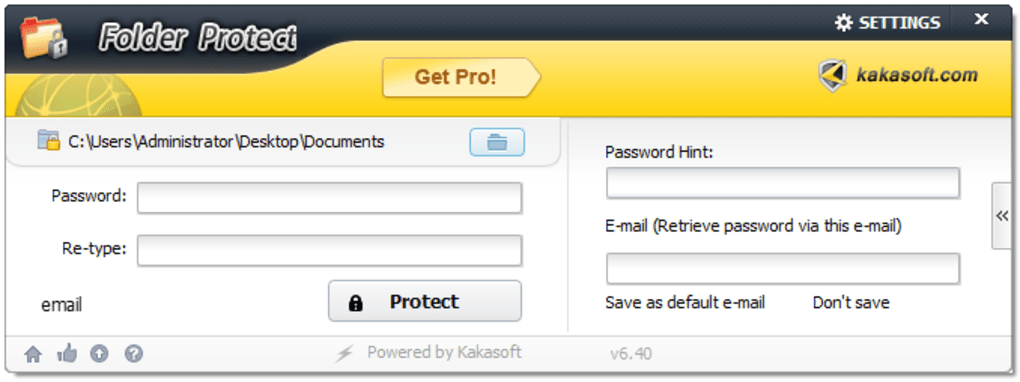
1. Password Protection: This is the most basic form of folder protection. Many operating systems and third-party applications provide tools to password-protect individual folders. This approach typically relies on a password to unlock the folder, preventing access unless the correct credentials are entered. While straightforward and easy to implement, password protection is vulnerable to brute-force attacks if a weak password is used. Moreover, a determined attacker with sufficient technical skills might bypass simpler password protection mechanisms.
2. File Encryption: Encryption is a significantly stronger method compared to simple password protection. Encryption uses an algorithm to transform readable data into an unreadable format (ciphertext). This ciphertext can only be accessed with the appropriate decryption key, usually derived from a password. Strong encryption algorithms, such as AES (Advanced Encryption Standard) and Blowfish, offer robust protection against unauthorized access. Even if an attacker gains access to the encrypted files, they cannot decipher the data without the correct decryption key. However, encryption can be computationally intensive, especially for large files or folders, impacting performance. It is also important to securely manage your encryption keys, as losing them can result in permanent data loss.
3. Hiding Folders: While not technically a protection method in itself, hiding folders can deter casual snooping. Operating systems often provide built-in options to hide folders, making them invisible in standard file explorers. This approach can be effective against users who are unfamiliar with system settings. However, experienced users can easily unhide these folders using basic system commands or third-party tools. Hiding folders should not be relied upon as a primary security measure, especially for sensitive data.
4. Access Control Lists (ACLs): This is a powerful feature offered by most modern operating systems. ACLs allow granular control over file and folder permissions. Administrators can specify which users or groups have read, write, or execute permissions on specific folders. This enables fine-grained control over data access, ensuring only authorized individuals can interact with protected folders. However, managing ACLs can be complex, requiring a good understanding of user accounts and permissions. Misconfiguration can lead to unintended access or lockouts.
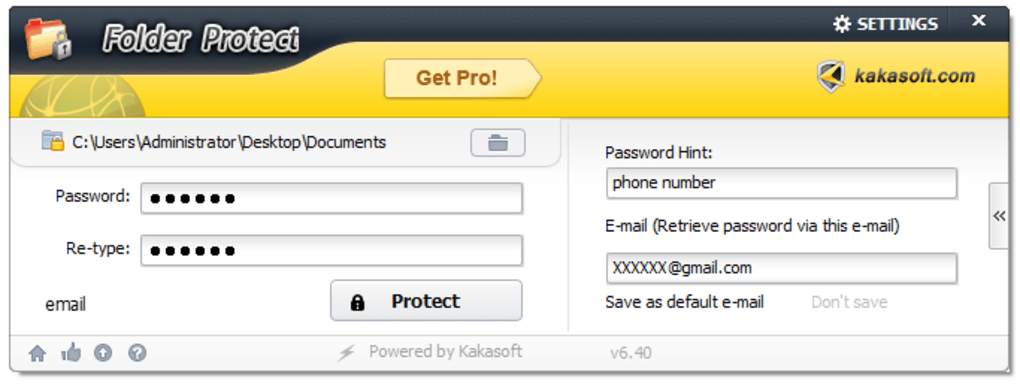
5. Third-Party Folder Protection Software: Numerous applications offer advanced folder protection functionalities beyond basic operating system capabilities. These programs often combine multiple protection methods, such as password protection, encryption, and even features like self-destructing files or remote wiping capabilities. These applications can enhance security by offering user-friendly interfaces and additional features. However, it is critical to choose reputable software from trusted developers to avoid malicious programs masquerading as security tools. Always research the software thoroughly and check reviews before installation.
Choosing the Right Folder Protection Method
Selecting the appropriate folder protection method depends on several factors:
-
Sensitivity of the Data: For highly sensitive data like financial records, medical information, or intellectual property, strong encryption is recommended. Less sensitive data, like personal photos or documents, might benefit from simpler password protection or a combination of methods.
-
Technical Expertise: If you lack technical expertise, user-friendly third-party applications are a better choice than manually configuring ACLs or implementing encryption using command-line tools.
-
Budget: Some advanced folder protection software requires a purchase, while basic password protection and hiding are free.
-
Performance Requirements: Encryption, particularly for large datasets, can impact system performance. If performance is crucial, consider less computationally intensive methods or use encryption selectively for the most sensitive files.
-
Portability: If you need to access your protected files across multiple devices, choose a method that offers compatibility across platforms. Cloud-based solutions or software that supports cross-platform encryption are ideal in such scenarios.
Review of Folder Protection Software: Kaka Folder Protector
Kaka Folder Protector (LockDir) is one example of third-party folder protection software. While user reviews suggest it offers a simple and easy-to-use interface, it presents some critical drawbacks that warrant consideration before use.
The software’s primary function is to encrypt folders using the Blowfish algorithm. This algorithm is considered reasonably secure, but users have expressed concerns about the lack of transparency regarding the exact encryption implementation and its overall strength. This lack of information raises doubts about the software’s security claims and the robustness of its protection against sophisticated attacks.
One significant flaw highlighted in user reviews is the software’s susceptibility to bypass. Reports indicate that relatively simple techniques, such as accessing encrypted folders through alternative operating systems or using publicly available unlocking methods, can compromise the software’s security. This vulnerability negates the purported security offered by the software, rendering it unreliable for protecting sensitive information.
Furthermore, customer service seems to be a major issue. Users report difficulties contacting support, with no response to queries or requests for assistance. This lack of responsiveness creates considerable risk. If a user loses their password or encounters problems, they lack a reliable avenue to resolve the issue and retrieve their files. This lack of support renders the software impractical for users who require assistance or depend on reliable customer service.
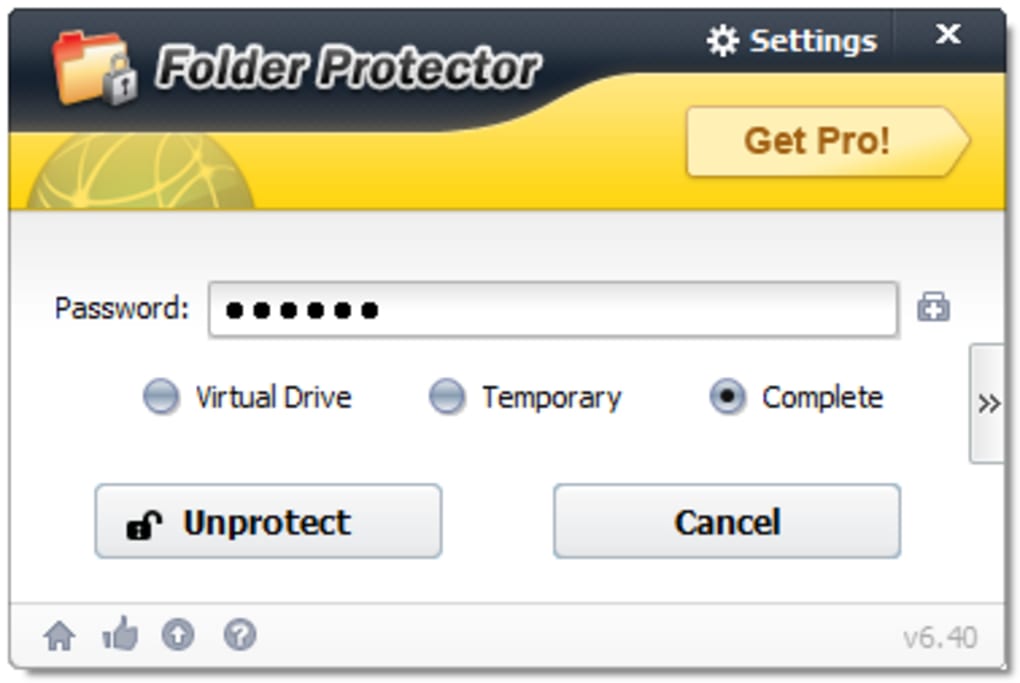
In summary, while Kaka Folder Protector provides a basic level of folder protection, its vulnerabilities, questionable encryption details, and unreliable customer support raise serious concerns regarding its efficacy and trustworthiness. Users should carefully weigh the risks before relying on this software, particularly for sensitive data.
Alternative Folder Protection Solutions
Several alternative folder protection solutions offer enhanced security and reliability. When choosing alternative solutions, consider the following aspects:
-
Encryption Algorithm: Choose software using well-established and widely vetted encryption algorithms like AES-256.
-
Open-Source vs. Proprietary: Open-source software allows independent security audits, increasing trust in its security.
-
Cross-Platform Compatibility: Select a solution compatible with all your devices if you need to access protected files across platforms.
-
Key Management: Understand how the software manages encryption keys. Losing your key can result in permanent data loss.
-
Customer Support: Choose a provider with a good reputation for customer support and responsiveness.
Many reputable software providers offer robust folder protection solutions with better security features, transparency, and customer support. Research and compare various options to find the one best suited to your individual requirements.
Conclusion
Protecting your folders is vital for maintaining data security and privacy. A multi-layered approach combining several methods, including encryption, access control, and robust software, provides the most effective defense against unauthorized access. Remember to carefully evaluate your options, considering the sensitivity of your data, your technical skills, and your budget. Always choose reputable software providers with a history of providing reliable and secure solutions, and regularly review your security measures to ensure your data remains protected.
File Information
- License: “Trial version”
- Latest update: “September 27, 2024”
- Platform: “Windows”
- OS: “Windows 2000”
- Language: “English”
- Downloads: “508.1K”


