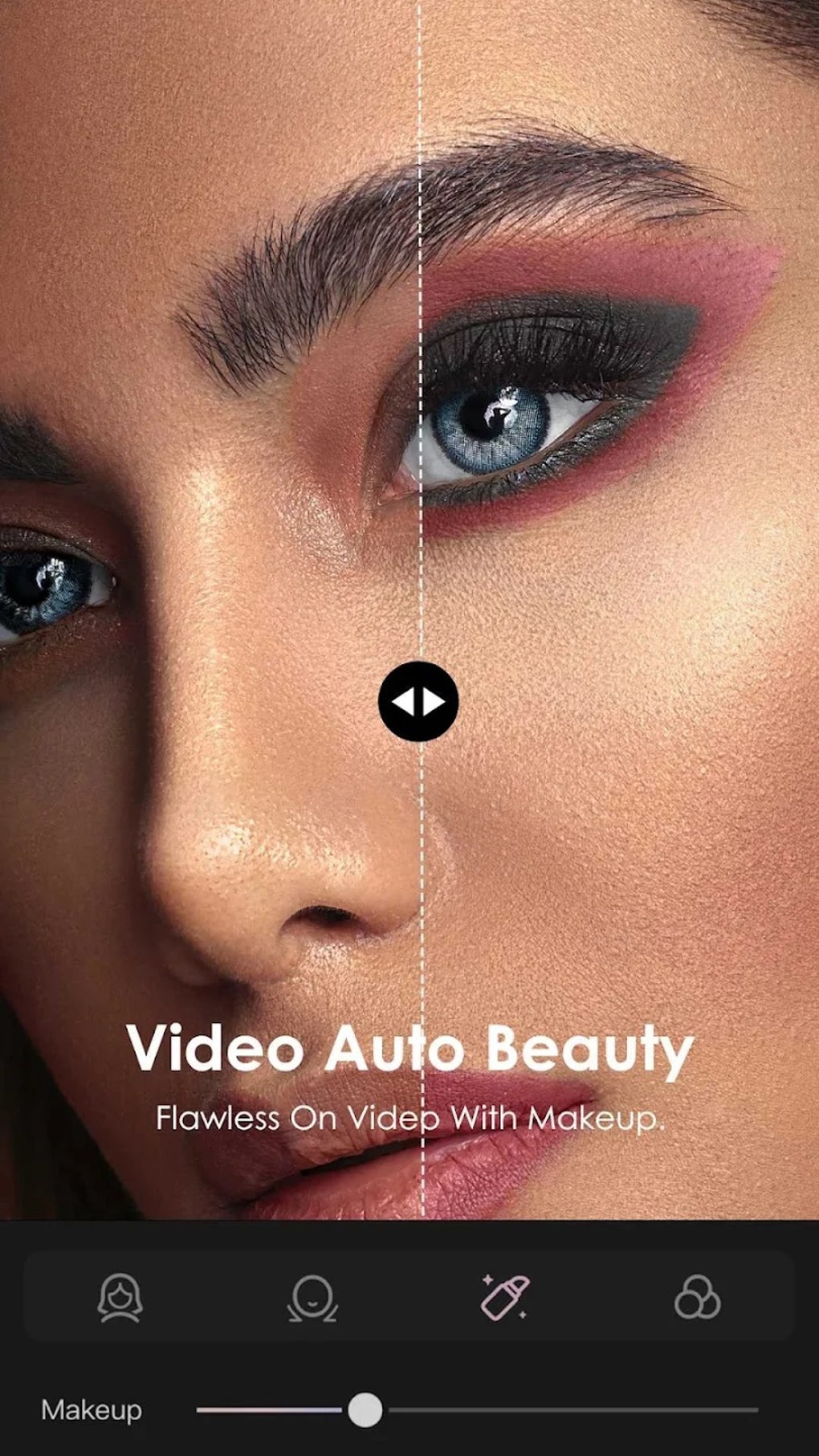
For Kuaishou Video Maker Edit is a free multimedia application designed to empower users to unleash their creativity through video editing. This intuitive tool serves as an excellent entry point for novice editors who might find more complex programs like Adobe Premiere Rush overwhelming. The app offers a streamlined approach to video creation, providing users with the flexibility to build videos from scratch or utilize pre-designed templates for a quicker workflow. Its user-friendly interface and pre-set effects contribute to a cohesive and polished final product, even for users with limited video editing experience.
Intuitive Features for Seamless Video Creation
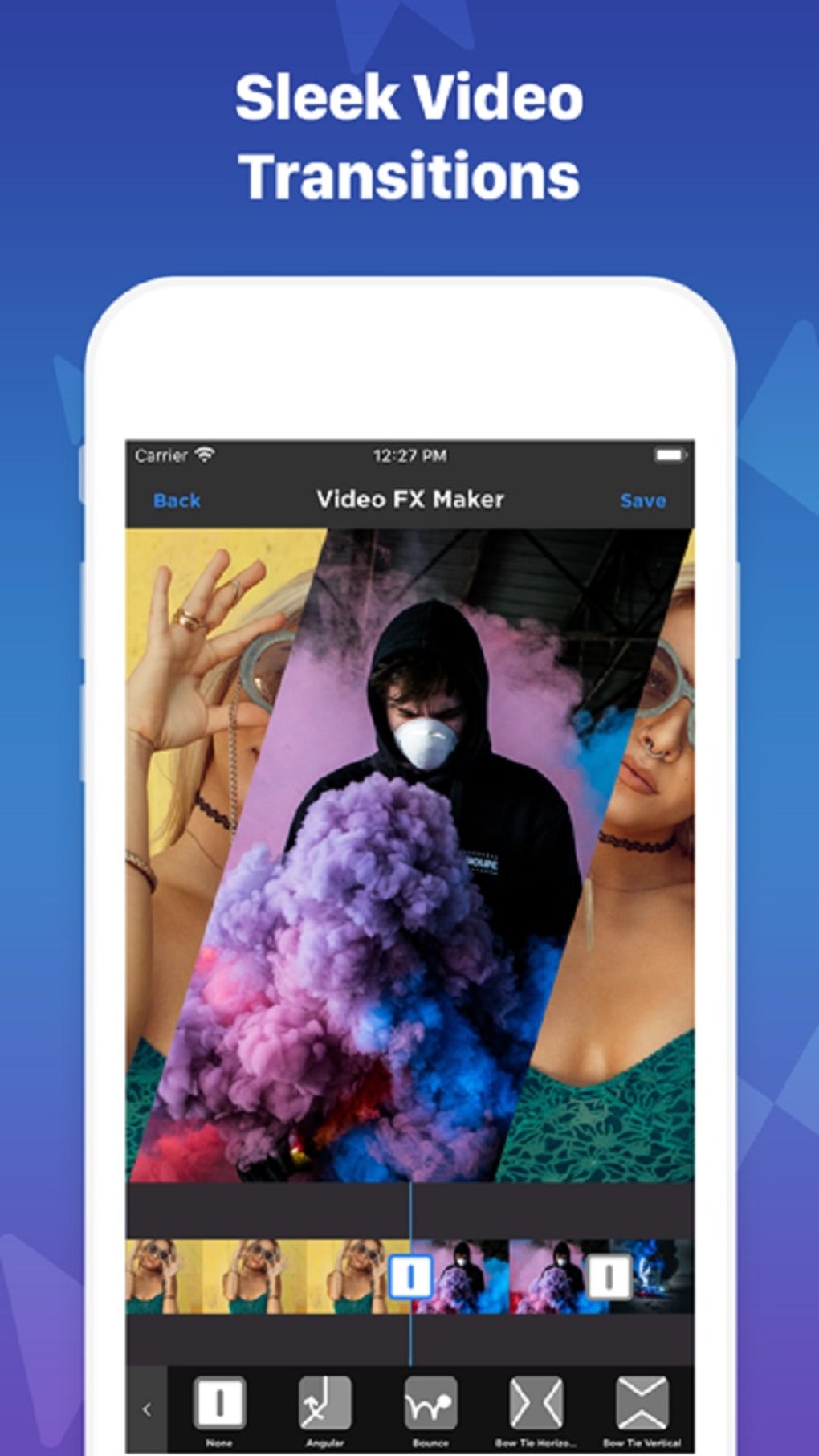
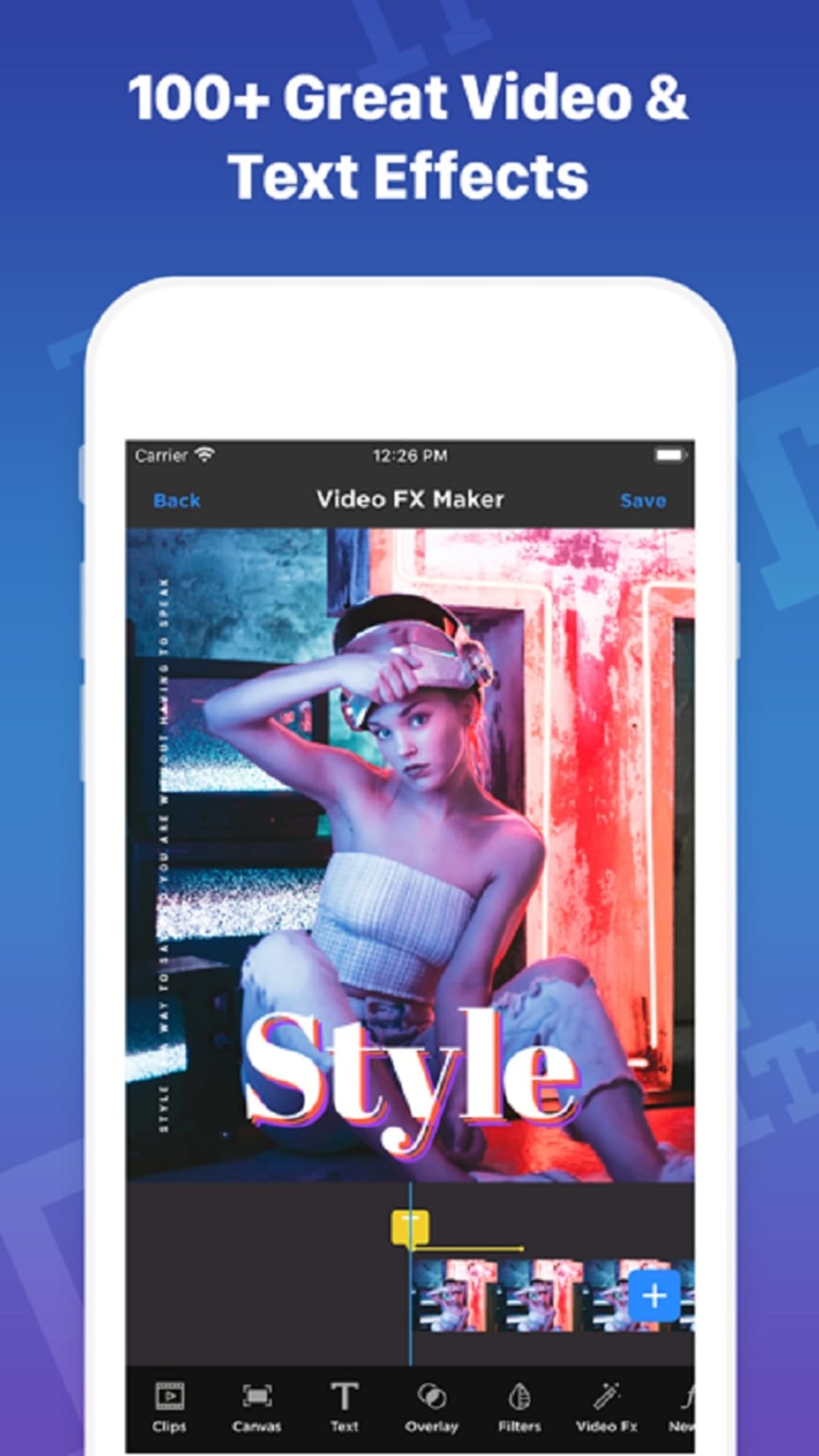
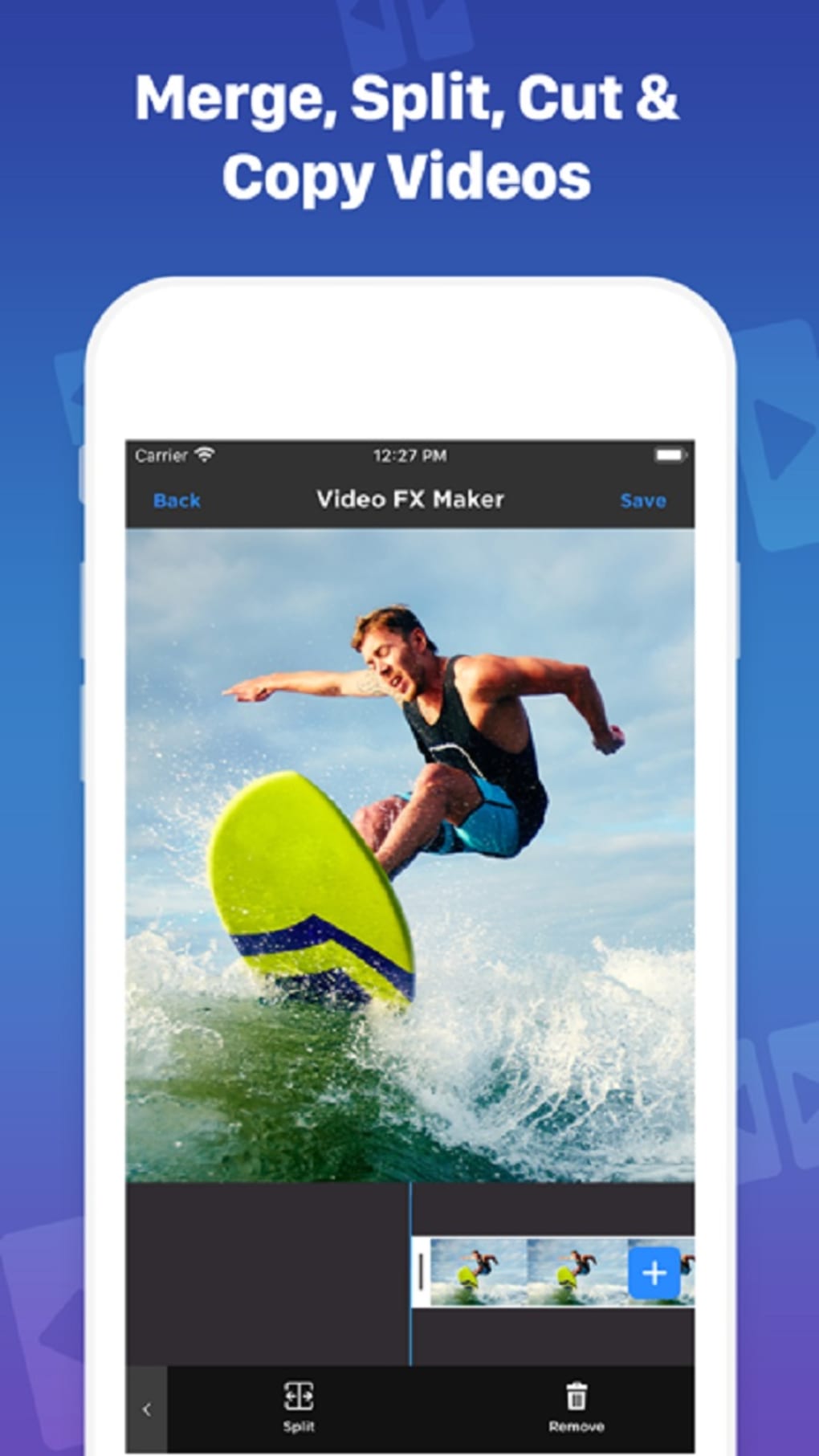
For Kuaishou Video Maker Edit’s timeline interface provides a comprehensive range of creative tools, enabling users to seamlessly integrate various elements into their projects. Users can effortlessly blend video clips, precisely trim and cut scenes to achieve the desired flow, and seamlessly incorporate transitions for a smooth viewing experience. The application also allows for the addition of text and image overlays, facilitating the creation of engaging visual narratives. Furthermore, the app supports subtitle generation, catering to accessibility needs and enhancing viewer comprehension. Music integration is also readily available, allowing users to set the perfect mood and enhance the emotional impact of their videos.
The app’s canvas provides a clear and intuitive workspace for users to monitor and adjust the precise positioning and layout of their video elements. This granular control empowers users to craft visually compelling videos, ensuring a professional and polished final product. The ability to fine-tune the placement of text, images, and video clips guarantees a cohesive and aesthetically pleasing outcome. This careful control over visual elements is crucial for creating videos that are both visually engaging and easy to follow.
Beyond its core editing functionalities, the app boasts a significant advantage: its collection of readily available presets and templates. These pre-designed assets considerably streamline the editing process, allowing users to quickly create professional-looking videos without extensive technical knowledge. This feature is particularly beneficial for beginners who are unfamiliar with the intricacies of video editing software, enabling them to produce high-quality videos with minimal effort. The templates offer diverse styles and themes, catering to a wide range of creative projects, from simple personal videos to more sophisticated content.
The application’s support for multiple aspect ratios and frame rates is another key feature. This allows users to optimize their videos for various platforms, ensuring compatibility across different devices and online channels. This flexibility caters to users who intend to share their creations across different social media platforms, maximizing their reach and audience engagement. The adaptability of the video outputs to various platforms is crucial in today’s multi-platform digital landscape.
Limitations and Areas for Improvement
While For Kuaishou Video Maker Edit offers numerous strengths, certain limitations warrant consideration. One notable drawback is the difficulty in precisely adjusting the intensity and subtlety of the available effects. Users may find it challenging to fine-tune effects, potentially leading to overly harsh or unnatural-looking results. This lack of granular control over effects can impact the overall aesthetic quality of the final video. More nuanced control over effects would significantly improve the app’s capabilities.
The transitions, while functional, occasionally appear clunky and jarring in the final output. This can disrupt the viewing experience and detract from the overall professional feel. Smoother, more sophisticated transitions would enhance the visual flow and improve the overall quality of the finished videos.
Perhaps the most significant drawback is the lengthy export time, particularly for higher-resolution and longer videos. This can be frustrating for users, especially those working on multiple projects or facing tight deadlines. Optimized export capabilities would drastically improve the user experience and enhance the app’s overall efficiency. Faster rendering times are crucial for maintaining user engagement and productivity.
Strengths and Weaknesses Summarized
For Kuaishou Video Maker Edit presents a compelling blend of features for both novice and experienced users. Its intuitive interface, coupled with a comprehensive range of editing tools, makes it accessible to a broad audience. The inclusion of presets and templates significantly reduces the learning curve and accelerates the video creation process. However, the app’s limitations in effect control, transition quality, and export speed hinder its potential. Addressing these shortcomings would elevate For Kuaishou Video Maker Edit to a leading position among mobile video editing applications.
Pros:
- User-friendly interface: The app’s intuitive design makes it easy to navigate, even for beginners.
- Comprehensive editing tools: A wide range of tools allows for both basic and advanced editing tasks.
- Ready-made templates: Pre-designed templates accelerate the video creation process.
- Adjustable aspect ratio and frame rate: Allows for optimal video output across various platforms.
- Subtitle generation: Enhances accessibility and viewer comprehension.
- Music integration: Allows users to enhance the mood and emotional impact of their videos.
Cons:
- Difficult effect adjustment: Fine-tuning the strength and subtlety of effects can be challenging.
- Clunky transitions: Some transitions appear awkward and unprofessional in the final output.
- Slow export times: Exporting high-quality and long videos can take an excessive amount of time.
Comparison with Other Video Editing Apps
For Kuaishou Video Maker Edit occupies a specific niche in the mobile video editing market. While it doesn’t match the power and flexibility of professional-grade desktop software like Adobe Premiere Pro or DaVinci Resolve, it surpasses many other mobile alternatives in its user-friendliness and streamlined workflow. Compared to apps like InShot or CapCut, For Kuaishou Video Maker Edit offers a slightly less feature-rich but more intuitive experience, particularly beneficial for users new to video editing. Its focus on ease of use makes it a strong contender for beginners looking to create simple yet engaging videos. However, power users might find its limitations frustrating.
The app’s integration with Kuaishou, a popular short-video platform, provides a seamless sharing experience for users. This direct integration simplifies the process of publishing videos to the platform, making it a convenient choice for Kuaishou content creators.
Ultimately, the choice of video editing app depends on individual needs and technical expertise. For Kuaishou Video Maker Edit caters to those prioritizing user-friendliness and a quick, efficient editing workflow. While more advanced users might find its limitations restricting, beginners will appreciate its ease of use and readily available templates.
Conclusion
For Kuaishou Video Maker Edit is a valuable tool for users seeking an accessible and user-friendly video editor. Its strength lies in its simplicity and intuitive design, making it an ideal choice for beginners. The inclusion of presets and templates further enhances its accessibility, allowing users to quickly create professional-looking videos. While certain limitations exist regarding effect control, transition quality, and export speed, these drawbacks are somewhat mitigated by its ease of use and straightforward workflow. Overall, For Kuaishou Video Maker Edit provides a solid foundation for those venturing into the world of video editing and looking for a streamlined and efficient process. Future updates addressing the identified limitations could solidify its position as a leading mobile video editing application.
File Information
- License: “Free”
- Version: “1.0”
- Latest update: “September 4, 2023”
- Platform: “Android”
- OS: “Android 9.0”
- Language: “English”
- Downloads: “541.2K”
- Size: “28.29 MB”
- Download Options: “APK, Google Play”
- Filename: “For_Kuaishou_Video_Maker_Edit_v1.0.xapk”