
Fores New Idles in Skyrim (FNIS), a free utility for Windows, is a powerful and versatile modding tool that allows users to add a wide array of custom animations to the popular role-playing game, The Elder Scrolls V: Skyrim. While seemingly a simple animation addition tool, FNIS acts as the backbone for many other Skyrim animation mods, making it an essential component for anyone looking to enhance their gameplay experience through custom animations. This comprehensive guide delves into the features, functionality, and impact of FNIS on the Skyrim modding community.
Understanding FNIS: More Than Just Idles
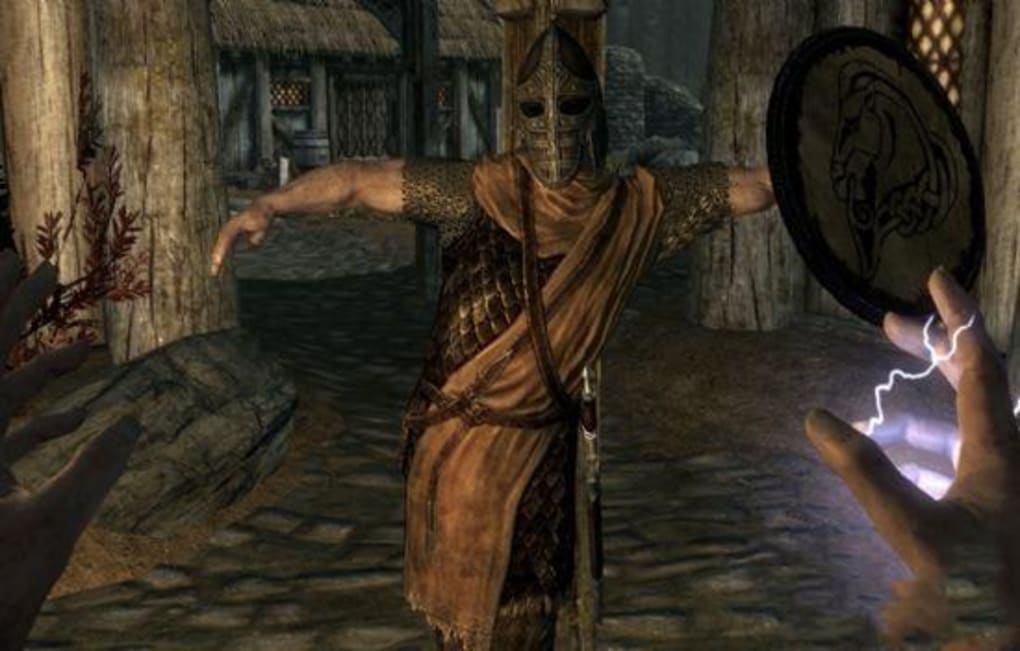
FNIS is far more than its name suggests. While it excels at adding new idle animations – the animations characters perform while standing still – its capabilities extend far beyond this basic function. It serves as a crucial bridge between custom animation packages and the Skyrim game engine, allowing users to seamlessly integrate a vast range of animations without requiring significant technical expertise. This includes:
-
Sequenced Animations: These are animations that play in a specific order, often used for combat maneuvers or complex actions. FNIS handles the intricate process of linking these sequences, ensuring smooth transitions between different animation stages.
-
Poses/Idles: As mentioned, FNIS is particularly adept at incorporating new idle animations, giving characters more dynamic and engaging visual representations while they’re not actively involved in gameplay.
-
Kill Moves: FNIS supports the addition of custom kill moves, providing a more visually diverse and satisfying combat experience. These kill moves can range from simple variations to elaborate and unique finishing moves depending on the animation pack.
-
Paired Animations: These animations involve two or more characters, such as interactions or coordinated movements. FNIS’s ability to manage these complex interactions makes it a powerful tool for modders creating more immersive and realistic scenarios.
-
Furniture Animations: FNIS can also handle animations related to in-game furniture, allowing for more dynamic and interactive environmental elements.
-
Creature Animations: The capabilities extend to modifying animations for creatures, both those native to the game and those introduced by other mods. This allows for significantly more varied and visually interesting creature behavior.
-
Other Custom Animations: FNIS’s flexibility extends to a wide range of other custom animations, allowing modders to explore virtually limitless creative possibilities. The core function is to seamlessly integrate these animations into Skyrim’s engine, handling the complex technical aspects involved.
FNIS: A Bridge Between Modders and Players
The beauty of FNIS lies in its ability to make advanced animation modding accessible to a broad audience. While technically proficient individuals can directly modify Skyrim’s animation system, FNIS streamlines this process significantly, making it manageable even for those with limited programming or technical skills. This democratization of animation modding has resulted in a flourishing community of creators and players alike.
For experienced modders, FNIS provides a powerful and efficient tool to integrate their creations into the game. It handles the complexities of animation data integration, allowing them to focus on the artistic and design aspects of animation creation.
For players, FNIS serves as a gateway to experiencing the vast array of custom animations created by the community. It requires minimal technical knowledge to install and manage, making it a user-friendly solution for enhancing the visual aspects of Skyrim.
The FNIS Workflow: A Step-by-Step Guide (Simplified)
While a detailed explanation of the technical aspects is beyond the scope of this overview, a simplified workflow for utilizing FNIS can be outlined:
-
Installation: FNIS requires a clean installation of Skyrim, preferably a version with minimal conflicts or errors. It’s essential to follow the installation instructions provided on the official download site carefully.
-
Mod Installation: The specific process will vary depending on the mod, but most custom animation mods will require FNIS to function correctly. The animation mod will often provide instructions on how to properly integrate it with FNIS.
-
FNIS Configuration: Once the animation mod is installed, it’s usually necessary to run FNIS to generate the necessary animation data files. This is often done through a simple interface within the FNIS application.
-
Game Launch: After completing the FNIS configuration, launch Skyrim and enjoy the newly added animations.
FNIS and the Skyrim Modding Community
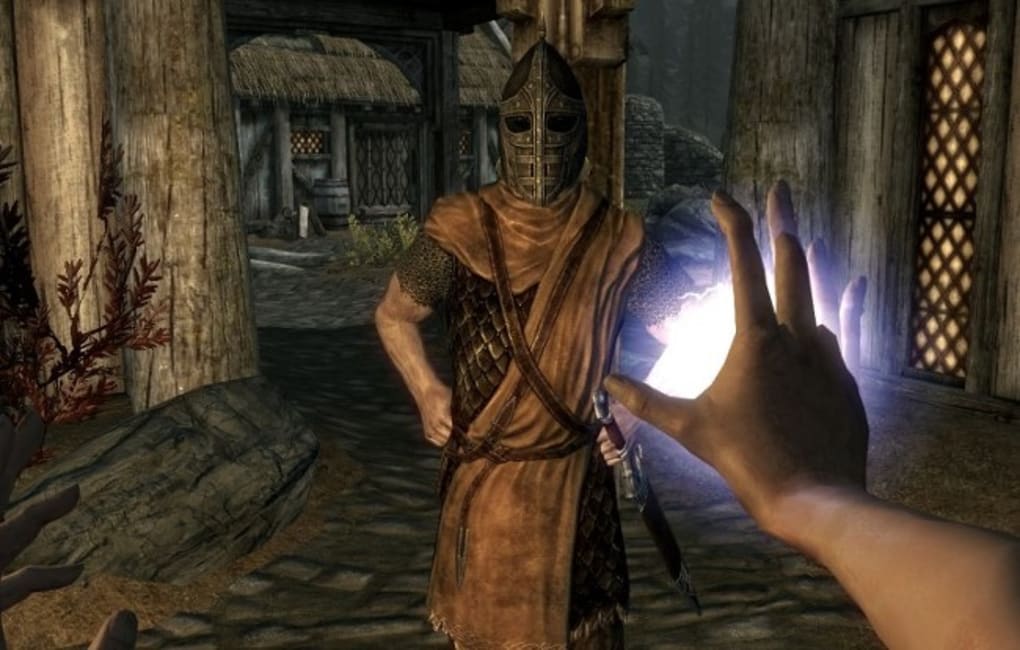
FNIS has become an integral part of the Skyrim modding landscape, almost synonymous with animation modding itself. Its popularity stems from several key factors:
- Ease of Use: Its user-friendly interface makes the integration of custom animations relatively straightforward, even for users unfamiliar with the technical aspects of modding.
-
Versatility: FNIS supports a wide variety of animation types, providing modders with the flexibility to create truly unique and immersive experiences.
-
Community Support: Extensive documentation, tutorials, and community support are readily available, helping users troubleshoot problems and learn new techniques.
-
Integration with Other Mods: FNIS works seamlessly with a vast number of other Skyrim mods, allowing users to combine various modifications for a fully customized gameplay experience.
Conclusion: Elevating Your Skyrim Experience with FNIS
Fores New Idles in Skyrim – FNIS is more than just an animation tool; it’s a vital component of the Skyrim modding ecosystem. Its ability to bridge the gap between advanced animation techniques and accessible user experiences has transformed the way many players interact with the game. Whether you’re a seasoned modder looking for a robust tool or a player seeking to enhance your visual experience, FNIS provides a powerful and user-friendly solution to unlock a wider range of animations and possibilities within the immersive world of Skyrim. The extensive documentation and community support further solidifies its status as an invaluable asset for anyone wishing to delve deeper into the rich modding possibilities offered by this classic RPG. While it may present a slight learning curve for beginners, the rewards of expanding the visual scope of Skyrim with custom animations, from subtle idle changes to dynamic combat sequences, far outweigh the initial effort. The versatility and widespread community support make FNIS an invaluable tool for improving your Skyrim gameplay and adding a personal touch to your gaming adventure.
File Information
- License: “Free”
- Version: “7.6”
- Latest update: “September 13, 2021”
- Platform: “Windows”
- OS: “Windows 8”
- Language: “English”
- Downloads: “625”
- Size: “3.51 MB”


