
FPS Creator Free is a free-to-use 3D game development program designed to empower aspiring game creators with the tools to build their own first-person shooter (FPS) games. This user-friendly application requires minimal programming or game design expertise, making it an accessible entry point for novices. Its intuitive interface and readily available assets lower the barrier to entry, allowing users to focus on the creative aspects of game design rather than getting bogged down in complex coding. This in-depth review will explore the features, pros, cons, and overall suitability of FPS Creator Free for both beginners and those with some prior experience in game development.
Ease of Use and Accessibility
One of the most significant advantages of FPS Creator Free is its ease of use. The software is designed to be intuitive, even for individuals with limited experience in game development or programming. The streamlined interface minimizes the learning curve, allowing users to quickly grasp the fundamental concepts and start creating their games without extensive tutorials or prior knowledge. This accessibility is a crucial factor contributing to the program’s popularity among beginners who are eager to explore the world of game creation without the daunting prospect of mastering complex coding languages.
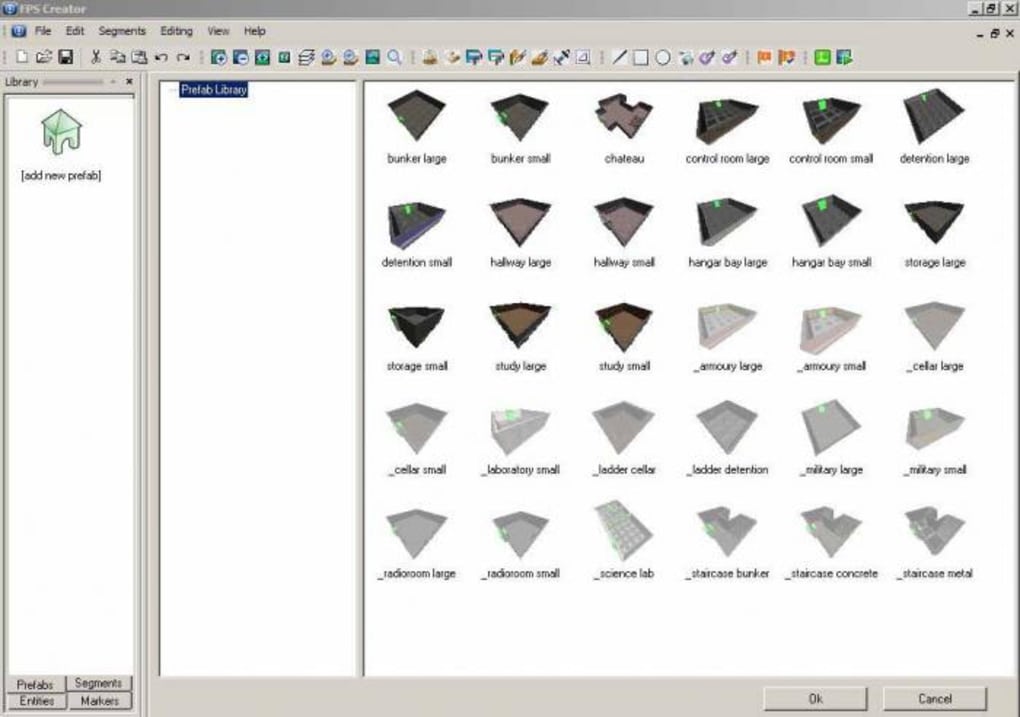
The availability of pre-built templates and in-game assets further enhances the ease of use. These pre-designed elements significantly reduce the initial development time, enabling users to focus on the game’s unique aspects rather than spending countless hours creating basic assets. These assets provide a solid foundation upon which users can build and customize their game, adding their own personal touch and unique gameplay mechanics. This feature is particularly beneficial for beginners who might lack the artistic or technical skills to create high-quality assets from scratch.
The inclusion of online and offline capabilities ensures that users can access and utilize the software regardless of their internet connectivity. This flexibility is crucial for users in areas with unreliable internet access or those who prefer to work offline. The availability of both options caters to a wider range of users and ensures that the development process is not hampered by connectivity issues.
Features and Capabilities
While FPS Creator Free prioritizes simplicity, it still offers a surprisingly robust set of features. The core functionality revolves around creating first-person shooter games, but the toolset allows for a decent degree of customization and creative freedom. Users can design levels, implement game logic, and even adjust performance parameters to optimize their creations.
The program provides tools for manipulating various aspects of game design, including:
-
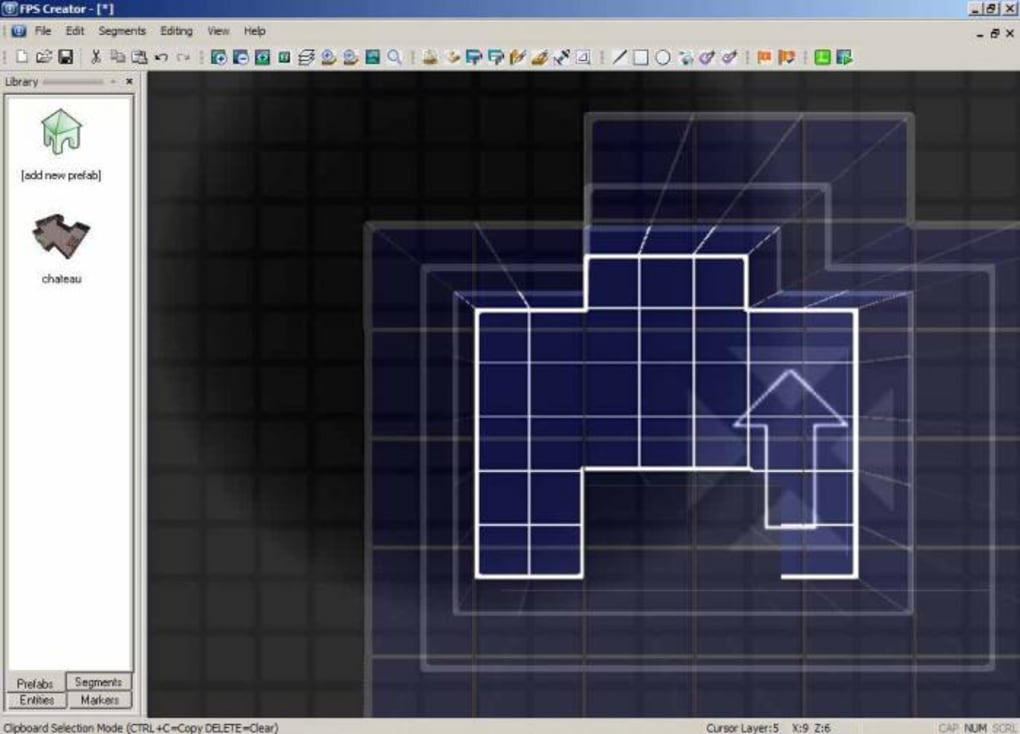
Level Design: The software allows users to build and customize game levels, placing objects, setting up player spawns, and designing the overall layout of the game environment. While the level design tools may not be as sophisticated as those found in professional-grade game engines, they are more than adequate for creating engaging and playable FPS experiences.
-
Game Logic: Users can define game rules, interactions, and events through a relatively straightforward system. This allows for the creation of more complex game mechanics beyond simple shooting and movement. Although the scripting capabilities might not be as extensive as those offered by more advanced engines, FPS Creator Free provides enough flexibility for beginners to implement interesting gameplay features.
-
Asset Management: The program simplifies the process of managing and incorporating game assets, such as models, textures, and sounds. The asset management system allows for easy organization and import of custom assets created by the user or obtained from external resources.
-
Performance Optimization: FPS Creator Free offers basic tools for optimizing game performance, allowing users to adjust various settings to enhance the game’s overall smoothness and responsiveness. While it may not provide the same level of granular control as more advanced engines, these tools are beneficial for maintaining a playable frame rate, especially on lower-end hardware.
- Community Support: The online community surrounding FPS Creator Free is a significant asset. Users can connect with other developers, share their creations, ask for help, and exchange ideas. This collaborative environment fosters a supportive atmosphere where users can learn from one another and receive assistance when needed. This is invaluable for beginners who might encounter challenges during the development process.
Limitations and Drawbacks
Despite its strengths, FPS Creator Free has some limitations. One of the most notable drawbacks is the quality of the default assets. The included graphics, while functional, are not visually impressive and can appear outdated or low-resolution compared to assets found in more modern game engines. This might not be a significant concern for beginners focusing on gameplay mechanics, but it could be a limiting factor for those aiming for a polished visual experience.
The lack of outdoor environments is another constraint. The software primarily focuses on indoor settings, limiting the possibilities for level design and overall game atmosphere. This could be a significant limitation for those interested in creating games with expansive outdoor landscapes or diverse environments.
The interface, while user-friendly, also receives criticism for its visual design. Some users find it aesthetically unappealing and somewhat dated. This is a subjective aspect, but it could detract from the overall user experience for some.
Finally, while the program provides some tools for game logic and scripting, they are not as powerful or flexible as those found in more advanced engines. This limitation might restrict the complexity of gameplay mechanics and features that can be implemented.
Target Audience and Overall Assessment
FPS Creator Free is ideally suited for beginners and hobbyists looking to explore the world of game development without significant investment or technical expertise. Its simplicity, intuitive interface, and readily available assets make it an excellent starting point for anyone interested in creating their own FPS games. The online community further enhances the learning experience, providing a platform for collaboration and knowledge sharing.
However, experienced developers or those aiming for highly polished and visually stunning games might find FPS Creator Free’s limitations restrictive. The quality of the default assets, the absence of outdoor environments, and the comparatively simpler scripting capabilities could hinder their creative ambitions.
In conclusion, FPS Creator Free serves as a valuable tool for individuals who want to dabble in game development without the steep learning curve associated with more complex engines. It provides a fun and accessible pathway to game creation, allowing beginners to experiment, learn, and create their own unique FPS experiences. While it may lack the sophistication and polish of professional-grade software, its ease of use and supportive community make it a strong contender for aspiring game developers taking their first steps in the field. For those looking for a robust and versatile game engine with advanced features and high-quality assets, other options might be more suitable. But for a free, beginner-friendly introduction to game development, FPS Creator Free is an excellent choice.
File Information
- License: “Free”
- Version: “1.0”
- Latest update: “September 11, 2019”
- Platform: “Windows”
- OS: “Windows Vista”
- Language: “English”
- Downloads: “31.2K”
- Size: “118.12 MB”


