
Framaroot is a renowned Android application developed by Reginald Inc. designed to simplify the process of rooting mobile devices. Rooting, a complex technical procedure, grants users elevated privileges, unlocking a range of functionalities and customization options beyond the limitations imposed by the standard Android operating system. This guide will explore the capabilities, advantages, disadvantages, and practical aspects of using Framaroot to root your Android device.
Understanding Framaroot and Android Rooting
Android’s default operating system restricts user access to certain system files and processes for security and stability reasons. Rooting bypasses these restrictions, giving the user complete control over the device’s operating system. This level of access opens possibilities for extensive customization, performance enhancements, and the installation of applications and modifications that would otherwise be blocked.
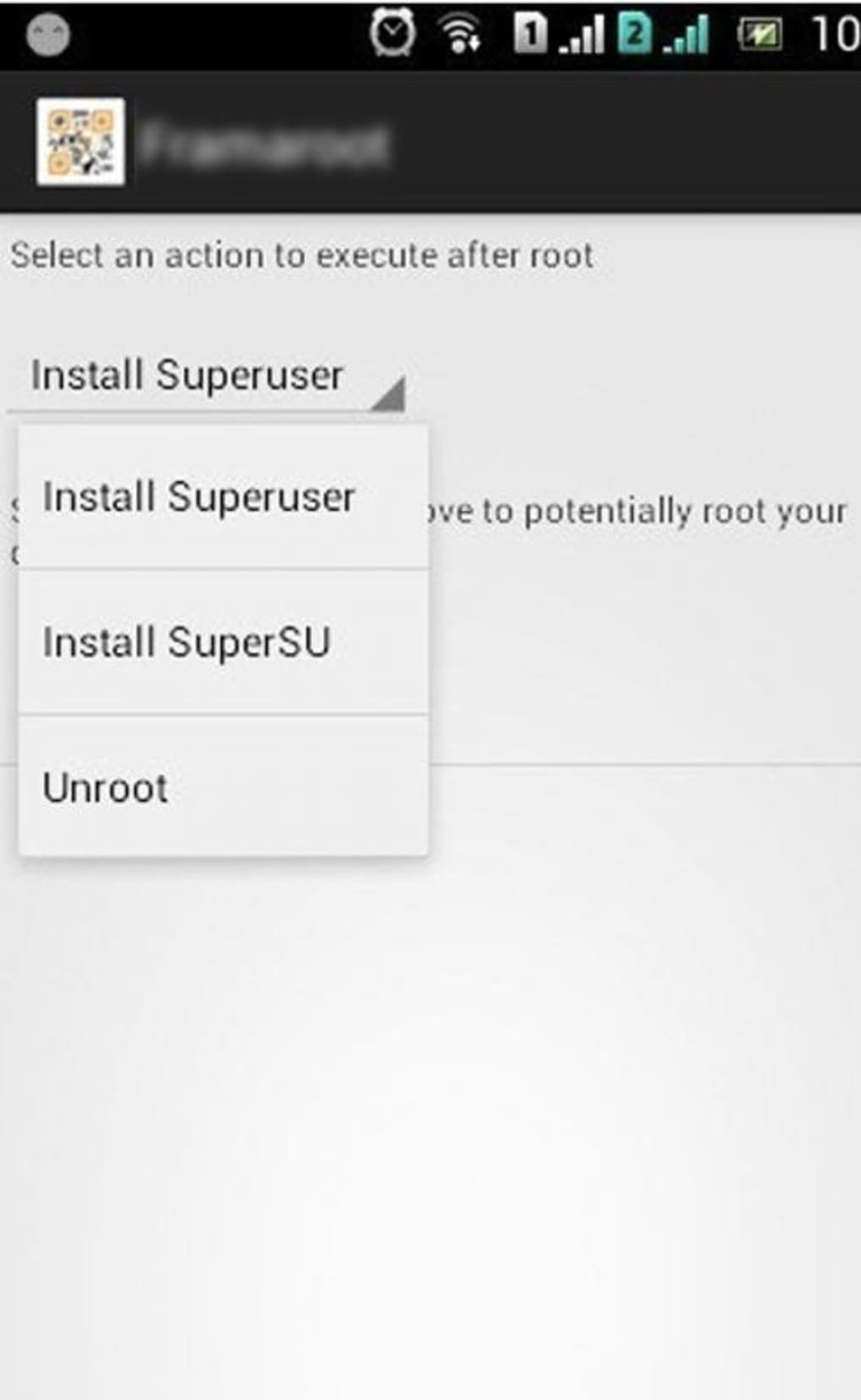
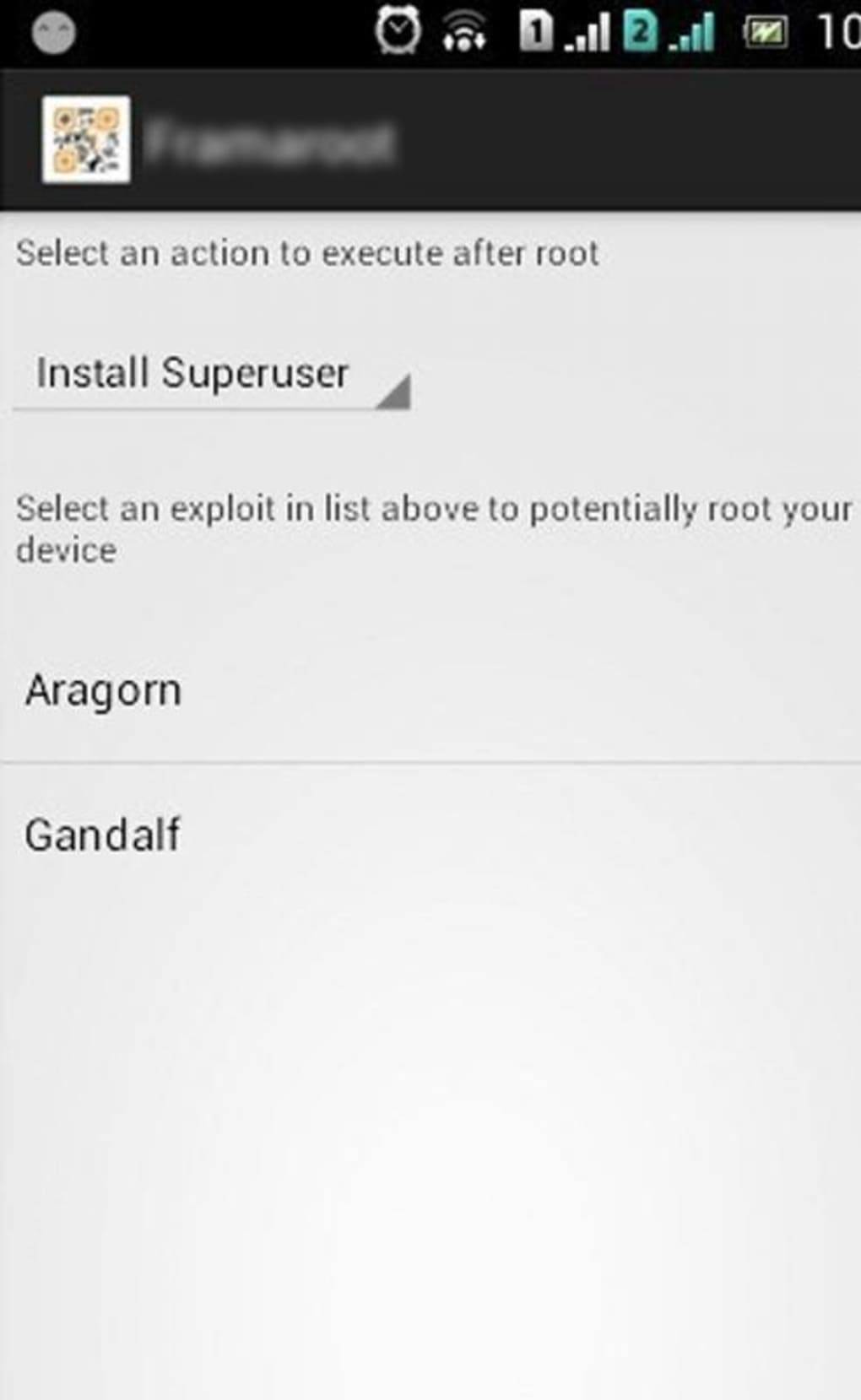
Framaroot offers a user-friendly approach to rooting, differing significantly from traditional methods that involve connecting the device to a computer and using complex command-line interfaces. Its intuitive interface streamlines the entire process, making it accessible even to users with limited technical expertise. The application automatically detects the device model, operating system, and chipset, selecting the appropriate rooting exploit for your specific device. With a single button press, Framaroot executes the chosen script, installing the SuperSU command suite to manage the elevated privileges granted by the root process.
This ability to root without complex computer interaction is a major advantage. It eliminates the need for USB debugging setup and intricate command line instructions, streamlining the procedure and making it significantly more convenient for the average user.
Framaroot Features and Functionality
Framaroot’s core functionality centers around simplifying the root process. Key features include:
-
One-Click Rooting: The primary advantage of Framaroot lies in its simplicity. The application handles the complex technical details, requiring only a single button press to initiate the rooting procedure. This simplifies what would otherwise be a lengthy and technically demanding process.
-
Automatic Device Detection: Framaroot automatically identifies the device model, operating system version, and chipset. This eliminates the need for manual selection of exploits, minimizing the risk of choosing an incompatible method and potential device damage.
-
SuperSU Integration: Successful rooting installs the SuperSU application, a widely used tool for managing root privileges. SuperSU allows users to grant or deny root access to specific applications on a case-by-case basis, enhancing security and control.
-
Mod APK Support: Framaroot facilitates the installation of Modified APK (application package kit) files. These modified apps often offer additional features or customization options not available in their standard versions. However, it’s crucial to download Mod APKs from reputable sources to avoid malware or security risks.
-
Easy Unrooting: In addition to rooting, Framaroot also provides a straightforward method for unrooting the device, restoring it to its original, unrooted state. This is beneficial for users who want to revert to the standard Android experience or prepare the device for warranty service.
Advantages and Disadvantages of Using Framaroot
While Framaroot offers a simplified approach to rooting, it’s crucial to weigh its advantages and disadvantages carefully before proceeding:
Advantages:
-
Simplicity and Ease of Use: The user-friendly interface and one-click rooting process are significant advantages, making it accessible to a wider range of users.
-
No Computer Required: The elimination of computer interaction streamlines the rooting process and makes it more convenient.
-
SuperSU Integration: The inclusion of SuperSU provides a robust and reliable means for managing root access, enhancing security and control.
- Mod APK Compatibility: The ability to install Mod APKs expands the range of customization and functionality available on the rooted device.
Disadvantages:
-
Compatibility Issues: While Framaroot supports a wide range of devices, compatibility issues may arise depending on the specific device model, operating system version, and chipset. Not all devices will be successfully rooted using Framaroot.
-
Security Risks: Rooting inherently involves altering the core system files of the device. If not done carefully, this can lead to security vulnerabilities, making the device susceptible to malware and other threats.
-
Warranty Void: Rooting typically voids the manufacturer’s warranty, meaning that any hardware or software issues arising after rooting will not be covered under the warranty.
-
Potential for Bricking: Improperly rooting a device can lead to “bricking,” rendering the device unusable. This is a significant risk, particularly for inexperienced users.
-
Google Terms of Service Violation: Rooting violates Google’s terms of service. This could result in the loss of access to certain Google services or features.
Framaroot App Specifications and Download Information
Framaroot is available for free download for Android devices. Key specifications include:
- License: Free
- Version: 2.1.00.5.00.1 (as of May 24, 2023)
- Platform: Android OS (Android 7.0 and above)
- Language: English (and various other languages depending on the download source)
- Size: 9.02 MB
- Developer: Reginald Inc.
Downloading Framaroot should be done from trusted sources to avoid malware contamination. Always verify the authenticity of the download before installing the APK file on your Android device. Many unofficial websites offer Framaroot, but exercising caution and using reputable sources is crucial to ensure you’re downloading a safe and legitimate copy.
Alternative Rooting Methods and Applications
While Framaroot is a popular choice, several alternative rooting methods and applications exist. These offer different approaches and may have varying levels of compatibility with different devices. Before attempting to root your device, research alternative options and select the method most appropriate for your device’s model and operating system version.
This might include PC-based rooting tools, other standalone Android apps, or even manufacturer-specific unlocking procedures. Remember that choosing the right rooting method is crucial to avoiding potential issues.
Conclusion: Weighing the Risks and Rewards of Rooting with Framaroot
Framaroot provides a simplified approach to Android rooting, making it potentially accessible to a wider audience than traditional methods. However, it’s crucial to remember that rooting carries inherent risks. The potential benefits of customization and enhanced functionality must be carefully weighed against the risks of bricking the device, voiding the warranty, and compromising security. Only proceed with rooting if you are comfortable with the potential consequences and possess a basic understanding of Android’s operating system. Always back up your data before attempting to root your device, and exercise caution when selecting your rooting method and downloading necessary files. Thorough research and a cautious approach are essential to ensuring a successful and safe rooting experience.
File Information
- License: “Free”
- Latest update: “May 24, 2023”
- Platform: “Android”
- OS: “Android 7.0”
- Language: “English”
- Downloads: “93.3K”
- Size: “9.02 MB”
- Download Options: “APK, Google Play”
- Filename: “Framaroot_v2.1.00.5.00.1_apkpure.com.apk”


