
The Free iPod Video Converter, a program once readily available for Windows users, offered a straightforward solution for converting various video formats into a format compatible with iPods. While no longer actively maintained and potentially difficult to find, its legacy as a popular and relatively lightweight converter warrants a retrospective examination. This review explores the software’s features, functionality, and its place within the broader landscape of video conversion tools.
A Look Back at Free iPod Video Converter’s Functionality
The Free iPod Video Converter’s primary function was simple: converting video files. Its target audience was individuals who wished to transfer video content to their iPods, a popular digital music and video player during the mid-2000s. The program supported a wide array of input formats, including popular choices at the time such as AVI, MPEG, WMV, RM, RMVB, DivX, ASF, and VOB. This allowed users to convert content from DVDs, VCDs, and various digital video sources. The output was optimized for iPod playback, ensuring compatibility and a reasonably smooth viewing experience. The converter’s ease of use was a key selling point; users could convert their videos with minimal technical knowledge, typically involving only a few clicks. The streamlined interface aimed to cater to both novices and seasoned users. Conversion speeds were likely dependent on the processor speed and resources available to the system. While the exact conversion speeds are difficult to ascertain now, reviews during its active development hinted at a reasonable balance between speed and conversion quality. The software’s user-friendliness contrasted with some more complex converters that required substantial technical expertise.
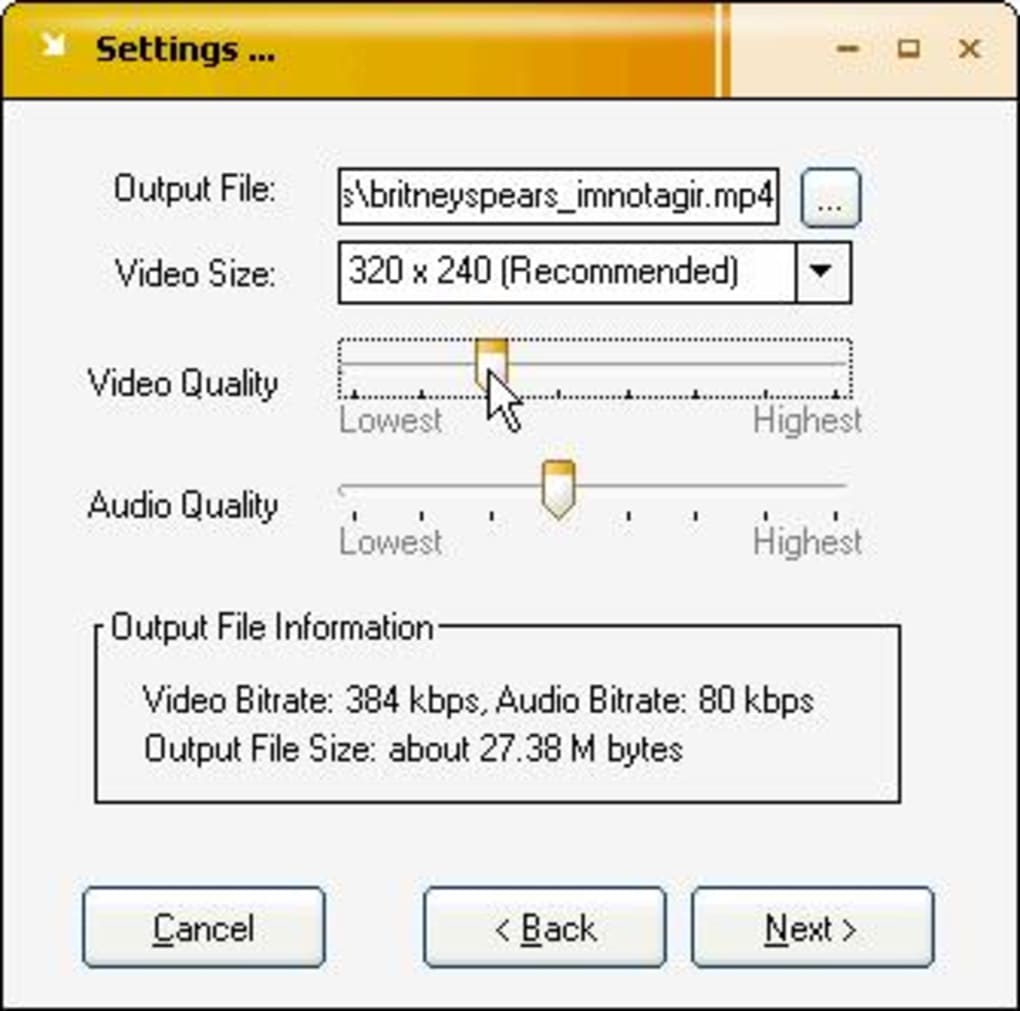
The success of Free iPod Video Converter, in part, stemmed from its simplicity. In a time before widespread high-speed internet access and the abundance of cloud-based services, software that was lightweight and readily downloadable held strong appeal. Its targeted function avoided the complexity of more feature-rich converters which tackled a wider range of output formats and devices. The software effectively addressed a specific need – efficient iPod video conversion – filling a niche in the market with a pragmatic and accessible solution.
System Requirements and Compatibility
The Free iPod Video Converter was designed for Windows 98 and later versions, making it compatible with a significant portion of the operating systems prevalent during its operational period. The program’s relatively small footprint, described as “light,” meant that it occupied minimal storage space on the user’s computer, a significant benefit given the limited hard drive capacity prevalent at the time. This minimized the impact on system performance, which was a welcome attribute for users with less powerful computers. The program’s language support was limited to English, potentially posing a barrier for users in other regions. However, given its popularity in countries such as the United States, Australia, and Bangladesh, language limitations may not have been a major impediment to its adoption. The specific technical requirements beyond operating system compatibility are no longer readily available, but given the era in which it was released, hardware demands were likely low.
User Experience and Interface
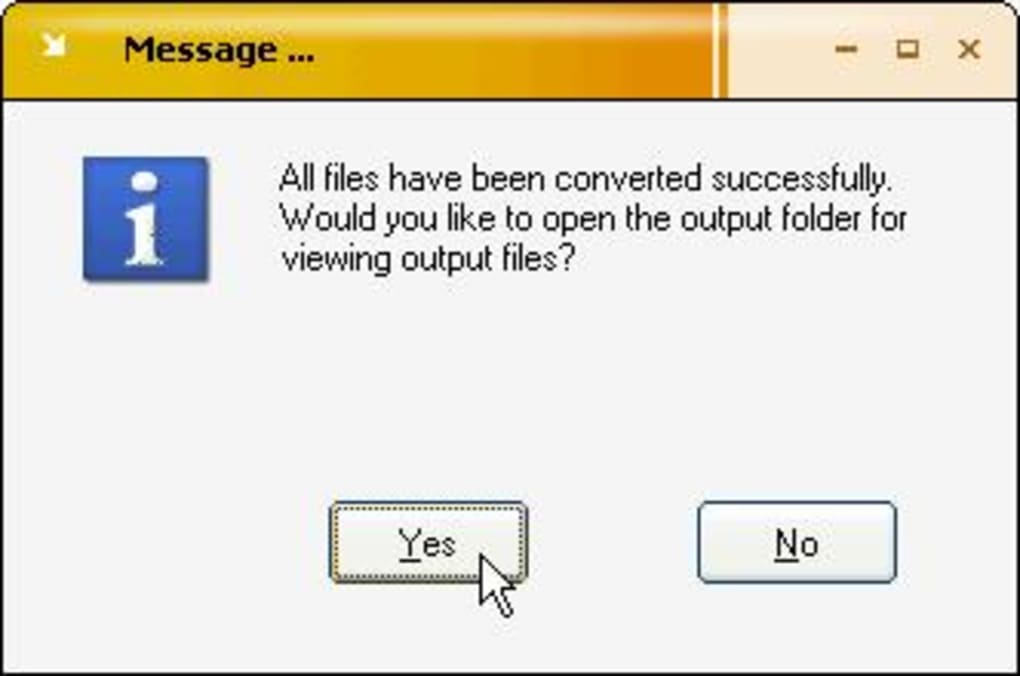
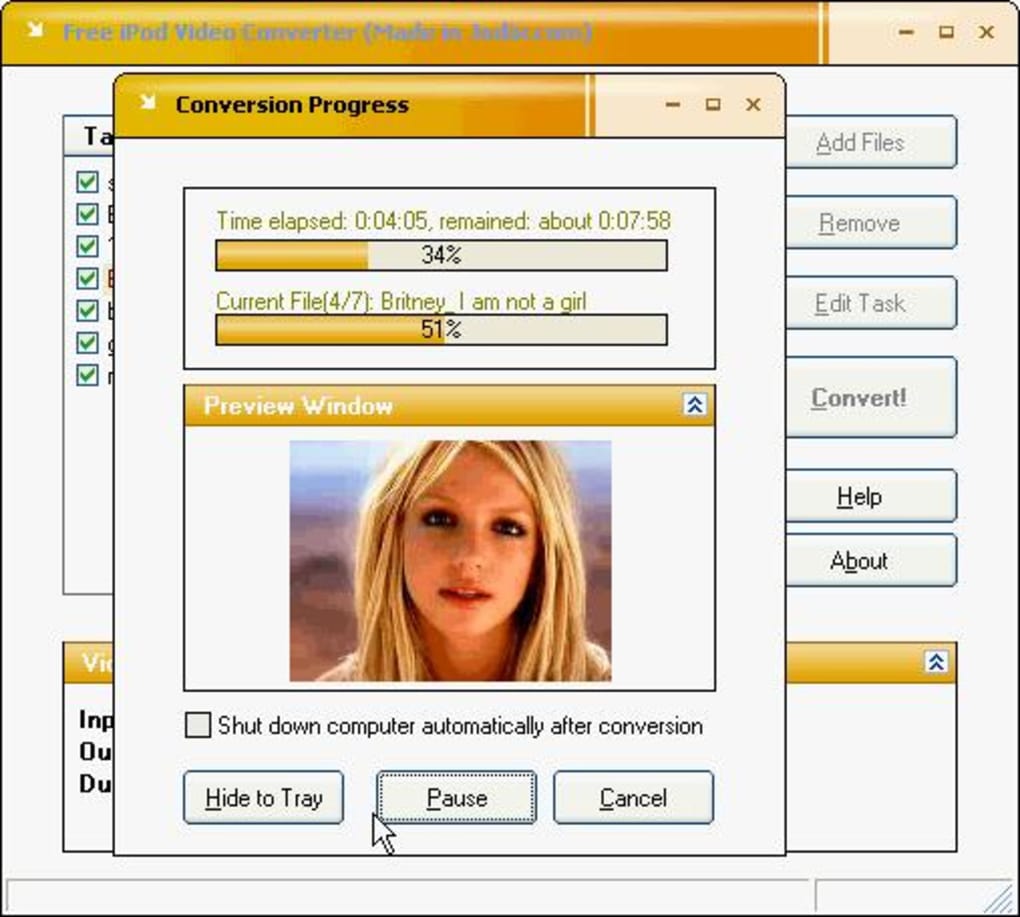
The limited information currently available on the Free iPod Video Converter makes it challenging to definitively assess the user experience. However, based on the general descriptions and its classification as a user-friendly program, we can infer that the interface was likely intuitive and straightforward. The emphasis on ease of use suggests a simple layout with clear instructions and easily accessible controls, facilitating the conversion process even for users with limited technical skills. The process of selecting input files, choosing output settings, and initiating the conversion likely involved a minimal number of steps. The absence of numerous advanced options would contribute to a clean and uncomplicated interface. While lacking advanced features, this design philosophy effectively served its intended purpose: providing a simple and reliable method for converting videos to a format playable on an iPod. Given the target audience and technology of the time, a minimalistic approach to user interface design was likely both practical and effective.
Comparing Free iPod Video Converter to Alternatives
During the era of Free iPod Video Converter’s popularity, several alternative iPod video conversion programs existed. Some of these offered more advanced features, such as batch processing, video editing capabilities, or support for a wider range of iPod models. Others, like Jodix Free iPod Video Converter, aimed for a similar level of simplicity, providing a straightforward conversion process with a focus on ease of use. Conversely, more comprehensive solutions such as Xilisoft iPod Video Converter offered more advanced settings and features, but often came with a price tag. The Free iPod Video Converter’s competitive advantage lay in its simplicity and accessibility. The decision between using Free iPod Video Converter and its competitors was largely determined by the user’s technical skill level, the desired range of features, and the willingness to pay for a premium product.
The landscape of video conversion has changed dramatically since the Free iPod Video Converter’s peak. Today, numerous free and commercial applications offer substantially more functionality. Modern converters handle a much wider range of input and output formats, often including high-definition video and advanced codecs. Many include features such as video editing tools, batch conversion capabilities, and cloud integration. Software like HandBrake, a free and open-source video converter, offers significantly more control and flexibility than the Free iPod Video Converter could have provided. Furthermore, the rise of streaming services and the ubiquity of high-resolution mobile devices have altered video consumption habits, reducing the reliance on direct video transfer to devices like iPods.
In conclusion, the Free iPod Video Converter held a significant position during its time, offering a simple and accessible solution for converting videos to a format playable on iPods. Its success stemmed from its ease of use and small system footprint. However, with the advancements in technology and changes in video consumption patterns, the Free iPod Video Converter is a product of its time and has been superseded by more versatile and powerful alternatives available today. While its specific features and performance are difficult to assess conclusively now, its impact on the video conversion landscape during the mid-2000s is undeniable. It effectively served its purpose for its intended users. Its legacy is a reminder of the technological advancements that have transformed video consumption and the evolution of software design to meet evolving user needs.
File Information
- License: “Free”
- Latest update: “July 10, 2023”
- Platform: “Windows”
- OS: “Windows 98”
- Language: “English”
- Downloads: “13.8K”
- Size: “1.73 MB”


