
In today’s digital landscape, having a reliable media player is essential for enjoying movies, music, and other multimedia content. While numerous options flood the market, ranging from established giants like VLC Media Player and GOM Player to lesser-known but equally capable alternatives such as Kodi and QuickTime, choosing the right one can be daunting. This review delves into Aiseesoft Studio DE’s Free Media Player, exploring its features, performance, and comparing it to industry leaders to determine its suitability for the average user.
Installation and User Interface
The Free Media Player boasts a straightforward installation process. Downloading the latest version is quick and painless. Once downloaded, simply execute the installer file, follow the on-screen prompts, and the software will be ready to use in minutes. This simplicity is a significant advantage, particularly for users unfamiliar with complex software installations.
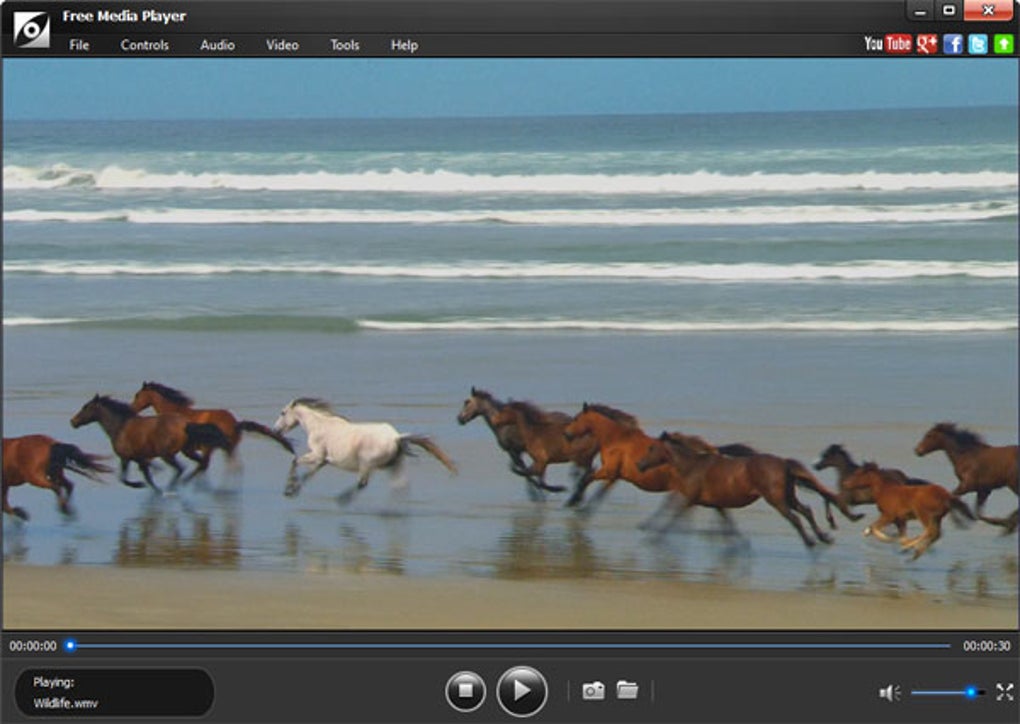
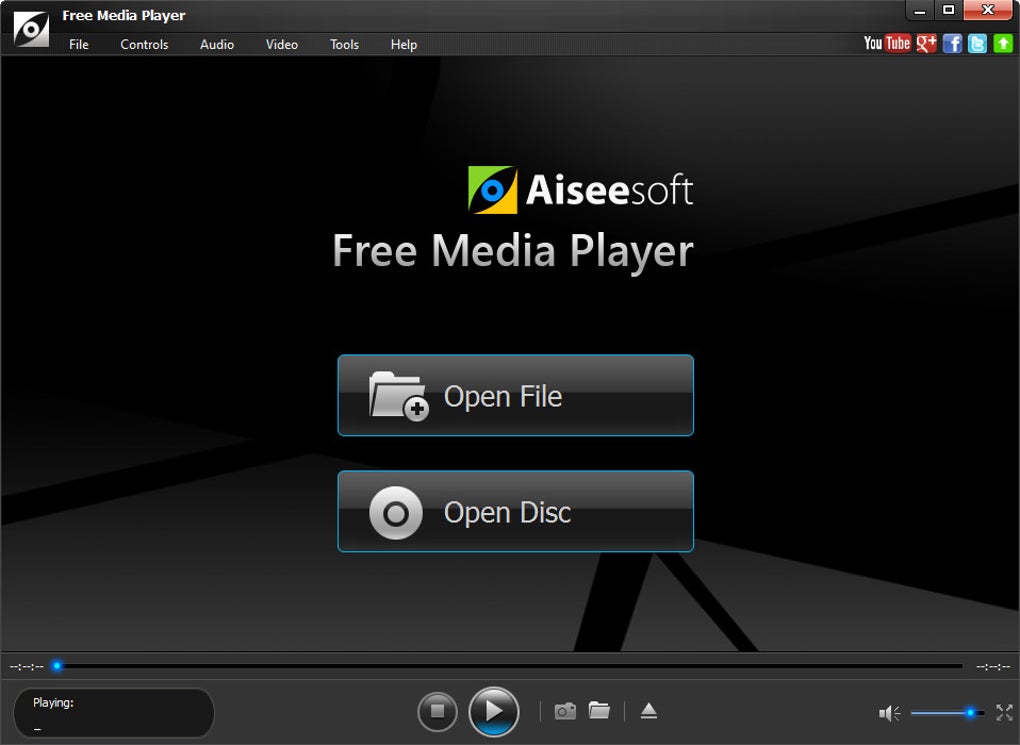
The interface itself is clean, modern, and user-friendly. Its sleek black design projects a professional aesthetic. The layout is intuitive, mirroring the familiar structure of most media players. At the top, users find menus for file opening, settings adjustments, and preference modifications. Below this sits the primary viewing window, where the selected media file plays. Finally, the bottom of the interface features standard playback controls such as play, pause, and stop buttons. The overall design prioritizes ease of use and a clutter-free experience.
Performance and Functionality
In terms of its core function – playing media files – the Free Media Player performs admirably. It handles playback smoothly, with minimal lag or visual artifacts, even with larger files. This indicates efficient resource management and optimized coding. The player’s support for a wide array of file formats is a significant strength, eliminating the need to convert files before playback, a common frustration with less versatile players. This broad compatibility caters to users with diverse media libraries.
However, the software’s performance, while commendable, is best evaluated within its own context. Direct comparisons with industry-leading media players, such as VLC Media Player, reveal some limitations. While the Free Media Player provides sufficient functionality for basic playback, it lacks several advanced features present in its more established competitors. This is a crucial point to consider, as these missing features may significantly impact the user experience for those accustomed to or requiring more comprehensive media playback options.
Comparison with VLC Media Player: A Benchmark
VLC Media Player, often considered the gold standard among media players, sets a high benchmark. Its widespread adoption stems from its unparalleled efficiency, extensive feature set, and robust support across a vast range of operating systems and media formats. The key difference between VLC and the Free Media Player lies in the breadth and depth of their respective functionalities.
While the Free Media Player successfully plays most common video and audio formats, VLC offers significant advantages in several key areas. VLC provides options for speed adjustments, enabling users to fast-forward or slow down playback for specific scenes or segments. Moreover, VLC incorporates advanced settings for fine-tuning visual elements, including precise subtitle positioning, video grain adjustments, and other visual effects to enhance the viewing experience. VLC’s open-source nature also contributes to its constant updates, ensuring compatibility with the latest media formats and technologies. The sheer number of features and extensions available for VLC solidifies its position as a far more versatile and feature-rich option than the Free Media Player.
Feature Set and Limitations
The Free Media Player excels in its simplicity and ease of use. Its straightforward design and basic functionalities make it a suitable option for users with minimal technical expertise who simply require a media player capable of playing their files without complex configuration or advanced settings. However, this simplicity translates into a limited feature set when compared to more comprehensive players.
The Free Media Player lacks the customization options available in VLC. Users have minimal control over playback speed, and advanced settings for video and audio adjustments are absent. While it can play numerous video formats, it notably does not support image playback. Furthermore, the software’s single skin option restricts visual customization, unlike the plethora of skins and themes available for players like VLC. This lack of versatility and flexibility may be a significant drawback for users seeking a personalized and customizable media playback experience.
Verdict: A Suitable, Though Limited, Option
In conclusion, the Free Media Player is a functional and easy-to-use media player that serves its purpose adequately for those seeking a simple solution for basic playback needs. Its straightforward installation, intuitive interface, and broad format support make it an accessible option for less tech-savvy users. However, users should be fully aware of its limitations. The lack of customization options, absence of advanced features such as speed adjustments, and limited capabilities compared to industry leaders like VLC Media Player should be considered carefully.
Ultimately, the Free Media Player excels as a readily available and easily accessible solution for users whose requirements are limited to basic playback functionality. However, users seeking a more versatile and feature-rich media player with advanced controls and customization options should explore more comprehensive alternatives, such as VLC Media Player, which offers a superior range of functionalities and a more robust and customizable experience at no additional cost. The choice hinges on the user’s specific needs and expectations. While the Free Media Player meets the basic needs of media playback, it is not a viable substitute for those seeking a more powerful and versatile solution. Choosing between these options depends largely on balancing the desired level of functionality against the need for ease of use and simplicity.
File Information
- License: “Free”
- Version: “1.0.6”
- Latest update: “September 3, 2018”
- Platform: “Windows”
- OS: “Windows 2000”
- Language: “English”
- Downloads: “18.1K”
- Size: “42.95 MB”


