
Downloading and listening to music offline has become increasingly popular, offering a convenient way to enjoy your favorite tunes without relying on an internet connection. Free Offline Music Download, a multimedia application developed by Whim Music, aims to provide this service. This review delves deep into its features, performance, and overall user experience, helping you decide if it’s the right music app for you.
What is Free Offline Music Download?
Free Offline Music Download presents itself as a versatile music platform offering both online streaming and offline downloading capabilities. It’s a free application for Android devices, allowing users to access a vast library of music, podcasts, and even music videos. The app sources its content from various popular platforms, including iTunes, SoundCloud, and YouTube, bringing together a diverse range of artists and genres. In essence, it acts as a central hub for consuming music content, with the added benefit of offline playback. However, it’s crucial to note that this convenience comes at a cost: a considerable amount of advertising.
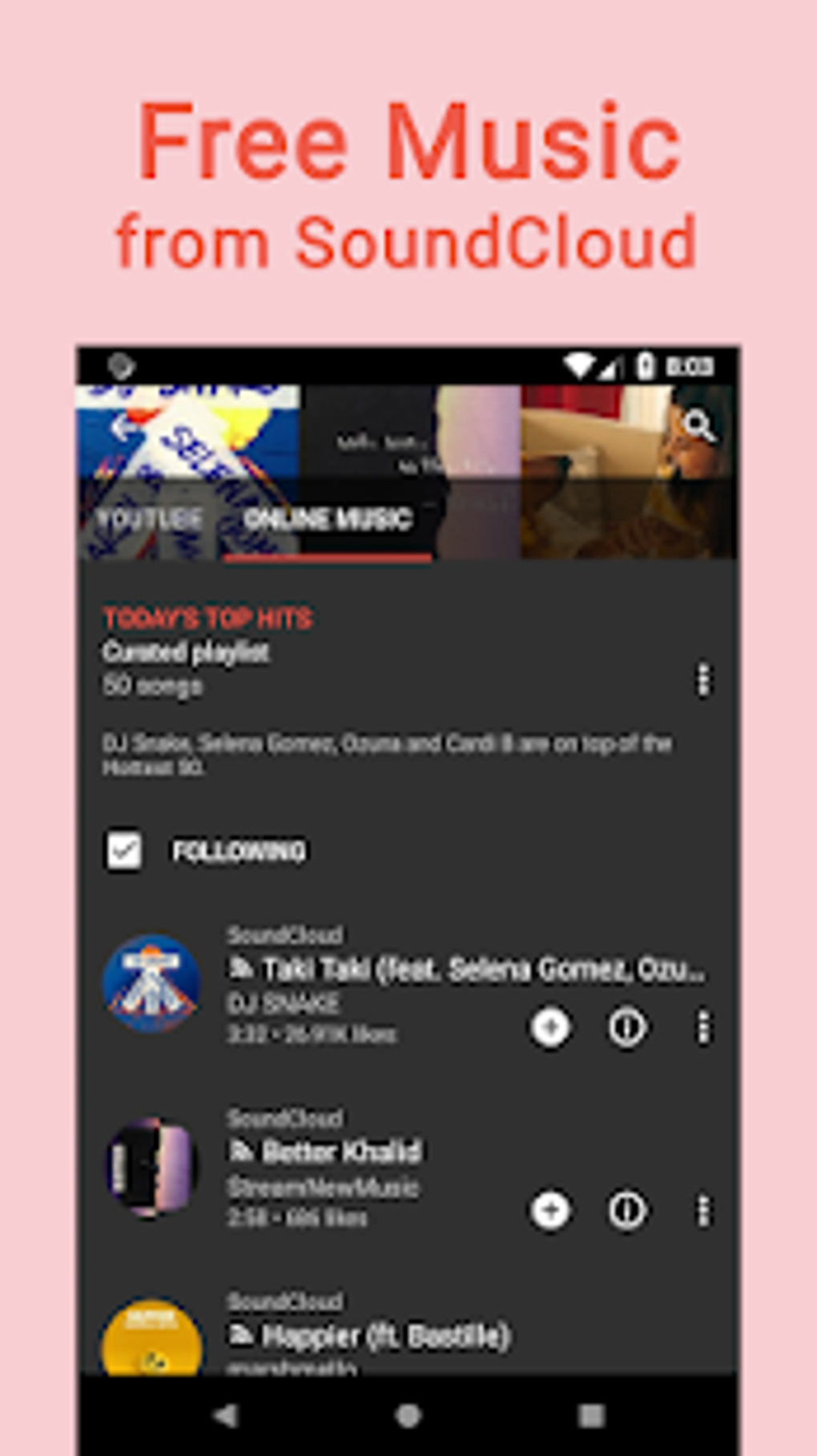
The app’s design emphasizes ease of use. Upon launching, users are greeted with a straightforward interface showcasing their music library, playlists, and recently played tracks. Accessing trending music and podcasts is simple, requiring only a tap on the respective buttons. While the layout promotes accessibility, the abundance of advertising can be distracting and disruptive to the overall user experience.
Key Features and Functionality
Free Offline Music Download boasts several key features designed to cater to diverse user needs. These features include:
-
Music Streaming: The app’s primary function is to provide on-demand music streaming. Users can search for their favorite tracks, artists, or genres and begin listening instantly, provided they have an active internet connection. The app boasts a selection of trending music from sources like YouTube and the Billboard charts.
-
Music Downloading: True to its name, the app allows users to download music for offline playback. This feature removes the dependency on internet connectivity, allowing users to enjoy their music anywhere, anytime. The downloadable music is accessible through a dedicated section, clearly labelled within the app. Downloading is initiated through a simple tap of the download arrow icon, making the process intuitive and straightforward.
-
Playlist Creation: Users aren’t limited to simply listening to individual tracks. The app allows for the creation of custom playlists, enabling users to organize their favorite songs into curated collections. This feature adds a level of personalization, enhancing the overall listening experience.
-
Music Player Functionality: Beyond streaming and downloading, the app functions as a standalone music player. It supports playback of locally saved audio files, making it a centralized location for managing all your music.
-
Podcast Support: Free Offline Music Download isn’t limited to music alone. It also includes a section dedicated to podcasts, broadening the app’s appeal and functionality beyond traditional music streaming. This opens the door to a whole world of audio content, encompassing news, interviews, and more.
-
Music Video Integration: In addition to audio content, the app also allows users to watch music videos. This immersive feature allows a more complete connection with the artist and their music, enhancing the overall engagement.
Pros and Cons of Free Offline Music Download
Like any application, Free Offline Music Download has its strengths and weaknesses. A balanced assessment requires examining both sides:
Pros:
-
Free Access to Music: The most significant advantage is its accessibility. The app is completely free to download and use, offering a convenient way to access a vast library of music without any upfront costs or subscription fees.
-
Offline Playback: The ability to download music for offline playback is a game-changer for users who frequently find themselves without internet access. This feature allows for uninterrupted listening, whether on a commute, in an area with poor reception, or on an airplane.
-
Diverse Content Sources: The app sources content from reputable platforms, such as iTunes and YouTube, ensuring a wide variety of genres and artists. This diversity enhances the chances of finding something to suit every listener’s taste.
-
Simple and Intuitive Interface: The app’s user interface is designed for simplicity and ease of navigation. Users of all technical skill levels should find it straightforward to use, without needing extensive technical knowledge.
-
Integrated Music Player: The app’s functionality extends beyond streaming and downloading. It also operates as a fully-fledged music player, capable of handling locally stored audio files.
Cons:
-
Excessive Advertising: The significant drawback is the sheer volume of advertising. The app is heavily laden with video and banner ads, which can be intensely intrusive and disrupt the listening experience. This constant interruption significantly detracts from the overall usability.
-
High Data Consumption: Streaming music, particularly high-quality audio, consumes considerable data. This is a concern for users with limited data plans, as using the app extensively could lead to unexpected data overages and additional costs.
-
Potential Legal Issues: The app’s free nature raises concerns about the legality of the music it provides. Downloading copyrighted content without proper authorization can have legal repercussions. Users should be cautious and mindful of the origin and licensing of the music they download.
Alternatives to Free Offline Music Download
The market offers several alternative apps with similar functionality, each presenting its own advantages and disadvantages. Considering these options is vital in making an informed choice that aligns with your preferences and needs. Some popular alternatives include:
-
YouTube Music: YouTube Music provides a vast library of songs and music videos, many of which can be downloaded for offline listening. It integrates well with other Google services and boasts a user-friendly interface. However, a premium subscription is needed for the full ad-free experience and higher-quality audio.
-
Spotify: Spotify is another prominent player in the music streaming space, featuring a massive music library, personalized playlists, and offline playback. While it is primarily a subscription service, a free version with limitations does exist.
-
Apple Music: For Apple device users, Apple Music provides a deeply integrated music streaming service with high-quality audio and offline downloads. Like Spotify, it requires a paid subscription.
-
Amazon Music: Amazon Music is a solid option for Amazon Prime subscribers, offering a wide selection of music with offline download capabilities. This integrates seamlessly with the Amazon ecosystem.
-
Other dedicated music downloaders: Numerous third-party apps specialize in music downloads, often providing access to specific genres or niche music. However, exercise extreme caution when using such apps, as some might distribute copyrighted material illegally or contain malware.
Should You Download Free Offline Music Download?
The decision of whether or not to download Free Offline Music Download hinges on your priorities and tolerance for advertising. If you prioritize free access to a wide range of music with offline playback capabilities and have a high tolerance for intrusive advertising, this app might be a suitable option. However, if you prefer a smoother, ad-free experience and are willing to pay for a subscription, then exploring alternative services like Spotify, YouTube Music, or Apple Music might be a more satisfying choice. The sheer volume of advertising in Free Offline Music Download significantly impacts the user experience, making it less appealing to many users. Additionally, the potential legal ramifications of downloading copyrighted material warrant careful consideration. Ultimately, the best choice depends on your individual needs and preferences. Remember to always respect copyright laws and support artists by utilizing legitimate music streaming platforms whenever possible.
File Information
- License: “Free”
- Latest update: “March 25, 2025”
- Platform: “Android”
- OS: “Android 13.0”
- Language: “English”
- Downloads: “53.2K”
- Download Options: “Google Play”


