
FreeScreenCast is a straightforward screencasting tool for Windows users seeking a no-frills approach to capturing on-screen activity. Its primary strength lies in its ease of use and ability to quickly generate high-quality screen recordings, immediately uploadable to its affiliated platform for free hosting. However, this simplicity comes at the cost of lacking essential editing features, which may limit its appeal to users requiring more advanced post-production capabilities. This review will delve into the software’s strengths and weaknesses, providing a comprehensive assessment of its suitability for various user needs.
Ease of Use and Recording Capabilities
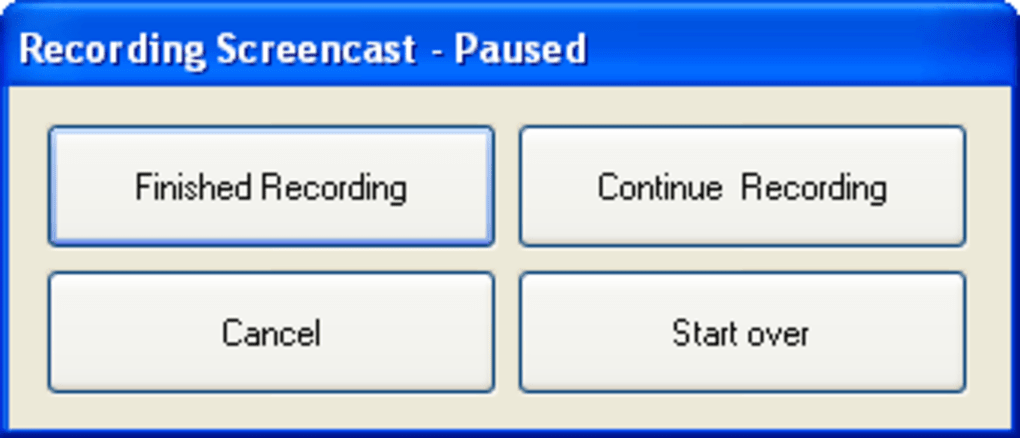
FreeScreenCast boasts an exceptionally user-friendly interface. The recording process is remarkably intuitive. Users simply select the desired screen area to capture—a process that involves defining a rectangular region on the screen. Once the region is selected, pressing the record button initiates the screen capture, which includes both visual content and audio from the system. The software efficiently encodes the recordings into high-quality Flash files, which are then ready for upload and distribution.
This straightforward approach significantly reduces the learning curve compared to more feature-rich screencasting applications. The absence of complex settings or advanced options makes it ideal for users unfamiliar with screen recording software or those who prioritize speed and simplicity over comprehensive customization. The streamlined workflow ensures that users can quickly create screencasts without encountering unnecessary technical hurdles. The process is genuinely as simple as “select, record, and upload.”
The generated screencasts are generally of high quality, ensuring clarity and visual fidelity in the final output. This is a crucial aspect for anyone aiming to create professional-looking presentations or tutorials. The high-quality output contributes to a polished end product, suitable for online distribution or internal use.
Limitations and Missing Features
Despite its strengths in simplicity and ease of use, FreeScreenCast suffers from notable limitations. The most significant drawback is the complete absence of editing capabilities. This means there’s no way to trim, cut, or rearrange segments within the recorded video. Users are presented with the raw, unedited output of their recording sessions. This constraint significantly restricts post-production workflow and limits the software’s versatility. Simple edits like removing mistakes or reorganizing content are impossible without using external video editing software.
Furthermore, the process of selecting a square recording area results in an unexpected deformation of the captured region within the final video output. The rectangular video format doesn’t seamlessly accommodate a square capture zone, leading to distortions and an unpolished look in the end product. This is a noteworthy visual imperfection that affects the overall quality and professional presentation of the screencast.
The lack of basic editing features, coupled with the visual distortion issue, considerably diminishes the software’s utility for creating polished, professional screencasts. Users expecting to perform even rudimentary edits after recording will need to look for alternative solutions. The limitations are especially noticeable when compared to competing software packages that offer a more comprehensive suite of editing tools.
Free Hosting and Online Publication
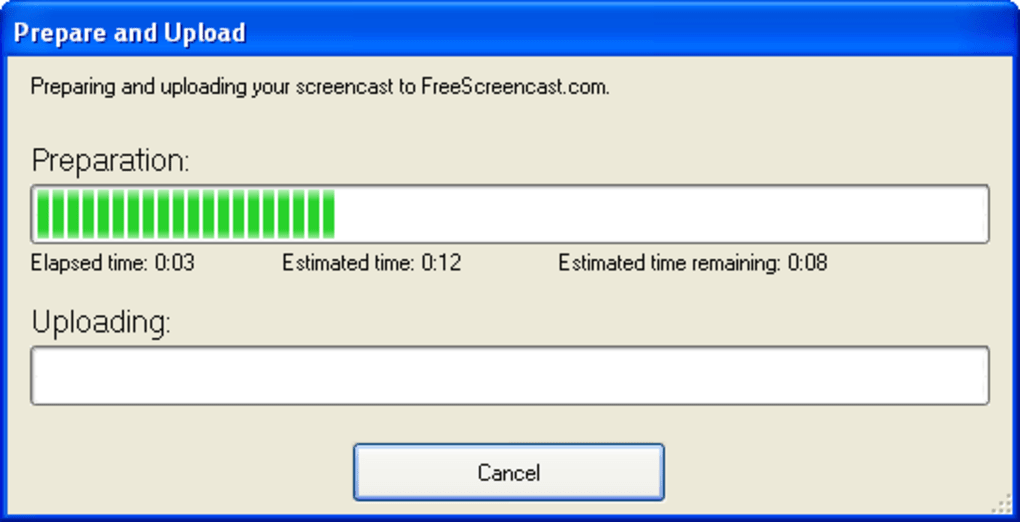
One of FreeScreenCast’s key advantages is its seamless integration with its associated platform, FreeScreencast.com. This online platform offers free hosting for the screencasts created using the software. The process of uploading the recordings is effortless—a single click initiates the upload, simplifying distribution. This eliminates the need for users to deal with HTML coding, website hosting arrangements, or other technical aspects of online content publishing. The streamlined upload process makes publishing screencasts significantly easier and more accessible for users without prior experience in web publishing.

The free hosting offered through FreeScreencast.com is a valuable incentive, especially for users creating numerous screencasts or those with limited resources. The platform allows for easy sharing of screencasts with colleagues, clients, or a wider audience, without incurring any associated hosting fees. This simplifies the dissemination of educational content, tutorials, or instructional materials.
Alternative Software Options
Given the limitations of FreeScreenCast’s editing capabilities and potential for visual distortion, exploring alternative screen recording software might be necessary depending on individual needs. Several powerful and feature-rich applications offer a wider range of tools and functionalities. These alternatives often include advanced editing options, annotation tools, and improved output customization.
Some popular alternatives include:
- OBS Studio: A widely-used, open-source, and free screen recorder with extensive customization options and robust features. While it has a steeper learning curve than FreeScreenCast, it provides unparalleled control and flexibility.
- Camtasia: A professional-grade screen recorder and video editor offering a complete suite of tools for creating high-quality screencasts. Although it’s a paid application, its comprehensive features and intuitive interface justify the cost for many users.
- Screencast-o-matic: A user-friendly screen recorder that provides a good balance between simplicity and functionality, offering basic editing tools and integrated video hosting.
Choosing the right screen recording software depends heavily on individual needs and workflow preferences. While FreeScreenCast excels in its simplicity and free hosting, its limited functionality might fall short for users requiring advanced features or a polished, professional output.
Conclusion
FreeScreenCast serves as a valuable tool for users prioritizing speed and simplicity in screen recording. Its straightforward workflow and free hosting make it an accessible option for creating and distributing basic screencasts. However, the lack of editing features and the potential for visual distortion significantly limit its overall appeal. Users requiring post-production capabilities, advanced editing tools, or a polished final product should consider exploring alternative screen recording applications that offer a more comprehensive set of features. Ultimately, FreeScreenCast’s suitability depends heavily on the specific needs and expectations of the user, making it a viable option only for those whose requirements align with its limited but easy-to-use features.
File Information
- License: “Free”
- Version: “1.0”
- Latest update: “May 13, 2022”
- Platform: “Windows”
- OS: “Windows XP”
- Language: “English”
- Downloads: “46.5K”
- Size: “2.37 MB”


