
Free Video Cutter is a simple yet functional video editing tool designed for Windows users. Its straightforward interface and ease of use make it a popular choice for beginners, while its core functionalities also appeal to experienced editors seeking a quick and efficient solution for basic video manipulation. This review delves into the software’s capabilities, limitations, and overall effectiveness, considering user feedback and comparing it to alternative video editors.
User Interface and Functionality
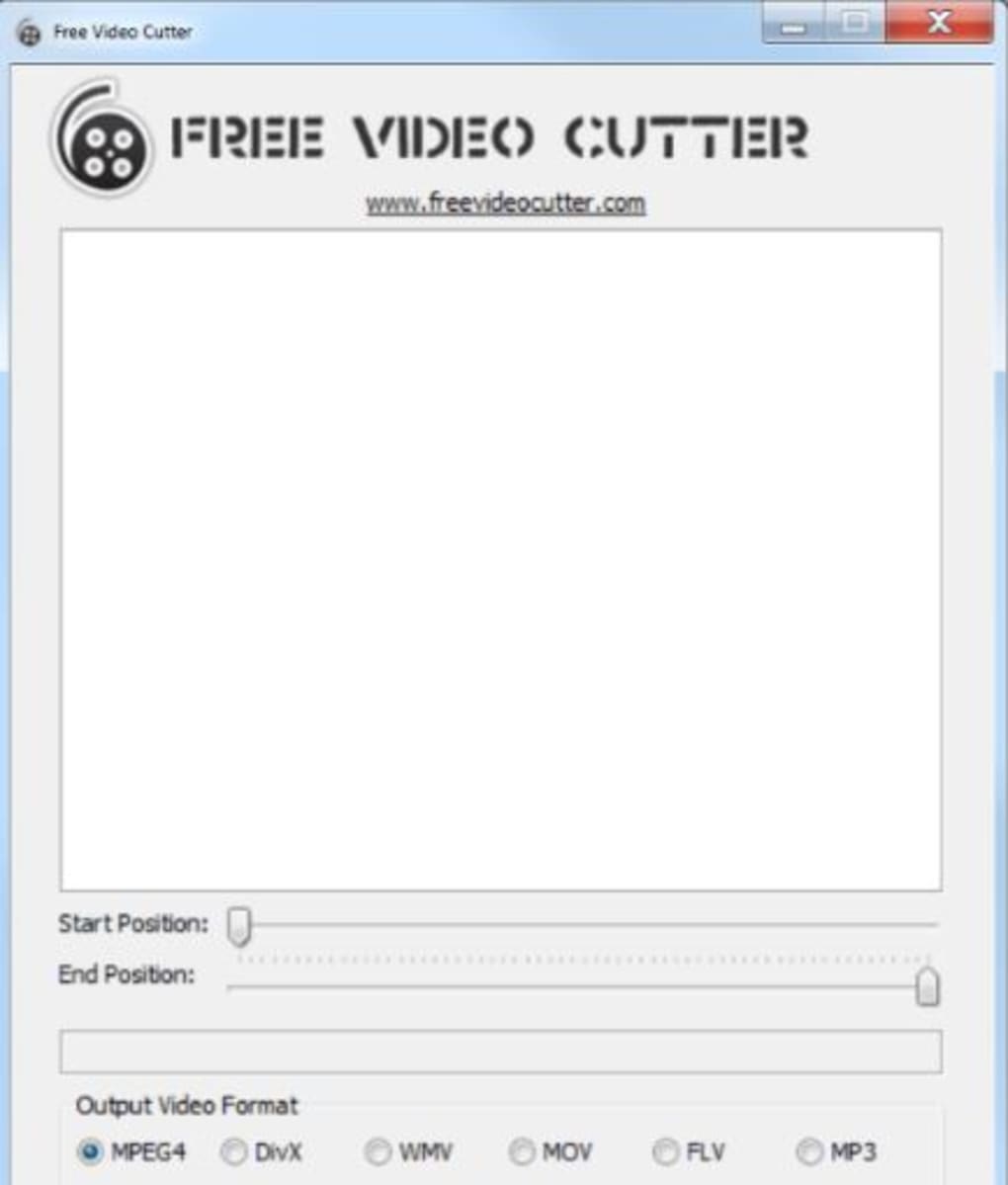
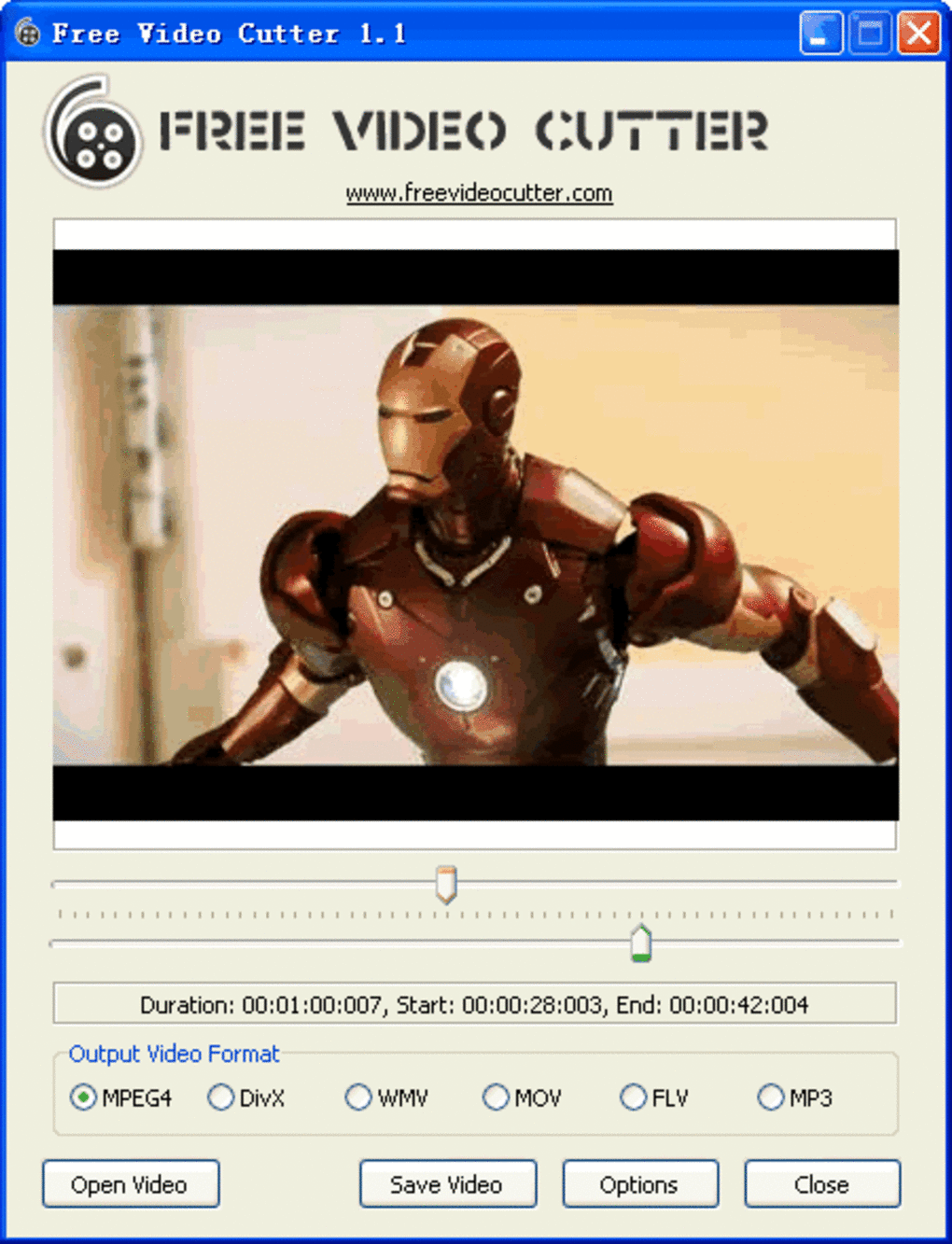
Free Video Cutter boasts a clean and intuitive interface. The lack of overwhelming features and complex settings contributes to its user-friendliness. The main screen presents essential options for video upload, cutting, format selection, and saving, making the workflow straightforward even for first-time users. Navigating the program requires no prior video editing experience or consultation of tutorials.
The core function, video cutting, is executed using a simple trackbar. Users can precisely position markers to indicate the start and end points of the desired video segment. This straightforward method allows for quick and accurate trimming of unwanted sections from videos. While the precision is adjustable, increasing it leads to longer processing times. The software supports a wide array of common video formats for both input and output, including DivX, FLV, WMV, MOV, MP4, and MP3, facilitating seamless import and export. The ability to convert videos between these formats adds to its versatility.
Video Cutting and Conversion Process
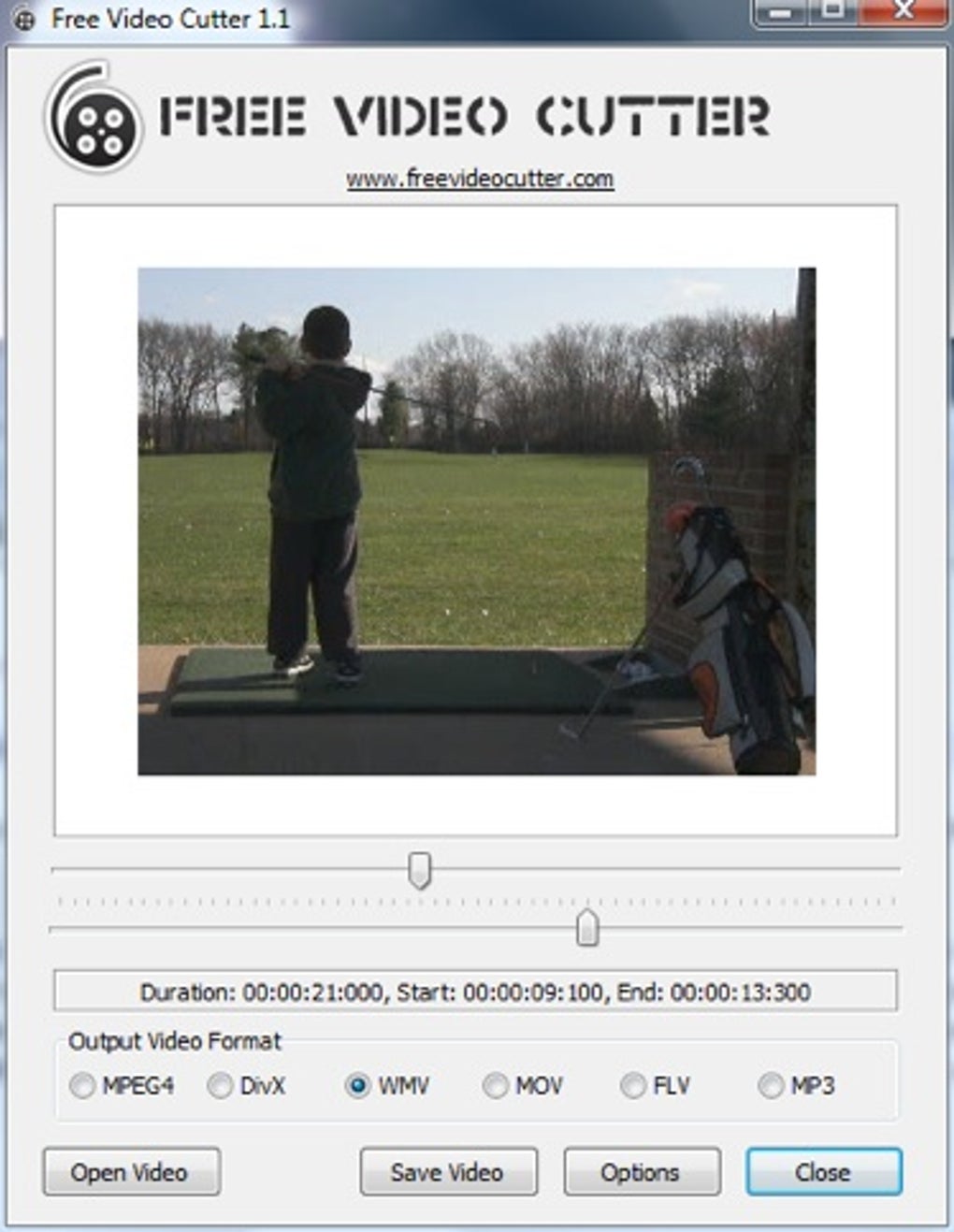
The process of cutting a video with Free Video Cutter is remarkably simple. After installation (a process that takes less than a minute), the user opens the software and utilizes the “Open Video” option to upload the video file. The program then reads the video metadata, displaying the duration and bitrate on the dashboard. The user then uses the trackbar and its associated controls to precisely select the portion of the video to be kept. Once the start and end points are marked, the user selects the desired output format and initiates the “Save Video” command, generating the edited video file.
The software’s support for a wide array of output formats greatly enhances its utility. Whether the need is to compress a video for online sharing, or convert it to a specific format compatible with a certain device, Free Video Cutter accommodates various user requirements. The conversion process, like the cutting process, is generally straightforward and efficiently accomplished.
Audio Handling and Limitations
One significant drawback frequently cited by users is the absence of audio preview during the editing process. While users can visually position the markers, they cannot listen to the audio to ensure accurate cuts based on the audio content. This limitation necessitates relying entirely on visual cues for precise editing. However, it’s important to note that the audio is retained in the final output; only the in-app preview is missing. This lack of real-time audio feedback may prove frustrating for users who require audio-based editing precision.
Furthermore, the software’s performance with large video files has been criticized. Users report that the upload and processing times can be significantly longer for larger files, causing delays in the editing workflow. This performance issue presents a significant limitation, especially for users working with high-resolution or long-duration videos.
Comparison with Alternative Video Editors
While Free Video Cutter serves as a useful tool for simple video editing tasks, its limitations, particularly the lack of audio preview and slow processing of large files, warrant consideration of alternative solutions. Several free and user-friendly video editors exist, offering more comprehensive features and potentially better performance.
Some alternative programs mentioned include Free Video Cutter Joiner (which adds the function of joining video clips), Moo0 Video Cutter (known for its simplicity), and Weeny Free Video Cutter (another basic cutting tool). These alternatives may offer advantages in terms of speed, advanced features, or enhanced audio handling capabilities, depending on the user’s specific needs. Users seeking more robust features, such as advanced effects, transitions, or multi-track editing, will find that Free Video Cutter lacks the capabilities of more comprehensive professional-grade video editors.
Should You Download Free Video Cutter?
The decision to download Free Video Cutter ultimately depends on the user’s specific requirements and expectations. Its strengths lie in its user-friendly interface, simplicity, and support for various video formats. It’s a perfect choice for users who need a straightforward, no-frills tool for basic video cutting and format conversion. The small file size and minimal system resource consumption are also definite advantages for users with older or less powerful machines.
However, the significant limitations, namely the absence of real-time audio preview and slow processing of large files, should be carefully considered. Users who frequently work with large video files or require precise audio-based editing will likely find Free Video Cutter inadequate. For these users, exploring alternative software might be necessary to find a better-suited solution. For occasional users dealing primarily with smaller video files and needing only basic cutting functions, Free Video Cutter could still be a valuable free tool.
User Reviews and Feedback
User reviews reveal a consistent theme: while users appreciate the software’s ease of use and simplicity, the lack of audio preview and slow processing speeds are major drawbacks. Many users report frustration with the lengthy processing times for larger files, suggesting that the software’s performance needs improvement. The positive feedback predominantly focuses on the straightforward interface and the software’s ability to perform basic video cutting tasks. The negative feedback emphasizes the significant limitations that outweigh the benefits for many users.
Pros and Cons Summary
Pros:
- User-friendly interface: Extremely easy to learn and use, even for beginners.
- Free of charge: Accessible to all users without any cost.
- Wide format support: Handles numerous popular video and audio formats.
- Small file size: Requires minimal storage space on the computer.
- Basic functionality: Performs basic cutting and conversion tasks efficiently.
Cons:
- No audio preview: Inability to hear audio during the editing process hinders precision.
- Slow processing: Processing time significantly increases with large video files.
- Limited features: Lacks advanced editing tools found in professional software.
- Windows-only: Not available for other operating systems.
In conclusion, Free Video Cutter offers a simple and effective solution for basic video cutting and conversion tasks for Windows users. However, its limitations regarding audio preview and processing speed should be considered carefully before downloading. Users with specific needs for audio editing or processing large files should explore alternative software to ensure optimal performance and functionality.
File Information
- License: “Free”
- Latest update: “June 28, 2024”
- Platform: “Windows”
- OS: “Windows 2003”
- Language: “English”
- Downloads: “2.4M”
- Size: “10.48 MB”


