
FreeCell Solitaire!! is a classic solitaire game available for Windows PCs and mobile devices. This review delves into its features, gameplay, customization options, and overall user experience, comparing it to other versions of the game and highlighting its strengths and weaknesses.
Core Gameplay and Features
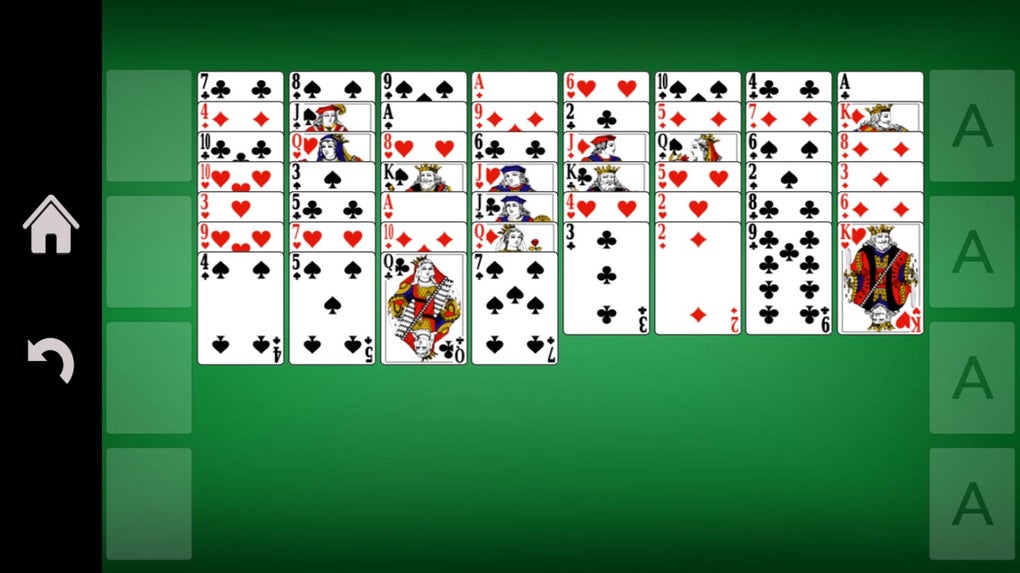
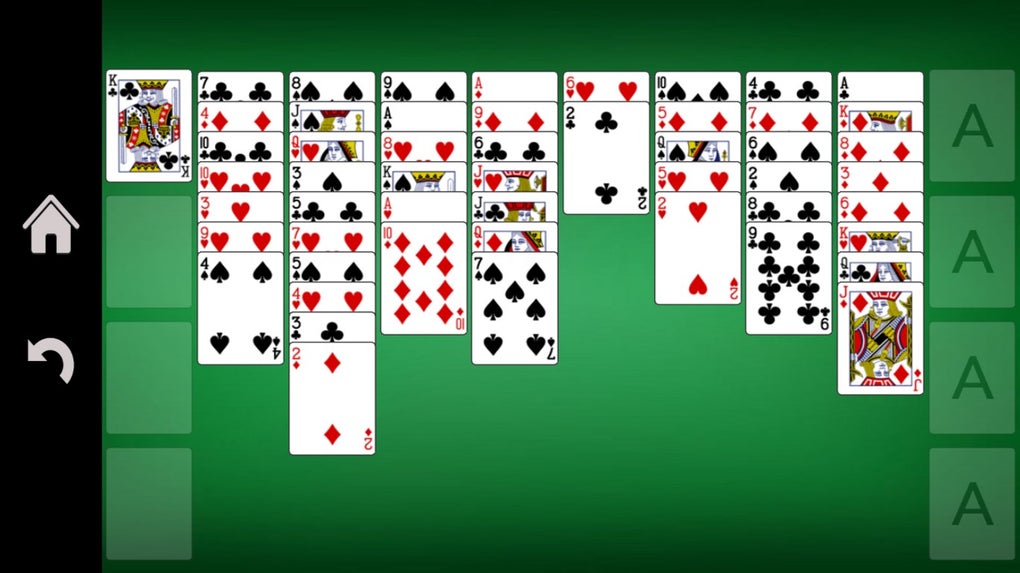
FreeCell Solitaire!! adheres faithfully to the established rules of the classic card game. Players are presented with a standard 52-card deck arranged in eight columns, with four additional “free cells” for temporary card storage. The objective remains the same: to build up the cards in ascending order and alternating colors (e.g., a red 7 on a black 8) onto the four foundation piles, one for each suit, until all cards are neatly arranged from Ace to King. The game’s intuitive interface ensures that even novice players can easily pick it up and start playing immediately after installation. Unlike some versions that add complex rules or variations, FreeCell Solitaire!! stays true to the original game’s simplicity, making it perfect for players who appreciate the core mechanics without unnecessary additions. This faithfulness to the original rules is one of its key strengths, appealing to those who enjoy the familiar challenge and strategic depth of FreeCell Solitaire.
The game’s ease of use extends beyond simply understanding the gameplay. The user interface is well-designed and user-friendly, with clear card displays and intuitive controls. This simplicity minimizes the learning curve, allowing players to focus on the strategic elements of the game rather than struggling with confusing controls or menus. This intuitive design makes it accessible to both casual and experienced solitaire players. The lack of overly complex menus or settings also contributes to the quick and easy start to a game. Players can begin their game almost instantly after loading the application, a feature frequently appreciated by those with limited time.
Customization and Personalization
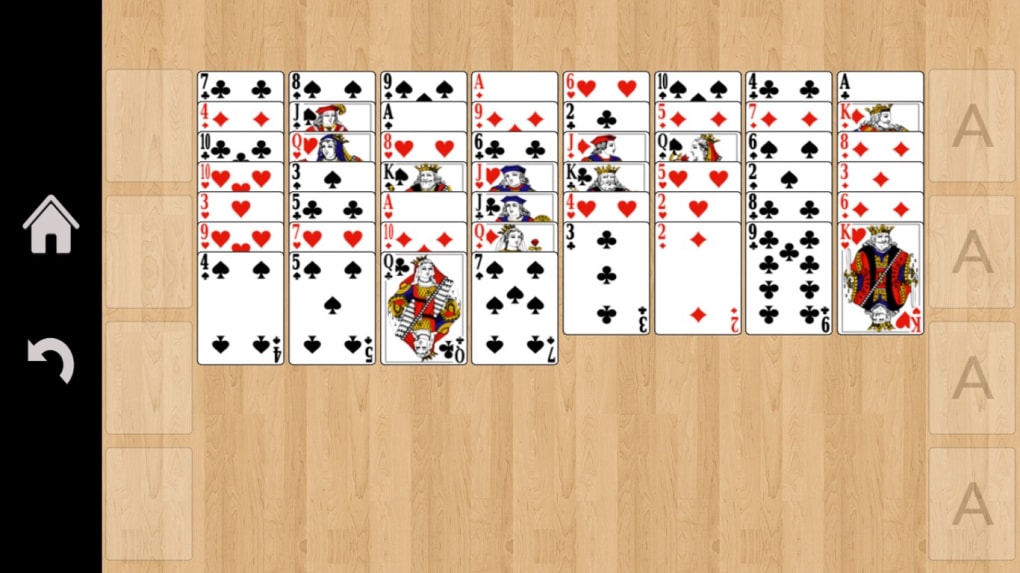
FreeCell Solitaire!! offers a degree of customization, allowing players to personalize their gaming experience. While not extensive, the options available provide a level of personalization that some users will appreciate. Players can adjust the background to suit their aesthetic preferences, selecting from a range of visually appealing options. The inclusion of adjustable backgrounds allows for personalization without compromising on gameplay. This option, though basic, adds a touch of individuality, allowing players to adapt their visual surroundings to match their personal taste. Beyond the background choice, players also have the option to toggle the game’s sound effects on or off. This feature is particularly valuable for players who prefer to listen to their own music or podcasts while playing, providing a tailored auditory experience.
The customization options, while simple, are adequate for many users. The focus remains clearly on the core gameplay experience. The game doesn’t overwhelm the player with excessive settings or options that could distract from the core objective of solving the solitaire puzzle. The balance between a clean and simple interface and a small selection of customization options caters to a broad spectrum of player preferences. The overall design philosophy leans toward providing a distraction-free environment where players can immerse themselves in the game’s challenge.
However, it’s worth noting that the customization options are relatively limited compared to some other solitaire applications available. Players looking for a wider range of background choices, card designs, or other visual elements might find the selection in FreeCell Solitaire!! somewhat restrictive. This limitation is a key area where the application could be improved to better cater to the needs of players who value extensive customization. Future updates could potentially address this by expanding the selection of customizable elements, thereby enhancing the overall user experience.
System Requirements and Performance
FreeCell Solitaire!! is designed to be lightweight and efficient. The application requires a relatively modest 33.45 megabytes of memory, ensuring it won’t heavily tax the resources of most modern computer systems. This low system footprint contributes to the game’s accessibility. Users with older machines or those with limited memory resources won’t encounter performance issues, unlike many resource-intensive games. The smooth and responsive gameplay enhances the overall user experience, allowing for an enjoyable gaming session without lag or other technical difficulties. This aspect is crucial for creating a fluid and engaging game experience.
The efficient design and relatively low system requirements are advantageous for various reasons. Users can play the game without worrying about performance issues, ensuring a consistent and enjoyable gaming experience. The accessibility of the game to users with varying system specifications is also a significant strength. Older systems that might struggle with more demanding applications can run FreeCell Solitaire!! smoothly, allowing a wider audience to enjoy the game. This demonstrates a thoughtful design approach that prioritizes both performance and accessibility.
Accessibility and Inclusivity
While FreeCell Solitaire!! is generally accessible, a critical consideration involves users with photosensitive epilepsy or other conditions that could be triggered by flashing lights or rapidly changing visuals. The game’s designers should provide a warning to these users and perhaps provide options to mitigate the risk. This is a critical area for improvement, emphasizing the importance of considering the accessibility needs of all potential players. The omission of any such warnings or accommodations represents a significant oversight that could impact the inclusivity and usability of the application. A future update that addresses this issue, either by incorporating adjustable settings or by clearly stating the potential risk, would greatly enhance the game’s accessibility.
Comparison to Other Solitaire Applications
FreeCell Solitaire!! stands alongside a multitude of other FreeCell and solitaire applications available. Its strengths lie in its faithful adherence to the classic gameplay mechanics and its user-friendly interface. However, compared to some competitors, it may lack the breadth of customization options or additional game modes. Other applications may offer more challenging variants of FreeCell, themed card designs, or additional solitaire games altogether within a single package. This comparison highlights the game’s strengths and its areas for potential improvement. While the basic FreeCell experience is solid, adding more features could enhance its appeal to a wider audience and keep players engaged.
Conclusion
FreeCell Solitaire!! provides a clean, straightforward, and enjoyable experience for those seeking a classic FreeCell game. Its intuitive design, low system requirements, and focus on core gameplay mechanics make it a strong contender in the crowded field of solitaire applications. However, the limited customization options and the lack of attention to users with photosensitive epilepsy are areas needing improvement. With some minor enhancements, such as expanding customization and addressing accessibility concerns, FreeCell Solitaire!! could solidify its position as a top-tier solitaire game for both casual and dedicated players. The current version serves its purpose well but could benefit from thoughtful updates that enhance the overall user experience.
File Information
- License: “Free”
- Version: “varies-with-device”
- Latest update: “November 24, 2021”
- Platform: “Windows”
- OS: “Windows 10”
- Language: “English”
- Downloads: “11.4K”


