
Full Browser is a free utility tool for Android designed to enhance your web browsing experience. This review delves into its features, performance, and overall usability, examining why it might be a suitable choice for your mobile browsing needs. Focusing on speed, security, and user-friendliness, Full Browser aims to deliver a streamlined and efficient online experience, free from unnecessary complexities.
Apps, Games, and News Integration (or Lack Thereof)
Unlike some comprehensive browser applications that integrate news feeds, app stores, or game launchers, Full Browser maintains a laser focus on its core function: web browsing. This streamlined approach minimizes bloat and contributes to faster loading times and a cleaner interface. While it doesn’t offer direct access to app stores or curated news feeds, its speed and efficiency may appeal to users who prefer a dedicated browsing experience without distractions. The absence of these integrations is a deliberate design choice, prioritizing a concise and efficient core function. Users seeking integrated app stores or news aggregators will likely find other browsers more suitable to their needs.
For Business: A Suitable Choice?
For business use, Full Browser’s strength lies in its speed and simplicity. The clean interface allows for quick navigation and efficient task completion. The absence of superfluous features reduces distractions, leading to improved focus and productivity. Its commitment to local data storage also aligns with corporate security concerns in certain contexts, although it’s crucial to note that this doesn’t replace other necessary security protocols for sensitive business data. While lacking features geared specifically towards business users (such as integrated password managers or advanced security options found in other enterprise-focused browsers), Full Browser’s straightforward design and focus on speed can prove advantageous in business scenarios demanding quick and efficient web access.
Android Optimization and User Experience
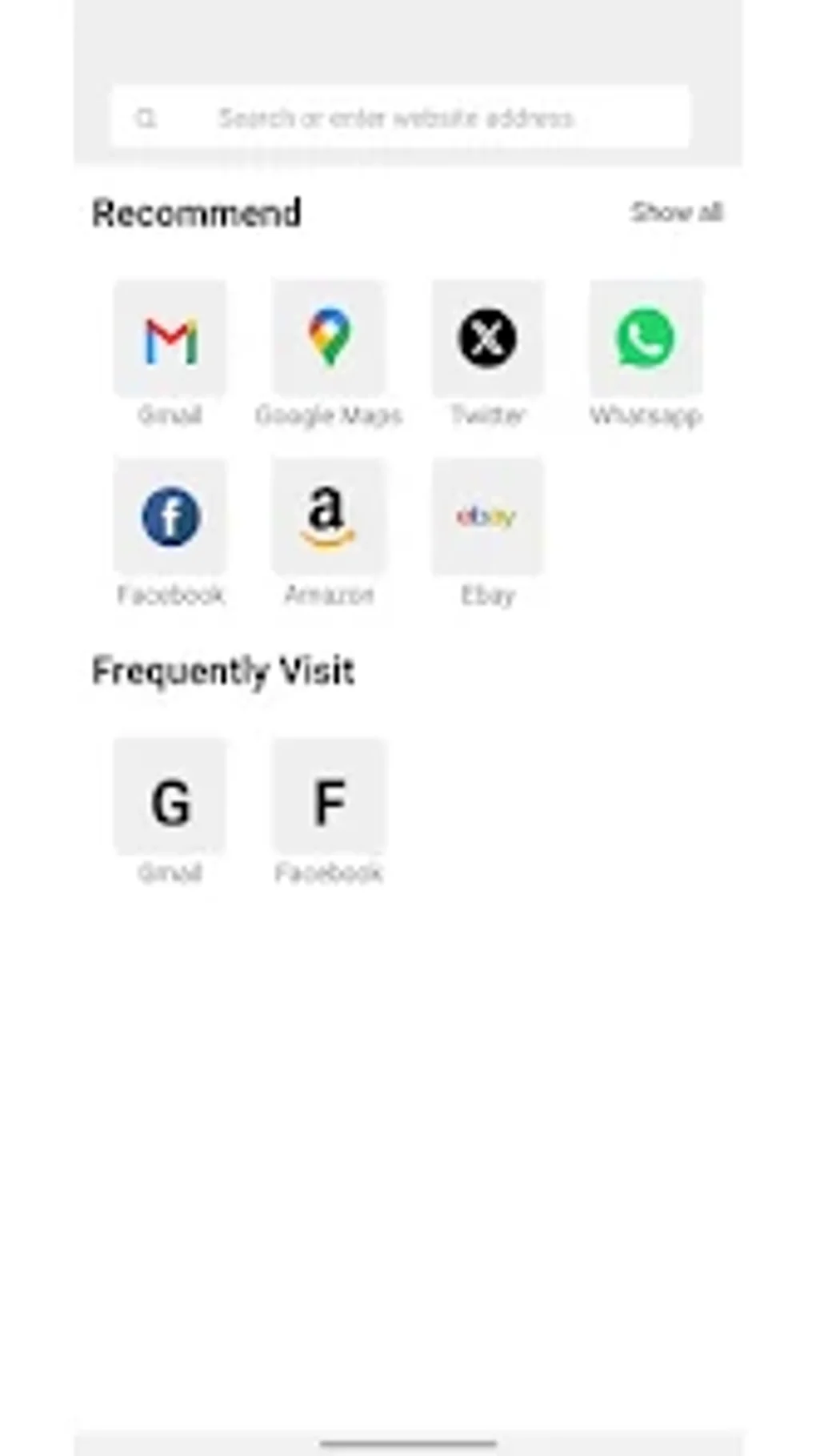
Full Browser is specifically designed for Android devices, taking advantage of the platform’s capabilities to provide an optimized browsing experience. The interface is intuitive and user-friendly, easily navigable even for individuals with limited technical expertise. Its focus on simplicity ensures a smooth and efficient experience, avoiding the complexities and resource-intensive features found in many other browsers. The developers have prioritized ease of use, resulting in a browser that is both powerful and accessible to a wide range of users. Regular updates ensure compatibility with the latest Android versions, keeping the app stable and functioning optimally.
Utilities & Tools: Speed and Privacy
Full Browser boasts a collection of utility features aimed at enhancing the browsing experience, while also prioritizing user privacy. One key feature is its fast URL navigation, allowing quick access to websites with minimal delay. The inclusion of a frequently visited sites list further streamlines navigation, providing quick access to preferred websites. Importantly, Full Browser prioritizes user privacy by storing all browsing data locally on the device, rather than transmitting this information to external servers. This commitment to privacy is a significant advantage for users concerned about online data tracking. The automatic updating of the frequently visited websites list based on browsing history contributes to a personalized and user-centric experience. While not as feature-rich as other browsers in terms of ad-blockers or advanced privacy settings, the local data storage aspect is a notable privacy-focused characteristic.
Full Browser for Android: A Detailed Look at its Features
Full Browser for Android stands out due to its focus on providing a fast and efficient browsing experience without compromising user privacy. Let’s explore the specific features that contribute to its overall performance:
-
Fast URL Navigation: The browser is designed to load websites quickly, minimizing loading times and enhancing user experience. This is achieved through efficient code and optimized resource management.
-
Quick Access to Frequently Visited Sites: The integrated list of frequently visited websites significantly reduces the time needed to access commonly used websites, simplifying navigation.
-
Simple and User-Friendly Interface: The clean and intuitive interface is designed for ease of use, making it accessible to a wide range of users, regardless of their technical expertise.
-
Local Data Storage: A key differentiator is Full Browser’s commitment to user privacy. All browsing data, including history and preferences, is stored locally on the device, minimizing the risk of data leakage or unauthorized access. This is a significant advantage in an increasingly data-conscious digital landscape.
-
Automatic Website List Updates: The frequently visited website list is automatically updated based on user browsing activity, ensuring that the list remains relevant and useful over time. This automation enhances convenience and streamlines the overall browsing process.
Performance and Efficiency
Full Browser’s performance is significantly impacted by its streamlined design and focus on core browsing functions. The absence of integrated features or extensive extensions ensures quicker load times and reduced resource consumption. Compared to feature-heavy browsers, Full Browser offers a lighter footprint, particularly beneficial for devices with limited processing power or memory. The fast URL navigation further contributes to its efficiency, ensuring a responsive and fluid browsing experience. While lacking in advanced customization options, this simplification results in improved performance and a smoother user journey.
Privacy and Security Considerations
Full Browser’s commitment to local data storage is a significant privacy benefit. Unlike many browsers that transmit browsing data to servers, potentially compromising user privacy, Full Browser maintains data solely on the user’s device. This approach limits the potential for data breaches or unauthorized access to browsing history and preferences. However, it’s crucial to note that this doesn’t entirely eliminate all privacy risks. Users should still practice safe browsing habits, including using strong passwords, avoiding suspicious websites, and regularly updating their Android operating system. While the local data storage contributes greatly to enhanced privacy, it’s not a standalone solution and should be viewed as one aspect of a holistic approach to online security.
User Reviews and Community Feedback
(At the time of this writing, user reviews for Full Browser are limited. This section will be updated as more user feedback becomes available. However, the developer’s commitment to user privacy and straightforward design suggests a potential for positive user reception.)
Downloading and Installation
Full Browser is available for free download on the [Phanmemfree.org](replace with actual download link if available). The installation process is straightforward and typical for Android applications. After downloading the APK file, simply launch the installer and follow the on-screen instructions.
Conclusion: Is Full Browser Right for You?
Full Browser presents a compelling option for Android users prioritizing speed, simplicity, and privacy. Its efficient design and focus on core browsing functionality make it an attractive choice for users seeking a lean and effective web browsing experience. The absence of integrated apps, games, or news feeds might be a drawback for some, but the resulting speed and streamlined interface are significant advantages. The commitment to local data storage further enhances its appeal for privacy-conscious users. However, users seeking advanced customization options or extensive browser extensions may find other browsers more suitable. Ultimately, whether Full Browser is the right fit depends on individual preferences and priorities. If speed, simplicity, and privacy are paramount, Full Browser deserves strong consideration.
File Information
- License: “Free”
- Version: “v3.0.1”
- Latest update: “December 15, 2024”
- Platform: “Android”
- OS: “Android 13.0”
- Language: “English”
- Downloads: “6.6K”
- Download Options: “Google Play”


