
FX File Explorer is a robust file management application for Android devices, designed to provide users with a comprehensive and user-friendly experience for navigating and interacting with their files. It’s a powerful alternative to other popular file explorers like Astro or ES File Explorer, offering a range of features that cater to both casual and advanced users. This review delves into the application’s functionalities, strengths, and weaknesses, providing a detailed assessment of its overall performance and usability.
Accessing and Managing Files with Ease
One of the primary advantages of FX File Explorer lies in its ability to provide transparent access to the entire file system of an Android device. Unlike the limited file access often presented by the default Android interface, FX File Explorer allows users to effortlessly browse through various directories, including system folders, application data, downloads, and external storage such as SD cards. This level of access is crucial for users who need to manage a significant number of files or who require precise control over their device’s storage.
The application displays a clear and organized structure, making it easy to locate specific files and folders. It also provides detailed information about each folder, including the amount of used and free space. This feature allows users to actively monitor their storage capacity and manage their files effectively to avoid running out of space. This granular control is particularly beneficial for users with limited storage capacity on their Android devices.
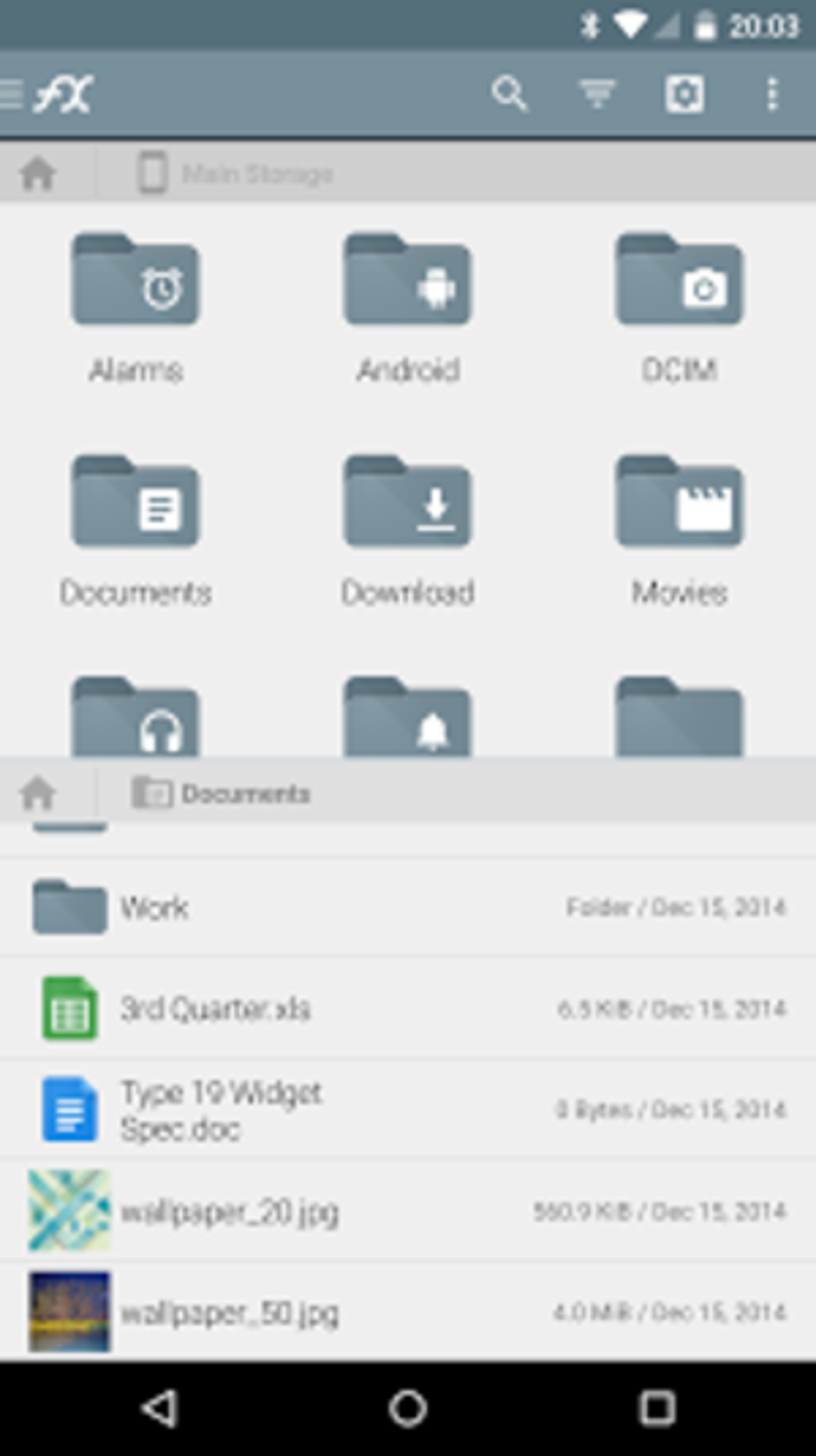
Furthermore, FX File Explorer offers a multi-window interface, enabling users to work with multiple directories simultaneously. This split-screen functionality significantly enhances productivity by allowing for easy file transfer, copying, and organization between different folders. The ability to manage files across multiple locations simultaneously streamlines the workflow, saving time and effort compared to single-window file explorers.
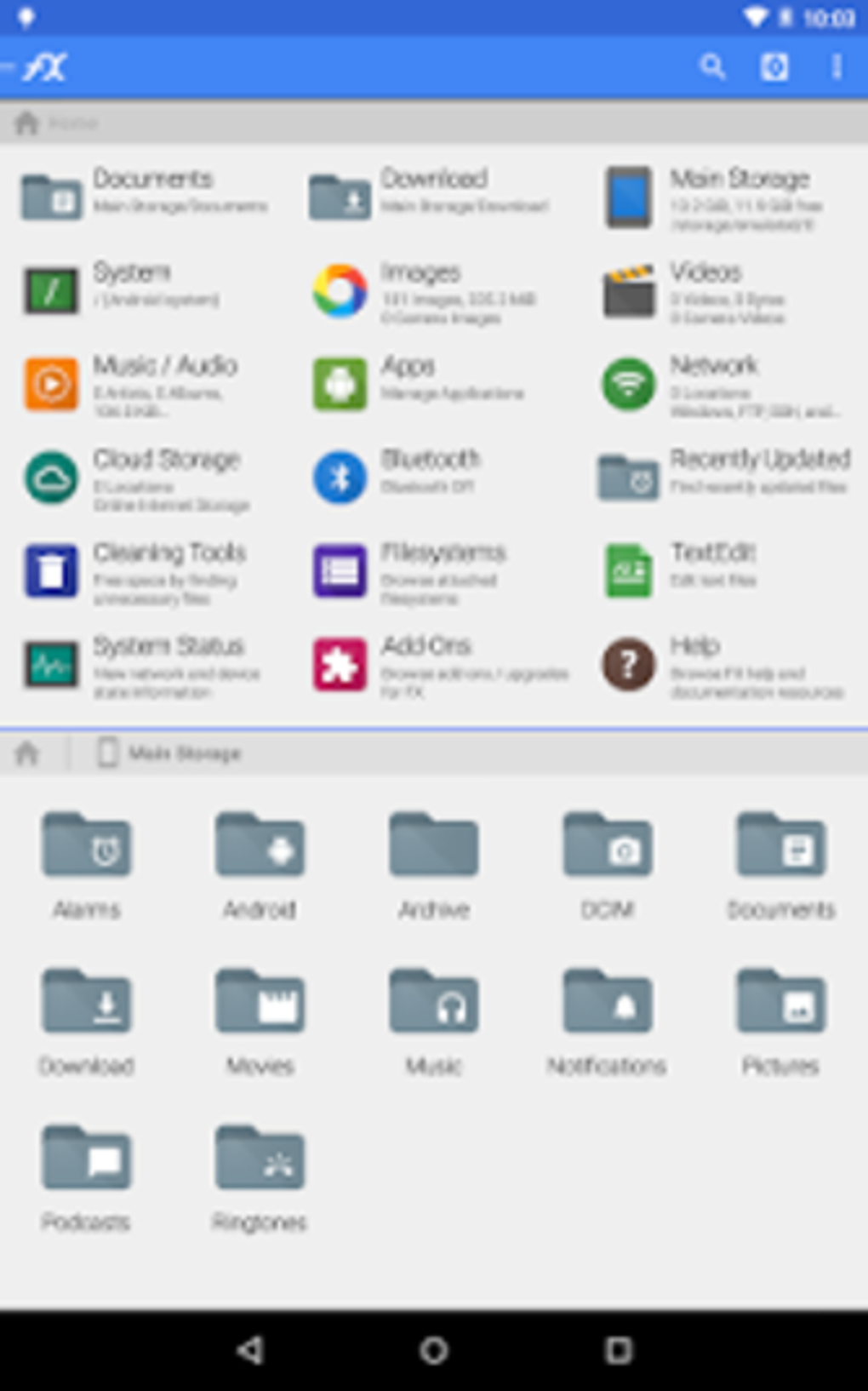
Beyond simple browsing and navigation, FX File Explorer provides a full suite of file management tools. Users can easily perform common operations such as copying, moving, renaming, deleting, and sharing files. The application also supports the creation of new folders, allowing for better organization of files based on different criteria, such as file type, project, or date.
Integrated Functionality: Viewing and Compressing Files
FX File Explorer goes beyond basic file management by offering integrated functionality for viewing and manipulating specific file types. The application includes a built-in image viewer and text editor, eliminating the need for users to download and install separate applications for these functions. This integration not only saves storage space but also simplifies the workflow, providing a more cohesive user experience.
The built-in image viewer allows users to quickly preview images without opening a separate image editing application. This feature is particularly useful when managing a large number of images, allowing users to quickly identify and select the required files. The text editor allows for quick viewing and editing of text documents without the need for additional software. This is beneficial for users who frequently work with text files on their Android devices.
In addition to image and text file viewing, FX File Explorer also offers support for compressed files. Users can directly open and access the contents of various compressed file formats, such as ZIP and RAR, without the need for external compression tools. This built-in support enhances convenience and efficiency, allowing users to manage their compressed files seamlessly within the application itself.
User-Friendly Interface and Design
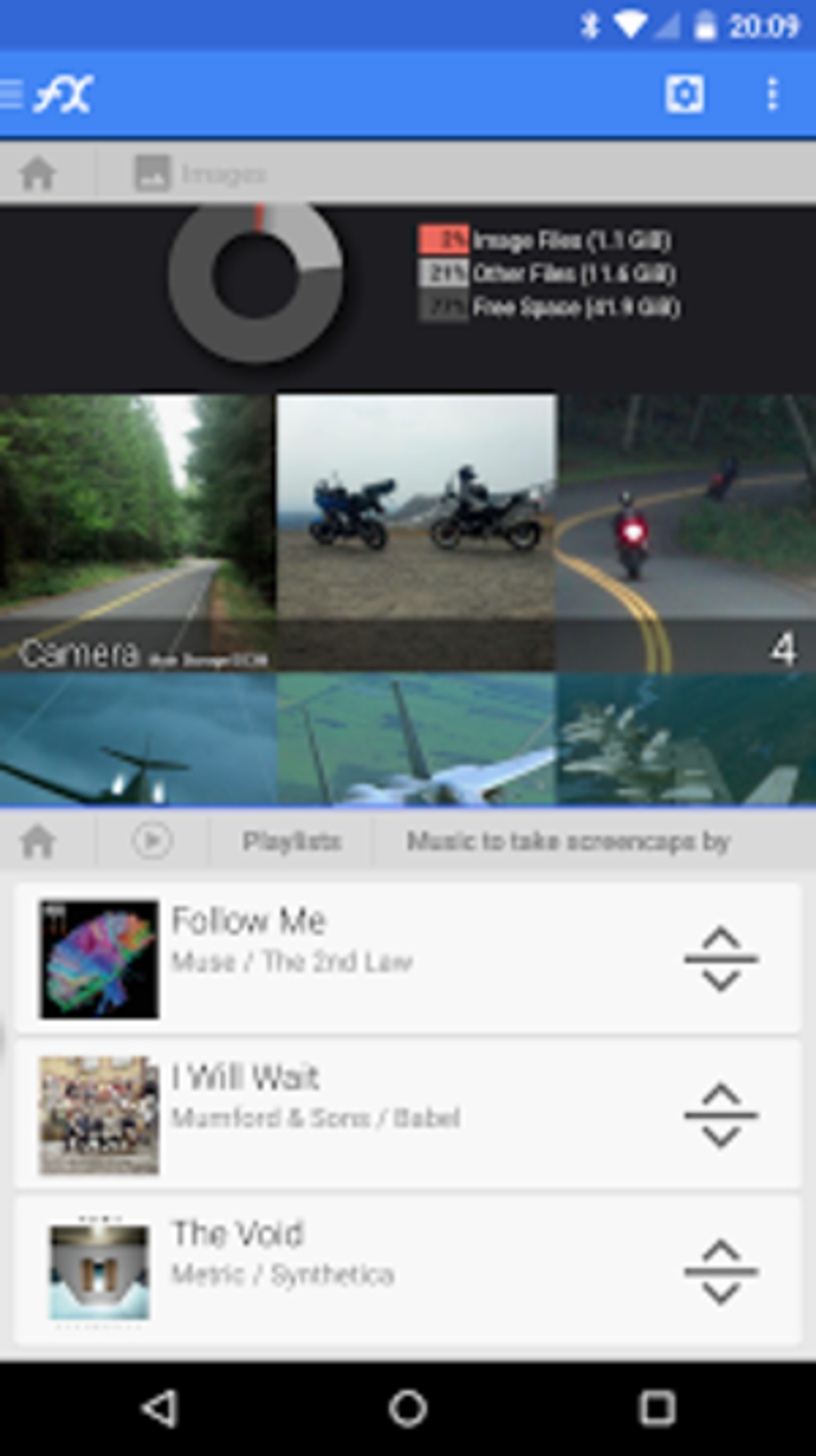
FX File Explorer’s design prioritizes user-friendliness. While the application offers advanced features that cater to experienced users, its interface remains intuitive and easily navigable for individuals with less technical expertise. The clear layout and simple icons minimize the learning curve, ensuring a smooth and efficient user experience for a broad range of users.
The application’s intuitive interface minimizes the need for extensive tutorials or guides. Users can quickly grasp the basic functionalities and begin managing their files effectively without requiring prior experience with similar applications. This simplicity makes FX File Explorer an accessible tool for individuals of all technical skill levels.
Strengths and Weaknesses
FX File Explorer offers several compelling strengths:
- Comprehensive File Access: It provides access to all areas of a device’s storage, unlike many limited default file explorers.
- Dual-Pane Interface: The multi-window system enables efficient file management and transfer.
- Built-in Functionality: The integrated image viewer, text editor, and support for compressed files enhance convenience.
- User-Friendly Design: The application is intuitive and easy to navigate, regardless of the user’s technical proficiency.
- Free and readily available: The app is free to download from the Google Play Store.
However, FX File Explorer also presents some weaknesses:
- Lack of Application Management: The application doesn’t include tools for managing apps or processes. This is a feature found in some competitor applications.
- Limited Add-ons: The number of available add-ons is relatively small, limiting customization options.
Conclusion: A Valuable Tool for Android Users
FX File Explorer is a powerful and versatile file manager that provides an excellent user experience. Its comprehensive access to the Android file system, coupled with its user-friendly interface and integrated functionality, makes it an invaluable tool for managing files on Android devices. While it lacks certain features found in some competing apps, its strengths significantly outweigh its weaknesses, making it a top contender in the Android file explorer market. The application effectively balances power and ease of use, providing a seamless file management experience for users of all skill levels. Its robust functionality, combined with its intuitive design, positions FX File Explorer as a highly recommended application for any Android user looking to take control of their device’s files. The free availability further enhances its appeal, making it a worthwhile addition to any Android user’s toolkit.
File Information
- License: “Free”
- Latest update: “May 15, 2025”
- Platform: “Android”
- OS: “Android 13.0”
- Downloads: “69.5K”
- Size: “13.17 MB”
- Download Options: “APK, Google Play”
- Filename: “nextapp-fx-9100-69867356-54db5e35c637cb2aff7516f26485370a.apk”


