
Samsung Gallery is a free Android utility application designed to streamline the management of photos and videos stored on your device. While integrated into many Samsung devices, it’s also available as a standalone download for other Android users seeking a robust media management solution. This review will explore its features, benefits, drawbacks, and overall user experience.
Feature Highlights: Organization, Security, and Editing Capabilities
Gallery - Samsung Gallery boasts a comprehensive suite of features designed to make managing your media library efficient and user-friendly. Its capabilities extend beyond basic viewing, offering tools for organization, enhanced security, and even basic editing.
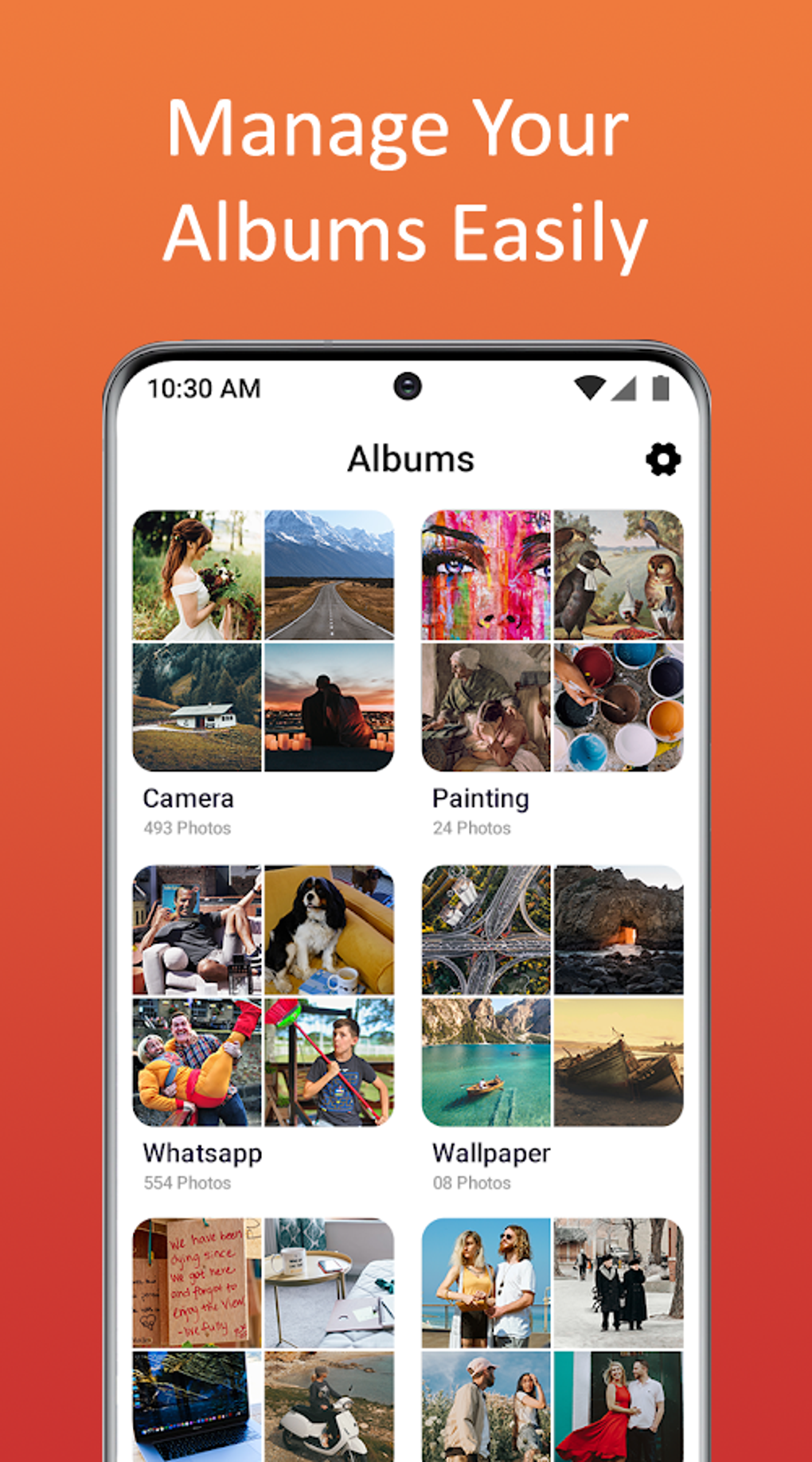
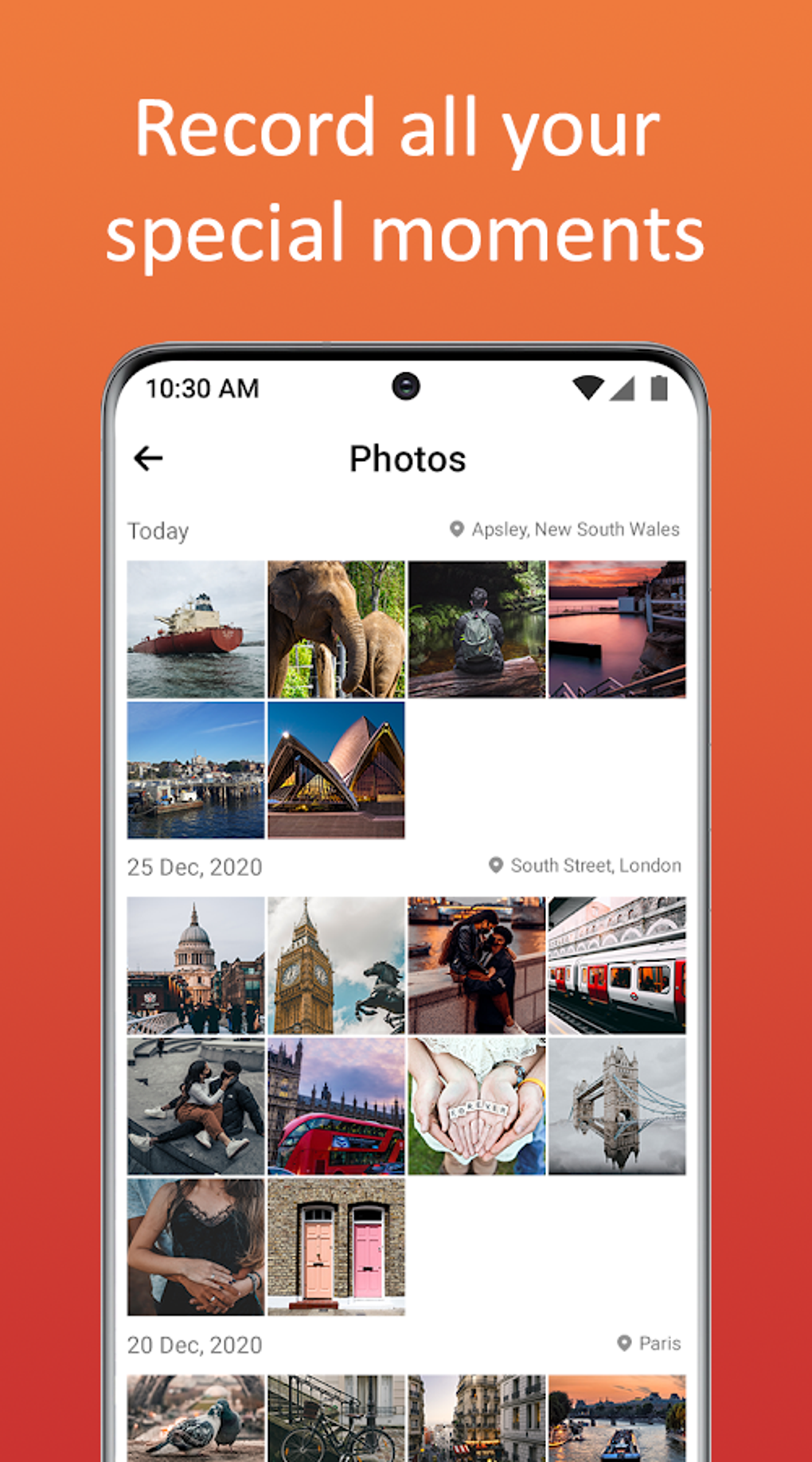
Organization and Search: The app provides multiple sorting options for your photos and videos. You can organize your media by name, date taken, or file size, simplifying the process of locating specific files. A robust search function allows you to quickly find images or videos using keywords or metadata, eliminating the need for manual browsing through extensive collections. The inclusion of a recycle bin provides an extra layer of protection against accidental deletions, allowing users to recover mistakenly removed files. Furthermore, the app intelligently identifies similar images, facilitating the removal of duplicates and optimizing storage space. The ability to filter for screenshots and large video files allows for targeted management and cleaning of your media library.
Security Features: Recognizing the sensitivity of personal photos and videos, Gallery - Samsung Gallery offers robust security features. Users can create password-protected folders, effectively shielding sensitive content from unauthorized access. This added layer of protection ensures privacy and peace of mind, preventing casual browsing or accidental exposure of personal images. The use of a PIN code acts as a secure gatekeeper, safeguarding your private media from prying eyes.
Editing Tools: Beyond its organizational and security features, Gallery - Samsung Gallery provides a selection of basic editing tools. While not as extensive as dedicated photo editing applications, the tools offered are sufficient for many casual users. These include features such as cropping, rotating, and applying filters to enhance your images. Furthermore, the app allows for more creative additions, such as the inclusion of text overlays, paint brushes for artistic touches, emojis for playful additions, and even meme stickers for personalized expressions. The ability to create custom photo slideshows with adjustable intervals adds a further layer of functionality, making it easy to share or showcase your memories in an engaging way. Users can personalize the slideshows to suit their preferences, controlling the pace and flow of the presentation.
User Experience and App Performance: Strengths and Weaknesses
While Gallery - Samsung Gallery offers a wide array of features, the user experience is not without its shortcomings. While generally praised for its functionality, some users have reported issues that detract from the overall positive aspects.
Positive Aspects: The intuitive interface and straightforward navigation make the app accessible to users of all technical skill levels. The combination of powerful organizational features, security options, and basic editing tools makes it a versatile all-in-one solution for many users. The app’s broad support for diverse file formats, including JPEG, GIF, PNG, SVG, panoramic images, and MP4 videos, ensures compatibility with a wide range of media files. The ability to access media offline is a significant advantage, particularly for users who frequently find themselves without an internet connection.
Negative Aspects: One recurring complaint centers around error messages that sometimes appear when attempting to save edited photos. This inconsistency can be extremely frustrating, as it can lead to the loss of time and effort invested in editing. The unpredictable nature of these errors makes them particularly problematic, as users have little control over when or why they might occur. Another notable drawback reported by users is the occasional crashing of the application. These unexpected crashes can disrupt the user experience and interrupt workflow, potentially leading to the loss of unsaved work. The frequency and circumstances of these crashes are varied, making it difficult to pinpoint a specific cause or provide a consistent solution.
Comparison with Alternative Apps
The Android market offers numerous photo and video management applications, each with its own strengths and weaknesses. Comparing Gallery - Samsung Gallery to its competitors reveals its unique position in the landscape.
Many alternative applications offer more extensive editing capabilities than Gallery - Samsung Gallery, but often lack the comprehensive organizational features and security options provided by this app. Some applications specialize in specific media types, such as GIF creation or video editing, whereas Gallery - Samsung Gallery aims for a more general-purpose approach. While specialized apps excel in their niche, Gallery - Samsung Gallery provides a broader range of functions within a single, unified platform. Other applications may lack the password-protection feature crucial for user privacy, making Gallery - Samsung Gallery a strong contender for users prioritizing security. The balance between feature breadth and user-friendliness sets Gallery - Samsung Gallery apart, making it a suitable choice for those seeking a middle ground between simplicity and advanced functionality.
Conclusion: A Valuable Tool Despite Minor Flaws
In conclusion, Gallery - Samsung Gallery offers a valuable suite of tools for managing and editing media files on Android devices. Its extensive support for various file formats, robust organization options, and built-in security features are significant advantages. The inclusion of basic editing functionalities adds further utility. However, the occasional errors encountered when saving edits and the unpredictable crashes mar the overall user experience. Despite these drawbacks, the app remains a strong contender for users seeking a comprehensive, all-in-one solution for managing their photo and video collections. The app’s strengths in organization, security, and ease of use outweigh the intermittent technical issues for many users. Regular updates addressing these issues would greatly improve the user experience and further solidify its position as a leading media management application. Potential users should carefully consider their individual needs and tolerance for occasional glitches before making a decision.
File Information
- License: “Free”
- Version: “1.0”
- Latest update: “June 26, 2025”
- Platform: “Android”
- OS: “Android 9.0”
- Language: “English”
- Downloads: “61.3K”
- Size: “129.90 MB”
- Download Options: “APK, Google Play”
- Filename: “Gallery_-_Samsung_Gallery_1.0.com.apk”


