
GalleryCam, developed by Felix Kloft, offers a straightforward solution to a common problem: sharing images from your phone’s gallery when platforms only accept newly captured photos. This free Android app provides a minimalistic interface, allowing users to quickly select existing images and present them as if they were just taken. This bypasses restrictions often imposed by messaging apps and other services that prioritize real-time photo sharing.
Simplifying Image Sharing with a Minimalist Design
GalleryCam’s core functionality revolves around simplifying the process of selecting and sending images. It acts as a bridge between your phone’s image library and applications that demand fresh photos. The app’s intuitive design makes it easy to navigate your gallery, locate the desired image, and share it seamlessly. This seemingly simple functionality can be invaluable when you need to quickly send a previously stored picture but are faced with limitations imposed by the receiving platform. Instead of taking a new photo, which may be inconvenient or impossible in certain circumstances, GalleryCam allows users to directly select an existing image and share it instantly.
The strength of GalleryCam lies in its simplicity. It avoids unnecessary features, concentrating solely on the task of sharing images from your gallery as though they were freshly captured. This focused approach ensures a streamlined user experience, making it incredibly user-friendly, even for those unfamiliar with complex mobile applications. The lack of clutter and the intuitive interface make selecting and sharing pictures a quick and efficient process.
Bypassing Platform Restrictions: A Key Advantage
Many social media platforms and messaging apps prioritize real-time photo sharing, making it difficult to share images that are already stored on your device. These platforms often prevent the use of images from your gallery or cloud storage, enforcing the use of the in-app camera. GalleryCam effectively circumvents this limitation. By selecting an image from your gallery and sending it via GalleryCam, it appears to the receiving app as if it were just taken. This functionality is particularly useful when sharing images quickly, where the process of taking a new photo might disrupt the flow of conversation or communication.
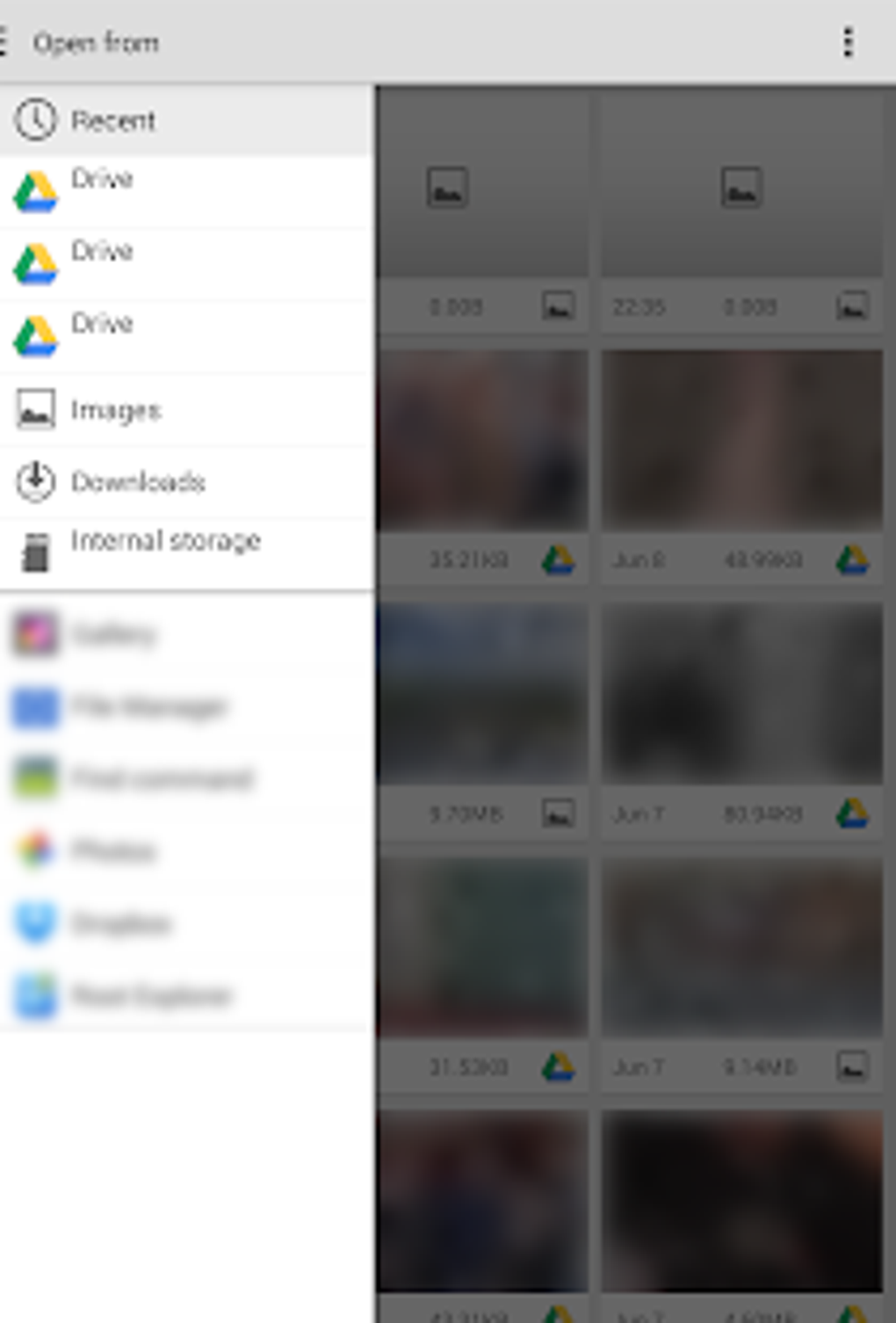
The ability to bypass these restrictions is where GalleryCam truly shines. This is a unique functionality not readily found in other photo applications. While many apps focus on editing and enhancing images, GalleryCam focuses solely on enabling the sharing of pre-existing photos in situations where this would otherwise be impossible. This makes it a valuable tool for individuals who frequently need to share images quickly and efficiently, without the inconvenience of taking new photos.
Limitations: A Trade-off for Simplicity
While GalleryCam’s minimalist approach is a strength, it also comes with limitations. The app lacks the advanced editing features found in many other camera and photo applications. Users will not find options for filters, cropping, adjusting brightness, contrast, or other common image editing tools. GalleryCam is purely focused on the function of sharing images; enhancing or modifying them is outside its scope.
The lack of additional features might be a drawback for users accustomed to more comprehensive photo apps. However, this minimalism is also what contributes to its speed and ease of use. The trade-off is deliberate: the app prioritizes rapid and effortless sharing over extensive editing capabilities. Users seeking a powerful editing suite should look elsewhere, but those prioritizing speed and simplicity will find GalleryCam highly effective.
User Interface and Experience: Intuitive and Efficient
The user interface of GalleryCam is designed for maximum simplicity. The app features a clean and uncluttered design, avoiding unnecessary menus and options. The core functionality is readily accessible, enabling quick navigation and selection of images. The emphasis is on efficiency and ease of use, making it suitable for users of all technical skill levels.
The app’s minimalist design also translates to faster loading times and minimal resource consumption on the device. This makes it ideal for use on older devices or those with limited processing power. The lightweight nature of GalleryCam is a significant advantage for users concerned about performance or storage space.
The app’s primary function is readily apparent: select an image, and share it. This simplicity avoids overwhelming the user with unnecessary options, ensuring a seamless and efficient user experience. The design emphasizes functionality over aesthetics, making it a highly practical tool for quickly sharing photos.
GalleryCam Compared to Alternatives: A Niche Solution
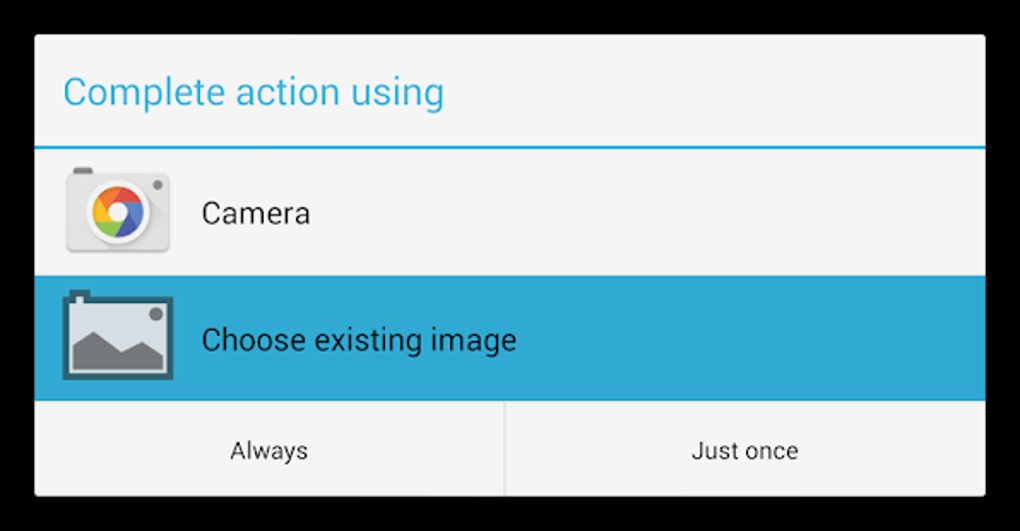
GalleryCam occupies a unique niche within the crowded field of mobile photo applications. While numerous apps offer extensive editing capabilities, few address the specific problem of sharing existing images in situations where only freshly captured photos are acceptable. This focused functionality distinguishes GalleryCam from more general-purpose photo apps.
Compared to other camera and gallery apps, GalleryCam trades comprehensive editing capabilities for ease of use and a specific functionality. Alternative apps might offer a wider range of features, including filters, effects, editing tools, and advanced sharing options. However, these often come at the cost of increased complexity and slower performance.
GalleryCam is not intended to replace a full-featured photo editing suite. Instead, it complements existing applications by providing a streamlined solution for a particular need. It serves as a specialized tool for individuals who frequently encounter restrictions on sharing pre-existing images.
Conclusion: A Valuable Tool for Specific Needs
GalleryCam, while lacking advanced features, fills a clear gap in the market for mobile photo applications. Its minimalist design and focused functionality make it an exceptionally efficient and effective tool for sharing images from your gallery in situations where only newly captured photos are typically accepted. The app’s simplicity makes it easy to use, while its unique ability to circumvent platform restrictions makes it a valuable asset for users who frequently need to share pre-existing photos quickly and easily. If your need is specifically to bypass platform limitations on sharing gallery images, GalleryCam provides a simple, fast, and reliable solution. The trade-off of limited editing capabilities is acceptable for those prioritizing the straightforward ability to share existing photos without complications. For users who prioritize ease of use and rapid sharing over extensive editing functionality, GalleryCam is a highly efficient and effective tool.
File Information
- License: “Free”
- Version: “1.6”
- Latest update: “August 21, 2024”
- Platform: “Android”
- OS: “Android 9.0”
- Language: “English”
- Downloads: “24.5K”
- Size: “1.36 MB”
- Download Options: “APK, Google Play”
- Filename: “com-github-fkloft-gallerycam-8-49931572-129795d586330555222ede9c66c57e0d.apk”


