
GarageBand, a free digital audio workstation (DAW) developed by Apple, has become a staple application for Mac and iOS users, offering a surprisingly powerful and accessible platform for music creation. This comprehensive guide explores GarageBand’s features, functionality, and place within the broader music production landscape. We’ll compare it to other popular options, examine its strengths and weaknesses, and ultimately determine who will benefit most from using this versatile tool.
GarageBand: Features and Functionality
GarageBand’s appeal lies in its intuitive design and comprehensive feature set, packed into a user-friendly interface. Unlike many professional-grade DAWs that boast steep learning curves, GarageBand provides a gentle introduction to music production, making it ideal for beginners while still offering enough power to satisfy experienced musicians.
At its core, GarageBand is a multi-track recording environment. This allows users to record multiple instruments or vocal parts individually and then combine them into a cohesive mix. The software provides a vast library of virtual instruments, ranging from realistic recreations of acoustic pianos and guitars to synthesizers capable of generating a wide variety of electronic sounds. These instruments are readily accessible, eliminating the need for extensive external hardware or plug-ins. This integrated approach greatly simplifies the music creation process.
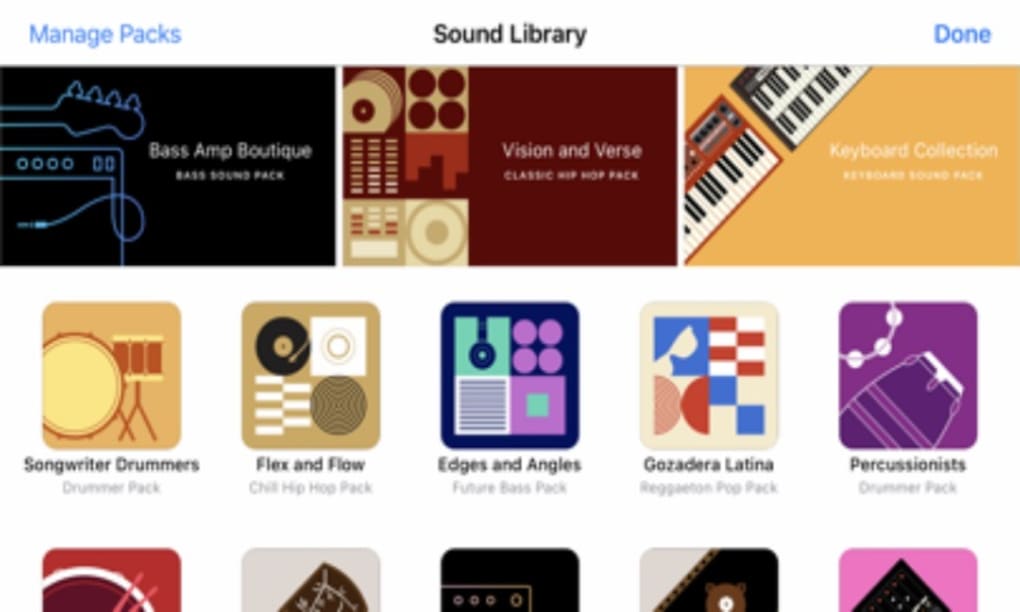
The software also boasts an impressive array of pre-made loops and samples across diverse genres, allowing users to quickly build a foundation for their tracks. This “loop-based” workflow is particularly beneficial for beginners who may be unfamiliar with music theory or composition techniques. By piecing together pre-made musical phrases, users can quickly develop a sense of rhythm and arrangement, learning to build upon existing musical ideas.
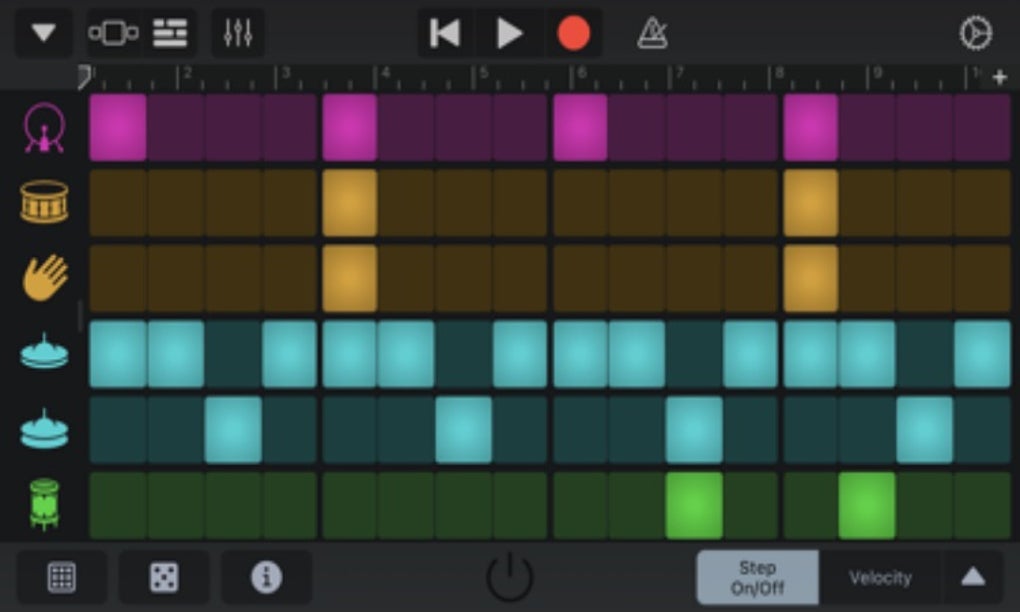
Beyond the vast library of instruments and loops, GarageBand also includes an advanced drum track feature. This allows users to easily generate realistic and dynamic drum beats, adjusting parameters such as tempo, groove, and style to perfectly complement their musical ideas. This feature significantly enhances the production value of a track, providing a professional edge to even novice compositions. The flexibility and control offered by this drum feature is comparable to dedicated drum machine software.
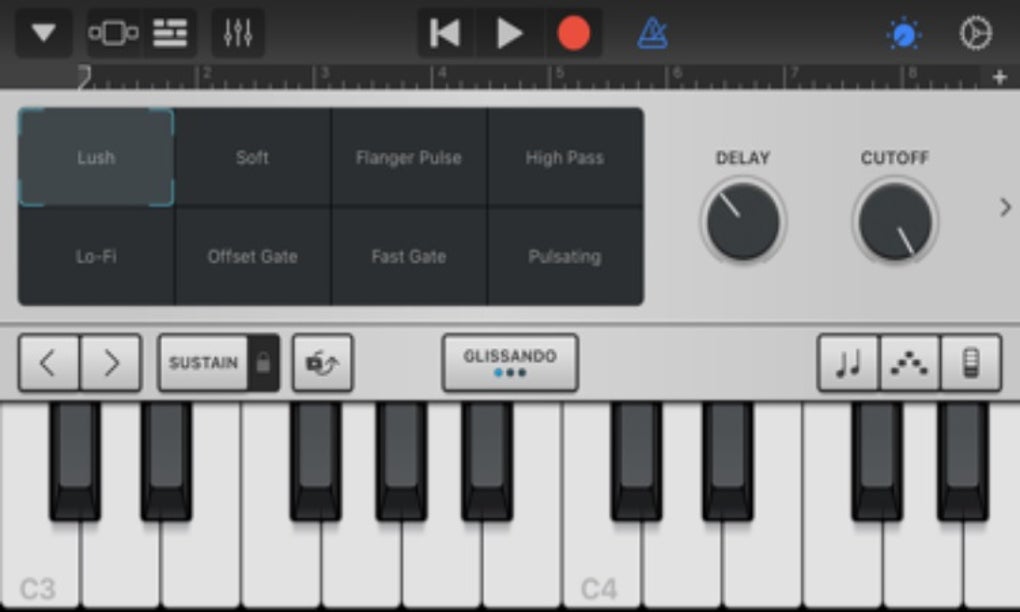
GarageBand offers robust editing capabilities, allowing users to meticulously refine their recordings. These tools facilitate precise timing adjustments, volume automation, and equalization, enabling a level of sonic sculpting typically found in more expensive professional software. The interface simplifies these otherwise complicated processes, ensuring ease of use for all skill levels.
The software supports MIDI recording, allowing users to input musical data from MIDI keyboards and other controllers. This allows for flexible and expressive playing, giving composers the opportunity to record performances in real time and capture intricate melodic and rhythmic nuances. This function caters to various musical styles, from classical compositions to electronic music.
Beyond basic recording and editing, GarageBand provides sophisticated mixing and mastering tools. These tools enable users to create a balanced and professional-sounding mix, ensuring that every instrument and vocal part is heard clearly within the overall mix. This comprehensive approach to music production makes GarageBand a complete solution for creating high-quality music. The software also allows seamless export of finished projects to various formats, ensuring compatibility with different platforms and devices.
Finally, GarageBand offers a user-friendly interface that prioritizes ease of use. The intuitive layout and logically grouped controls allow users to quickly find the tools they need, minimizing the time spent navigating the software and maximizing the time spent creating music. This user-friendly approach ensures that the focus remains on the creative process itself rather than wrestling with complicated menus or workarounds.
GarageBand vs. Audacity: A Comparison
GarageBand and Audacity are often cited as leading free options for audio production. However, these tools target different user needs. GarageBand, as a DAW, excels at music creation, providing a comprehensive suite of instruments, loops, and effects. Audacity, on the other hand, is primarily focused on audio editing and manipulation, lacking the instrument libraries and loop-based workflow central to GarageBand’s design.
Audacity’s strengths lie in its robust editing capabilities, particularly for tasks like noise reduction, audio restoration, and precise waveform manipulation. It provides essential tools for cleaning up recordings and improving the overall quality of existing audio material. This makes Audacity a preferred choice for podcasters, voice actors, and others focused on post-production work.
In contrast, GarageBand’s extensive sound library, instruments, and loop-based workflow make it exceptionally versatile for composing and arranging original music. The integrated nature of the software minimizes the need for extensive third-party plug-ins or additional software, streamlining the entire production process. Therefore, the choice between these two applications depends heavily on the specific requirements of the user. If the goal is music composition and arrangement, GarageBand emerges as the superior choice. For pure audio editing and manipulation, Audacity remains a robust and free alternative. While both programs offer free downloads, the unique capabilities of each will cater to different skillsets and priorities.
The Popularity of GarageBand: Why It Stands Out
GarageBand’s popularity stems from several key factors:
-
User-Friendly Interface: Apple’s commitment to intuitive design shines through in GarageBand’s interface. The clean and uncluttered layout makes it easy for even complete novices to navigate the software and quickly begin creating music.
-
Free Accessibility: The key driver behind GarageBand’s widespread adoption is its free availability to all Mac and iOS users. This eliminates the financial barrier to entry often associated with professional DAW software, making music production accessible to a broader audience.
-
Versatility and Extensive Functionality: GarageBand’s feature set is impressively comprehensive. It caters to various musical styles and approaches, from simple songwriting to complex orchestral arrangements. The software includes a broad library of virtual instruments, loops, and effects; the included audio editing capabilities allow for detailed adjustments, polishing and perfecting the finished product.
-
Apple Ecosystem Integration: GarageBand integrates seamlessly with other Apple services, including iCloud and iTunes (and now Apple Music), allowing for easy file sharing, collaboration, and distribution of finished projects. This cohesive experience is a significant advantage for users already invested in Apple’s ecosystem.
-
Beginner-Friendly Design: While powerful, GarageBand remains accessible to beginners. Its simplified workflow helps users avoid being overwhelmed by the complexity found in professional DAWs. This makes it an excellent learning tool for aspiring musicians and composers.
GarageBand: Pros and Cons
Pros:
- Free: No upfront cost makes it accessible to everyone.
- Intuitive Interface: Easy to learn and use, even for beginners.
- Extensive Sound Library: A wide range of instruments, loops, and effects.
- Powerful Editing Tools: Precise control over all aspects of the production process.
- Apple Ecosystem Integration: Seamless workflow within Apple’s ecosystem.
- Advanced Drum Track Feature: Easy creation of professional-quality drum beats.
- Support for MIDI Recording: Allows for flexible input from MIDI keyboards and controllers.
- Comprehensive Mixing and Mastering Capabilities: Tools to polish and perfect audio projects.
Cons:
- Limited Advanced Features: Lacks some advanced features found in professional DAWs.
- Mac and iOS Only: Not available for Windows or other operating systems.
- Not Ideal for Complex Audio Editing Tasks: Focuses more on music creation than detailed audio restoration or manipulation.
Alternatives to GarageBand
While GarageBand provides a comprehensive free solution, several alternative DAWs offer different strengths, depending on specific needs and preferences. For example, Logic Pro X, a paid Apple product, offers significantly more advanced features but comes with a steeper price tag. Audacity, as discussed, offers excellent audio editing capabilities without any price, but it lacks the instrument libraries and loop-based workflow of GarageBand. Other options include Ableton Live, known for its live performance capabilities, and Pro Tools, a professional-grade DAW with an extensive feature set and high price point. Many free and paid options exist, catering to a variety of music creation styles. The choice among these alternatives depends heavily on individual priorities and budgets.
In conclusion, GarageBand is a powerful and versatile digital audio workstation that excels in providing a user-friendly experience within a comprehensive feature set. Its free accessibility, intuitive design, and robust functionality have cemented its place as a popular choice for both amateur and professional musicians alike. While it may not offer the advanced features of professional-grade DAWs, its strengths in ease of use, extensive sound library, and integration into the Apple ecosystem make it a compelling choice for a wide range of musical endeavors.
File Information
- License: “Free”
- Version: “1.0”
- Latest update: “October 10, 2024”
- Platform: “Android”
- OS: “Android 9.0”
- Language: “English”
- Downloads: “128.7K”
- Size: “5.07 MB”
- Download Options: “APK, Google Play”
- Filename: “GarageBand_v1.0_.apk”


