gDMSS Lite is a free mobile utility application designed for remote monitoring of various devices. Developed by Zhejiang DAHUA Technology Co., Ltd., this app offers surveillance capabilities for a range of equipment, including webcams, CCTV cameras, alarm systems, and even smart doors, irrespective of their connectivity method. It’s positioned as the lightweight alternative to the more feature-rich gDMSS Plus application. While its streamlined design aims for ease of use, gDMSS Lite is plagued by several persistent performance issues that significantly detract from its usability.
Understanding gDMSS Lite’s Functionality and Interface
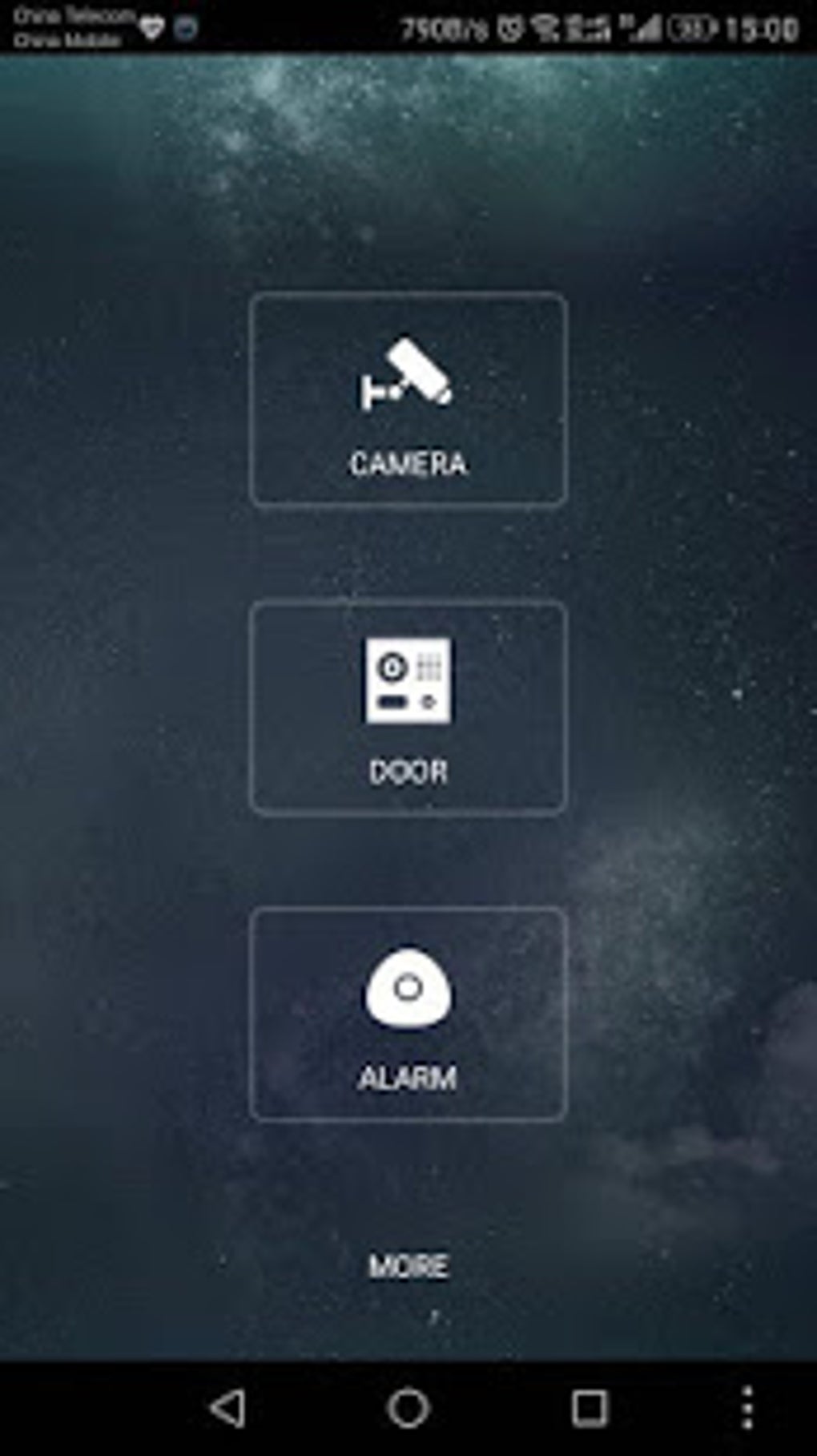
Upon initial launch, gDMSS Lite requests access permissions for file access (to your media files) and GPS location tracking. Following permission granting, users select their country from a provided list. The main interface then presents a straightforward layout with four primary icons: Camera, Door, Alarm, and More. The first three icons provide access to live feeds from registered devices.
The Camera function stands out with its video playback capability. Users can view recorded footage from compatible devices. Furthermore, if the connected devices are equipped with microphones, the app allows two-way audio communication—users can speak through the device or record their voice via the app. Accessing each of these tabs (Camera, Door, Alarm) reveals a side panel menu offering additional settings and options, including a Device Manager and access to locally stored files. The specific settings and options within these menus vary slightly depending on the selected tab; the Camera tab, for example, provides more extensive configuration possibilities.
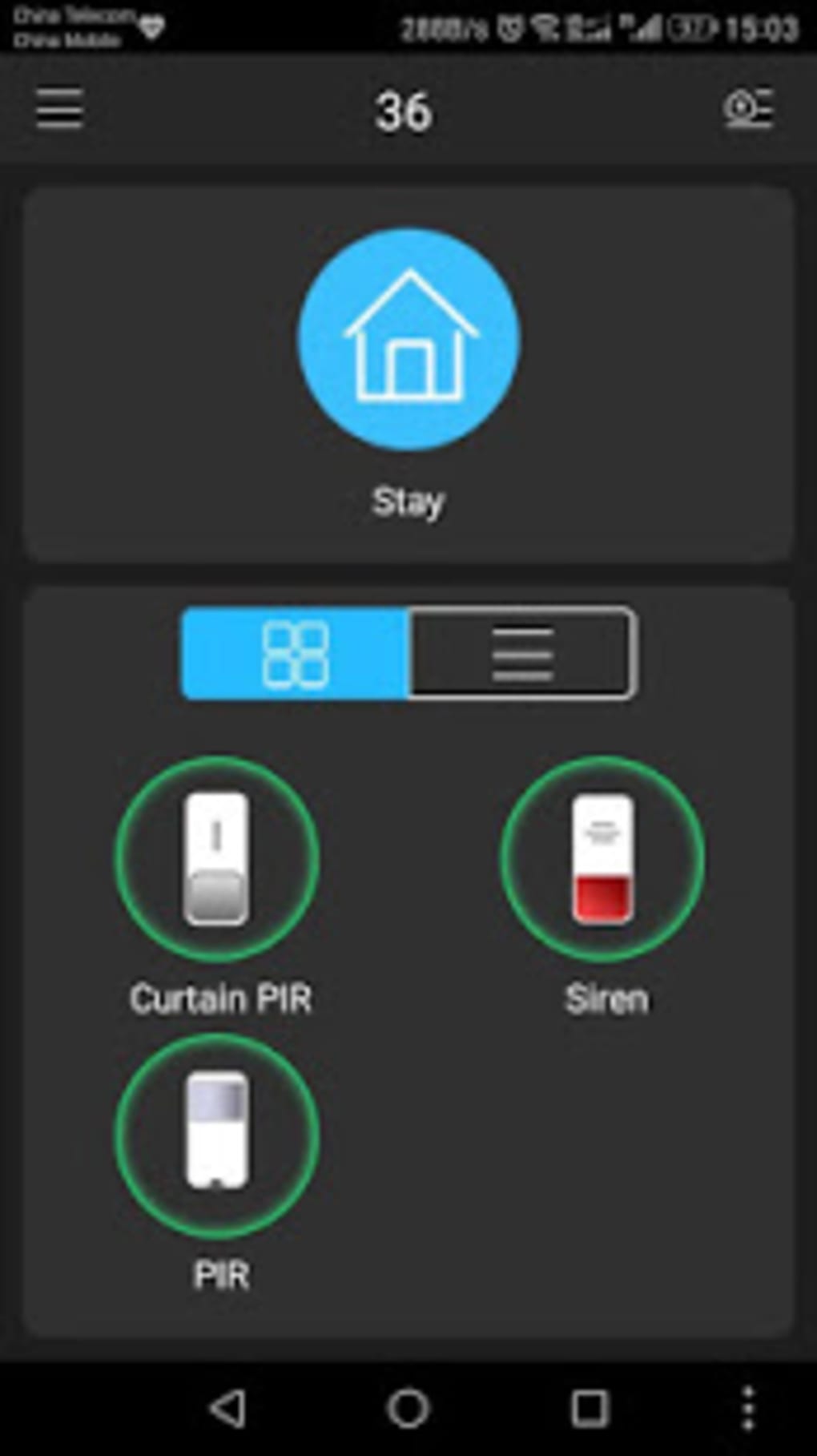
Adding devices is relatively straightforward, though users frequently encounter challenges, notably corrupted video playback. The “More” button provides access to additional settings such as account protection features, device password resets, and application information. Compared to its counterpart, gDMSS Plus, gDMSS Lite lacks advanced features, reflecting its target audience of casual users. However, this simplification doesn’t eliminate the app’s considerable performance shortcomings. Users often experience unexpected behavior, such as repeated requests for already granted permissions and failure to save settings correctly. Even with a stable Wi-Fi connection, the live feed quality can be unexpectedly poor.
Performance Issues and User Experience Challenges
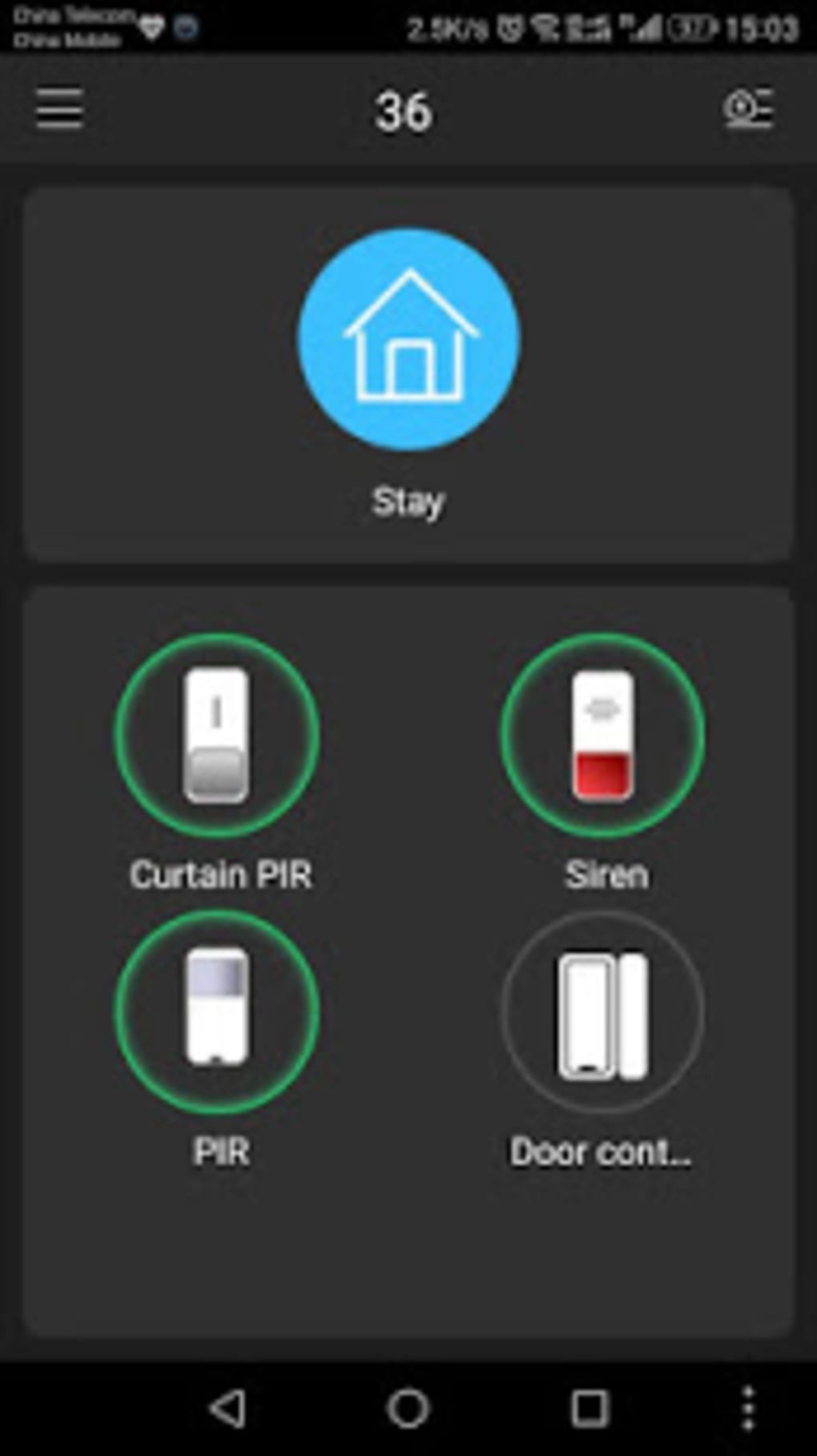
The core issue with gDMSS Lite is its inconsistent performance. While presented as a lighter and simpler alternative to gDMSS Plus, the app falls short due to numerous frustrating performance problems that hinder its practical usability for many users. These issues range from the inconvenient to the completely debilitating, making it difficult to rely on the application for security monitoring.
The frequent requests for already enabled permissions are a significant annoyance, creating unnecessary interruptions to the user workflow. Similarly, the unreliable saving of user settings undermines the app’s functionality. Users may find their configured settings reset unexpectedly, requiring repetitive configuration adjustments. These seemingly minor glitches accumulate, leading to a frustrating user experience that detracts from the core purpose of a surveillance application.
Furthermore, the inconsistent quality of the live feed represents a major flaw. Dropped frames, pixelation, and overall poor video quality are recurring problems, even when using a reliable Wi-Fi connection. This unreliability undermines the primary function of the app – providing a clear and consistent view of the monitored location. The combination of these issues significantly diminishes the value and usability of gDMSS Lite, making it a less than ideal solution for security monitoring purposes.
Comparison with Alternative Applications
The developer of gDMSS Lite also offers alternative surveillance applications, including gDMSS HD Lite and gDMSS HD, as well as DMSS and DMSS HD. These alternatives may offer improved performance and features, though they may also have their own set of drawbacks. Users experiencing significant problems with gDMSS Lite may find it beneficial to explore these alternatives to determine if they offer a more reliable and stable solution. Direct comparison of these apps is crucial to selecting the most suitable software for individual needs and preferences. It’s important to research user reviews and performance reports for each alternative before making a decision.
gDMSS Lite: Pros and Cons Summary
Pros:
- Lite version of gDMSS Plus: Offers a simplified interface and potentially reduced resource consumption compared to its more comprehensive counterpart. This is particularly beneficial for users with lower-end devices or limited bandwidth.
- Easy-to-use interface: The intuitive layout and straightforward navigation make the app accessible to a broader range of users, even those with limited technical expertise.
- Supports live feed viewing: The app’s primary function – providing a live video stream from connected devices – is implemented, although the quality and reliability are questionable.
- Compatibility with smart doors and alarms: The app’s support for a variety of devices extends beyond standard cameras, increasing its versatility for comprehensive security systems.
Cons:
- Unstable performance: This is the most significant drawback. The inconsistent performance, including repeated permission requests, failure to save settings, and unreliable live feed quality, severely impacts user experience and the app’s overall usability.
- Frequent bugs and glitches: The accumulation of minor bugs and glitches significantly diminishes the overall user experience, leading to frustration and potentially compromising the security features.
- Poor live feed quality: The inconsistent and often poor quality of the live video stream undermines the app’s primary function, making it unreliable for security monitoring.
- Lack of advanced features: Compared to the more feature-rich alternatives, gDMSS Lite lacks advanced functionalities. While this simplifies the user experience, it also limits its capabilities for more complex monitoring needs.
Conclusion: Is gDMSS Lite Worth Using?
gDMSS Lite presents a simplified approach to remote surveillance, but its significant performance issues significantly outweigh its advantages. While its ease of use and compatibility with various devices are attractive features, the unreliable performance renders the app frustrating and ultimately unreliable for its intended purpose. The consistent issues with live feed quality, settings saving, and permission requests create a user experience that is far from smooth.
For casual users with very basic monitoring needs, and a tolerance for frequent technical problems, gDMSS Lite might suffice. However, for anyone requiring a stable and reliable surveillance solution, exploring alternative apps like gDMSS Plus, gDMSS HD, DMSS, or DMSS HD is strongly recommended. These alternatives may provide a more robust and dependable experience, compensating for the significant limitations of gDMSS Lite. Prioritizing reliability and stability over simplicity is crucial when selecting a security application. Before downloading any surveillance app, carefully consider your needs and review user feedback regarding performance and reliability to make an informed decision. The potential security risks associated with unreliable performance also need to be considered.
File Information
- License: “Free”
- Version: “3.53.001”
- Latest update: “February 9, 2023”
- Platform: “Android”
- OS: “Android 9.0”
- Language: “English”
- Downloads: “119.7K”
- Size: “26.92 MB”
- Download Options: “APK, Google Play”
- Filename: “com-mm-android-direct-gdmssphonelite-75-63103541-ef8a331ee3a9518bf1dbebc7746b880c.apk”