
gDMSS Plus, developed by Zhejiang DAHUA Technology Co., Ltd., is a free Android utility app designed to provide users with convenient and comprehensive home security monitoring capabilities. This review delves into its features, functionality, pros and cons, and compares it to similar applications. Ultimately, we assess its effectiveness as a tool for enhancing home security and its overall user experience.
Core Features and Functionality
gDMSS Plus offers a user-friendly interface for monitoring and managing various home security devices. Its primary functions revolve around three main modes: Camera, Door, and Alarm. The Camera mode provides live video feeds from connected security cameras, allowing users to view real-time footage from multiple devices simultaneously. This is a crucial aspect for comprehensive security monitoring, providing a visual overview of your property from multiple vantage points. The app’s capacity to display multiple camera feeds concurrently minimizes the need for constant switching between individual camera views, enhancing the efficiency of monitoring.
The Door mode, while less visually comprehensive than the Camera mode, still serves a vital purpose. It allows users to monitor activity at entrances via connected door sensors or cameras. While it limits users to viewing a single live feed at a time, this mode provides focused surveillance on potential points of entry, enhancing the detection of unauthorized access. The simplicity of its interface might appeal to less tech-savvy users who prefer a straightforward display of activity at their doors.
The Alarm mode integrates with alarm systems to provide real-time alerts and control functionalities. This mode complements the visual monitoring provided by Camera and Door, offering an auditory and proactive response to potential threats. By receiving immediate notifications of triggered alarms, users gain valuable time to respond to a situation or notify relevant authorities. The linkage with other security equipment offers a unified security framework, ensuring a holistic approach to safeguarding the user’s premises.
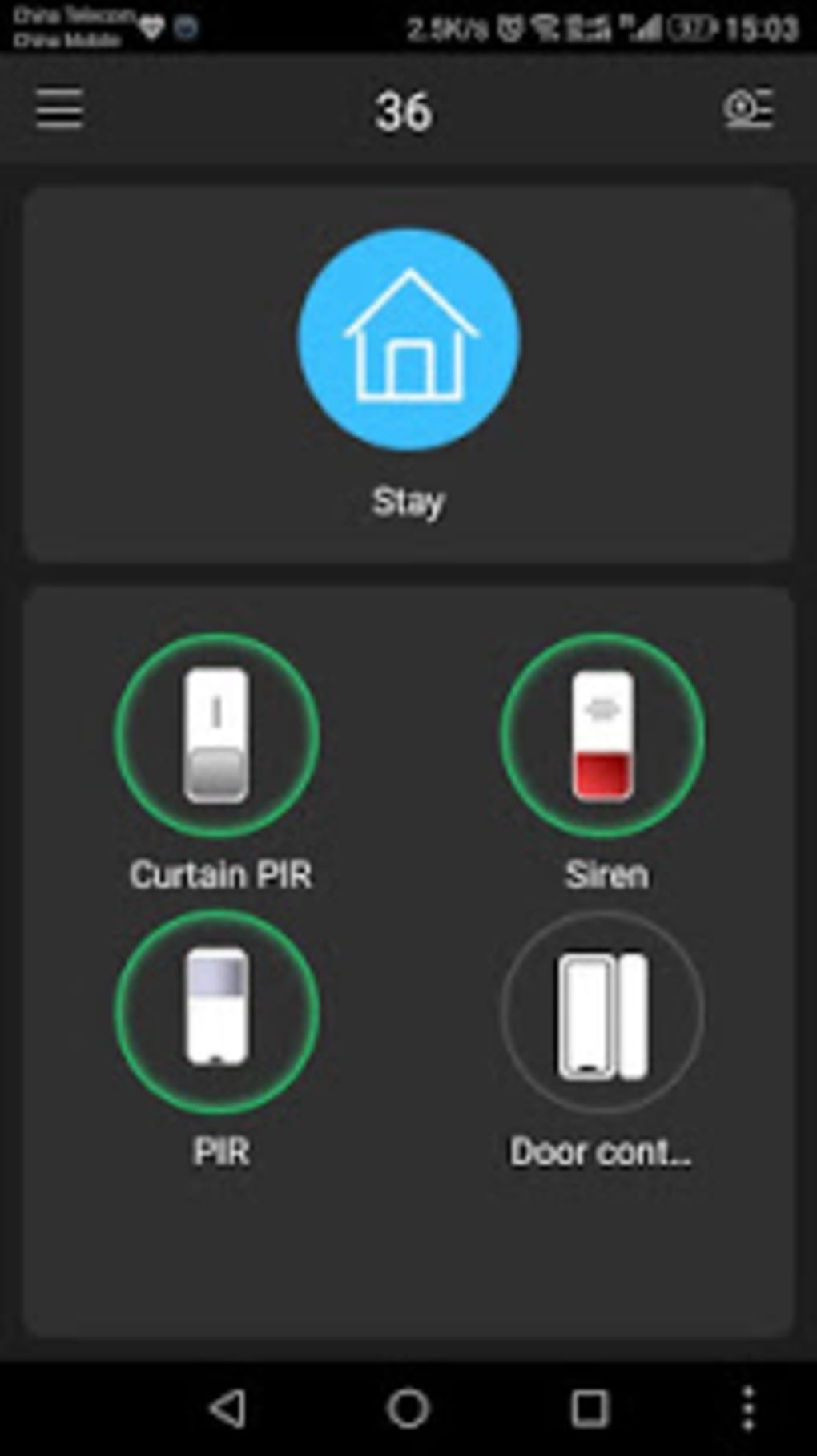
Furthermore, gDMSS Plus incorporates several crucial features to enhance its practicality and user experience. A comprehensive Help section provides detailed instructions and troubleshooting tips, addressing common issues and guiding users through the application’s functionalities. This built-in support system reduces the likelihood of users encountering frustrating operational problems, promoting smoother and more effective usage. The FAQ section, specifically, is a valuable resource for resolving common technical problems and clarifying uncertainties about the application’s operation.
User Interface and Experience
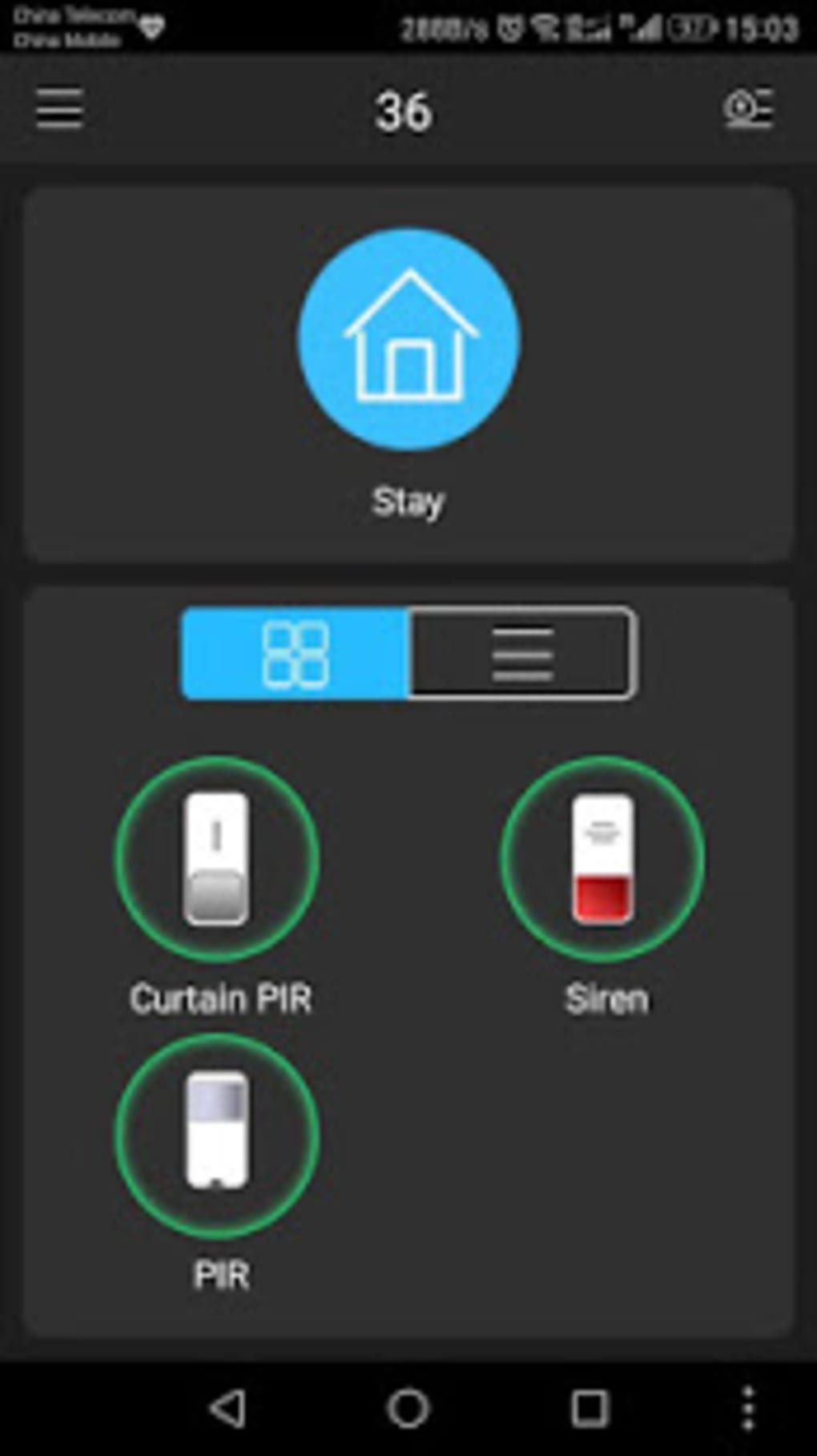
The app’s user interface is generally praised for its intuitive design, making it accessible to a wide range of users, regardless of technical expertise. The layout is clear and logically structured, ensuring effortless navigation through its different modes and features. The placement of essential controls and information promotes efficient operation, allowing users to swiftly access needed functionalities without extensive searching. The accessibility of features is an important factor in the effectiveness of the application, particularly in emergency situations where swift responses are essential.
However, some users have pointed out limitations in the app’s design. The restriction of the demo feature to the Camera mode only might be a drawback for those seeking to test the Alarm and Door functionalities before fully committing to the app’s capabilities. This lack of comprehensive demo access might cause some potential users to hesitate before installing and configuring the entire system, potentially hindering adoption of the app.
Another minor limitation is the inability to view multiple live feeds simultaneously in the Door mode. This restriction, while not entirely debilitating, might reduce the app’s effectiveness for users with multiple doors or entrance points that require simultaneous monitoring. The lack of multitasking in this mode might deter users who need a more comprehensive overview of their premises’ security.
Security and Privacy Considerations
As a home security application, gDMSS Plus inherently handles sensitive data, making security and privacy critical aspects of its functionality. While the app does provide mechanisms for password protection and secure access, users should remain aware of potential vulnerabilities. Regular updates from the developer are crucial to address any security flaws that may arise. Users are advised to keep their passwords strong and unique, and to be cautious of phishing attempts or suspicious links.
Comparison with Alternative Apps
Several alternative surveillance apps exist in the market, each with its own set of features and functionalities. gDMSS Lite, DMSS, and gDMSS HD are among the notable competitors. While gDMSS Plus offers a comprehensive suite of features, some users might prefer the lighter, more streamlined approach of gDMSS Lite if their security needs are less extensive. DMSS and gDMSS HD offer alternative interfaces and functionalities, catering to varied user preferences and system compatibility. However, detailed comparative analysis would require a dedicated study focusing on each application’s performance, security protocols, and user interface. The specific needs and preferences of the user play a significant role in determining the ideal choice from this range of applications.
Pros and Cons of gDMSS Plus
Pros:
- Comprehensive Features: Offers Camera, Door, and Alarm modes for a holistic security solution.
- User-Friendly Interface: Intuitive design makes the app easy to navigate and use.
- Multiple Camera Views (Camera Mode): Simultaneous viewing of multiple camera feeds enhances monitoring efficiency.
- Help Section and FAQ: Provides detailed instructions and troubleshooting guidance.
- Remote Access: Allows users to monitor their home security from any location.
- Device Management: Enables convenient addition and management of new security devices.
- Calendar System: Offers access to recorded footage from previous days and months.
Cons:
- Demo Feature Limitation: The demo feature is only available in the Camera mode.
- Single View in Door Mode: Only one live feed can be viewed simultaneously in the Door mode.
- Potential Security Vulnerabilities (as with any app): Users should maintain strong passwords and remain vigilant against potential threats.
Conclusion
gDMSS Plus presents a robust and generally user-friendly solution for home security monitoring. Its comprehensive features, including live video feeds, alarm integration, and remote access, make it a valuable tool for safeguarding one’s property. While some minor limitations exist, such as the restricted demo feature and single-view limitation in the Door mode, the app’s overall functionality and ease of use outweigh these drawbacks for many users. However, potential users should carefully consider their specific security needs and technical capabilities when deciding if gDMSS Plus is the optimal choice for their requirements, and always practice secure password management and vigilance against potential security threats.
File Information
- License: “Free”
- Version: “4.91.000”
- Latest update: “July 11, 2023”
- Platform: “Android”
- OS: “Android 4.1.1”
- Downloads: “530.5K”
- Size: “76.24 MB”
- Download Options: “APK, Google Play”
- Filename: “com-mm-android-direct-gdmssphone-127-48893362-e3c10cfbb4dfb2ff7a11922756058678.apk”


