
GG Mouse Pro is an Android application designed to significantly improve the gaming experience on mobile devices by enabling the use of a mouse and keyboard. Acting as a sophisticated keyboard and mouse converter, this app offers advanced features for seamless and precise control, setting itself apart as a powerful tool in its category. Crucially, GG Mouse Pro provides this enhanced control completely free of charge, opening up a world of precise gameplay to mobile gamers. This review delves into the features, functionality, and user experience of GG Mouse Pro, examining its strengths and weaknesses to provide a comprehensive understanding of its capabilities.
Enhanced Control and Precision: Bridging the Gap Between Mobile and PC Gaming
The core functionality of GG Mouse Pro lies in its ability to translate mouse and keyboard inputs into commands understood by Android games. This effectively bridges the significant gap in control precision often felt when playing games designed for traditional PC setups on touchscreen mobile devices. The app strives to provide a truly PC-like gaming experience on Android, allowing users to enjoy the accuracy and responsiveness typically associated with desktop gaming. This translates to smoother gameplay, improved aiming accuracy in shooters, and more precise control in strategy and other genre games that benefit from fine-tuned inputs. The application’s developers tout it as the most powerful solution available in its category. While other similar applications exist, GG Mouse Pro aims to deliver a superior experience through refined input mapping and optimization.
Seamless Integration and User-Friendly Interface
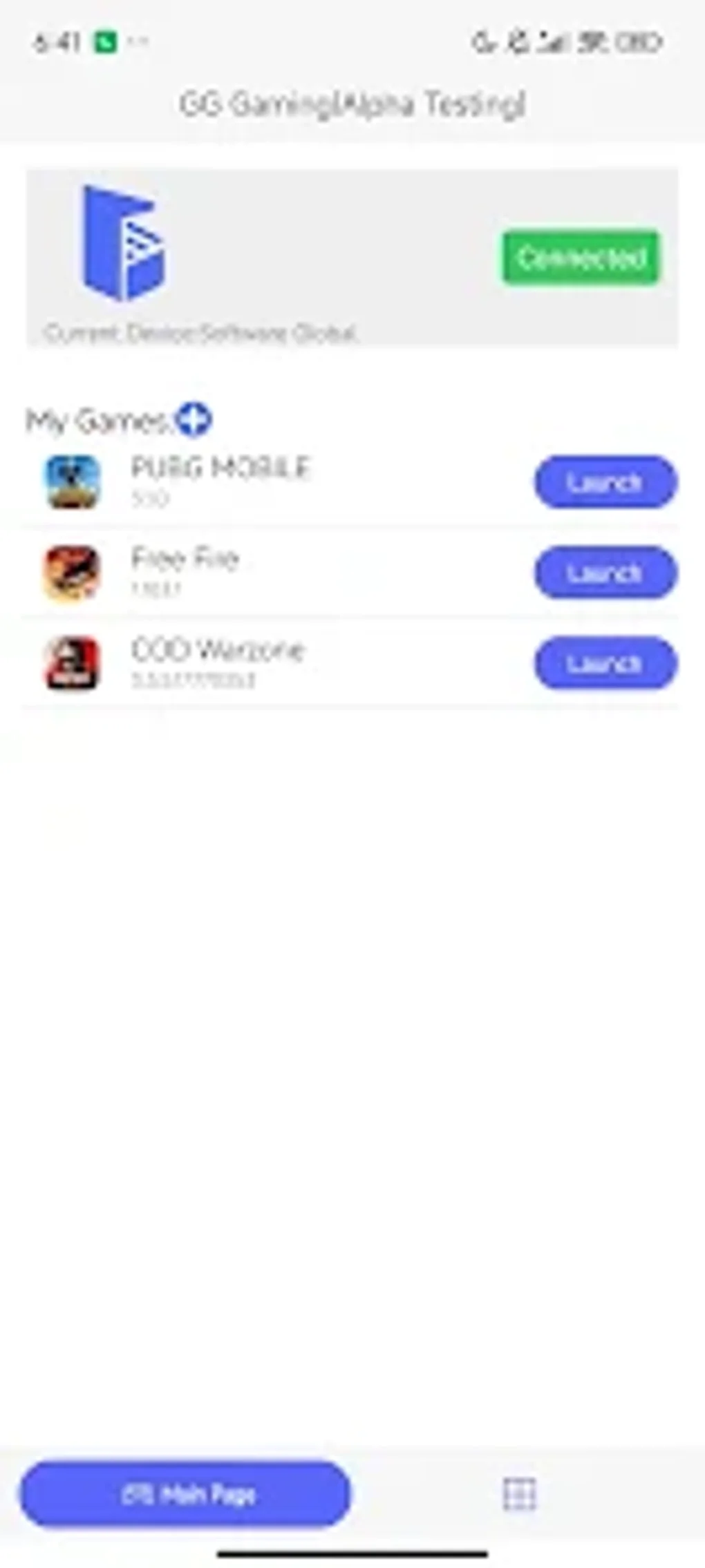
A crucial element of GG Mouse Pro’s effectiveness is its ease of use. The application boasts a user-friendly interface, designed to be intuitive and accessible, even for users unfamiliar with complex configuration settings. While offering advanced options for customization, the app also presents simplified modes that allow for quick setup and immediate gameplay. This balance between powerful customization and straightforward usability makes GG Mouse Pro accessible to a broad range of gamers, from casual players to seasoned mobile gaming enthusiasts. The app aims to minimize the learning curve, allowing users to focus on enjoying the improved gaming experience rather than struggling with complicated settings. Effective integration with various Android games is also a key priority, ensuring a consistent and seamless experience across different titles.
Advanced Features and Customization Options
Beyond its basic functionality of converting mouse and keyboard input, GG Mouse Pro includes a range of advanced features designed to further enhance the gaming experience. These may include customizable keybindings, allowing users to map specific keys or mouse actions to in-game controls according to their preferences. Profile creation allows gamers to save and load different configurations for various games, streamlining the setup process across multiple titles. Furthermore, GG Mouse Pro likely includes sensitivity adjustments, enabling fine-tuning of mouse and keyboard responsiveness to suit individual playing styles and game requirements. These advanced customization options significantly contribute to the app’s overall versatility and effectiveness, making it adaptable to a wider variety of games and play styles. The level of customization available helps to ensure that GG Mouse Pro can be tailored to optimally complement a diverse range of games.
Performance and Compatibility: Ensuring a Smooth Gaming Experience
The effectiveness of GG Mouse Pro heavily relies on its performance and compatibility. A well-optimized app ensures smooth and responsive gameplay, avoiding lag or input delays that can disrupt the gaming experience. The application’s developers strive for broad compatibility with a wide range of Android games and devices. While complete compatibility across all games and devices is unrealistic, a high level of compatibility is crucial to the app’s overall appeal and usability. Regular updates and improvements likely address compatibility issues and enhance performance, ensuring a consistently positive user experience. Information on supported devices and game compatibility should be readily available within the app description or on the developer’s website.
User Reviews and Community Feedback: Gauging User Satisfaction
User reviews and community feedback provide valuable insights into the actual user experience with GG Mouse Pro. Positive feedback reflects the app’s effectiveness in improving gaming control and overall user satisfaction. Negative feedback, on the other hand, can highlight potential issues with compatibility, performance, or user interface design. Analyzing user reviews allows developers to continuously refine the app, addressing reported bugs and incorporating user suggestions for improvements. This iterative approach to development based on user feedback is essential for maintaining a high standard of quality and ensuring long-term user satisfaction. The availability and accessibility of user reviews should be considered when assessing the overall credibility and trustworthiness of the application. Paying attention to the balance of positive and negative feedback, and looking at the frequency and recency of reviews, can offer a good overall perspective of user satisfaction.
Alternatives to GG Mouse Pro: Exploring Similar Applications
While GG Mouse Pro is a strong contender in the market for Android gaming input enhancement, several alternative applications offer similar functionality. Understanding the differences between these alternatives is crucial for selecting the best option based on individual needs and preferences. Alternative applications may offer unique features or strengths in specific areas, such as superior compatibility with certain games or a more intuitive interface. Comparing features, user reviews, and compatibility information is recommended before settling on a particular application. Choosing the right tool depends on the individual gamer’s priorities and preferred gaming style. The existence of alternatives emphasizes the importance of research and comparison to ensure the selection of the most suitable application for enhanced mobile gaming.
Downloading and Installing GG Mouse Pro: A Step-by-Step Guide
Downloading and installing GG Mouse Pro should be a straightforward process, typically involving accessing the application through a reputable app store or the developer’s website. Care should be taken to download from official sources to avoid potentially malicious software. The installation process generally involves following on-screen instructions. Users should review any permissions requested by the application and ensure they are comfortable with the level of access granted. Once installed, the user should familiarize themselves with the app’s interface and settings before launching into gameplay. Understanding the basic settings and customization options will significantly enhance the gaming experience. A clear and simple installation process is crucial for a positive user experience. Any difficulties during installation should be easily resolved through access to online help or support.
Conclusion: GG Mouse Pro’s Place in the Mobile Gaming Landscape
GG Mouse Pro represents a significant advancement in the possibilities for mobile gaming. By offering a free, user-friendly, and feature-rich application for enhancing gameplay through mouse and keyboard input, it bridges the gap between mobile and traditional PC gaming experiences. The app’s success depends on its ongoing development and maintenance, continuously addressing bugs, improving compatibility, and incorporating user feedback. By focusing on these elements, GG Mouse Pro has the potential to remain a top choice for mobile gamers seeking enhanced control and precision. The future of the application relies on continuous improvement and adaptation to the evolving landscape of mobile gaming technology. Regular updates and a focus on user experience are vital for maintaining its position as a leading solution in the field.
File Information
- License: “Free”
- Version: “2.3.2”
- Latest update: “August 11, 2025”
- Platform: “Android”
- OS: “Android 15.0”
- Language: “English”
- Downloads: “39.6K”
- Download Options: “Google Play”


