
GimPhoto presents itself as a free alternative to Adobe Photoshop, a claim that warrants a closer examination. While it doesn’t replicate Photoshop’s full feature set, its strengths lie in its user-friendly interface and inclusion of numerous GIMP plugins, aiming to bridge the gap between free and professional-grade image editing. This review explores GimPhoto’s capabilities, comparing it to both GIMP (GNU Image Manipulation Program) and Photoshop, assessing its pros and cons, and ultimately determining its suitability for various user needs.
GimPhoto: Bridging the Gap Between GIMP and Photoshop
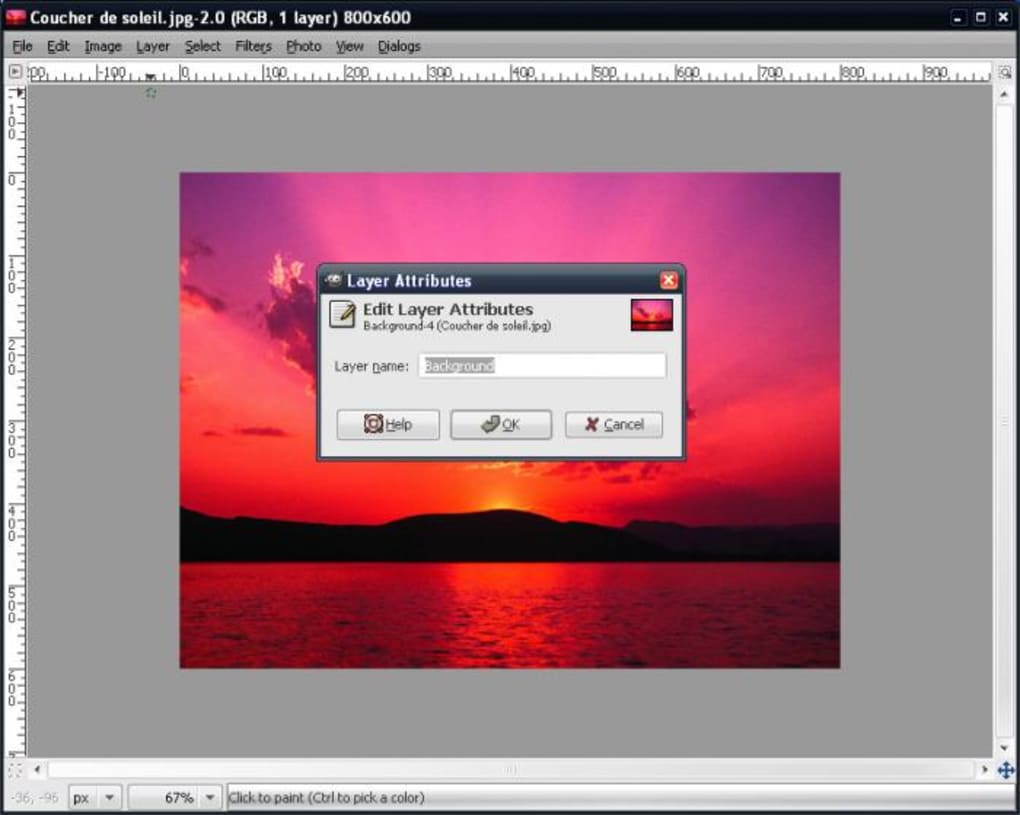
GimPhoto is built upon the foundation of GIMP, inheriting its powerful image editing capabilities. However, unlike GIMP’s sometimes daunting and complex interface, GimPhoto boasts a significantly improved user experience. By default, it bundles approximately 20 GIMP plugins, instantly enhancing its functionality and bringing it closer to the familiar workflow of Photoshop. This strategic integration addresses one of GIMP’s most frequent criticisms: its less intuitive interface compared to the industry standard.
For users already familiar with GIMP, the transition to GimPhoto should be seamless. The core functionality remains largely consistent, but the refined interface streamlines the overall experience. However, for those new to both GIMP and Photoshop, GimPhoto offers a more accessible entry point into the world of advanced image editing. The improved menu structure and layout, more closely resembling Photoshop’s, facilitates quicker adaptation and reduces the learning curve.
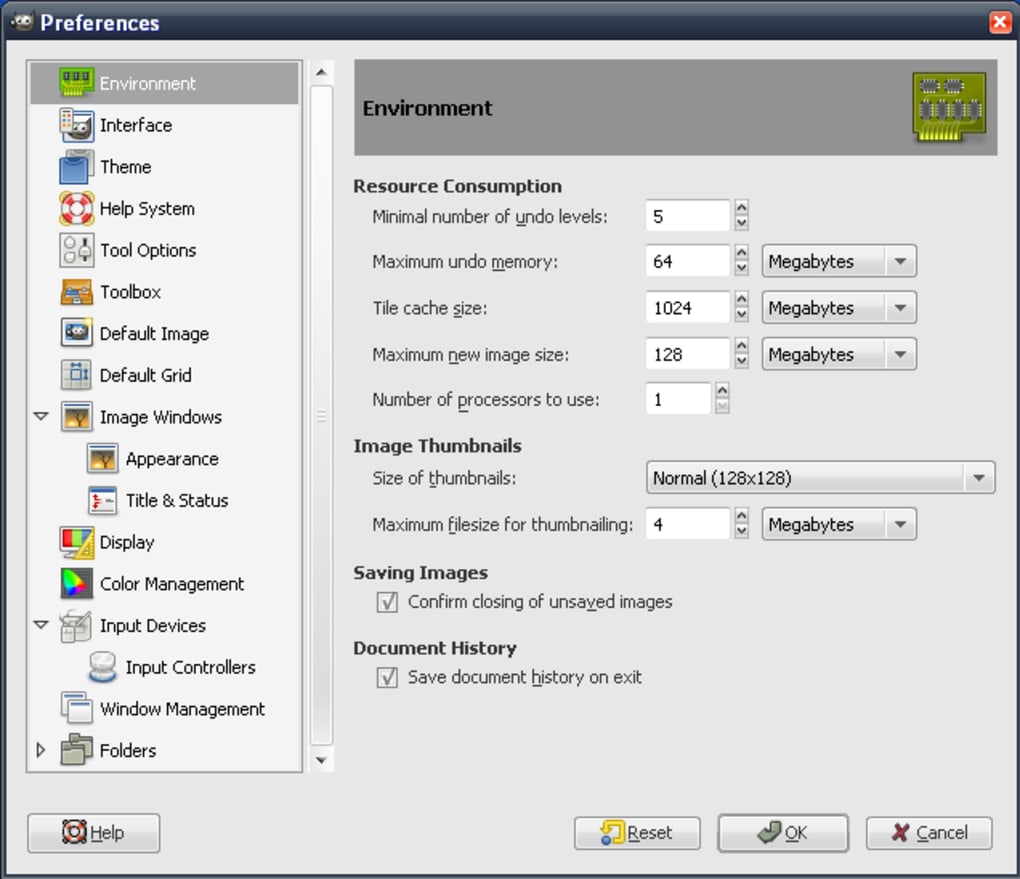
GimPhoto extends beyond simply improving GIMP’s interface. It incorporates a range of additional features designed to enhance productivity and creative control. These include batch processing capabilities, streamlining repetitive edits on multiple images, online backup options for safekeeping precious work, custom brush creation for personalized artistic expression, and a suite of advanced editing tools that provide greater control over image manipulation.
The developers have clearly invested in creating comprehensive help documentation, a crucial aspect often overlooked in free software. This user guide provides detailed explanations, tutorials, and walkthroughs, enabling even novice users to navigate the software’s complexities and unlock its potential. The availability of this extensive support significantly reduces the learning curve and makes GimPhoto more approachable for a broader audience.
Feature Comparison: GimPhoto vs. GIMP vs. Photoshop
While GimPhoto strives to emulate Photoshop, a direct feature-for-feature comparison reveals some inevitable differences. Here’s a breakdown comparing the three software options:
GimPhoto:
- Pros: Improved GIMP interface, integrated GIMP plugins, batch processing, online backups, custom brushes, advanced editing tools, extensive help documentation.
- Cons: Still less intuitive than Photoshop, lacks some advanced Photoshop features, may experience performance issues with very large images or complex edits.
GIMP:
- Pros: Powerful and versatile, extensive plugin support, completely free and open-source, highly customizable.
- Cons: Steep learning curve, less intuitive interface compared to Photoshop, can be resource-intensive.
Photoshop:
- Pros: Industry-standard software, comprehensive feature set, unparalleled performance and stability, extensive community support and resources, highly polished user interface.
- Cons: Expensive, subscription-based model, can be resource-intensive.
The key takeaway is that GimPhoto occupies a middle ground. It aims to provide a powerful and versatile image editor with a more accessible interface than GIMP, while acknowledging that it cannot fully match Photoshop’s comprehensive feature set and polished user experience. However, for users seeking a free alternative to Photoshop who find GIMP too challenging, GimPhoto presents a compelling option.
GimPhoto’s Strengths and Limitations
GimPhoto leverages GIMP’s robust engine while addressing some of its usability issues. This approach results in a program that offers many powerful editing tools at no cost. The inclusion of numerous GIMP plugins out of the box significantly expands its functionality compared to a vanilla GIMP installation. This is a major advantage for users who might be intimidated by the complexities of managing and configuring plugins independently.
The improved interface is a clear highlight. The menu structure and tool organization are significantly more intuitive and less overwhelming compared to GIMP. This enhances workflow and allows for faster task completion. The user guide further reinforces this accessibility, providing a solid learning resource for newcomers.
However, certain limitations are inevitable. While GimPhoto integrates many GIMP plugins, it doesn’t encompass the entirety of GIMP’s plugin ecosystem. This means some niche features or highly specialized tools available in GIMP may be absent. Furthermore, it’s unlikely that GimPhoto will ever fully match the sheer breadth of features found in Photoshop, particularly in areas like advanced masking, 3D editing, and advanced compositing techniques.
Performance can also be a factor. While generally efficient, GimPhoto might experience performance hiccups when dealing with exceptionally large images or complex projects. This is a common challenge for many free and open-source image editing programs.
Who is GimPhoto For?
GimPhoto caters to a specific segment of users:
- Users seeking a free Photoshop alternative: Those unwilling or unable to afford Photoshop but require a more user-friendly alternative to GIMP will find GimPhoto’s improved interface and plugin integration highly attractive.
- GIMP users seeking improved usability: Existing GIMP users who appreciate its power but find the interface cumbersome might find GimPhoto a welcome improvement.
- Casual image editors: Individuals needing image editing capabilities beyond basic tools but without the need for Photoshop’s advanced features will find GimPhoto suitable for tasks such as photo retouching, simple image manipulation, and basic graphic design.
- Educators and students: The free and accessible nature of GimPhoto makes it a valuable tool for educational settings, providing students with a practical alternative to expensive professional software.
However, GimPhoto might not be ideal for:
- Professional photographers or graphic designers: Individuals requiring the full range of features and performance offered by Photoshop will likely find GimPhoto’s capabilities insufficient for their advanced workflow needs.
- Users needing highly specialized tools: If specific GIMP plugins not included in GimPhoto’s default package are essential, users may need to explore GIMP directly.
- Users demanding optimal performance with very large files: Users routinely working with massive image files and complex edits might experience performance bottlenecks in GimPhoto.
Conclusion: A Valuable Addition to the Free Image Editing Landscape
GimPhoto fills a crucial niche in the world of free image editing software. It cleverly leverages GIMP’s powerful engine while significantly enhancing its user experience. While it doesn’t entirely replace Photoshop, it provides a strong alternative for those seeking a more accessible and user-friendly solution without the associated cost. Its improved interface, integrated plugins, and helpful documentation make it a valuable option for casual users, students, and anyone seeking a free, more intuitive alternative to GIMP. The inclusion of batch processing and online backups further enhances its practicality. While it has limitations compared to Photoshop, GimPhoto is a significant step forward in bridging the gap between free and professional-grade image editing software.
File Information
- License: “Free”
- Latest update: “July 10, 2023”
- Platform: “Windows”
- OS: “Windows 8”
- Language: “English”
- Downloads: “19.7K”
- Size: “27.31 MB”


