
GlovePIE is a powerful and surprisingly versatile piece of software that acts as a joystick and glove emulator. While its name might suggest a niche application, its capabilities extend far beyond simple joystick emulation, offering a robust and customizable solution for gamers and developers alike. Originally conceived as a tool for interacting with data gloves, GlovePIE has evolved into a flexible input mapper, capable of transforming various input devices into substitutes for keyboards, mice, and even specialized controllers. This guide delves into the functionalities, applications, and nuances of GlovePIE, exploring its potential for both casual and dedicated users.
Understanding GlovePIE’s Core Functionality: Emulating Input Devices
At its heart, GlovePIE is a scripting-based input emulator. It allows users to map the movements and button presses of diverse input devices—ranging from standard joysticks and gamepads to more specialized hardware like data gloves (like the original Essential Reality P5 Glove, although support now extends to many others such as WorldViz, InterSense, 5DT, Polhemus, eMagic, and Ascension) and even the Nintendo Wiimote—to specific keyboard keys, mouse actions, and other system inputs. This means you can effectively use one input device to control aspects of a game or application that might typically require a different input device entirely.
This functionality stems from GlovePIE’s unique programming language, which, despite its appearance, is surprisingly accessible. While it might seem intimidating at first glance, the software comes equipped with a helpful tutorial and comprehensive documentation to guide users through the process of creating and customizing input mappings. Even without prior programming experience, users can leverage the provided sample scripts and modify them to suit their needs. This makes the program accessible to a wide range of users, from those with basic computer knowledge to experienced programmers seeking more advanced customization options.
The software’s lightweight nature also makes it highly portable. Its small size ensures minimal impact on system resources, making it suitable for use on older machines and those with limited processing power.
Beyond Basic Emulation: Unleashing the Power of Macros and Custom Scripts
While GlovePIE excels at basic input mapping, its true power lies in its ability to create complex macros and custom scripts. The software’s scripting environment allows users to define sequences of actions triggered by specific input events. This opens up a vast array of possibilities for automating tasks, creating custom control schemes, and overcoming limitations imposed by games or applications that lack built-in support for certain input devices.
For instance, a user could create a script that maps a series of complex button combinations on a gamepad to a single button press, simplifying complex in-game actions. Similarly, the emulator can transform the subtle movements of a data glove into finely controlled cursor movements or other actions within a game or application. The possibilities are limited only by the user’s creativity and understanding of the GlovePIE scripting language. This advanced level of customization makes GlovePIE an exceptionally powerful tool for users who need highly tailored input solutions.
GlovePIE’s Ease of Use and Accessibility for Beginners
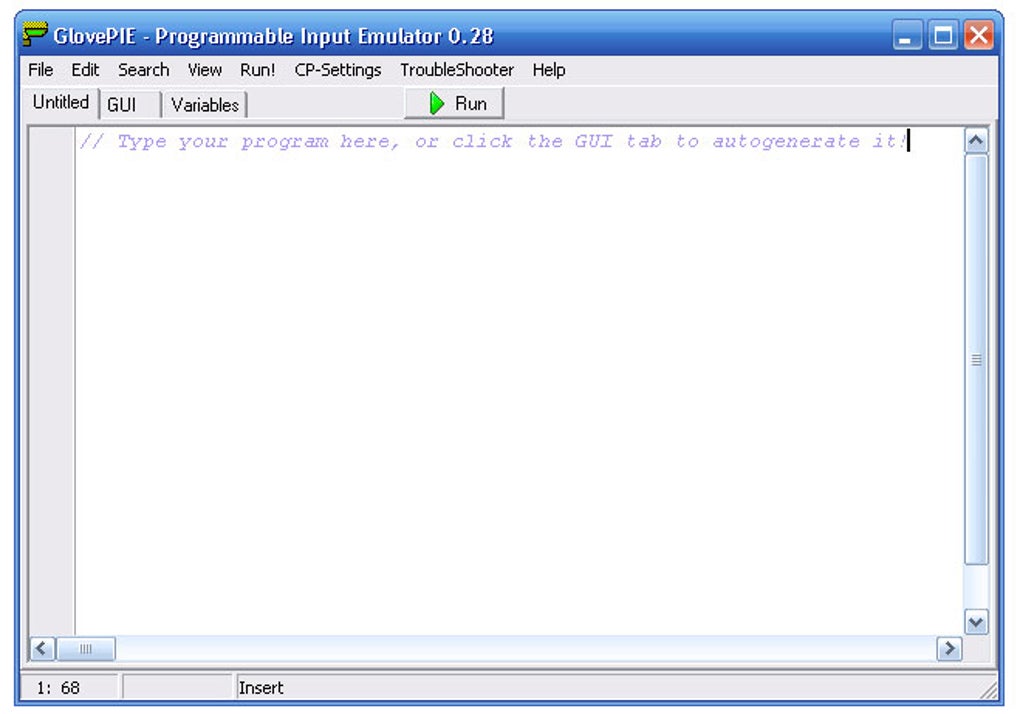
Despite its advanced capabilities, GlovePIE maintains a surprisingly user-friendly interface. The program’s intuitive setup process involves simply extracting the archived files to a chosen directory. While the main interface might resemble a code editor, the program’s numerous examples and comprehensive help section significantly lower the barrier to entry. The provided sample scripts offer a practical starting point, allowing beginners to explore the software’s functionality without needing in-depth programming knowledge.
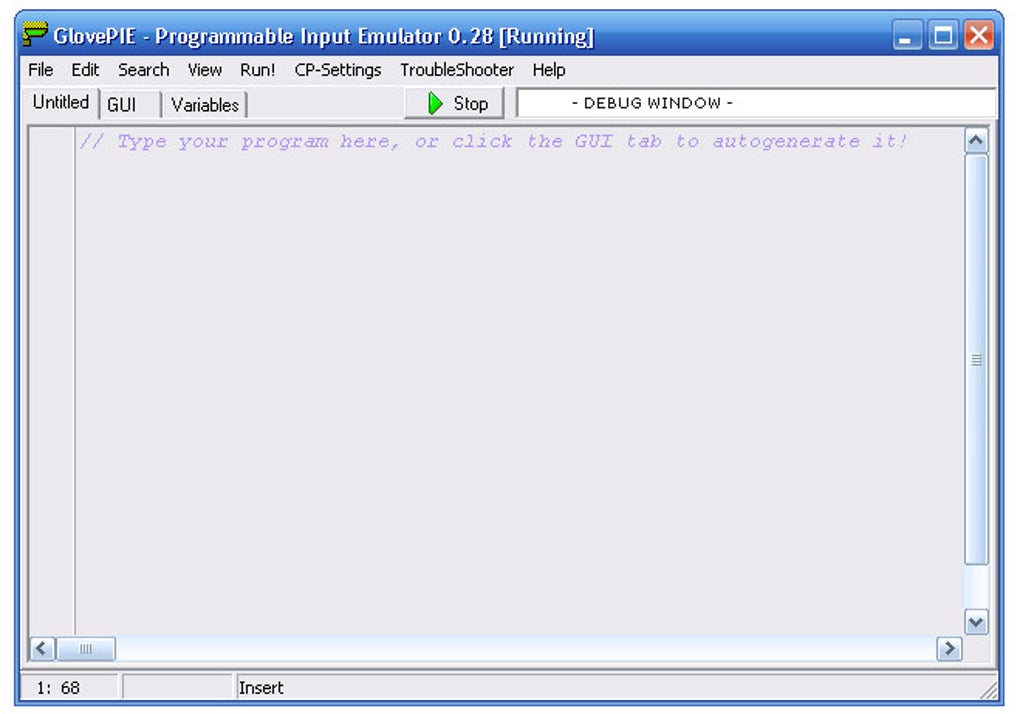
This focus on user accessibility is particularly commendable. Many similar programs require significant technical expertise to configure. GlovePIE, however, strives to bridge this gap, providing a balance between powerful functionality and user-friendly design. Even users with minimal programming experience can achieve a wide range of customizations using the provided templates and examples, effectively tailoring the input experience to their preferences.
The program’s simple architecture also contributes to its accessibility. Users are not burdened with complex configurations or settings; they can quickly get started by defining input mappings and running scripts.
Addressing Limitations and Potential Issues: Occasional Lags and Compatibility
While GlovePIE offers considerable advantages, it’s important to acknowledge its limitations. One potential drawback is the occurrence of occasional input lag, although this is more noticeable on older systems. Newer machines generally experience minimal disruption, and the benefits of GlovePIE’s customization often outweigh this minor inconvenience.
Compatibility should also be considered. While GlovePIE supports a wide range of devices and operating systems (Windows 98 and above), optimal performance and access to the latest features are best achieved on more modern PCs. Users should check the program’s documentation for compatibility information pertaining to specific devices and software before using GlovePIE.
The use of a custom scripting language also presents a learning curve. While user-friendly, learning the ins and outs of the language will take time and effort for users accustomed to more visually oriented configuration tools. However, the depth of control this affords makes the learning process worthwhile for those seeking the ultimate level of customization.
GlovePIE: A Versatile Tool for Diverse Applications
GlovePIE’s functionality extends beyond gaming. Its ability to remap input devices makes it a useful tool for various applications. For instance, individuals with physical limitations could use GlovePIE to map simplified inputs to complex actions, making software or hardware more accessible. Similarly, it could facilitate specialized control schemes for individuals working with assistive technologies.

Beyond specialized uses, GlovePIE’s macro capabilities can streamline workflow processes for any application involving repetitive actions. By creating custom scripts, users can automate complex sequences of keystrokes and mouse clicks, significantly improving efficiency and reducing the risk of errors. This makes GlovePIE a versatile tool for anyone seeking to optimize their computer interactions.
In the realm of gaming, GlovePIE provides an invaluable resource for overcoming compatibility issues, creating unique control schemes, and expanding the functionality of available input devices. Its ability to emulate a wide array of devices removes the need for expensive, specialized controllers, opening up a world of gaming possibilities for users on a budget.
Conclusion: A Powerful and Flexible Tool for Gamers and Beyond
GlovePIE stands out as a powerful and surprisingly accessible tool for remapping input devices. Its intuitive interface and extensive documentation make it manageable for users of all technical skill levels, while its advanced scripting capabilities empower advanced users to create highly customized solutions. The software’s versatility extends beyond gaming, offering potential applications in accessibility, productivity, and various other fields.
While occasional lag and the need to learn its custom scripting language present minor limitations, GlovePIE’s benefits—particularly its flexibility and ease of use—far outweigh these drawbacks. For anyone seeking a comprehensive and customizable solution for remapping input devices, GlovePIE represents a compelling and highly capable option. Its unique blend of power and accessibility makes it a tool worth exploring for both casual and serious users alike.
File Information
- License: “Free”
- Latest update: “July 8, 2024”
- Platform: “Windows”
- OS: “Windows Vista”
- Language: “English”
- Downloads: “169.1K”
- Size: “4.32 MB”


