
GNS3 is a powerful, free, and open-source graphical network simulator widely used by network engineers, IT professionals, and students to design, build, and test virtual network topologies. Its versatility allows for the simulation of everything from a single workstation to complex enterprise-level networks incorporating Cisco routers and switches. This detailed guide explores GNS3’s features, applications, advantages, and limitations.
Primary Purpose and Functionality: Visualizing and Simulating Networks
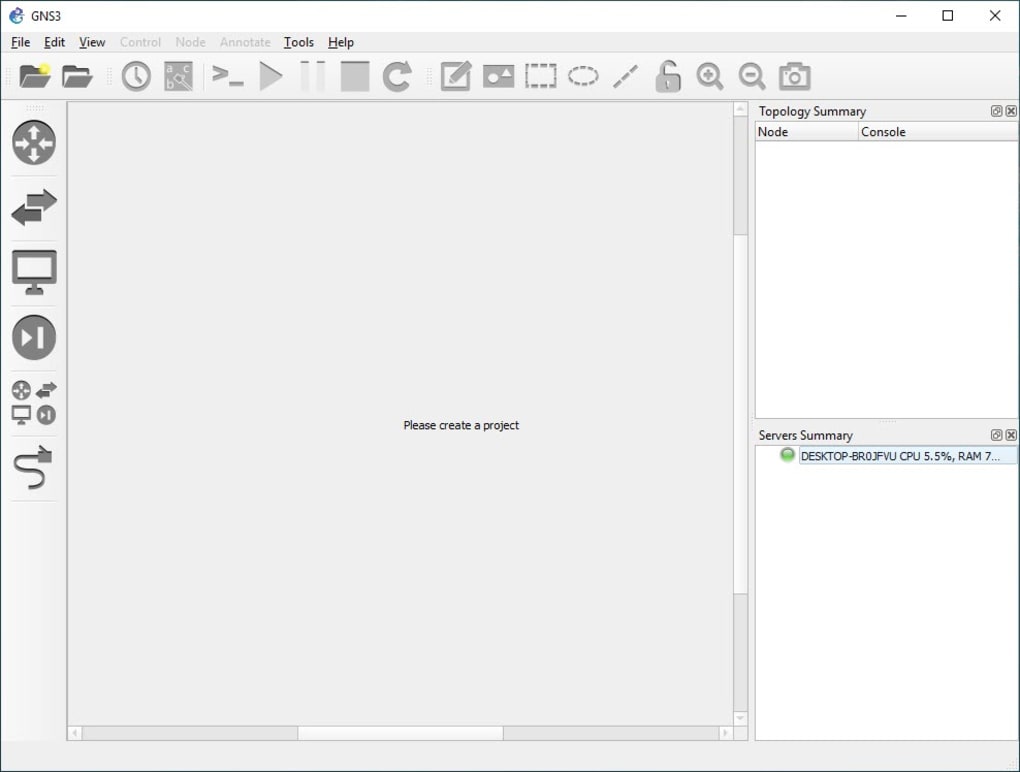
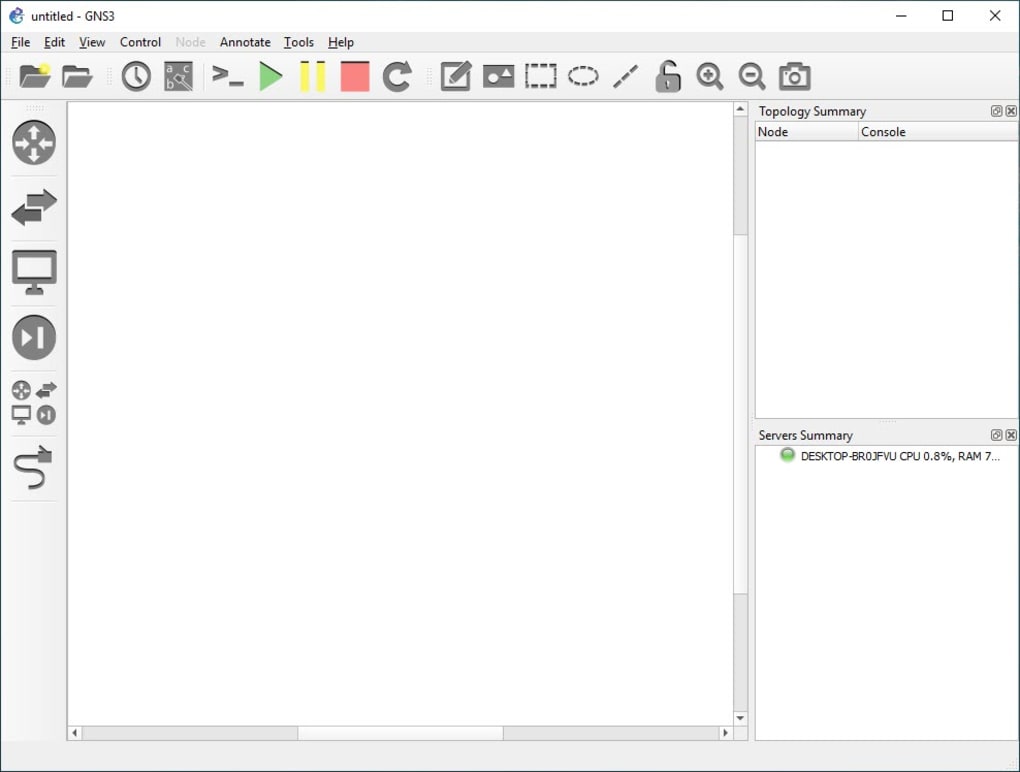
At its core, GNS3 provides a user-friendly graphical interface for visualizing and manipulating network configurations. Unlike text-based network simulators, GNS3 offers a drag-and-drop environment where users can visually construct network topologies by adding and connecting various network devices. This intuitive visual representation significantly simplifies the process of designing and troubleshooting networks. The real-time feedback provided by GNS3 allows users to observe the immediate effects of configuration changes, facilitating rapid iteration and problem-solving.
The software supports a wide range of network devices, including routers, switches, firewalls, and servers. Users can configure these virtual devices with realistic settings, mirroring real-world network configurations. This ability to accurately mimic real-world scenarios makes GNS3 an invaluable tool for learning, testing, and experimentation. For example, network engineers can use GNS3 to design and test complex network configurations before deploying them in a production environment, minimizing the risk of costly errors. Similarly, students can use GNS3 to learn and practice network configuration and troubleshooting skills in a safe and controlled environment, without the need for expensive hardware.
The simulator also allows for the integration of real network hardware through the use of QEMU and VirtualBox, enabling users to test the interaction between virtual and physical devices. This hybrid simulation capability bridges the gap between virtual and physical networks and facilitates the testing of real-world scenarios with real hardware.
The software’s open-source nature ensures continuous development and improvement, with frequent updates introducing new features and enhancements. The community-driven nature of GNS3 fosters collaboration and shared learning, leading to a wealth of online resources and support for users.
Advanced Applications: Emulation, Code Modification, and Collaboration
Beyond its primary function as a network visualization tool, GNS3 offers several advanced features that extend its utility. One key feature is its emulation mode, which allows users to simulate the behavior of network devices under various conditions. This is particularly valuable for bench-testing new network configurations or troubleshooting existing networks. By emulating realistic network scenarios, users can identify and resolve potential problems before they affect the production environment.
Furthermore, GNS3 provides access to the source code of the emulated devices, giving experienced users the capability to modify and customize the simulation. This level of control allows for the creation of highly specialized simulations tailored to specific needs, expanding the range of scenarios that can be tested. This advanced functionality, however, requires a strong understanding of networking and programming concepts.
The collaborative aspect of GNS3 should not be overlooked. The ability to share and collaborate on network designs and simulations streamlines teamwork and accelerates project completion. This shared workspace promotes better communication and understanding amongst team members, improving the quality of network designs and reducing development time.
Advantages and Disadvantages of Utilizing GNS3
GNS3 offers several significant advantages over traditional network simulation methods:
- Graphical User Interface: The intuitive drag-and-drop interface simplifies the design and configuration of complex networks.
- Realistic Simulation: GNS3 closely mirrors the behavior of real-world network devices, ensuring accurate simulation of network behavior.
- Open-Source and Free: GNS3 is freely available, eliminating the cost associated with commercial network simulation software. This makes it accessible to a wider range of users, including students and individuals.
- Emulation Mode: The built-in emulation mode allows for extensive testing and troubleshooting of network configurations.
- Code Modification: The ability to modify the source code provides advanced users with unparalleled control over the simulation.
- Community Support: A large and active community provides ample resources and support for users.
- Cross-Platform Compatibility: GNS3 is available on multiple operating systems, ensuring broad accessibility.
Despite its numerous advantages, GNS3 also presents some limitations:
- System Resource Requirements: Running complex simulations can require significant computing resources, potentially affecting system performance.
- Learning Curve: While the interface is relatively user-friendly, mastering GNS3’s advanced features requires a certain level of technical expertise, especially for code modification.
- Dependencies: GNS3 relies on other software components, such as VirtualBox or VMware, adding complexity to the setup process.
- Limited Hardware Support: While GNS3 can integrate with some real hardware, its support for physical devices is not as extensive as some commercial solutions.
GNS3 Compared to Alternative Network Simulators
GNS3 stands out among network simulators due to its comprehensive feature set, open-source nature, and intuitive graphical interface. However, several alternative simulators exist, each with its strengths and weaknesses. Cisco Packet Tracer, for example, is a popular choice for educational purposes, offering a simplified interface and pre-built templates. However, it lacks the advanced features and flexibility of GNS3. Other alternatives, such as VMware Workstation Pro, offer virtual machine capabilities but lack the dedicated networking simulation focus of GNS3. The choice of simulator ultimately depends on the specific needs and experience level of the user. For those requiring advanced features, extensive customization options, and a large community support network, GNS3 remains a top contender.
Conclusion: A Powerful Tool for Network Professionals and Students Alike
GNS3 provides a powerful and versatile platform for network design, simulation, and testing. Its intuitive graphical interface, open-source nature, and extensive feature set make it an invaluable tool for network professionals and students alike. While the software does have a learning curve and requires some technical knowledge, the benefits it provides in terms of cost savings, enhanced learning, and improved network design far outweigh any limitations. The ability to simulate complex networks, test different configurations, and troubleshoot potential problems before deployment makes GNS3 a must-have tool for anyone involved in network design, management, or learning. Its continuous development, driven by an active community, ensures that GNS3 remains a cutting-edge and relevant tool in the ever-evolving landscape of networking technology.
File Information
- License: “Free”
- Latest update: “May 24, 2023”
- Platform: “Windows”
- OS: “Windows 10”
- Language: “English”
- Downloads: “15.4K”


