
GnuWin is a free utility software designed to bring the power of GNU tools and other open-source utilities to the Windows environment. It provides Win32 versions of a wide range of tools, all under similar open-source licenses. Unlike emulators like Cygwin or MSys, GnuWin uses native ports, meaning it relies solely on libraries included with modern 32-bit Windows operating systems (such as Windows 2000, XP, Vista, and 7). This approach avoids the overhead and potential compatibility issues associated with emulation layers. This makes it a lightweight and efficient option for users needing access to GNU utilities without resorting to a full-blown Unix-like environment. The software package comprises numerous tools categorized broadly into GNU utilities, archive management and compression, graphics manipulation, and text processing. This comprehensive collection provides users with a powerful set of command-line tools often preferred by developers and system administrators for their flexibility and control.
Understanding GnuWin’s Functionality and Features
GnuWin’s core strength lies in its provision of native Win32 ports of GNU tools. This ensures optimal performance and compatibility with the Windows operating system. The absence of an emulation layer significantly reduces the system resources required, resulting in a faster and more responsive experience. The inclusion of diverse tools across various categories caters to a wide range of user needs. From basic text processing to advanced image manipulation, GnuWin provides a centralized hub for accessing these essential utilities. Each package included within GnuWin is carefully maintained and updated to ensure functionality and security. The software’s dedication to open-source principles is evident in its consistent provision of source code, documentation, and import libraries for common compilers like MSVC and BCC. This transparency and commitment to open-source ideals foster trust and allows experienced users to adapt and modify the tools to their specific needs.
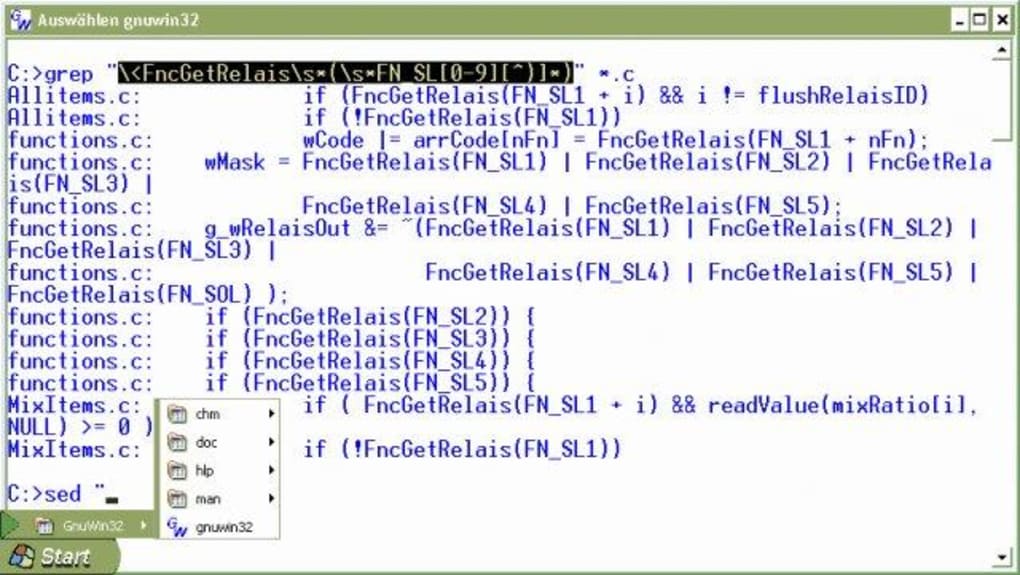
The software’s approach to dependency management is a crucial aspect of its design. Users must be aware that many of the packages included have dependencies – meaning they rely on other files or libraries to function correctly. This means simply extracting and running an executable might not be sufficient; you need to ensure all required components are available before attempting to utilize the software. The msvrct.dll file is a universal requirement across all packages, with some packages needing msvcp60.dll as well. Others may have additional package dependencies. This is a critical consideration during installation, highlighting the importance of understanding the relationships between different GnuWin packages.
Installation and Configuration: A Practical Guide
GnuWin offers two primary installation methods to accommodate diverse user preferences and technical skills. The first method involves using the provided setup programs for each package. This streamlined approach simplifies the installation process by guiding users through a series of steps, automatically handling dependencies. Users can install multiple packages within the same directory for organizational convenience. This approach is ideal for users prioritizing ease of use and a simplified installation experience. It simplifies the task of managing dependencies and significantly reduces the risk of errors related to manual configuration.
The second method offers a more manual approach using individual ZIP files. These files are smaller than the setup programs, allowing for more efficient downloads and storage. However, this method requires the user to manually manage dependencies, ensuring all required files are present and correctly located. This requires a greater level of technical expertise, necessitating a clear understanding of the dependencies of each package. The user must download the required ZIP files, extract them to a chosen directory, and ensure all necessary dependencies are met. This approach offers greater control over the installation process but demands a more hands-on approach.
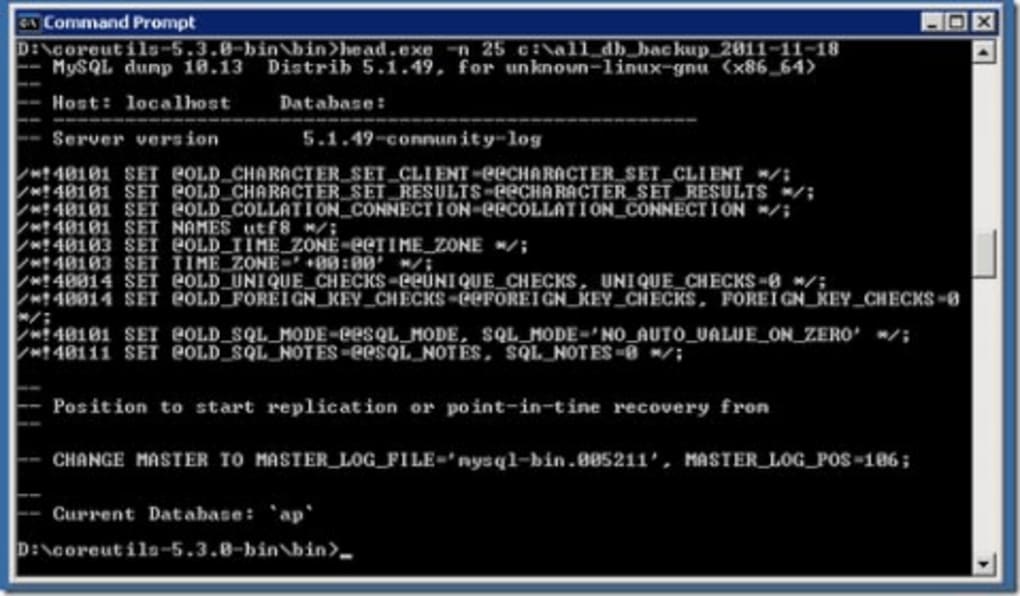
Irrespective of the chosen installation method, a critical post-installation step involves configuring the system’s PATH environment variable to include the directory where GnuWin packages are installed. This is especially important for Windows 10, where GnuWin might not function correctly without this manual configuration step. Failure to perform this configuration will result in the system being unable to locate the GnuWin executables, preventing their successful execution. The exact steps for configuring the PATH variable vary slightly depending on the Windows version, but generally involve accessing system properties and editing the environment variables settings. Detailed instructions are readily available online through various tutorials and guides.
Advantages and Disadvantages of GnuWin
GnuWin presents a compelling solution for users seeking GNU tools within a Windows environment, boasting several advantages. Its most significant benefit is providing native ports of GNU tools, eliminating the performance penalties and compatibility issues common with emulation-based solutions. The availability of source code for each package aligns with open-source principles, fostering transparency and allowing for customization and modification. The provision of compiled documentation enhances usability, making it easier for users to learn and utilize the included tools. Furthermore, the offering of import libraries for MSVC and BCC facilitates integration with popular development environments. This comprehensive feature set makes GnuWin a versatile and powerful tool for various tasks, including software development, system administration, and general-purpose utility tasks.
However, GnuWin also has limitations. The installation and configuration process can be perceived as somewhat cumbersome compared to more user-friendly software. The need for manual dependency management, particularly in the ZIP file installation method, increases the technical barrier to entry. The lack of out-of-the-box compatibility with Windows 10, requiring manual PATH configuration, adds to the complexity. While experienced users might find these aspects manageable, novice users could face initial challenges. These factors should be considered when choosing GnuWin, particularly if a simpler, more streamlined solution is desired.
GnuWin: A Comparative Analysis with Alternatives
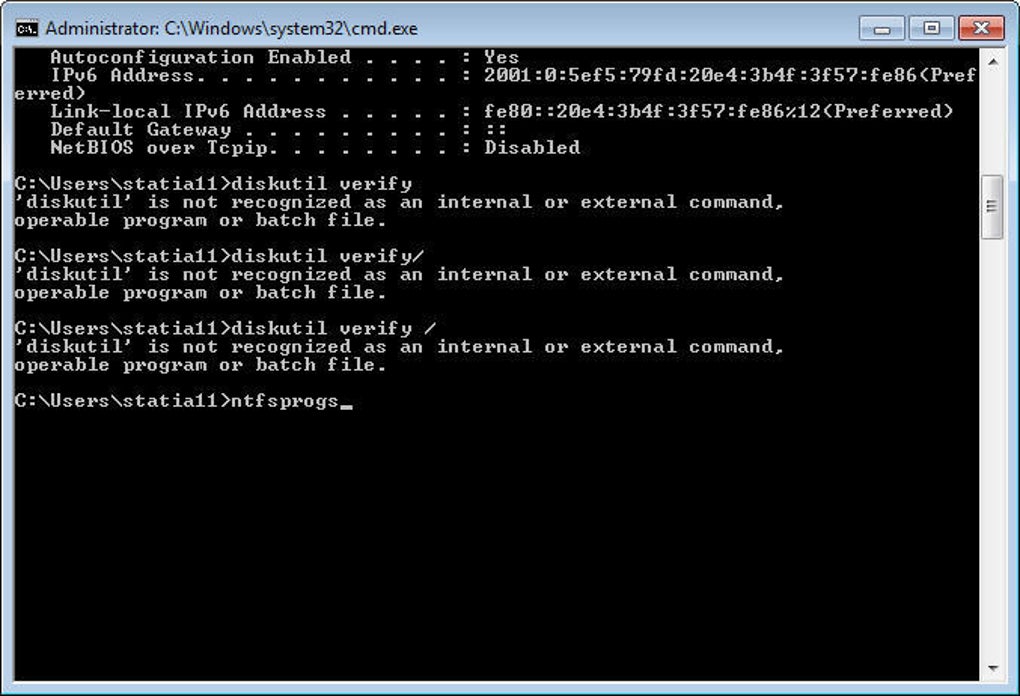
Compared to other solutions that aim to provide GNU tools on Windows, GnuWin distinguishes itself by its reliance on native ports rather than emulation. Alternatives like Cygwin and MSys offer complete Unix-like environments, providing comprehensive compatibility but at the cost of higher resource consumption and a steeper learning curve. GnuWin occupies a niche between these extensive emulators and individual tool installations. It offers a broader collection of tools than installing them individually while remaining significantly lighter in resource utilization compared to a full-fledged emulation environment. The choice between GnuWin and these alternatives depends on the user’s specific needs and technical expertise. If a comprehensive Unix-like environment is required, Cygwin or MSys might be more suitable. If specific GNU tools are needed with minimal resource overhead, GnuWin presents a more efficient choice. Understanding these distinctions helps users make informed decisions based on their specific requirements.
In conclusion, GnuWin offers a viable solution for running GNU tools on Windows machines, providing a lightweight and efficient alternative to emulation-based solutions. While its installation and configuration processes may present a moderate learning curve, the benefits of native ports, comprehensive tool selection, and adherence to open-source principles make it a valuable asset for those proficient in command-line tools and open-source software. Weighing the advantages and disadvantages carefully will allow users to determine if GnuWin aligns with their needs and technical capabilities.
File Information
- License: “Free”
- Version: “4.2.1”
- Latest update: “July 15, 2022”
- Platform: “Windows”
- OS: “Windows 10”
- Language: “English”
- Downloads: “1.1K”
- Size: “2.04 MB”


