
GoAnimate, a mobile animation application, once offered users a simplified way to create animated films using their smartphones. While no longer available for download, its legacy as an accessible entry point into animation deserves a closer look. This article explores its features, user experience, and ultimately, why it may have been removed from app stores. We’ll also consider viable alternatives available today.
GoAnimate’s Functionality and User Interface
GoAnimate was designed with ease of use as its primary focus. Its intuitive interface aimed to streamline the animation process, making it accessible even to complete beginners lacking formal animation training. The app presented a straightforward workflow, guiding users through a series of simple steps to create their animated clips. This beginner-friendly approach was a key differentiator.
The creation process typically began with selecting a background from the app’s library of pre-made options. Users then chose their characters from a diverse selection, featuring familiar faces from popular TV shows and video games, adding a degree of recognition and engagement. This pre-built asset library was a significant time saver, eliminating the need for users to create everything from scratch. Importantly, GoAnimate also allowed users to upload their own custom images and characters, adding a level of personalization absent in many comparable apps of the time.
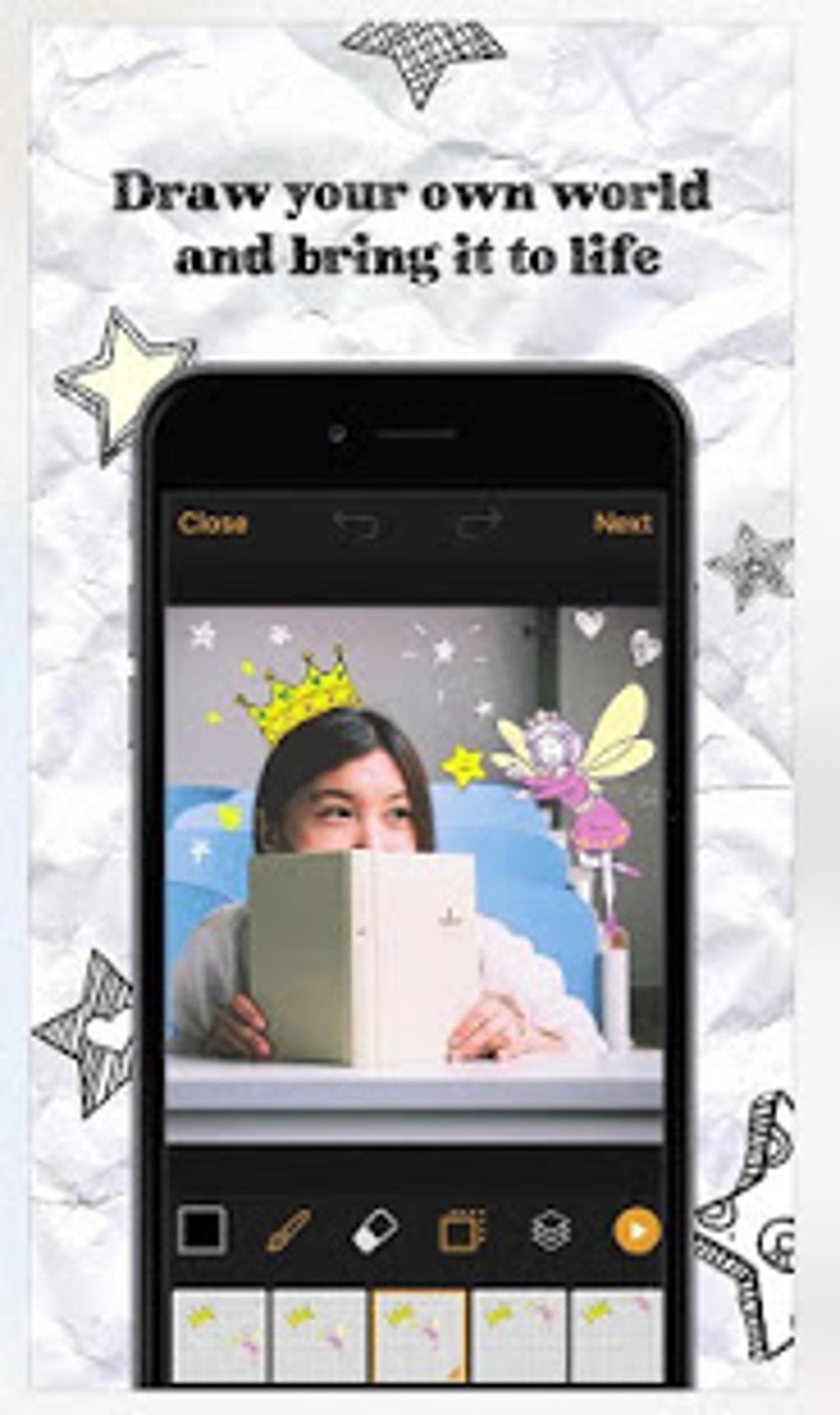
Once the scene was set, users could add movement and actions to their chosen characters. The app provided a range of pre-defined animations, simplifying the process considerably. Users could further enhance their creations with added text overlays, integrating textual elements directly into the animation. Audio integration was another key feature: users could upload their own sound clips or even record their voice, leveraging the app’s automated lip-syncing functionality to match the audio to the characters’ movements.
The Strengths and Weaknesses of GoAnimate
GoAnimate’s ease of use and its extensive library of assets were significant strengths. The optimized workflow allowed users to quickly bring their creative visions to life, often within a relatively short time frame. The availability of pre-made characters, animations, and sound effects lowered the barrier to entry substantially, making animation accessible to a much broader audience. The capability to integrate custom graphics added a personalized touch, further increasing the appeal for users seeking unique creations.
However, GoAnimate also had limitations. Its simplified animation tools resulted in output that was far from professional-grade. The animations often lacked the fluidity and detail of more sophisticated software, resulting in a distinctly low-end aesthetic, suitable for simple projects but less so for ambitious productions. While suitable for casual users or those seeking quick, easily-produced animation, it fell short of the demands of professionals or serious enthusiasts. This trade-off between simplicity and quality was central to GoAnimate’s appeal and its ultimate limitations. The “low-end Youtube video” comparison aptly captures the quality of the animations produced by the app.
GoAnimate’s User Reviews and Reception
User reviews of GoAnimate varied. While many lauded its accessibility and user-friendly design, others criticized its limited features and the relatively poor quality of the finished animations. The overall sentiment reflected its targeted audience: casual users appreciated the simplicity and speed of creation, while more demanding users found its limitations frustrating. The app’s success lay in its ability to cater to a specific user segment – those seeking a quick and easy way to create simple animations without the complexity of professional software.

Why GoAnimate is No Longer Available
The reasons behind GoAnimate’s removal from app stores are not explicitly stated, but several possibilities exist. The app might have been discontinued due to declining user interest, overshadowed by more feature-rich and powerful animation apps that emerged in the marketplace. Alternatively, security vulnerabilities or legal issues could have led to its removal. The lack of transparency surrounding its disappearance leaves room for speculation. Regardless, its absence highlights the dynamic nature of the mobile app landscape, where apps rise and fall based on user demand, technological advancements, and legal considerations.
Alternative Animation Apps
While GoAnimate is no longer available, several alternative mobile animation applications offer comparable or improved features. These alternatives provide a range of options, catering to various skill levels and project scopes. Some key alternatives include:
-
Vyond: Often cited as a successor to GoAnimate, Vyond offers a more polished and professional experience with a wider array of animation styles and features. It’s more expensive than GoAnimate was, but it also provides superior results.
-
Plotagon Story: Focused on storytelling, Plotagon Story allows users to create animated narratives with realistic 3D characters and customizable environments. It’s well-suited for projects emphasizing narrative and character interaction.
-
Animation Desk: This app provides more control over the animation process, appealing to users with some existing animation experience. It allows users to create frame-by-frame animations, enabling a higher degree of artistic control and detail.
- TweenCraft: Designed for both animation and comic creation, TweenCraft offers a versatile platform for creating a variety of visual content. Its features cater to both beginners and more experienced users.
These are just a few examples, and many other apps provide various animation tools and features. The best choice depends on the individual’s experience level, specific needs, and budget. The evolution of mobile animation software has provided users with a wider array of options than was available when GoAnimate was prominent.
Conclusion
GoAnimate served a niche market, offering a simple and accessible way to create basic animations for casual users. While its limitations were apparent, its ease of use was a significant advantage for beginners. Its removal from app stores highlights the competitive nature of the mobile app industry. However, the rise of alternative apps provides users with a broader range of choices, empowering them to create animations that suit their skill levels and project goals. The legacy of GoAnimate lies in its demonstration that simple, accessible animation tools can empower creativity, even if those tools are eventually superseded by more advanced alternatives. Its impact on the animation landscape might be less directly visible now, but its simplified approach left a mark on how users approached mobile animation.
File Information
- License: “Free”
- Version: “1.0”
- Latest update: “May 6, 2025”
- Platform: “Android”
- OS: “Android 9.0”
- Language: “English”
- Downloads: “35.9K”
- Size: “11.01 MB”
- Download Options: “APK, Google Play”
- Filename: “com.animate.goanimate-1.0.apk”


