
Google Calendar is a powerful and versatile scheduling tool that seamlessly integrates into the broader Google ecosystem, offering a user-friendly platform for individuals and organizations to manage their time effectively. Its intuitive interface and extensive feature set make it suitable for a wide range of users, from individuals managing personal appointments to large organizations coordinating complex team projects. This guide will explore Google Calendar’s capabilities, highlighting its key features and functionalities, and demonstrating how it can significantly enhance personal and professional productivity.
Core Functionality and User Interface
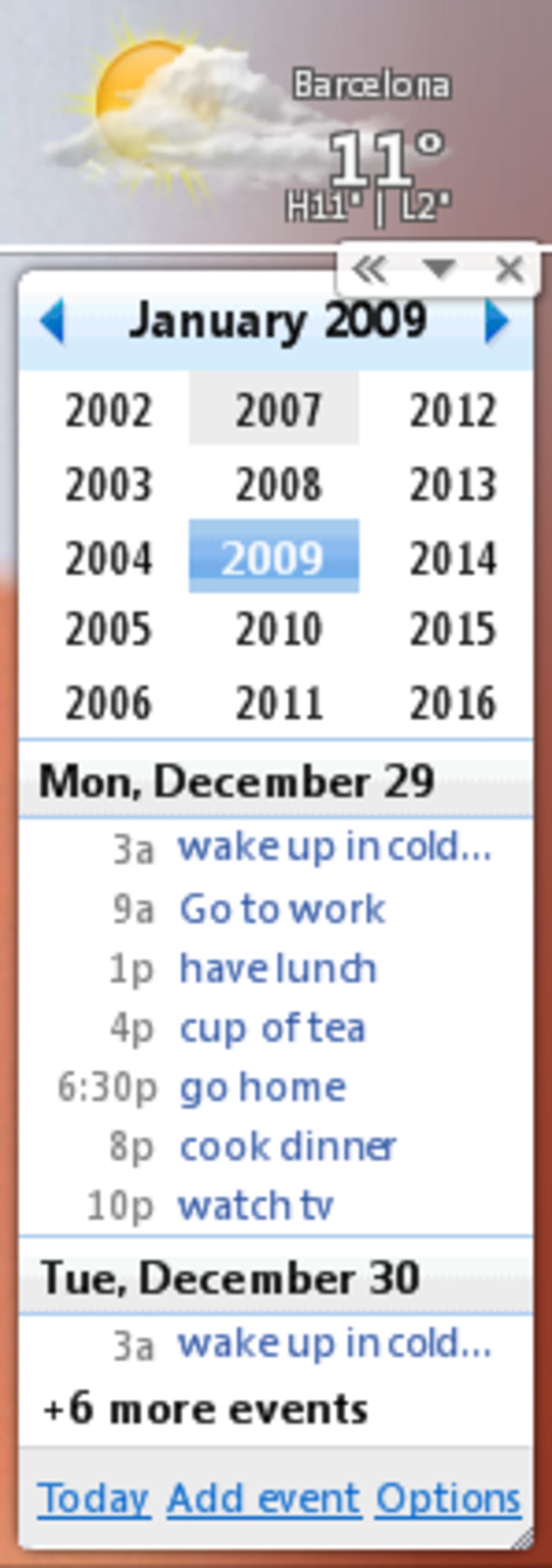
At its heart, Google Calendar is a digital calendar application that allows users to create, edit, and manage events, appointments, and reminders. The interface is designed for simplicity and ease of use, presenting a clear and concise view of scheduled activities. Users can view their calendar in various formats, including daily, weekly, monthly, and yearly views, allowing for different levels of granularity depending on their needs. The ability to customize the display, choosing specific time intervals and focusing on particular days or weeks, enhances the user experience and allows for personalized organization.

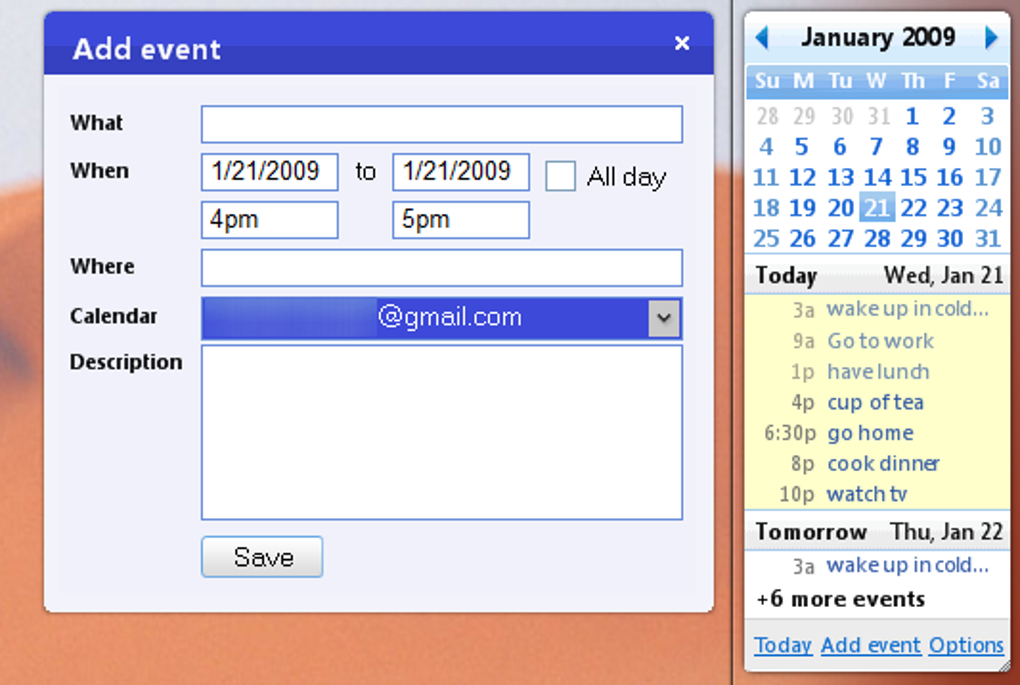
Creating new events is straightforward. Users simply specify a title, date, time, and location, along with any relevant details. Google Calendar also allows for recurring events, making it easy to schedule appointments that repeat on a regular basis, such as weekly meetings or monthly deadlines. Reminders can be set to provide timely notifications, ensuring users don’t miss important engagements. These reminders can be customized to be sent via email, SMS, or as a pop-up notification within the calendar application itself, offering flexibility to suit individual preferences.
Beyond basic scheduling, Google Calendar offers robust search functionality. Users can quickly find specific events or appointments by searching for keywords within the event titles or descriptions. This is particularly useful when managing a large number of events or attempting to locate a specific past event. Furthermore, the calendar integrates smoothly with other Google services, facilitating seamless data exchange and enhancing overall workflow efficiency.
Advanced Features and Integrations
Google Calendar’s versatility extends beyond its core scheduling functions. A range of advanced features elevates its utility for both personal and professional use. These include:
-
Task Management: While primarily a calendar, Google Calendar can also be used for task management. Users can create to-do lists, add tasks to specific events, and track their progress towards completion. This integrated approach consolidates time management and task completion into a single platform.
-
Collaboration and Sharing: One of Google Calendar’s most powerful features is its collaborative capabilities. Users can easily share their calendars with others, allowing for seamless coordination and collaboration. This is particularly beneficial for teams working on projects together, ensuring everyone is aware of upcoming meetings and deadlines. Different sharing permissions can be set, allowing users to control the level of access others have to their calendar data.
-
Integration with Google Workspace: Google Calendar’s seamless integration with other Google Workspace applications, including Gmail, Google Meet, and Google Chat, maximizes productivity. For example, users can create calendar events directly from emails or schedule meetings within Google Meet with a single click. This interoperability eliminates the need to switch between multiple applications, streamlining workflows and saving valuable time.
-
Offline Access: While a web-based application, Google Calendar allows for offline access. This is crucial for users who frequently work without an internet connection, ensuring they can still access and manage their schedules. Any changes made offline are automatically synchronized when an internet connection becomes available.
-
Smart Features: Google Calendar utilizes artificial intelligence to offer intelligent suggestions and automation. It can suggest event titles, locations, and attendees based on previous scheduling patterns, saving time and reducing manual input. The “Find a Time” feature intelligently analyzes the availability of multiple participants to suggest optimal meeting times, eliminating the back-and-forth email exchanges often associated with scheduling group meetings.
-
Customization and Personalization: Google Calendar allows for extensive customization. Users can personalize their calendar’s appearance with custom colors, themes, and labels, enhancing organization and visual appeal. Different calendar views and settings provide further customization, catering to diverse organizational preferences.
Google Calendar for Specific Use Cases
Google Calendar’s flexibility makes it applicable across various use cases:
-
Personal Use: Individuals can utilize Google Calendar to manage personal appointments, birthdays, anniversaries, and other important events. Setting reminders ensures timely action and prevents missed commitments. The integration with other Google services further enhances the overall user experience.
-
Professional Use: In professional settings, Google Calendar facilitates efficient project management, scheduling meetings, coordinating team activities, and tracking deadlines. The collaborative features ensure smooth teamwork, and the integration with email and video conferencing streamlines communication.
-
Educational Use: Educators and students alike can leverage Google Calendar for managing class schedules, assignments, exams, and other academic activities. Shared calendars facilitate collaboration between teachers and students, promoting effective communication and organization.
-
Business Use: Organizations benefit from Google Calendar’s enterprise-level features, providing tools for managing complex schedules, coordinating large teams, and streamlining communication. Integration with other Google Workspace applications provides a unified platform for increased productivity and reduced administrative overhead.
Comparison with Alternative Calendar Applications
While Google Calendar dominates the market, several alternative calendar applications exist. However, Google Calendar’s strength lies in its comprehensive feature set, seamless integration with the Google ecosystem, and extensive user base. While other applications might offer specific niche features, Google Calendar’s broad appeal and user-friendly interface make it a preferred choice for many.
Troubleshooting and Support
Google Calendar’s extensive online help resources, including FAQs, tutorials, and community forums, provide comprehensive support. Most user issues can be easily resolved through these resources. For more complex issues, Google offers customer support channels to assist users with technical difficulties or account-related problems.
In conclusion, Google Calendar stands out as a leading time management and scheduling application, seamlessly blending intuitive design with powerful features. Its versatility, robust integration, and extensive customization options make it a valuable tool for individuals and organizations seeking to enhance their productivity and efficiency. From managing personal appointments to coordinating complex team projects, Google Calendar provides a comprehensive solution for all scheduling needs.
File Information
- License: “Free”
- Latest update: “March 25, 2025”
- Platform: “Windows”
- OS: “Windows Vista”
- Language: “English”
- Downloads: “98K”
- Size: “113.07 KB”


