
Google Contacts is a ubiquitous contact management application deeply integrated within the Google ecosystem. Serving as a central hub for contact information, it offers users a streamlined approach to organizing, accessing, and managing their personal and professional connections across various devices. This review delves into the features, strengths, weaknesses, and overall user experience of Google Contacts, providing a comprehensive assessment of its capabilities.
Core Functionality and User Interface
At its core, Google Contacts functions as a cloud-based address book. This means your contacts are stored securely on Google’s servers and synchronized across all devices where you’re logged into your Google account. This seamless synchronization is arguably the app’s most significant advantage, ensuring consistent access to your contacts regardless of whether you’re using a smartphone, tablet, computer, or other devices within the Google ecosystem. The app’s interface is intentionally minimalist and intuitive, prioritizing ease of use over extensive feature sets.
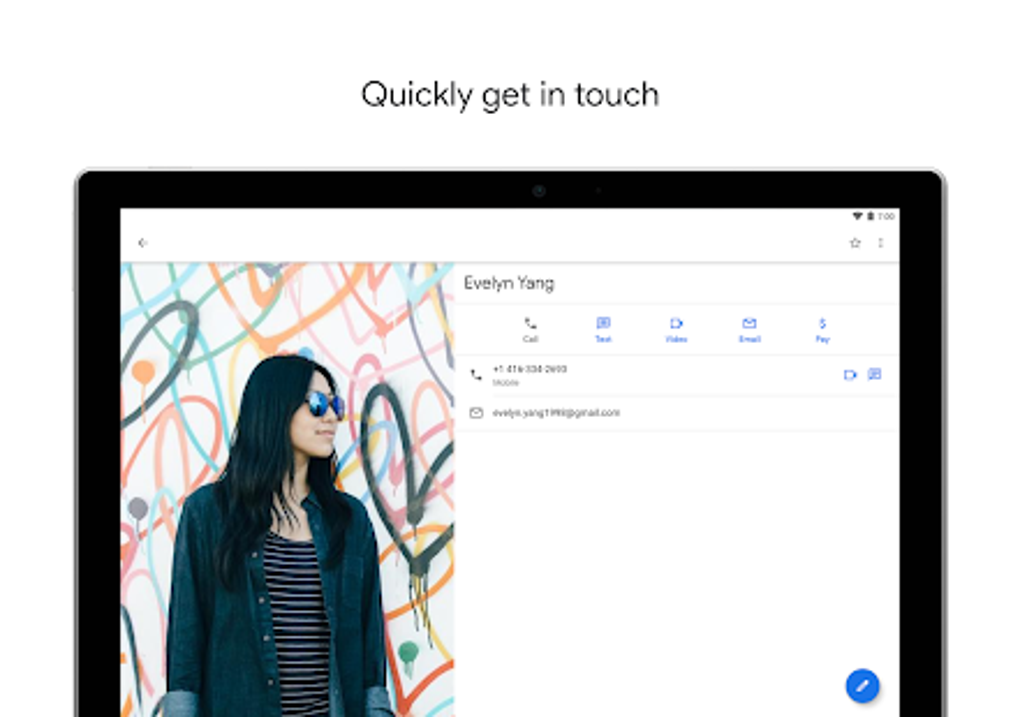
The user interface is characterized by a clean, uncluttered design. Finding and managing contacts is straightforward, with a simple search bar allowing for quick lookups by name, phone number, or email address. Navigation is intuitive, and the app efficiently displays contact details, including names, phone numbers, email addresses, physical addresses, and any custom fields you may have added. The ability to group contacts using custom labels provides enhanced organizational capabilities, allowing users to segment their contacts based on personal or professional relationships, projects, or any other relevant criteria.
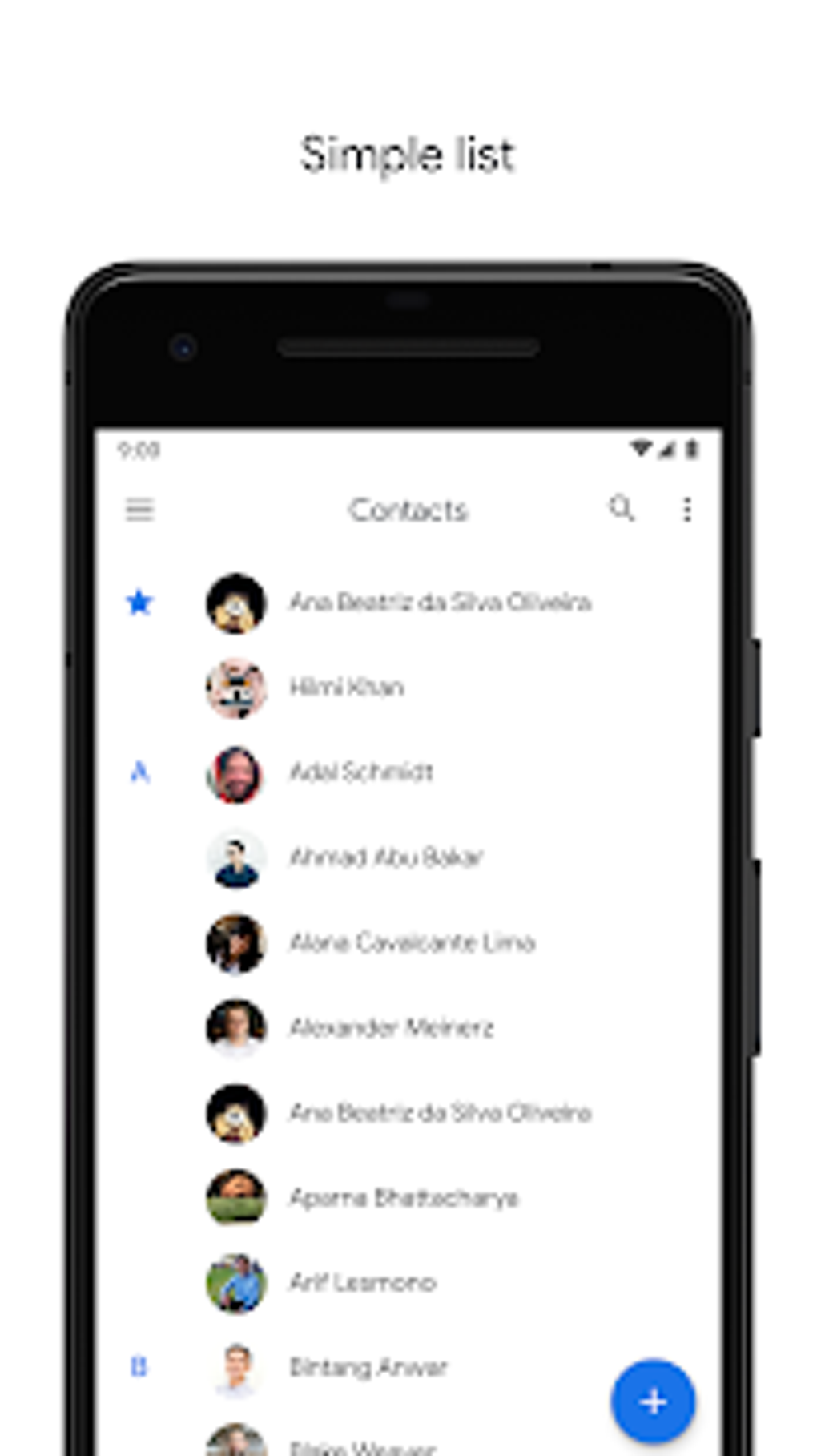
Beyond basic contact display and retrieval, Google Contacts provides core editing capabilities. Users can easily add, modify, or delete contact information. The app also actively suggests merging duplicate contacts, a helpful feature for those who may have inadvertently created multiple entries for the same individual. This automated suggestion minimizes the likelihood of redundant data, ensuring a cleaner, more manageable contact list. The app further supports importing and exporting contacts in various formats, facilitating data transfer between Google Contacts and other contact management applications or platforms.
Integration with Google Services and Ecosystem
Google Contacts’ tight integration with other Google services is a significant advantage. Seamless interoperability with Gmail, Google Calendar, and other Google Workspace applications is a hallmark of the app’s functionality. This integration streamlines various tasks, such as directly adding a contact from an email or scheduling a calendar event based on a contact’s details. This interconnectedness eliminates the need for manual data entry across different Google platforms, reducing redundancy and enhancing overall efficiency.
This deep integration extends beyond individual apps. For instance, if you add a new contact on your Android phone using Google Contacts, that contact will instantly appear on your desktop computer, your tablet, and any other device signed in with the same Google account. This consistent data availability across multiple platforms is a cornerstone of Google Contacts’ design and greatly enhances its practical utility. This cross-platform synchronization is handled transparently in the background, ensuring that the user doesn’t have to actively manage data transfers or updates.
Advanced Features and Limitations
While Google Contacts excels in providing essential contact management tools within a user-friendly interface, it admittedly lacks some advanced features found in competing applications. For example, there’s no robust system for managing contact groups beyond simple labeling. Some users may find the absence of features like sophisticated filtering, advanced search options, or integration with third-party applications to be limiting.
Another area where Google Contacts could be improved is the handling of large contact lists. While performance generally remains acceptable even with numerous contacts, there’s room for optimization. Improved search algorithms and indexing techniques could further speed up searches, particularly within very large contact databases. The absence of robust customization options, such as the ability to create custom contact fields beyond the pre-defined options, also restricts the app’s adaptability to the specific needs of all users.
Security and Privacy Considerations
Given the cloud-based nature of Google Contacts, security and privacy are paramount considerations. Google employs industry-standard security measures to protect user data, including encryption both in transit and at rest. This helps ensure that your contact information remains confidential and protected from unauthorized access. Nevertheless, users should always be mindful of their personal data and practice good security habits, such as using strong passwords and enabling two-factor authentication for their Google accounts.
Furthermore, the app’s privacy settings allow users to control the level of data sharing with other applications and services. Understanding and appropriately configuring these settings is crucial for maintaining the desired level of privacy. Google’s privacy policies provide further details on the types of data collected and how it’s used, enabling users to make informed choices about their data handling preferences.
Comparison with Other Contact Managers
Google Contacts directly competes with various other contact management applications and services. While it may lack the advanced feature sets of some dedicated business-oriented applications, it holds a significant advantage through its tight integration within the Google ecosystem and its widespread accessibility. For users already heavily invested in the Google ecosystem, Google Contacts is often the most seamless and convenient option, providing a consistent experience across multiple devices and platforms. However, those requiring highly specialized features or deep integrations with non-Google applications might find alternative solutions more suitable.
Conclusion
Google Contacts provides a robust and user-friendly approach to contact management, leveraging the benefits of cloud synchronization and Google ecosystem integration. Its intuitive interface and seamless integration with other Google services make it a practical choice for everyday use. While it lacks certain advanced features found in niche contact managers, its ease of use, cross-platform compatibility, and reliable synchronization capabilities make it an effective tool for many users. The app’s strength lies in its simplicity and integration, making it a convenient option for those who prioritize accessibility and seamless data management across multiple devices within the Google ecosystem. However, users with highly specialized needs or preferences for advanced features might find alternative contact management solutions better suited to their individual requirements.
File Information
- License: “Free”
- Latest update: “July 19, 2025”
- Platform: “Android”
- OS: “Android 13.0”
- Language: “English”
- Downloads: “7.2K”
- Download Options: “Google Play”


