
Google Keep is a versatile, cloud-based note-taking application designed for both personal and professional use. Its intuitive interface and powerful features make it a compelling choice for anyone looking to streamline their note-taking, list-making, and collaborative efforts. Unlike many other note-taking apps that prioritize complex features and intricate organization schemes, Google Keep opts for a clean, linear approach that prioritizes speed and ease of access. This simplicity doesn’t compromise functionality, however; it allows users to quickly jot down ideas, create to-do lists, and collaborate with others seamlessly, all while maintaining a clear and organized workspace.
Core Functionality: Beyond Simple Notes
At its core, Google Keep functions as a digital notepad, providing a space to capture thoughts, ideas, and information quickly and efficiently. But its capabilities extend far beyond the basic note-taking function. Here’s a closer look at the key features and functionalities that make Google Keep stand out:
Note Creation and Management: The process of creating a new note is effortless. Users can simply type their thoughts, dictate notes using voice input, or even add images and hand-drawn doodles. The app automatically saves notes to the cloud, ensuring accessibility across all devices linked to the user’s Google account. Notes can be easily organized using color-coding, labels, and reminders. The flexible nature of note creation caters to diverse note-taking styles, making it adaptable for various purposes, from brainstorming sessions to detailed meeting minutes.
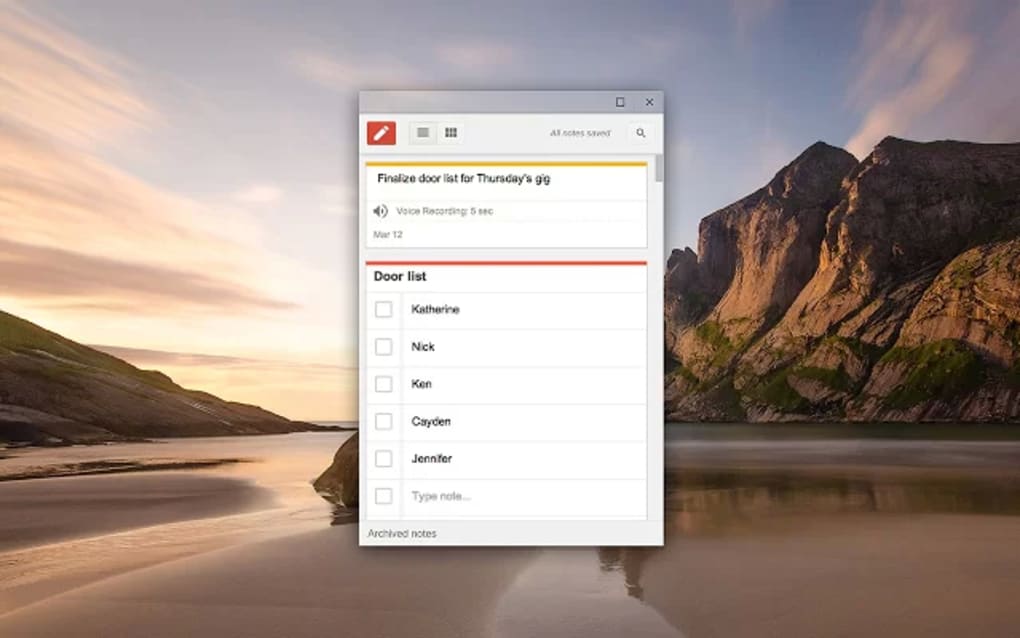
List Creation and Checklists: For those who prefer a more structured approach to organization, Google Keep offers robust list-making capabilities. Users can convert simple text notes into numbered or bulleted lists and then create comprehensive checklists within those lists. The ability to indent checklist items allows for a visual hierarchy, making it easier to manage complex projects or task breakdowns. Checking off completed items provides a tangible sense of progress and helps maintain focus.
Image Capture and OCR: One of Google Keep’s most valuable features is its integration of Optical Character Recognition (OCR) technology. This allows users to capture images of documents, receipts, or handwritten notes and extract the text from those images. This extracted text is then seamlessly integrated into the note itself, making it easily searchable and editable. This eliminates the need for manual transcription, saving users considerable time and effort.
Collaboration and Sharing: Google Keep fosters seamless collaboration by enabling users to share their notes with others. This allows team members, colleagues, or friends to work together on projects, share ideas, and stay updated in real time. Shared notes can be viewed and edited by all collaborators, facilitating efficient teamwork and information sharing. The sharing functionality facilitates both synchronous and asynchronous collaboration, making it ideal for diverse workflows.
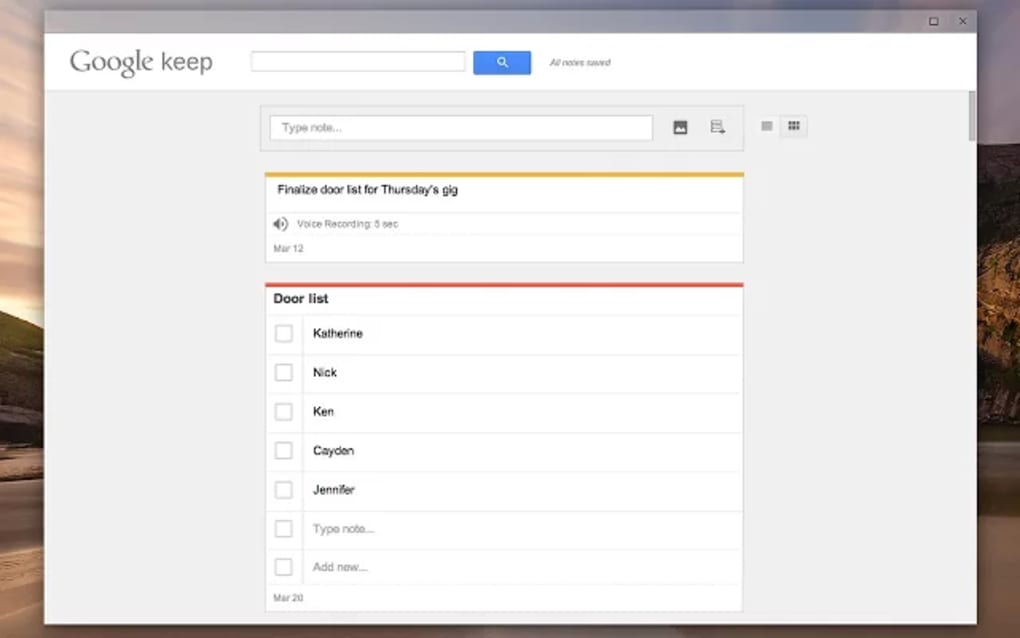
Reminders and Scheduling: Google Keep isn’t just about note-taking; it’s about ensuring that information is acted upon. Users can set reminders for specific notes, transforming them from simple records into actionable tasks. These reminders integrate with Google Calendar, providing a unified view of scheduled events and to-do items. The reminder functionality transforms the application into a powerful productivity tool, ensuring that important information doesn’t get overlooked.
Search and Filtering: With a large collection of notes, efficient retrieval is crucial. Google Keep provides a robust search function that allows users to locate specific notes based on keywords, phrases, or even within the images themselves thanks to the OCR technology. Furthermore, users can filter their notes based on various attributes, such as color, type (text note, list, image), and the presence of labels. This allows for efficient navigation of even the largest note collections.
Google Keep for Windows: A Desktop Experience
The Google Keep application for Windows provides a desktop experience that mirrors the functionality of the web application, offering convenient access to all the key features without the need for a browser. This dedicated application optimizes the user interface for the Windows operating system, offering a streamlined workflow and seamless integration with other Windows applications.
The benefits of using the dedicated Windows application include:
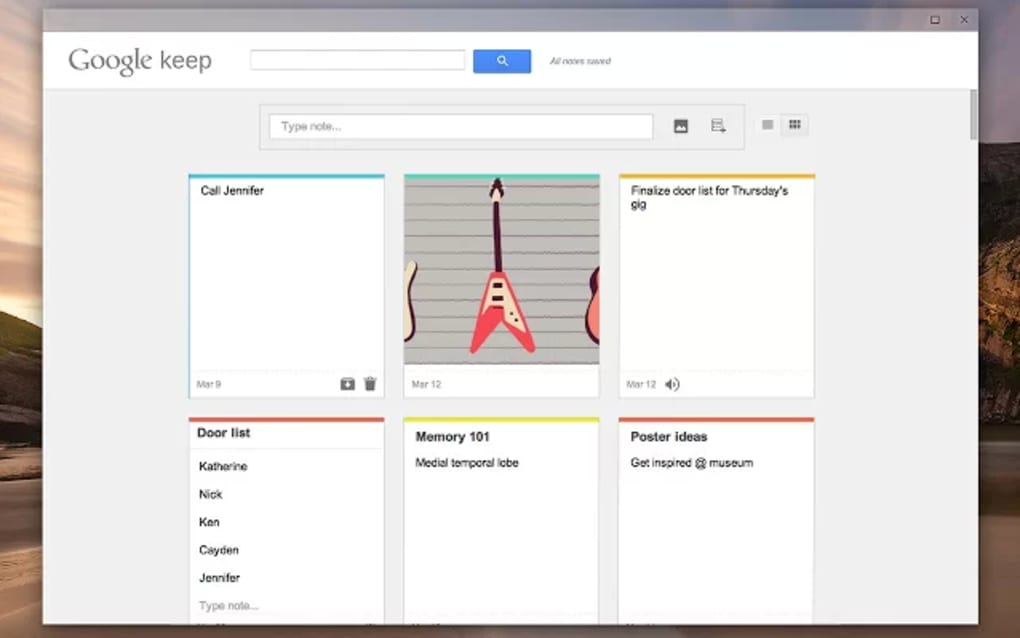
- Improved Performance: The standalone app often offers a more responsive and faster experience compared to using the web version through a browser.
- Offline Access (Limited): While Google Keep is primarily cloud-based, the desktop app might offer limited offline functionality, allowing access to recently viewed notes even without an internet connection.
- System Tray Integration: The Windows app can often be minimized to the system tray, allowing for quick access to create new notes or view existing ones without disrupting the current workflow.
Advanced Features and Customization Options
Google Keep’s simplicity doesn’t mean it lacks advanced features. Beyond the core functionality already discussed, there are several customizable elements that cater to individual needs and preferences:
Labels: The ability to add labels to notes is essential for advanced organization. By creating custom labels, users can categorize and group notes based on projects, topics, or any other criteria they deem relevant. This layered approach to organization goes beyond simple color-coding, enabling intricate categorization schemes that scale with the user’s evolving needs.
Backgrounds: Users aren’t restricted to plain backgrounds. They can select from a variety of colors to visually distinguish notes, or they can even add images as backgrounds for a more personalized touch. This visual customization improves note organization and adds a personalized touch to the user interface.
Doodles and Drawings: For those who prefer a more visual approach to note-taking, Google Keep allows for the addition of hand-drawn doodles and sketches directly within the notes. This feature allows for rapid visualization of ideas, diagrams, or any other visual information that might supplement textual descriptions.
Voice Notes: The ability to dictate notes using voice input saves time and is especially useful for those who prefer to verbalize their thoughts or experience challenges with typing. The app accurately transcribes speech to text, eliminating the need for manual typing.
Why Choose Google Keep? A Comparative Analysis
Google Keep stands out from other note-taking apps due to its unique balance of simplicity and functionality. While other apps may offer a greater range of sophisticated features, they often come at the cost of usability and intuitive design. Google Keep avoids this pitfall by focusing on the core functions most users need, presenting them in a clean and accessible manner. This simplicity benefits new users while still offering sufficient capabilities for seasoned note-takers.
In comparison to competitors such as Evernote, OneNote, or Bear, Google Keep’s primary advantage is its ease of use. While the aforementioned apps offer extensive features, they sometimes feel overwhelming for users who simply need a straightforward way to capture and organize their thoughts. Google Keep fills this niche perfectly, providing a clean, intuitive interface that makes note-taking less of a chore and more of a natural extension of the thought process.
The seamless integration with other Google services, such as Google Drive, Google Calendar, and Gmail, also contributes to its appeal. This integration eliminates the need for manual data transfer between different applications, simplifying workflows and saving valuable time. The accessibility across multiple devices, both through web and dedicated applications, further enhances its practical value.
Conclusion: A Powerful Tool for Enhanced Productivity
Google Keep is more than just a note-taking app; it’s a versatile tool designed to enhance productivity and streamline information management. Its blend of simplicity, functionality, and collaborative features makes it an ideal choice for a wide range of users, from students and professionals to casual note-takers. The availability on multiple platforms and its deep integration within the Google ecosystem further solidify its position as a valuable tool for both personal and professional endeavors. Whether you’re creating quick reminders, drafting lengthy documents, or collaborating on complex projects, Google Keep offers the flexibility and functionality needed to meet diverse organizational needs. Its straightforward interface makes it accessible to anyone, while its powerful features cater to those who require a more comprehensive note-taking solution.
File Information
- License: “Free”
- Latest update: “March 25, 2025”
- Platform: “Windows”
- OS: “Windows 8”
- Language: “English”
- Downloads: “178.8K”


