
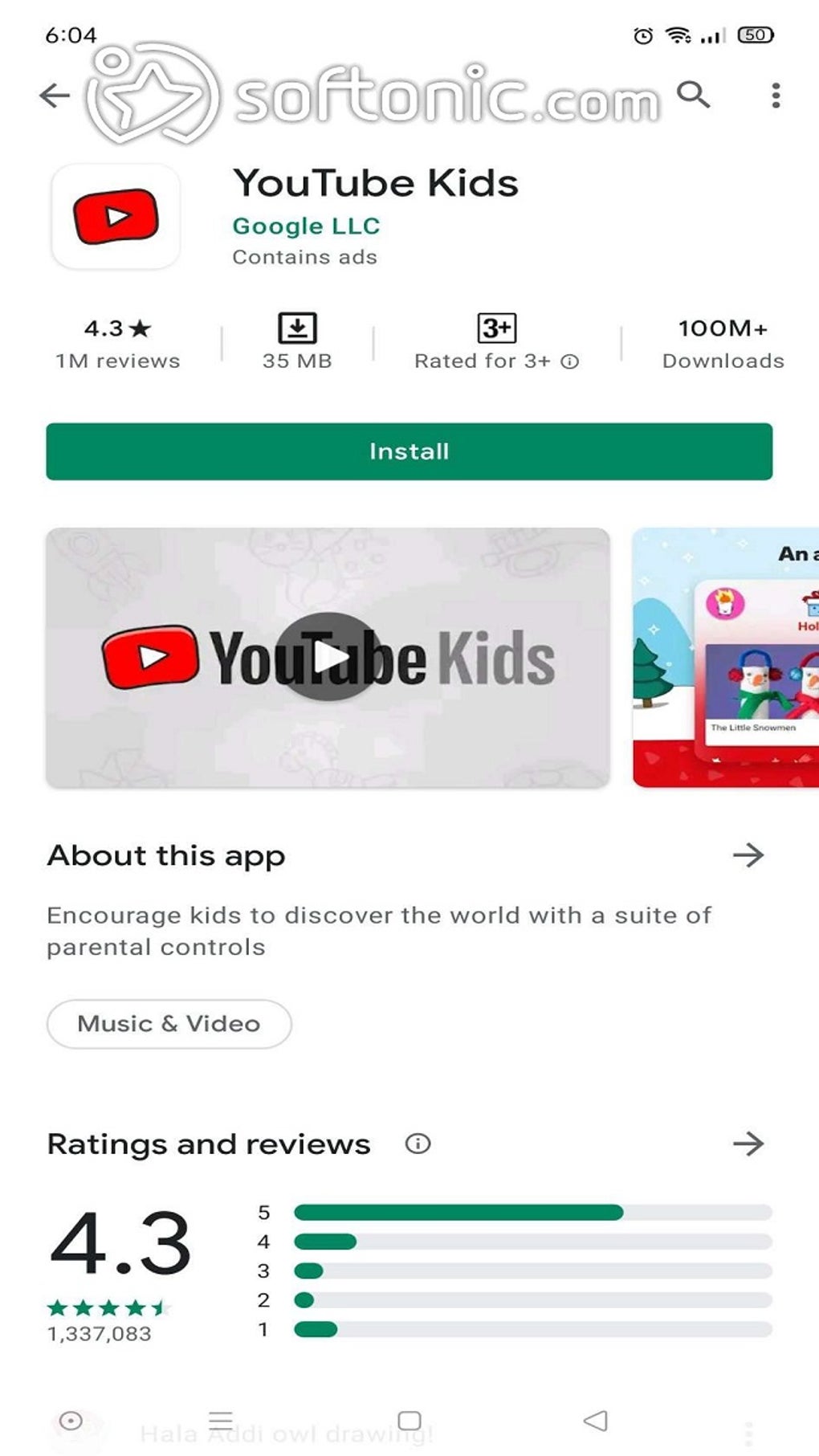
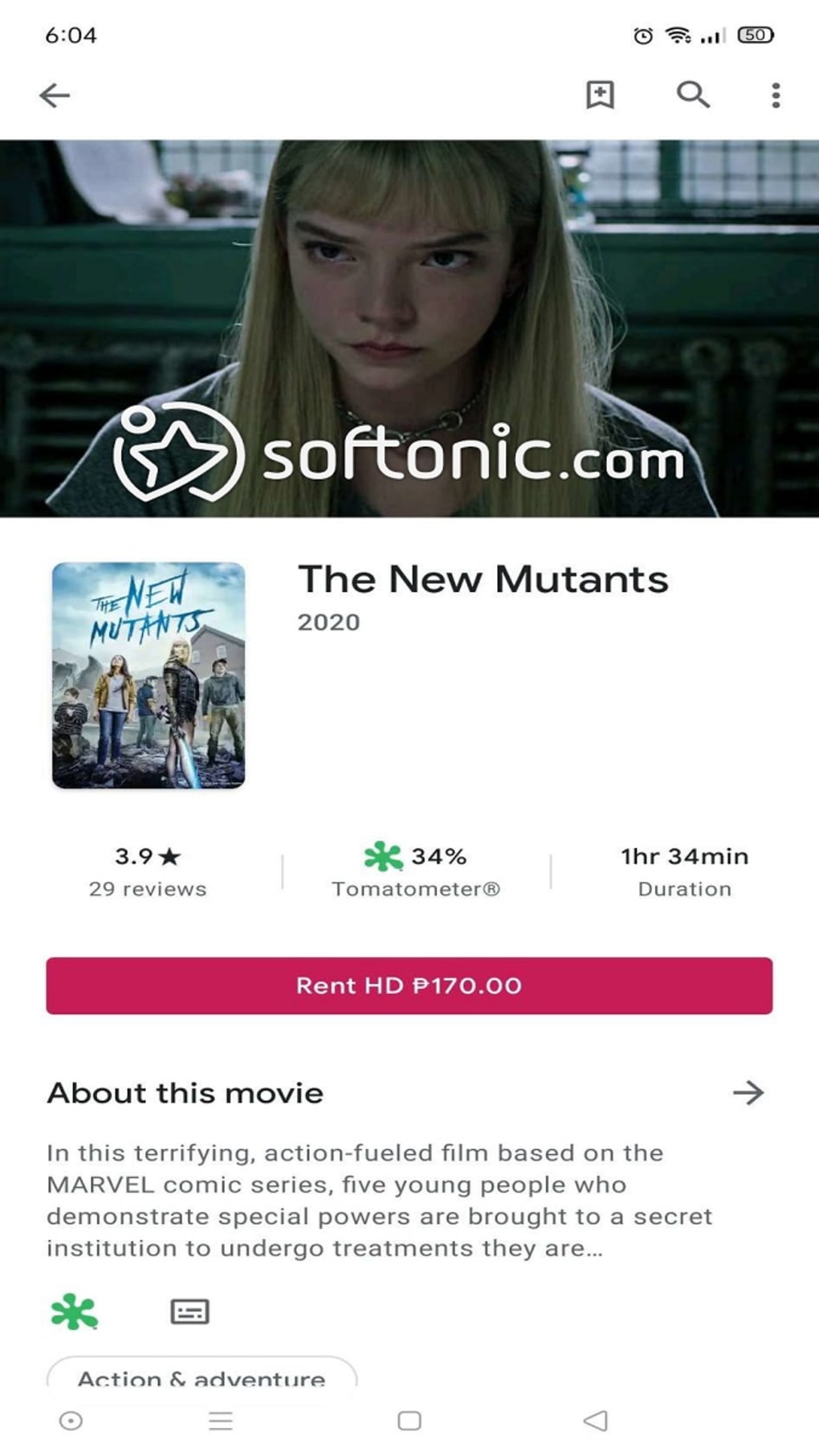
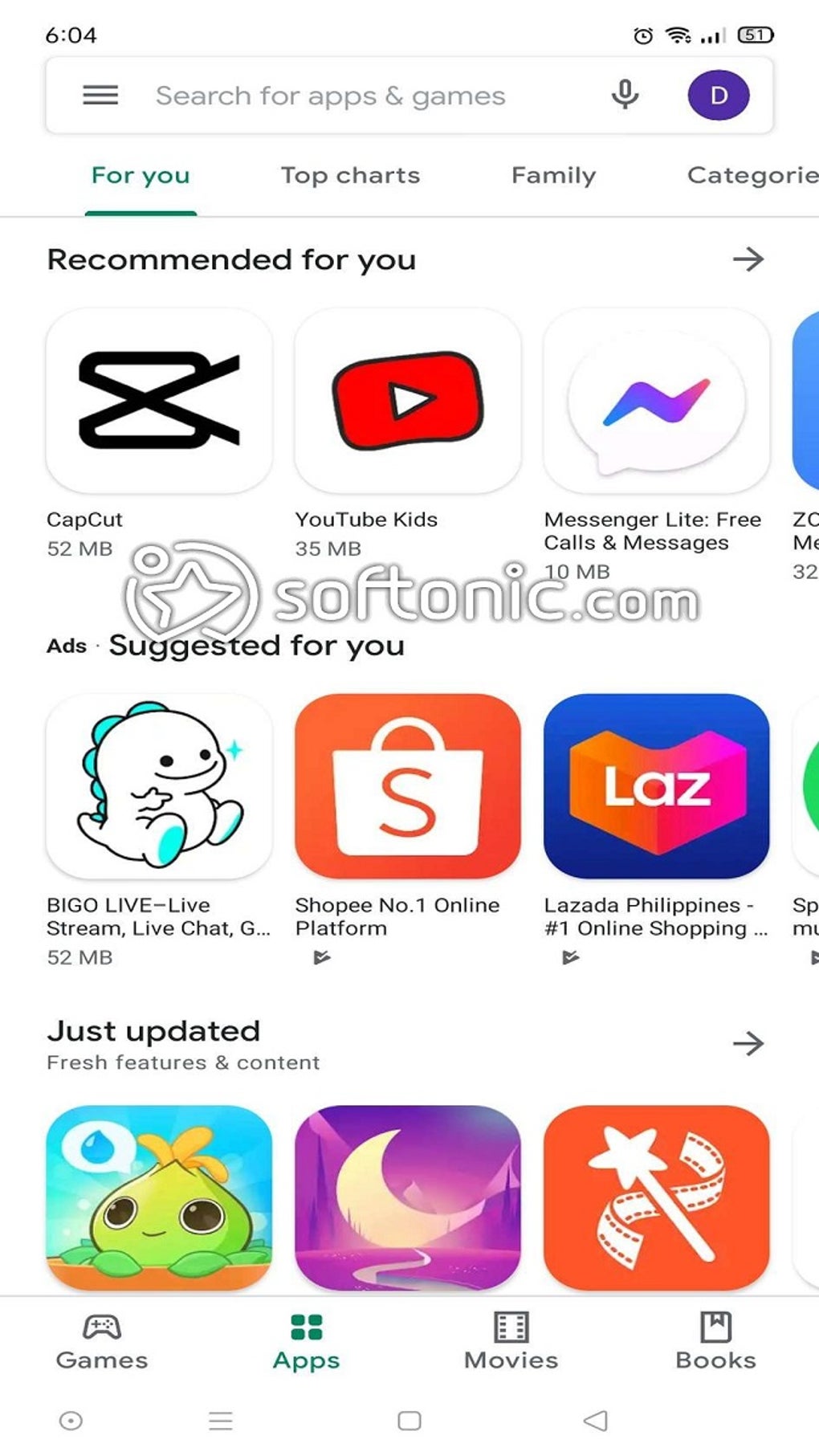
The Google Play Store, often simply called the Play Store, is the official app store for the Android operating system. Serving as the central hub for all things Android, it mirrors the App Store’s role in the iOS ecosystem. Beyond simply offering downloads, Google Play provides crucial information about each app, including ratings, user reviews, alternative suggestions, and more. Users can even create wishlists of apps and content they intend to download later. Furthermore, the Play Store’s functionality extends beyond the mobile device itself; users can remotely install applications onto their smartphones directly from a web browser such as Google Chrome, syncing data seamlessly between their browser and the Play Store using their Google account.
A Central Hub for Apps and Games
In its early days, locating the Play Store involved a bit more effort, requiring a search for the Google Play Store APK file. Today, however, most Android devices come pre-installed with the Google Play app. This evolution has transformed the Play Store into a one-stop shop for searching, downloading, and managing apps and other digital content. From popular social media platforms like Facebook to essential productivity tools like Google Workspace apps, streaming services like Spotify, and countless games, the Play Store offers a vast and diverse catalog.
Beyond access to an extensive library, the Play Store provides detailed information on both free and paid applications and games. Users can readily check the current version of an app and download the latest updates whenever available, ensuring they have the most current features and security patches. This streamlined approach to app management simplifies the user experience and minimizes the risk of using outdated software.
Robust Security Features for Enhanced Protection
Google employs rigorous on-device and in-store monitoring to safeguard Android users from potentially harmful or malicious apps. While the possibility of a malicious application slipping through the cracks remains (as with any large platform), the Play Store’s security measures significantly reduce this risk, making it considerably more secure than many alternative app markets.
This enhanced security is largely attributed to Google Play Protect, a machine learning-powered security feature. Play Protect scans devices daily to identify and flag harmful apps, files, and other potentially malicious content. It also performs scans before downloading any app, providing users with an added layer of protection and peace of mind. This proactive approach significantly minimizes the chances of installing malware or other harmful software onto the user’s device.
Family Library: Simplifying App Sharing and Parental Controls
Google Play offers a valuable Family Library feature, allowing users to share eligible apps with up to five other family members. This simplifies app management for families, centralizing purchases and subscriptions under a single account. The Family Library also streamlines digital transactions by allowing the designation of a preferred payment method.
It’s important to note that all content added to the Family Library is accessible to all members. While this promotes sharing, it also necessitates the use of parental controls if young children are part of the family group. The Play Store’s built-in parental control features are crucial in preventing access to inappropriate content for younger users.
When setting up a Family Library, users must ensure they use their personal Google account, not a school or organizational account. The setup process involves accessing the user’s profile icon, navigating to “Settings,” then selecting “Family” and finally “Sign up for Family Library.” The first user to create the Family Library becomes the Family Manager, who must be of legal age and possess a valid credit or debit card for payment purposes. It’s crucial to understand that a single user cannot be a Family Manager in multiple Family Libraries simultaneously.
Expanding App Access with Google Play Pass
The Google Play Pass subscription service grants users access to a growing curated collection of over a thousand apps and games, both premium and free, offering an ad-free and microtransaction-free experience. This all-you-can-download approach is achieved through a monthly or yearly subscription. The Play Pass benefits family members greatly, as all members of a Family Library gain access to the entire Play Pass catalog without incurring additional fees.
Similar to the Family Library, Google Play Pass subscriptions must be initiated using a personal Gmail account. To sign up, users navigate to their profile icon, select “Play Pass,” and proceed to the Play Pass page. Here, they can choose between monthly or yearly subscription options, select a payment method, and complete the subscription process. An active Play Pass subscription provides access to a broad range of apps, from newly added titles to established multiplayer games, significantly enhancing the value proposition of the Play Store ecosystem.
Exploring Alternatives to the Google Play Store
While Google prioritizes security, the Play Store has faced challenges in maintaining consistently high app quality. The presence of “copycat” apps – low-quality imitations of popular apps with deceptively similar names and icons – has been a notable issue. Although Google actively works to remove such malicious apps, exploring alternative app markets can provide added security and discovery options.
One common complaint is the sometimes-difficult process of finding new or lesser-known apps beyond the Play Store’s main listings, categories, or personalized recommendations. Fortunately, several alternative app markets exist for Android users. AppBrain App Market, for instance, offers personalized app suggestions and information on trending apps. It also includes a handy filter for identifying price drops.
Aptoide and APKPure represent other viable alternatives, each providing unique platforms for discovering Android apps. While Google Play remains a dominant force in the Android app ecosystem, users may find value in exploring these alternatives to expand their app discovery capabilities and potentially access titles not readily available on the Play Store.
Google Play: The Ideal Choice for Android Users
Google Play remains the dominant and preferred choice for downloading Android apps due to its ease of navigation, extensive content library, robust security features (like Google Play Protect), and the added benefits of Family Library and Google Play Pass. The user-friendly interface makes finding and installing apps a simple process. While alternative app markets exist, Google Play’s comprehensive functionality, security measures, and overall user experience often make it the best option for the average Android user.
Pros:
- Scans devices for harmful apps.
- Offers a “Family Library” for shared app access and family management.
- Provides a simple and clean user interface.
- Boasts a massive library of apps and games.
Cons:
- The presence of “copycat” apps remains a concern.
- Discovering specific, less-popular apps can sometimes be challenging.
In conclusion, Google Play stands as a cornerstone of the Android experience, seamlessly integrating app discovery, download management, security features, and family-centric functionalities into a single, intuitive platform. While alternative options exist, Google Play’s strengths in convenience, security, and overall content breadth solidify its position as the go-to app store for the vast majority of Android users.
File Information
- License: “Free”
- Latest update: “May 29, 2025”
- Platform: “Android”
- OS: “Android 13.0”
- Downloads: “21.1M”
- Download Options: “Google Play”


