
Google Translate is a ubiquitous and indispensable tool for bridging language barriers. Its widespread use stems from its comprehensive feature set, support for over 90 languages, and convenient availability across multiple platforms. Whether you’re deciphering a foreign menu, engaging in a cross-cultural conversation, or navigating a foreign city, Google Translate offers a powerful solution for instantaneous translation. This detailed exploration delves into its capabilities, highlighting both its strengths and areas for improvement.
Apps, Accessibility, and Android Integration
Google Translate’s core strength lies in its seamless integration across various platforms. The Android application, available for free download, stands out for its user-friendly design and extensive feature set. The intuitive interface makes it easy to translate text, images, audio, and even handwritten words. Beyond the ease of use, the app boasts an impressive range of functionalities, transforming it from a simple translation tool into a comprehensive multilingual communication suite.
The Android version maintains a consistent user experience with its web and iOS counterparts, ensuring a familiar workflow regardless of the device used. This cross-platform consistency is crucial for users who switch between devices or prefer using the service across different contexts. Moreover, the app regularly receives updates, reflecting Google’s ongoing commitment to refining its translation algorithms and enhancing its functionalities. This commitment to continuous improvement is a hallmark of Google’s software development strategy and ensures that Google Translate remains a leading player in the translation technology landscape.
Mastering Multiple Languages: Features and Functionalities
Google Translate transcends the limitations of a basic text translator. Its versatility stems from its ability to handle diverse input types, encompassing text, images, audio, and handwritten input. This multi-modal approach makes it incredibly adaptable to various communication scenarios.
The app’s capacity to translate text is straightforward. Users simply input text, and Google Translate instantly provides a translation, accompanied by an audio playback option for accurate pronunciation. However, its true power shines through in its advanced features:
-
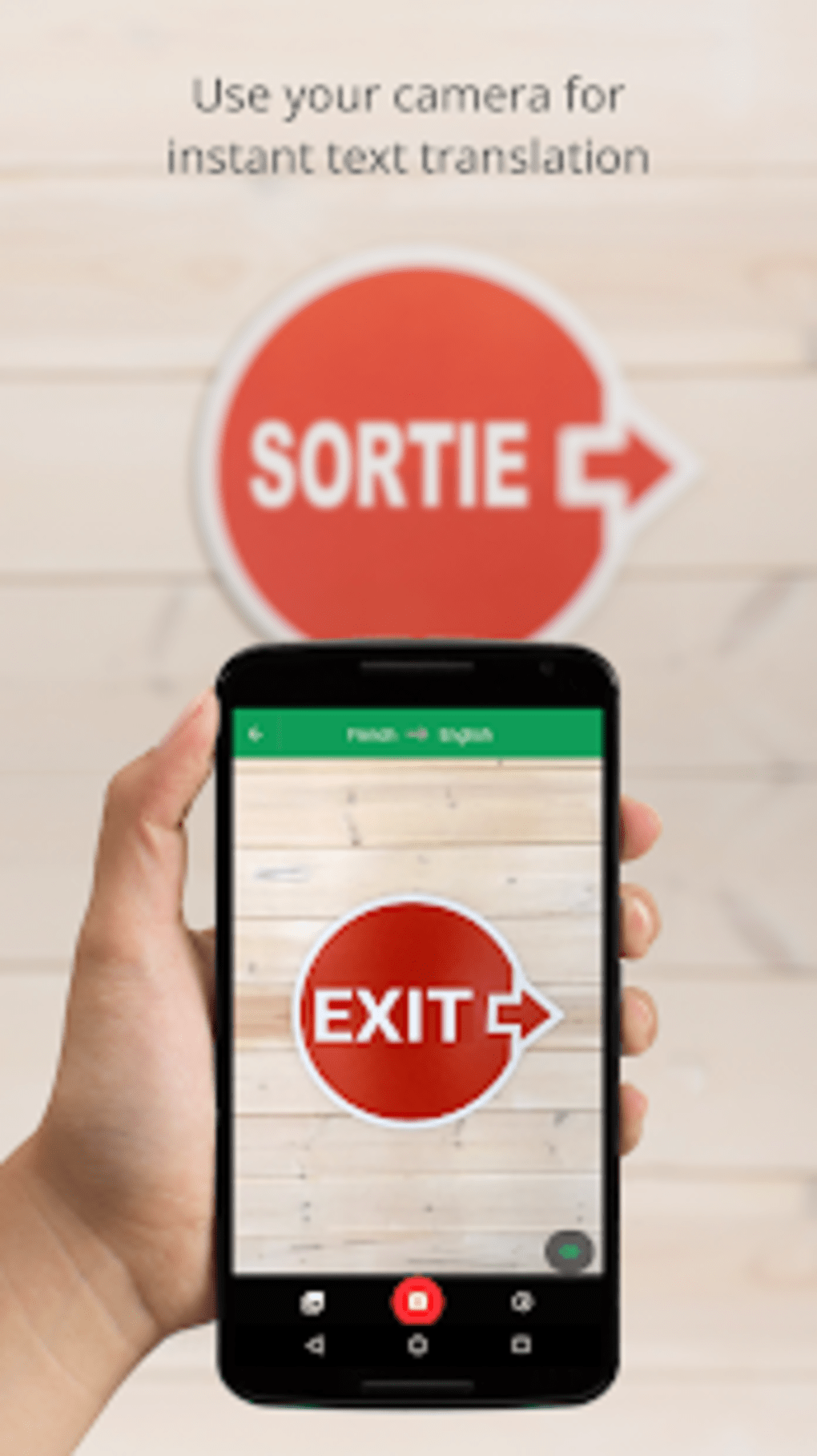
Image Translation (Word Lens): This innovative feature uses the device’s camera to translate text directly from images. Point your camera at a street sign, a menu, or any printed text, and Google Translate instantly overlays a translation, allowing you to understand the content without manual typing. While highly effective with printed text, handwritten text remains a challenge, sometimes leading to inaccuracies. Offline support for this feature further enhances its practicality.
-
Audio Translation: The app’s ability to translate spoken language is a game-changer. Users can speak into their device’s microphone, and Google Translate converts the speech to text before translating it. This real-time conversation mode empowers users to engage in natural conversations with speakers of other languages. While the technology continues to evolve, environmental noise can occasionally affect the accuracy of the translation.
-
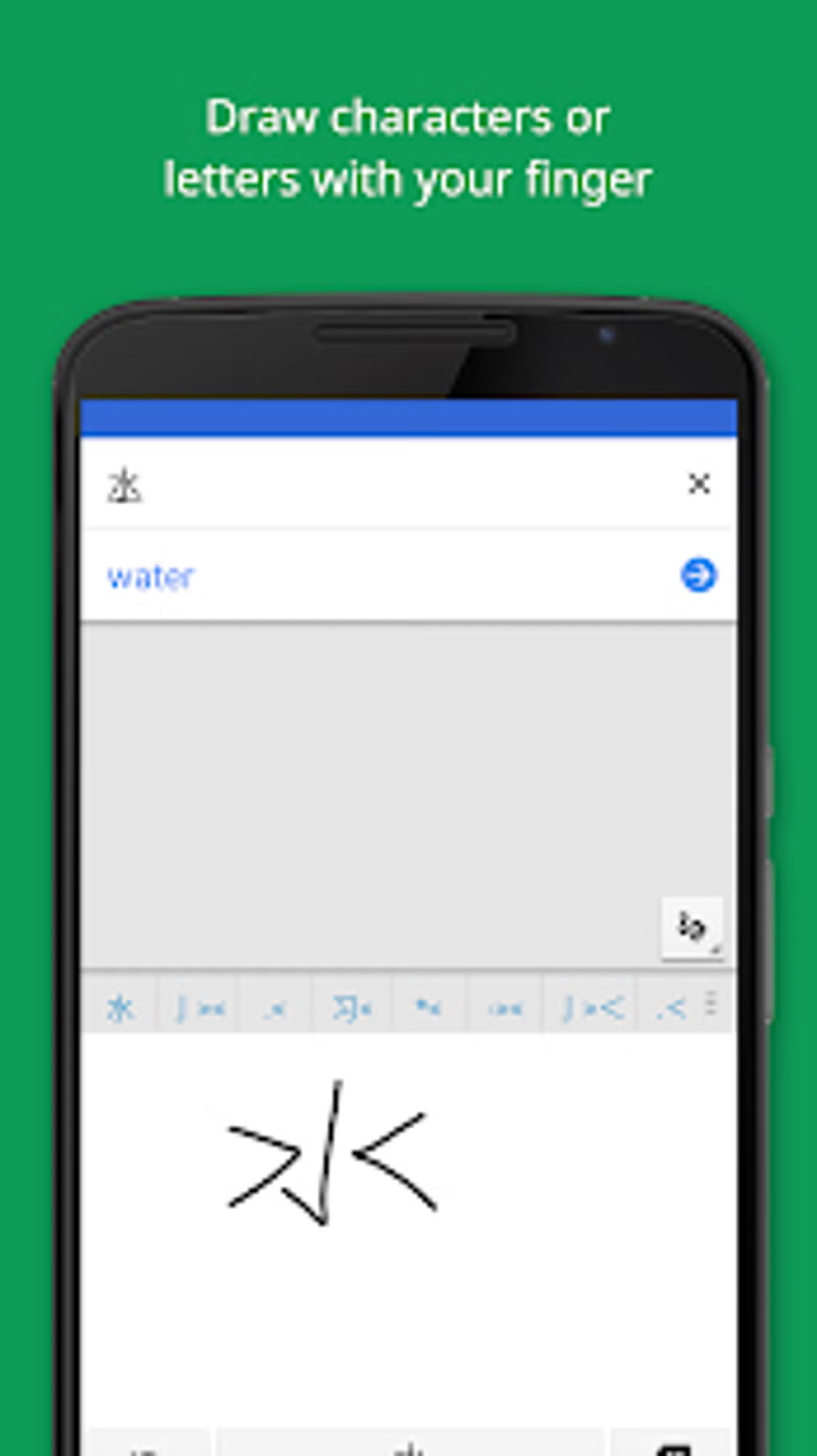
Handwriting Recognition: For those who prefer manual input, Google Translate allows users to write words or phrases directly on the screen using their finger or a stylus. The app then recognizes the handwriting and provides a corresponding translation. This feature is particularly useful when dealing with languages that utilize complex alphabets or symbols.
-
Offline Functionality: One of the most compelling aspects of Google Translate is its offline capability. While full functionality requires an internet connection, a substantial portion of its features, including text and image translation for specific languages, operate offline. This feature is invaluable for travelers who may not have constant access to the internet. However, the offline mode offers a more limited range of languages compared to the online version.
-
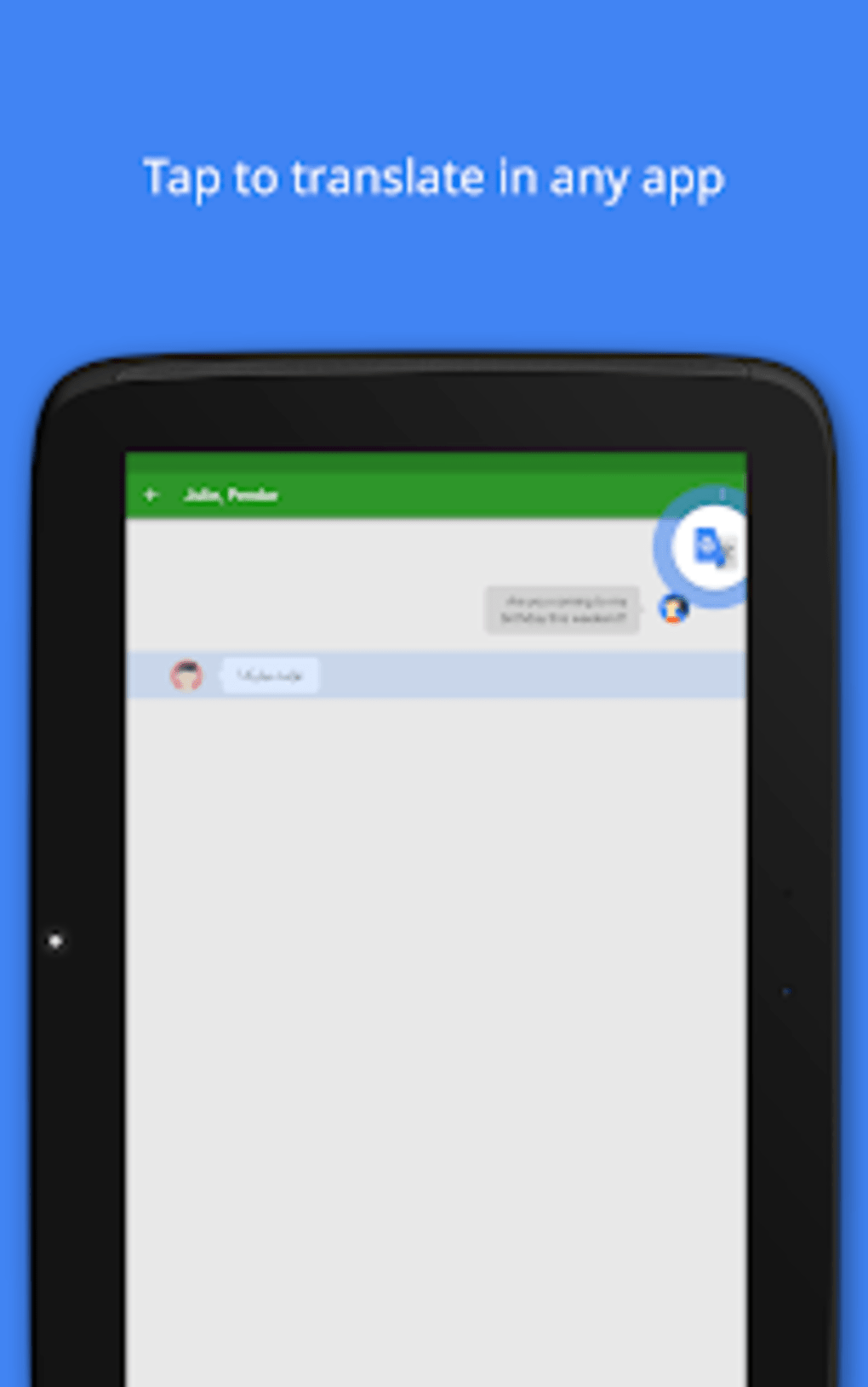
SMS Translation: Integrating with messaging applications, Google Translate offers the ability to translate SMS messages, eliminating the language barrier in text-based communications. This feature helps maintain clear and efficient communication with people who speak different languages.
-
Conversation Mode: Google Translate’s conversation mode leverages its audio translation capabilities to facilitate real-time conversations. While highly useful, the app’s reliance on accurate audio input means that noisy environments can diminish its accuracy.
Beyond Basic Translation: Google Translate’s Expanding Ecosystem
Google Translate’s impact extends far beyond simple word-for-word translations. It fosters communication, aids learning, and empowers individuals across diverse cultural landscapes. The app’s usefulness is not limited to travelers; it serves as a valuable tool for students, professionals, and anyone seeking to connect with others who speak different languages. Moreover, its integration with other Google services streamlines workflows and enhances its overall utility.
Google Translate for Business: A Global Communication Tool
The versatility of Google Translate also benefits businesses operating in international markets. For companies engaging with global clients or possessing a diverse workforce, the app provides a crucial tool for overcoming language barriers in communication. Whether for translating marketing materials, customer service interactions, or internal communications, Google Translate simplifies global operations. This business application extends beyond basic translation, enhancing efficiency and promoting seamless cross-cultural communication within organizations.
Google Translate: A Continuous Journey of Improvement
While Google Translate has become a dominant force in the translation sphere, its development is ongoing. While the accuracy of its translations is generally high, especially with common languages, the occasional inaccuracies highlight the limitations of current machine translation technology. The app is not a perfect replacement for a professional human translator, particularly in contexts requiring high accuracy, such as legal documents or nuanced literary works. Nonetheless, Google Translate offers a remarkable and constantly evolving solution for overcoming language barriers in a vast array of everyday situations.
User Reviews and Community Feedback
User reviews reveal a generally positive sentiment towards Google Translate, with many users praising its ease of use and extensive functionalities. However, feedback also highlights areas for improvement, such as occasional inaccuracies and difficulties with translating complex or nuanced language. These reviews underscore the app’s strengths while simultaneously pointing to the ongoing efforts required to refine its translation algorithms and further improve user experience. The ongoing dialogue between users and developers is crucial to the app’s continued evolution.
Conclusion: Downloading Google Translate – A Necessary Decision?
The answer is a resounding yes. While not a perfect solution, Google Translate offers an unparalleled combination of features, accessibility, and ease of use. Its ability to translate across multiple modalities, combined with offline functionality, makes it an indispensable tool for anyone seeking to bridge communication gaps. The app’s continued development and refinement solidify its position as a leader in the ever-evolving world of machine translation. While acknowledging its limitations, the benefits of Google Translate far outweigh its drawbacks, making it a must-have application for any smartphone user.
File Information
- License: “Free”
- Latest update: “July 31, 2025”
- Platform: “Android”
- OS: “Android 13.0”
- Language: “English”
- Downloads: “1.1M”
- Size: “45.77 MB”
- Download Options: “Google Play”
- Filename: “com.google.android.apps.translate_9.13.97.784774303.8-release.apk”


